


 English
 Español
 Deutsch
 日本語
日本語 Polska
 Français
 한국의
한국의 Українська
 Italiano
 Nederlands
 Türkçe
 Português
 Русский
 中國
中國 हिंदी
हिंदी
















persegi panjang Model 3D
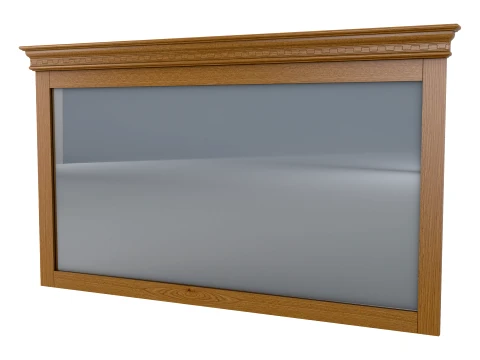
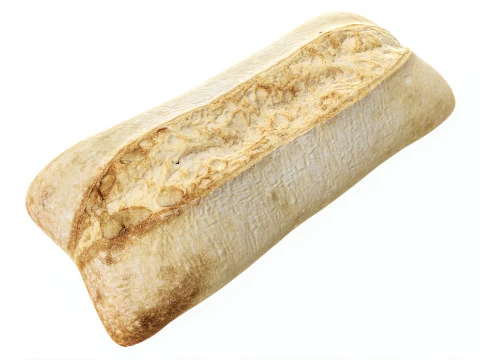
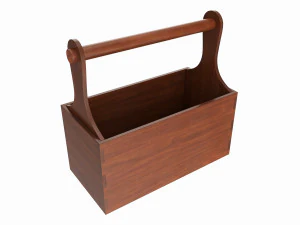
Kita punya 238 item Royalti gratis rectangle Model 3D. Beli atau unduh model 3D gratis untuk proyek CG, produksi film dan video, animasi, visualisasi, game, VR/AR, dan lainnya. Anda dapat mengunduh model 3d apa pun dalam semua format 3d populer termasuk MAX, OBJ, FBX, 3DS, STL, C4D, BLEND, MAYA
































Penelusuran yang lagi ngetren Model 3D:
Patung Model 3D Karakter Model 3D Dapur Model 3D Kuda Model 3D Eksterior Arsitektur Model 3D Telepon dan Ponsel Model 3D Sayuran Model 3D Perhiasan Model 3D Mainan Model 3D Medis Model 3D Helikopter Model 3D Senjata Berat Model 3D Truk Model 3D Anatomi Model 3DT1: Mengapa mengunduh model persegi panjang 3D daripada membuatnya sendiri di perangkat lunak?
Pertanyaan yang wajar — aplikasi 3D apa pun dapat menghasilkan kotak dalam hitungan detik. Alasan untuk mengunduh model persegi panjang yang sudah jadi biasanya konteksnya: Anda membutuhkan model yang sudah di-UV-unwrap dengan sambungan yang rapi, diskalakan ke dimensi dunia nyata, atau diatur dengan modifier bevel dan subdivisi yang tepat untuk rendering yang halus. Kubus Blender biasa dengan pengaturan default memiliki sambungan UV di tempat yang canggung yang menyebabkan peregangan tekstur yang terlihat. Model persegi panjang yang disiapkan secara profesional hadir dengan tata letak UV yang cermat, skala yang benar (misalnya, batu bata standar, kontainer pengiriman, atau panel dinding dengan dimensi metrik dunia nyata), dan slot material yang sudah ditetapkan. Untuk pembuatan prototipe cepat dalam game atau arsitektur visualisasi, itu menghemat waktu yang berarti.
T2: Untuk apa model persegi panjang 3D digunakan dalam visualisasi arsitektur?
Terutama sebagai blok bangunan untuk studi penataan massa dan konstruksi modular. Sebelum model detail diselesaikan dalam proyek, arsitek dan studio visualisasi membangun tata letak adegan dengan geometri kotak sederhana pada dimensi yang akurat — yang disebut "grey boxing." Persegi panjang dengan skala yang tepat untuk dinding, lantai, langit-langit, dan jejak furnitur memungkinkan keputusan komposisi pencahayaan dan kamera dibuat sebelum kualitas aset menjadi penting. Geometri ini juga digunakan sebagai geometri sementara sambil menunggu aset akhir. Dalam alat seperti pipeline archviz Unreal Engine, geometri grey-box secara bertahap digantikan dengan mesh akhir tanpa memindahkan apa pun — persegi panjang tersebut menetapkan hubungan spasial yang diwarisi oleh semua hal lainnya.
T3: Dapatkah model persegi panjang 3D digunakan dalam pelajaran geometri 3D pendidikan?
Ya — dan model-model ini sangat berguna saat mengajarkan properti seperti luas permukaan, volume, dan hubungan geometris dalam lingkungan 3D interaktif. Model persegi panjang yang bersih dan diberi label dengan benar dalam format GLB atau OBJ dapat diimpor ke penampil 3D berbasis web (Three.js, Babylon.js) untuk alat pendidikan berbasis browser. Untuk aplikasi pendidikan AR yang menggunakan ARKit atau ARCore, geometri kotak sederhana seringkali menjadi titik awal untuk pelajaran matematika interaktif — siswa dapat memanipulasi dimensi dan melihat pengukuran diperbarui secara real-time. File itu sendiri tidak mengajarkan apa pun, tetapi geometri yang bersih dengan skala yang konsisten adalah fondasi yang membuat pemrograman dapat diprediksi.
T4: Bagaimana cara menambahkan tekstur realistis ke model persegi panjang 3D polos?
Di Blender, buka lipatan persegi panjang dengan "Smart UV Project" atau penempatan jahitan manual, lalu terapkan shader Principled BSDF. Hubungkan tekstur difus ke input Base Color, peta normal ke input Normal (melalui node Normal Map dengan kekuatan yang tepat — 0,5–1,0 adalah nilai umum), dan peta kekasaran ke input Roughness. Situs seperti Polyhaven menawarkan set tekstur PBR gratis yang dirancang khusus untuk material arsitektur — beton, kayu, batu bata — yang dapat disusun dengan rapi pada geometri persegi panjang. Skala tekstur dikontrol oleh node Mapping yang terhubung ke node Texture Coordinate; sesuaikan skala hingga ubin tekstur sesuai dengan proporsi dunia nyata. Tekstur batu bata, misalnya, harus diskalakan sehingga batu bata tampak berukuran sekitar 21×10 cm di dalam adegan.