English
 Español
 Deutsch
 日本語
日本語 Polska
 Français
 Українська
 Italiano
 Nederlands
 Türkçe
 Português
















VRayMaterialsv2 스크립트 3D 모델
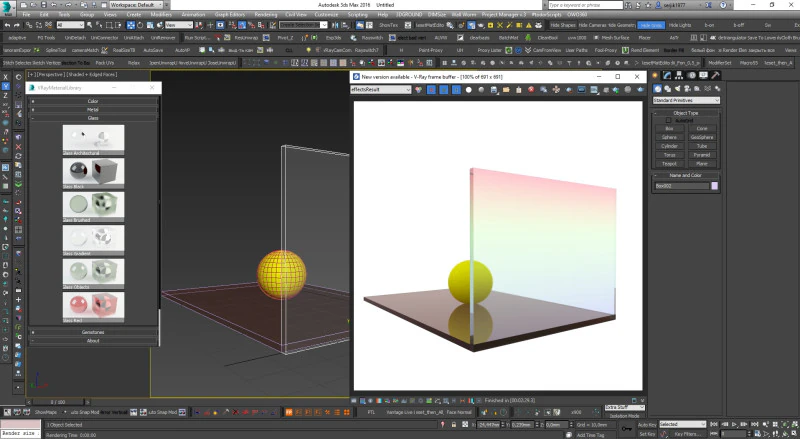
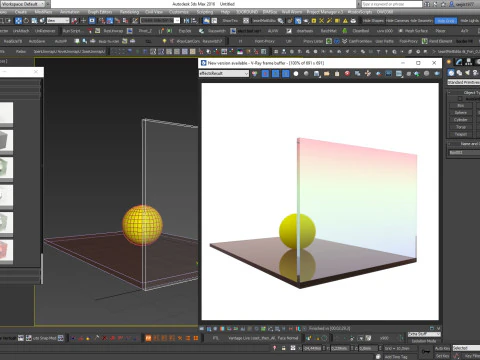
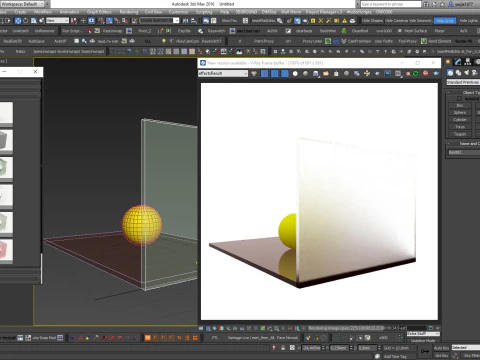
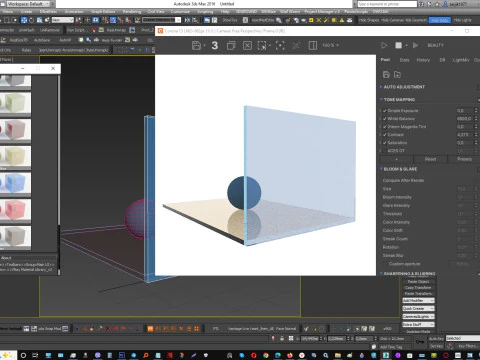
- 작성자에게 제품 지원 요청


- 이용 가능한 포맷:
- 아이템 ID:616481
- 날짜: 2025-12-08
- 애니메이티드:Yes
- 텍스쳐드:No
- 리그드:No
- 재료:No
- 로우 폴리곤:No
- 컬렉션:No
- UVW 매핑:No
- 플러그인 사용 됨:Yes
- 프린트 준비:No
- 3D 스캔:No
- 성인용 콘텐츠:No
- PBR:No
- AI 훈련:No
- 지오메트리:Polygonal
- 언래핑 된 UVs:Unknown
- 조회:697
설명
✅ Step-by-Step Guide: Installing VRayMaterials_v2 in 3ds Max 1. Launch 3ds Max
Open the 3ds Max program normally.
2. Install the MZP script files
You have two archives:
VRayMaterials_v2_run-FIRST.mzp → install this first
VRayMaterials_v2-SECOND.mzp → install this second
To install each:
Drag the .mzp file into the 3ds Max viewport.
Confirm the installation dialog if it appears.
Wait for installation to finish.
Then install the second archive the same way.
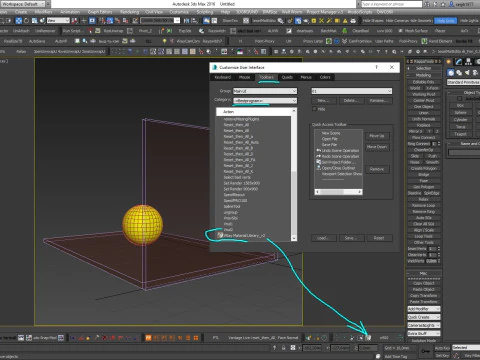
3. Add the toolbar button
Go to the top menu:
Customize → Customize User Interface…Open the Toolbars tab.
In the dropdown Group, select:
Main UIIn the list Category, select:
– = Bestprogram = –In the Actions list, find the item:
VRay Material Library_v2Drag this action onto any toolbar to create a new button.
You should now see a new button named:
프린트 준비: 아니오다른 포맷이 필요하세요?
다른 포맷이 필요하시면, 새로운 지원 티켓을 열어 요청하세요. 저희는 3D 모델을 다음으로 변환할 수 있습니다: .stl, .c4d, .obj, .fbx, .ma/.mb, .3ds, .3dm, .dxf/.dwg, .max. .blend, .skp, .glb. 자유 형식 변환우리는 3D 장면을 변환하지 않습니다 .step, .iges, .stp, .sldprt와 같은 형식도 포함됩니다.!
사용 정보
VRayMaterialsv2 스크립트 - 기본 또는 확장 라이선스에 따라 이 로열티 프리 3D 모델을 개인적 및 상업적 목적으로 사용할 수 있습니다.기본 라이선스는 디지털 광고, 디자인 및 시각화 프로젝트, 비즈니스 소셜 미디어 계정, 네이티브 앱, 웹 앱, 비디오 게임, 그리고 물리적 또는 디지털 최종 제품(무료 및 유료 모두)을 포함한 대부분의 표준 사용 사례를 포괄합니다.
확장 라이선스는 기본 라이선스에 따라 부여된 모든 권리를 포함하며 사용 제한이 없으며, 로열티 프리 조건 하에 3D 모델을 상업적 프로젝트에 무제한으로 사용할 수 있습니다.
더 보기
환불이 보장되나요?
네, 환불을 보장합니다. 작품 구입 후 렌더나 설명에서 오류를 발견하시면, 저희는 최대한 빨리 해당 문제를 수정 할 것입니다. 저희가 해당 오류를 수정 할 수 없는 경우, 저희는 귀하의 주문을 취소하며 아이템 다운로드 24 시간 내에 금액을 환불해드립니다. 더 자세한 정보는 여기를 참조하세요키워드