


 English
 Español
 Deutsch
 日本語
日本語 Polska
 Français
 한국의
한국의 Українська
 Italiano
 Nederlands
 Türkçe
 Português
 Bahasa Indonesia
 中國
中國 हिंदी
हिंदी
















куб 3D Модели
У нас уже 758 товар(ов) Без выплаты роялти cube 3D Модели. Купите или скачайте бесплатно 3D модели для своих проектов компьютерной графики, кино и видеопроизводства, анимации, визуализаций, игр, VR/AR и т.д. Вы можете скачать любую 3d модель во всех популярных 3d форматах, включая MAX, OBJ, FBX, 3DS, STL, C4D, BLEND, MAYA
- -40%
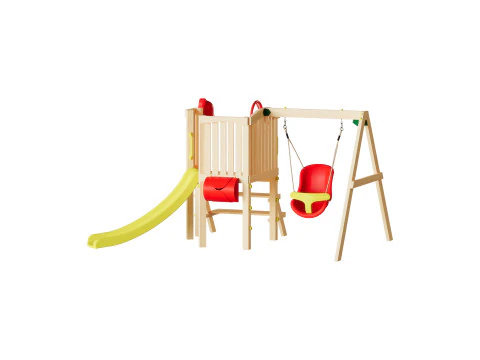 cgdocaPlayground
 - -50%
 MakerLabBoard Games
 - -50%
 MakerLabBoard Games
 - -30%
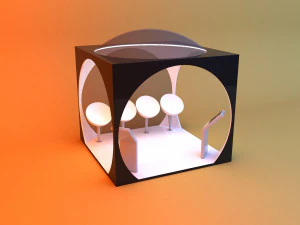 malibusanCityscapes
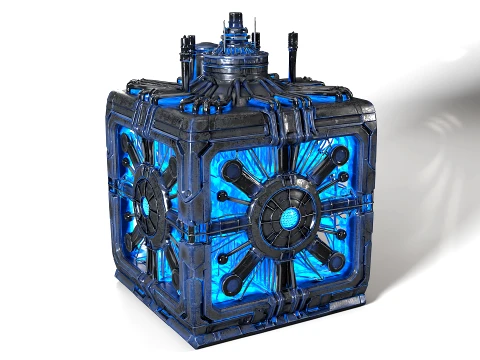
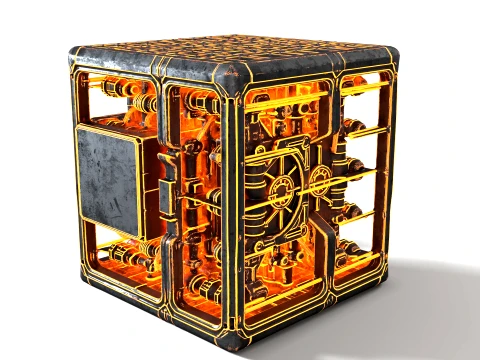














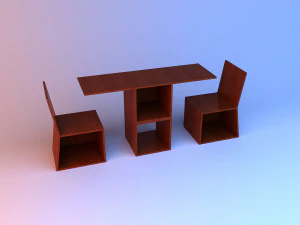


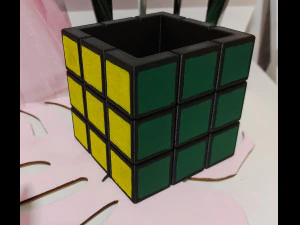
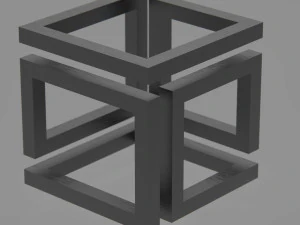
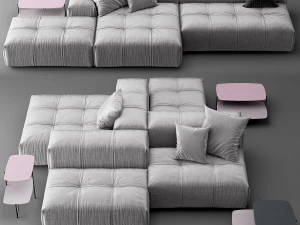













Популярные запросы 3D Модели:
Скульптуры 3D Модели Персонажи 3D Модели Кухня 3D Модели Лошадь 3D Модели Архитектурные Экстерьеры 3D Модели Телефоны 3D Модели Овощи 3D Модели Ювелирные изделия 3D Модели Игрушки 3D Модели Медицина 3D Модели Вертолет 3D Модели Тяжелое оружие 3D Модели Грузовик 3D Модели Анатомия 3D МоделиВопрос 1: Зачем кому-либо скачивать 3D-куб, если любую программу можно создать?
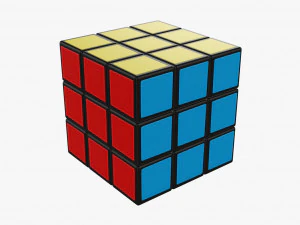
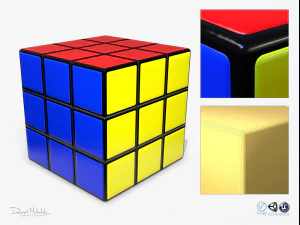
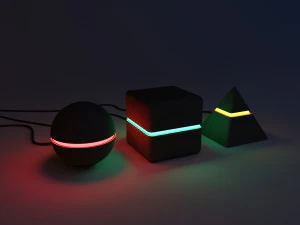
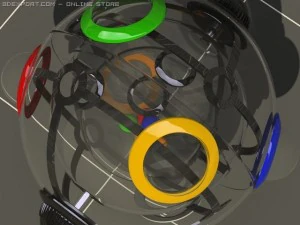
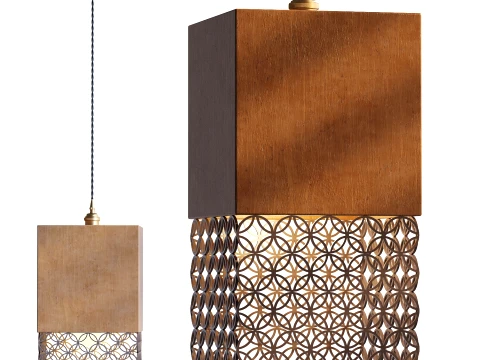
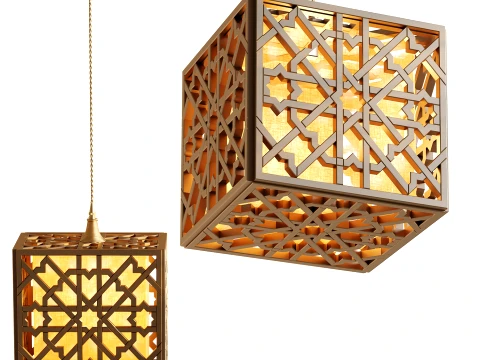
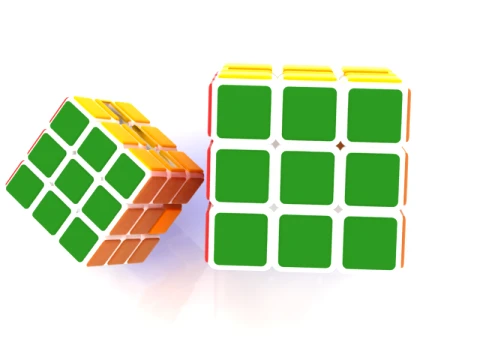
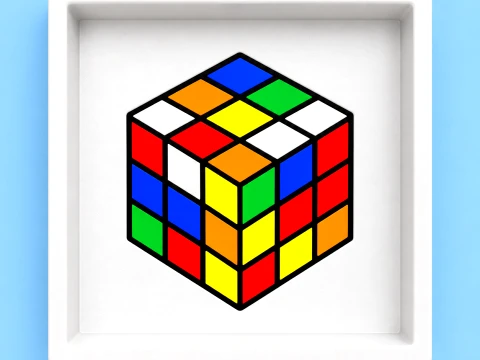
Та же логика, что и с прямоугольниками — загруженная версия часто представляет собой не просто примитив. Она поставляется с UV-развёрткой, скошенными гранями для удобства рендеринга (жёсткие углы куба создают резкие блики, которые выглядят как компьютерная графика и дёшево), а иногда и с предварительно текстурированными гранями. Куб с правильными скосами граней 2–3 мм рендерится значительно лучше в сценах с трассировкой лучей, чем коробка с жёсткими гранями под углом 90 градусов. Кроме того, стилизованные или созданные с художественной точки зрения кубы — сегментированные кубы в стиле Рубика, светящиеся научно-фантастические кубы данных, деревянные кубы-ящики с износом и повреждениями — являются художественными ресурсами, а не примитивами. Это экономит часы работы по моделированию и текстурированию.
Вопрос 2: Для чего используются стилизованные 3D-модели кубов в разработке игр?
Конечно, в играх-головоломках кубы играют ключевую роль — в играх с перемещением, складыванием и симуляцией физики. Но кубы также используются в качестве элементов пользовательского интерфейса в 3D-меню, экранах загрузки и анимации логотипов. Для симуляции физики в Unity (с PhysX) или Unreal (Chaos physics) простой кубический коллайдер часто оказывается более стабильным, чем сложная геометрия, поэтому дизайнеры используют декорированные кубические сетки с коллизией по типу «коробки» вместо попыток столкнуть высокополигональные объекты. Классический объект «ящик» — неотъемлемая часть окружения любой игры-шутера — по сути, представляет собой скошенный текстурированный куб с крышкой и логотипом. Лучше купить готовые варианты, чем тратить день на текстурирование с нуля.Вопрос 3: Полезны ли 3D-модели кубов для 3D-печати?
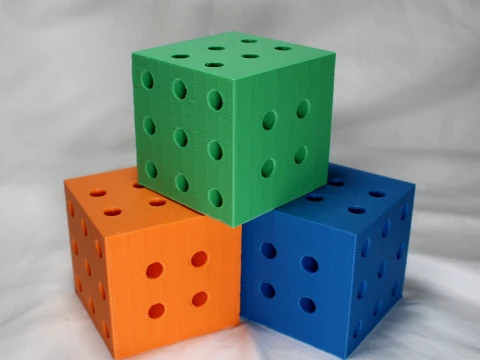
Чрезвычайно полезно в качестве тестовых отпечатков. Калибровочный куб размером 20 мм — это стандартный эталонный отпечаток для проверки точности размеров на FFF/FDM-принтерах: распечатайте его, измерьте штангенциркулем и отрегулируйте параметры компенсации размеров в слайсере. Помимо калибровки, популярны модели кубов с внутренними решетчатыми структурами, узорами Вороного или соединениями, напоминающими вырезанные пазлы. Для них сетку необходимо сделать цельной и проверить в инструменте для исправления ошибок перед нарезкой. Простые кубы из одного тела почти никогда не имеют проблем с сеткой; сложные декоративные кубы с внутренней геометрией — это те, где вы столкнетесь с нецелостными ребрами, которые Cura помечает как ошибки печати.