


 English
 Español
 Deutsch
 日本語
日本語 Polska
 Français
 Українська
 Italiano
 Nederlands
 Türkçe
 Português
 Bahasa Indonesia
 Русский
 中國
中國 हिंदी
हिंदी
















입방체 3D 모델
보유하고 있는 것 758 아이템 로열티 프리 cube 3D 모델. CG 프로젝트, 영화 및 비디오 제작, 애니메이션, 시각화, 게임, VR/AR 등을 위한 무료 3D 모델을 구입하거나 다운로드하세요. 다음을 포함하여 모든 인기 있는 3D 형식으로 3D 모델을 다운로드할 수 있습니다. MAX, OBJ, FBX, 3DS, STL, C4D, BLEND, MAYA

































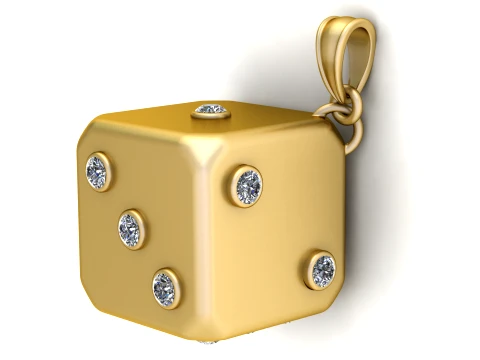
인기 검색어 3D 모델:
조각 3D 모델 캐릭터 3D 모델 부엌 3D 모델 말 3D 모델 외관 3D 모델 휴대 전화 3D 모델 야채 3D 모델 쥬얼리 3D 모델 장난감 3D 모델 의료 3D 모델 헬리콥터 3D 모델 중무기 3D 모델 트럭 3D 모델 해부학 3D 모델질문 1: 모든 소프트웨어로 3D 큐브를 만들 수 있는데, 누가 굳이 3D 큐브 앱을 다운로드하겠어요?
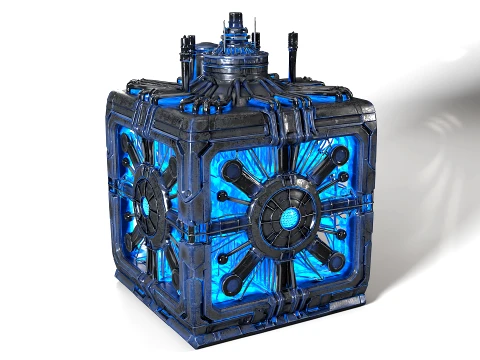
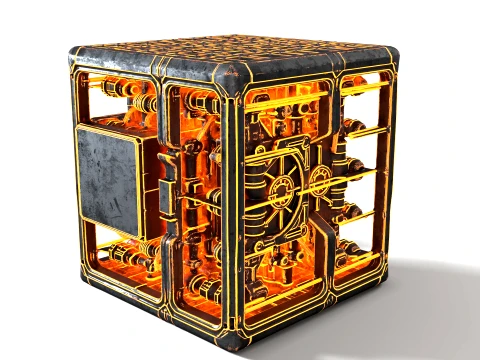
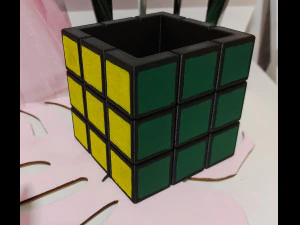
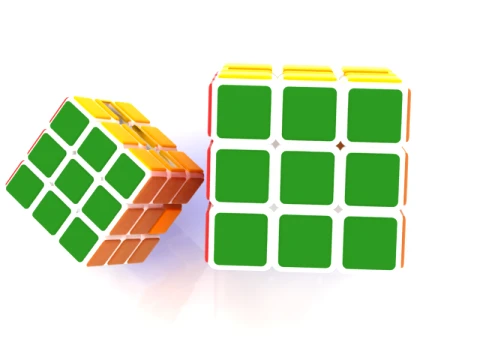
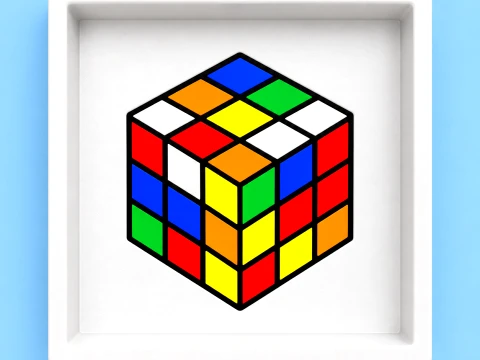
직사각형과 같은 논리입니다. 다운로드한 버전은 단순히 기본 도형이 아닌 경우가 많습니다. UV 언래핑이 되어 있고, 렌더링에 적합한 모서리를 위해 베벨링 처리가 되어 있으며(직사각형의 모서리가 날카로우면 CG처럼 보이고 저렴해 보이는 반사광이 발생합니다), 때로는 텍스처까지 미리 적용되어 있습니다. 2~3mm 정도의 적절한 모서리 베벨링이 적용된 큐브는 직각 모서리를 가진 상자보다 패스 트레이싱 장면에서 훨씬 더 나은 렌더링 결과를 보여줍니다. 또한, 루빅스 큐브 스타일의 분할 큐브, 빛나는 SF 데이터 큐브, 마모 및 손상 효과가 있는 나무 상자 큐브와 같이 스타일리시하거나 아트 디렉션이 적용된 큐브는 기본 도형이 아니라 아트 에셋입니다. 이러한 큐브는 모델링 및 텍스처링 작업 시간을 크게 절약해 줍니다.Q2: 게임 개발에서 스타일화된 3D 큐브 모델은 무엇에 사용되나요?
퍼즐 게임에서 큐브 에셋은 필수적입니다. 슬라이딩 퍼즐, 쌓기, 물리 시뮬레이션 게임의 핵심 요소죠. 하지만 큐브는 3D 메뉴, 로딩 화면, 로고 애니메이션의 UI 요소로도 사용됩니다. Unity(PhysX)나 Unreal(Chaos 물리 엔진)에서 물리 시뮬레이션을 구현할 때, 복잡한 지오메트리보다 단순한 큐브 콜라이더가 더 안정적인 경우가 많습니다. 그래서 디자이너들은 고폴리곤 소품을 직접 충돌시키는 대신, 박스 충돌 기능을 가진 장식된 큐브 메시를 사용합니다. 모든 슈팅 게임 환경에서 빼놓을 수 없는 고전적인 상자 에셋은 기본적으로 모서리가 비스듬하게 처리되고 텍스처가 입혀진 뚜껑과 로고가 있는 큐브입니다. 이런 에셋은 처음부터 텍스처를 직접 만드는 데 시간을 쏟는 것보다 미리 만들어진 것을 구매하는 것이 훨씬 효율적입니다.
질문 3: 3D 큐브 모델은 3D 프린팅에 유용한가요?
테스트 출력물로 매우 유용합니다. 20mm 캘리브레이션 큐브는 FFF/FDM 프린터에서 치수 정확도를 확인하는 표준 벤치마크 출력물입니다. 출력 후 캘리퍼스로 측정하고 슬라이서의 치수 보정 설정을 조정하세요. 캘리브레이션 외에도 내부 격자 구조, 보로노이 패턴 또는 퍼즐 조각처럼 잘린 이음매가 있는 큐브 모델이 많이 출력됩니다. 이러한 모델의 경우, 메시가 매니폴드인지 확인하고 슬라이싱 전에 복구 도구에서 검사해야 합니다. 단순한 단일체 큐브는 메시 문제가 거의 발생하지 않지만, 내부 형상이 있는 복잡한 장식용 큐브에서 Cura가 출력 오류로 표시하는 비매니폴드 모서리가 발생할 수 있습니다.
질문 4: 모션 그래픽 프로젝트에서 블렌더를 사용하여 3D 큐브를 애니메이션화하는 방법은 무엇인가요?
먼저 충분한 세분화 레벨(2~3단계)을 가진 큐브로 시작하여 베벨과 변형이 부드럽게 보이도록 하세요. 일반적인 모션 그래픽(회전, 크기 변화, 부유 애니메이션)의 경우 Blender의 그래프 편집기를 사용하면 키프레임에서 이징을 직접 제어할 수 있습니다. F-커브 보간을 "뒤로"로 설정하면 모션 그래픽 작업에서 흔히 사용되는 만족스러운 오버슈트 바운스를 만들 수 있습니다. 펼침 네트, 루빅스 큐브처럼 면이 회전하는 등 더 복잡한 큐브 애니메이션의 경우, 각 면에 대해 별도의 오브젝트를 사용하고 아머처 또는 제약 조건 기반 리그로 결합하는 것이 좋습니다. 데이터 전송 수정자는 지오메트리를 분할하고 다시 결합할 때 면 법선을 깔끔하게 유지하는 데 도움이 됩니다.