


 English
 Español
 Deutsch
 日本語
日本語 Polska
 Français
 한국의
한국의 Українська
 Nederlands
 Türkçe
 Português
 Bahasa Indonesia
 Русский
 中國
中國 हिंदी
हिंदी
















cubo Modelli 3D
Abbiamo 751 oggetto(i) Senza royalty cube Modelli 3D. Acquista o scarica modelli 3D gratuiti per i tuoi progetti CG, produzione di film e video, animazioni, visualizzazioni, giochi, VR/AR e altro. Puoi scaricare qualsiasi modello 3D in tutti i formati 3D più diffusi, inclusi MAX, OBJ, FBX, 3DS, STL, C4D, BLEND, MAYA
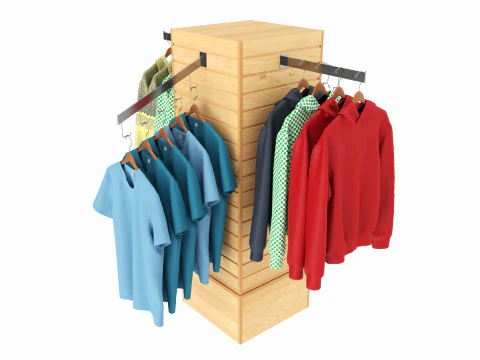 HQ3DMODClothing
- -40%
 cgdocaPlayground
 - -30%
 MakerLabBoard Games
 - -30%
 MakerLabBoard Games
 - -30%
 malibusanCityscapes




























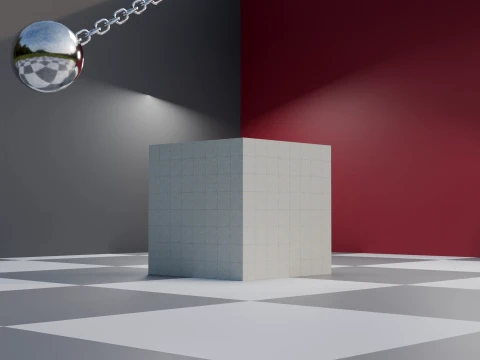
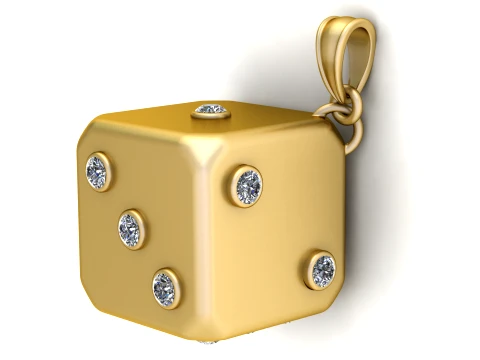
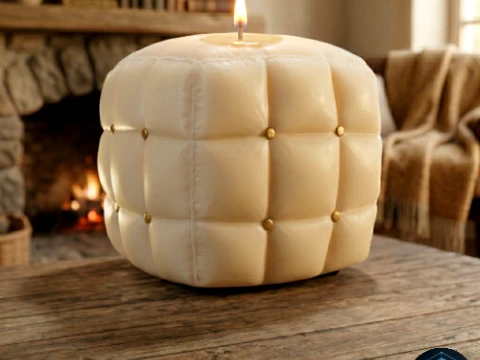
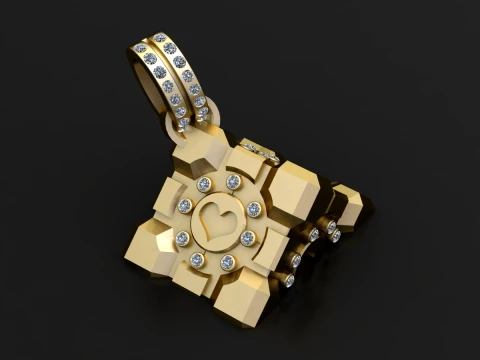


Ricerche di tendenza Modelli 3D:
Scultura Modelli 3D Caratteri Modelli 3D Cucina Modelli 3D Cavallo Modelli 3D Architectural Exteriors Modelli 3D Telefoni e Cellulari Modelli 3D Vegetali Modelli 3D Gioielli Modelli 3D Giocattoli Modelli 3D Medicinali Modelli 3D Elicotteri Modelli 3D Armi Pesanti Modelli 3D Camion Modelli 3D Anatomia Modelli 3DQ1: Why would anyone download a 3D cube when every software can make one?
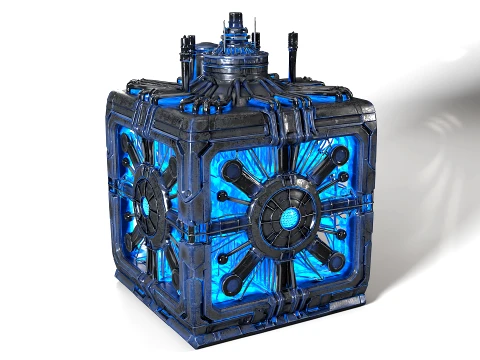
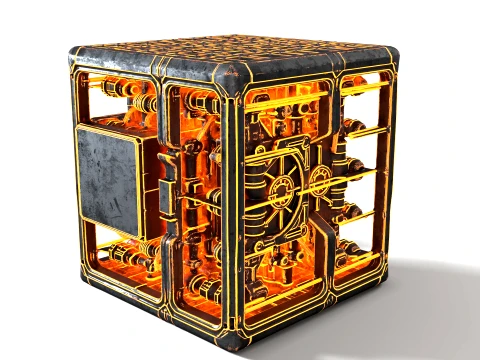
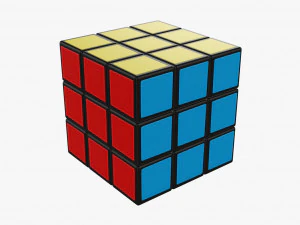
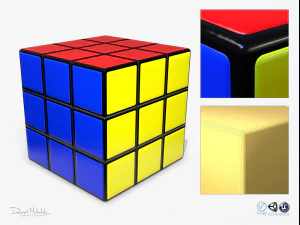
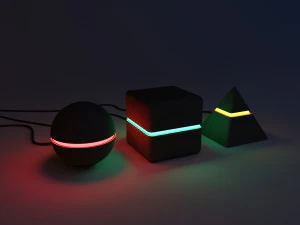
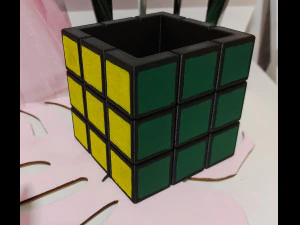
Same logic as rectangles — the downloaded version often isn't just a primitive. It comes UV-unwrapped, beveled for render-friendly edges (hard cube corners produce harsh specular highlights that look CG and cheap), and sometimes pre-textured. A cube with proper edge bevels of 2–3mm renders dramatically better in path-traced scenes than a box with 90-degree hard edges. Additionally, stylized or art-directed cubes — rubik's-style segmented cubes, glowing sci-fi data cubes, wooden crate cubes with wear and damage — are art assets, not primitives. Those save hours of modeling and texturing work.
Q2: What are stylized 3D cube models used for in game development?
Puzzle games, of course — cube assets are core to sliding puzzle, stacking, and physics-simulation games. But cubes also appear as UI elements in 3D menus, loading screens, and logo animations. For physics simulations in Unity (with PhysX) or Unreal (Chaos physics), a simple cube collider is often more stable than complex geometry, so designers use decorated cube meshes with box collision instead of trying to collide high-poly props. The classic crate asset — a staple of every shooter game environment — is essentially a beveled, textured cube with a lid and logo. These are worth buying pre-made rather than spending an afternoon texturing from scratch.
Q3: Are 3D cube models useful for 3D printing?
Extremely useful as test prints. A 20mm calibration cube is the standard benchmark print for checking dimensional accuracy on FFF/FDM printers — print it, measure with calipers, and adjust your slicer's dimensional compensation settings. Beyond calibration, cube models with internal lattice structures, Voronoi patterns, or puzzle-cut joints are popular prints. For these, the mesh needs to be manifold and checked in a repair tool before slicing. Simple single-body cubes almost never have mesh issues; complex decorative cubes with internal geometry are where you'll encounter non-manifold edges that Cura flags as print errors.
Q4: How do I animate a 3D cube in Blender for a motion graphics project?
Start with a cube that has sufficient subdivision — 2–3 subdiv levels — so bevel and deformation look smooth. For standard motion graphics (rotation, scale pops, floating animation), Blender's Graph Editor lets you control easing on keyframes directly. F-curve interpolation set to "Back" creates the satisfying overshoot bounce that's standard in motion graphics work. For more complex cube animations — unfolding nets, face rotations like a Rubik's solve — you'll want to use separate objects for each face joined by armature or constraint-based rigs. The Data Transfer modifier helps keep face normals clean if you're splitting and rejoining geometry.