


 English
 Español
 Deutsch
 日本語
日本語 Français
 한국의
한국의 Українська
 Italiano
 Nederlands
 Türkçe
 Português
 Bahasa Indonesia
 Русский
 中國
中國 हिंदी
हिंदी
















sześcian Modele 3D
Mamy 754 produkty/ów Bez opłat licencyjnych cube Modele 3D. Kup lub pobierz bezpłatne modele 3D do swoich projektów CG, produkcji filmowych i wideo, animacji, wizualizacji, gier, VR/AR i innych. Możesz pobrać dowolny model 3D we wszystkich popularnych formatach 3D, w tym MAX, OBJ, FBX, 3DS, STL, C4D, BLEND, MAYA
- -50%
 cgdocaPlayground
 - -50%
 MakerLabBoard Games
 - -50%
 MakerLabBoard Games
 - -50%
 STLVertextDecor
 - -50%
 ilhamalhakim45Sculpture













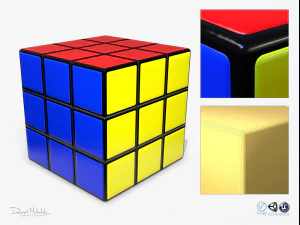




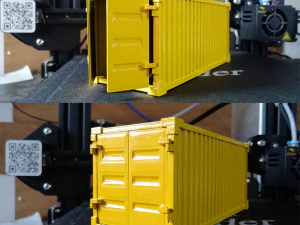


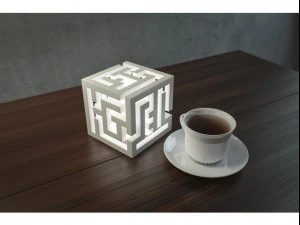

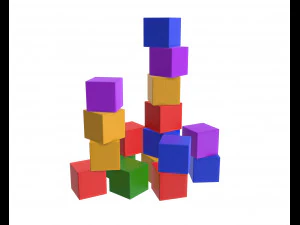
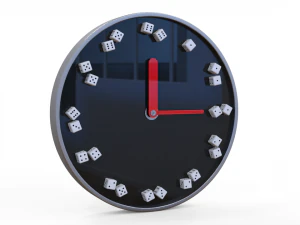
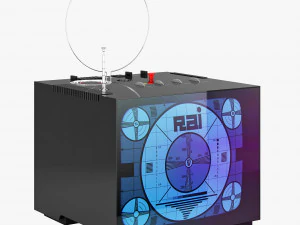




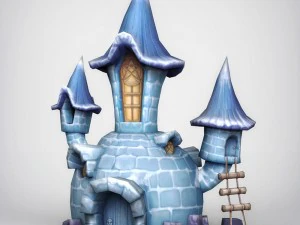
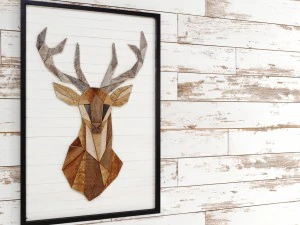



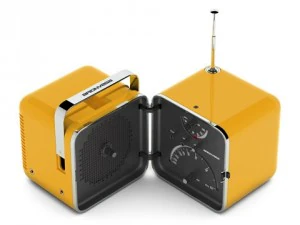
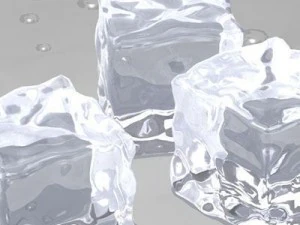



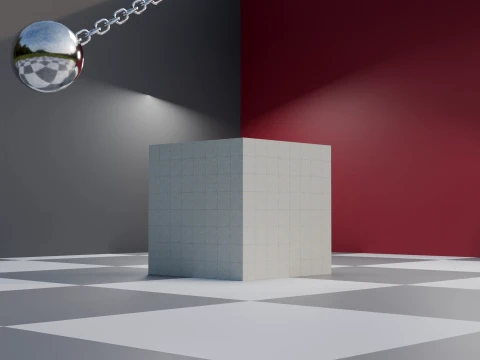
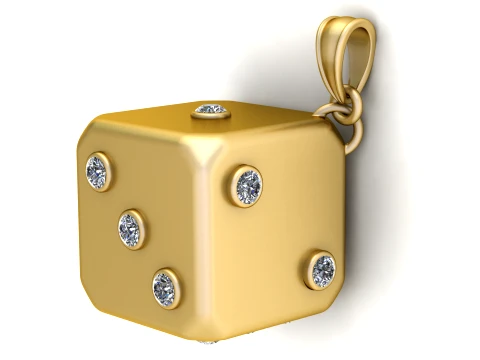
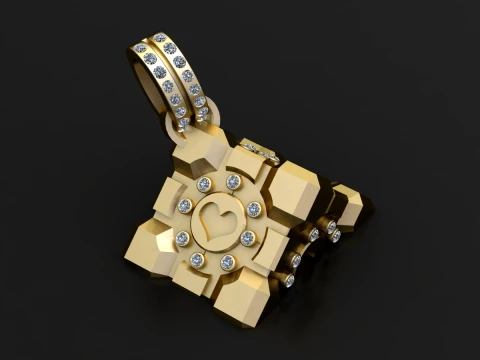
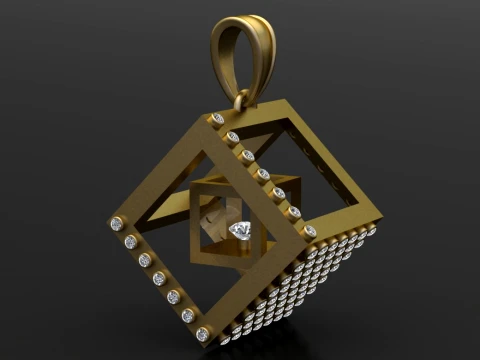
Popularne wyszukiwania Modele 3D:
Rzeźba Modele 3D Postacie Modele 3D Kuchnia Modele 3D Koń Modele 3D Architektoniczne Zewnątrz Modele 3D Telefon i Komórkowy Modele 3D Warzywo Modele 3D Biżuteria Modele 3D Zabawki Modele 3D Medyczny Modele 3D Śmigłowiec Modele 3D Ciężka Broń Modele 3D Ciężarówka Modele 3D Anatomia Modele 3DQ1: Why would anyone download a 3D cube when every software can make one?
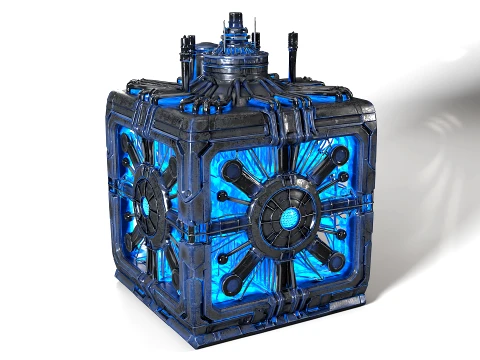
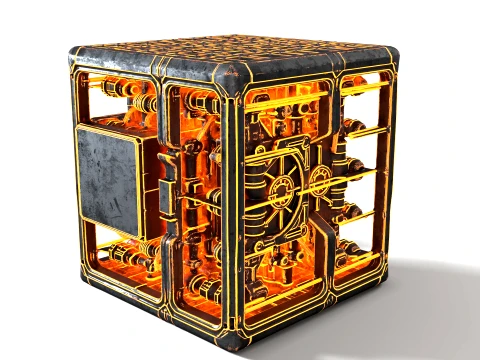
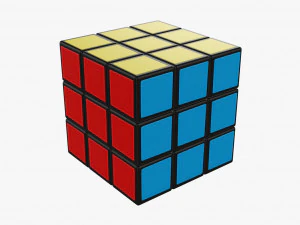
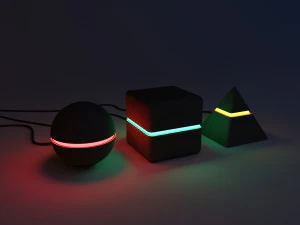
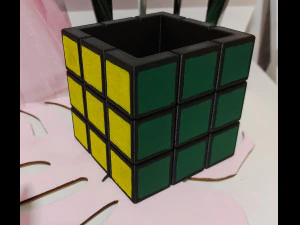
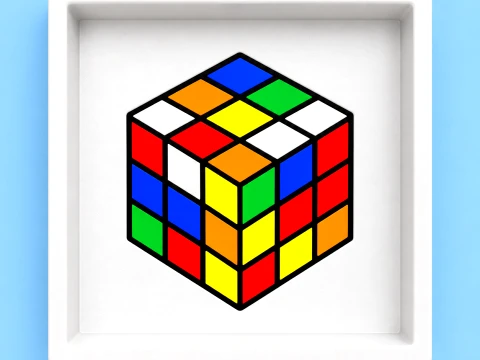
Same logic as rectangles — the downloaded version often isn't just a primitive. It comes UV-unwrapped, beveled for render-friendly edges (hard cube corners produce harsh specular highlights that look CG and cheap), and sometimes pre-textured. A cube with proper edge bevels of 2–3mm renders dramatically better in path-traced scenes than a box with 90-degree hard edges. Additionally, stylized or art-directed cubes — rubik's-style segmented cubes, glowing sci-fi data cubes, wooden crate cubes with wear and damage — are art assets, not primitives. Those save hours of modeling and texturing work.
Q2: What are stylized 3D cube models used for in game development?
Puzzle games, of course — cube assets are core to sliding puzzle, stacking, and physics-simulation games. But cubes also appear as UI elements in 3D menus, loading screens, and logo animations. For physics simulations in Unity (with PhysX) or Unreal (Chaos physics), a simple cube collider is often more stable than complex geometry, so designers use decorated cube meshes with box collision instead of trying to collide high-poly props. The classic crate asset — a staple of every shooter game environment — is essentially a beveled, textured cube with a lid and logo. These are worth buying pre-made rather than spending an afternoon texturing from scratch.
Q3: Are 3D cube models useful for 3D printing?
Extremely useful as test prints. A 20mm calibration cube is the standard benchmark print for checking dimensional accuracy on FFF/FDM printers — print it, measure with calipers, and adjust your slicer's dimensional compensation settings. Beyond calibration, cube models with internal lattice structures, Voronoi patterns, or puzzle-cut joints are popular prints. For these, the mesh needs to be manifold and checked in a repair tool before slicing. Simple single-body cubes almost never have mesh issues; complex decorative cubes with internal geometry are where you'll encounter non-manifold edges that Cura flags as print errors.
Q4: How do I animate a 3D cube in Blender for a motion graphics project?
Start with a cube that has sufficient subdivision — 2–3 subdiv levels — so bevel and deformation look smooth. For standard motion graphics (rotation, scale pops, floating animation), Blender's Graph Editor lets you control easing on keyframes directly. F-curve interpolation set to "Back" creates the satisfying overshoot bounce that's standard in motion graphics work. For more complex cube animations — unfolding nets, face rotations like a Rubik's solve — you'll want to use separate objects for each face joined by armature or constraint-based rigs. The Data Transfer modifier helps keep face normals clean if you're splitting and rejoining geometry.