


 English
 Español
 Deutsch
 日本語
日本語 Polska
 Français
 한국의
한국의 Українська
 Italiano
 Nederlands
 Türkçe
 Português
 Bahasa Indonesia
 中國
中國 हिंदी
हिंदी
















череп 3D Модели
У нас уже 3385 товар(ов) Без выплаты роялти skull 3D Модели. Купите или скачайте бесплатно 3D модели для своих проектов компьютерной графики, кино и видеопроизводства, анимации, визуализаций, игр, VR/AR и т.д. Вы можете скачать любую 3d модель во всех популярных 3d форматах, включая MAX, OBJ, FBX, 3DS, STL, C4D, BLEND, MAYA
- -40%
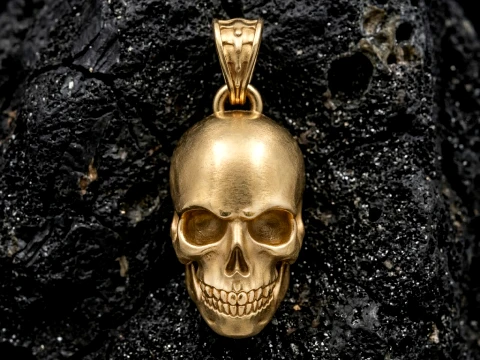
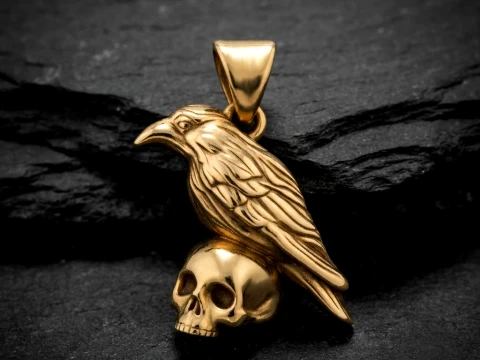 Avera3dPendants
 - -50%
 ITman3DAutomotive
 - -50%
 ITman3DAutomotive
  brunonunesdpSculpture
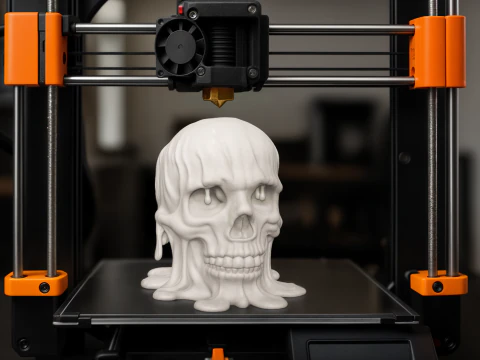 brunonunesdpSculpture
 brunonunesdpOther
- -40%
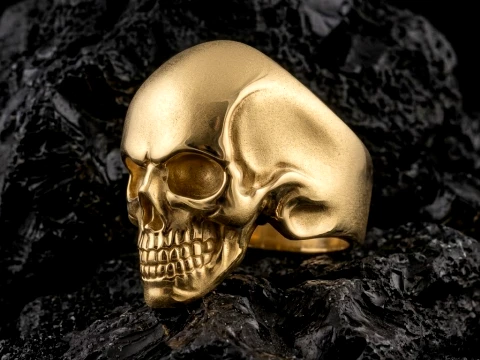
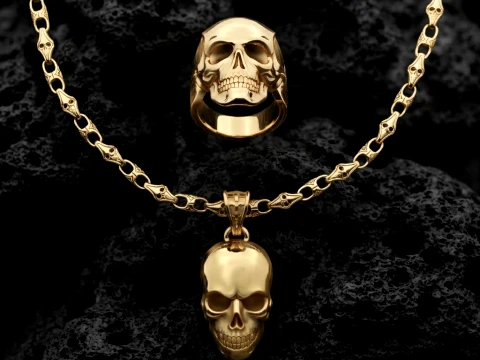 Avera3dPendants
 - -40%
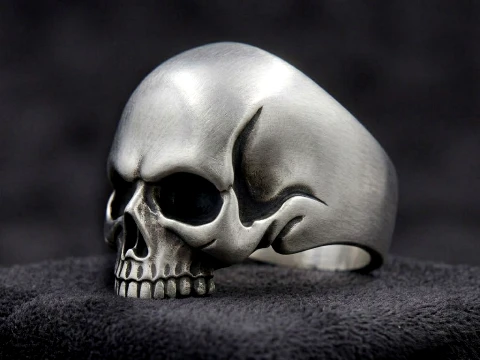
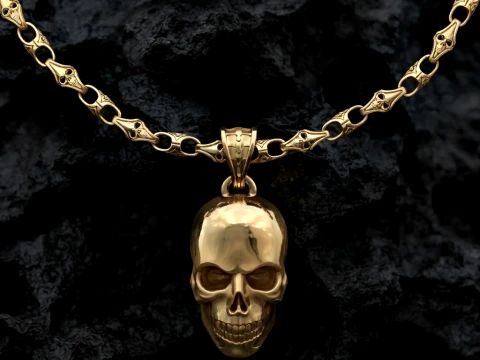 Avera3dPendants
 - -40%
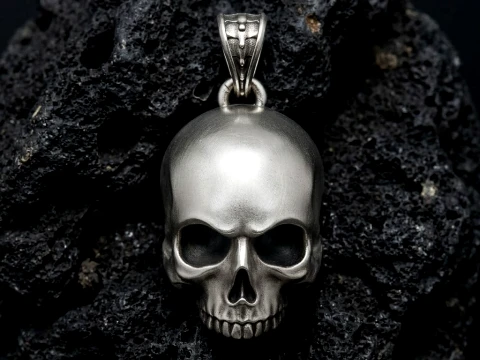
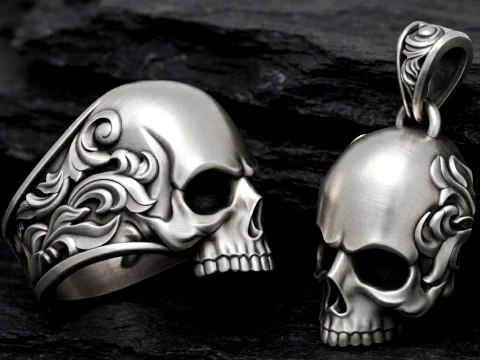 Avera3dPendants
 - -40%
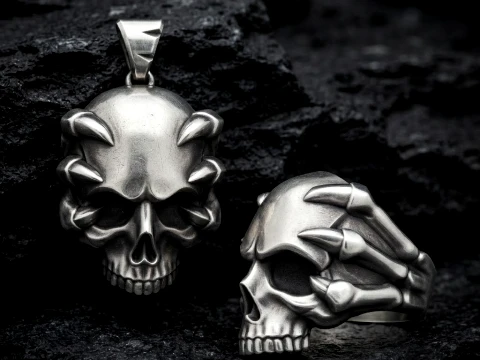 Avera3dPendants
 - -40%
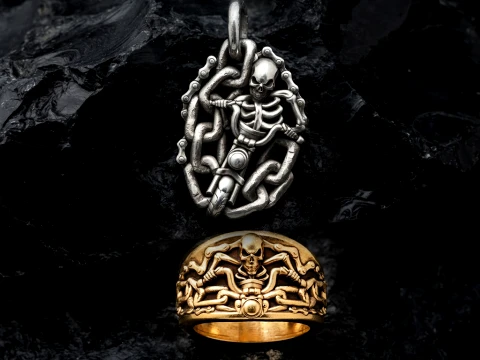 Avera3dPendants
 - -40%
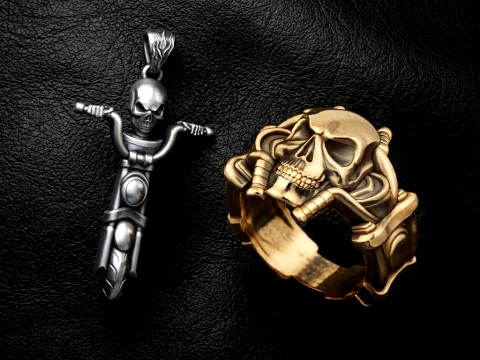 Avera3dPendants
 - -40%
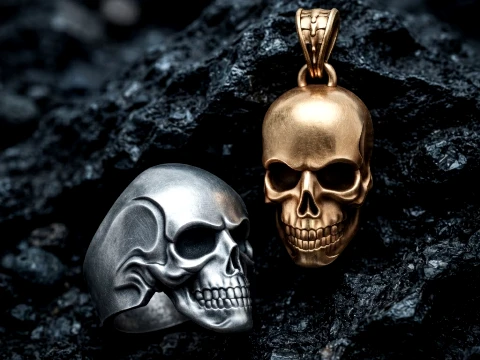 Avera3dPendants
 - -40%
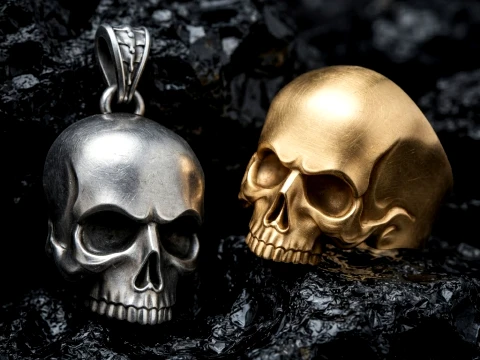 Avera3dPendants
  Devils3DArtistDecor







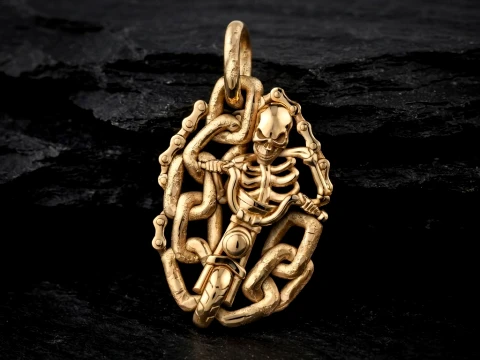
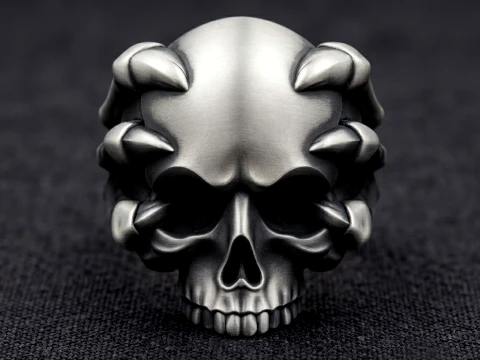
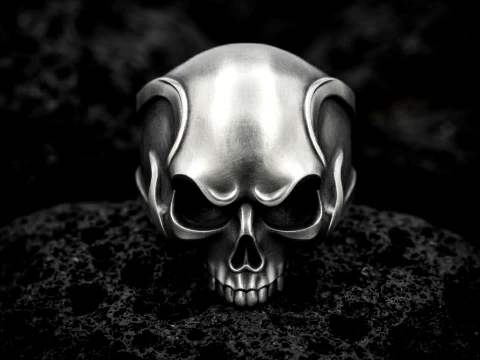
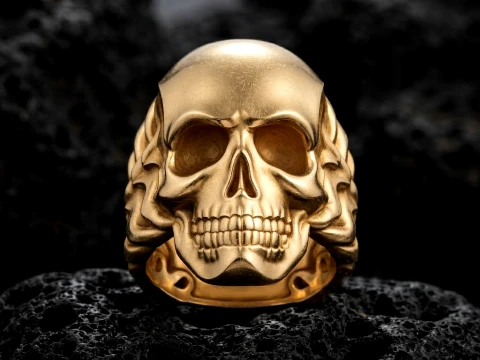















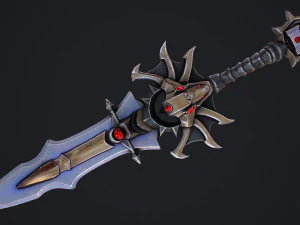


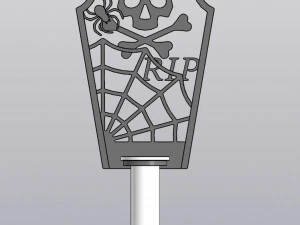
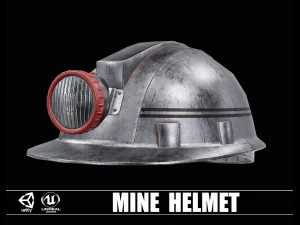


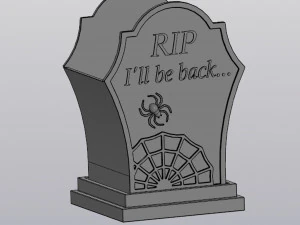
Популярные запросы 3D Модели:
Скульптуры 3D Модели Персонажи 3D Модели Кухня 3D Модели Лошадь 3D Модели Архитектурные Экстерьеры 3D Модели Телефоны 3D Модели Овощи 3D Модели Ювелирные изделия 3D Модели Игрушки 3D Модели Медицина 3D Модели Вертолет 3D Модели Тяжелое оружие 3D Модели Грузовик 3D Модели Анатомия 3D МоделиВопрос 1: Являются ли 3D-модели черепа анатомически точными для медицинского или образовательного использования?
Некоторые — да, большинство — нет, это честный ответ. Анатомически точные черепа создаются на основе данных КТ-сканирования или художниками с использованием медицинских источников, и продавцы обычно это явно указывают. Ищите в описании такие термины, как «основано на реальной анатомии» или «фотореалистичное сканирование». Для образовательных презентаций или медицинской визуализации ключевые детали, которые следует проверить: правильное расположение черепных швов, точная глубина глазницы и правильная артикуляция нижней челюсти. Модели, созданные исключительно для игровой графики или эстетики ужасов, часто упрощают или преувеличивают эти особенности. Если вам нужно что-то достаточно точное для урока биологии или прототипа хирургической симуляции, свяжитесь с продавцом и попросите указать источник. Несколько студий на 3DExport действительно продают настоящие медицинские модели — они дороже, но того стоят.
Вопрос 2: Какие 3D-модели черепа лучше всего подходят для 3D-печати?
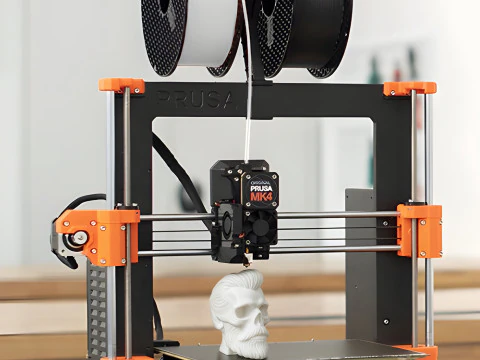
Для печати вам нужна модель, которая является герметичной — то есть сетка представляет собой замкнутое тело без отверстий или инвертированных нормалей. Следует искать форматы OBJ и STL. STL — это формат, который напрямую ожидают слайсеры, такие как Cura и PrusaSlicer; OBJ тоже подходит, но требует этапа экспорта. Избегайте моделей с высокой детализацией и картами смещения — эта детализация поверхности запекается для рендеринга, а не для геометрии, и она не сохранится после чистого преобразования в STL. Сетка с 50 000–150 000 реальных полигонов печатается лучше, чем базовая модель с 5000 полигонами и картой нормалей 4K. Проверьте, указано ли в описании товара «готовая к печати» или «многогранная сетка». Если нет, предположите, что требуется доработка в Meshmixer или Netfabb, прежде чем модель будет нарезана без ошибок.Вопрос 3: Какое программное обеспечение может открыть файлы 3D-модели черепа с сайта 3DExport?
Файлы FBX и OBJ открываются практически во всех программах: Blender (бесплатная версия), Maya, 3ds Max, Cinema 4D, ZBrush для просмотра файлов, а также в игровых движках, таких как Unity и Unreal. Файлы STL загружаются напрямую в любой слайсер. Если вы приобрели файл .blend в исходном формате, вам потребуется Blender 3.x или 4.x — в более старых версиях иногда возникают проблемы совместимости с более новыми настройками узлов. Файлы MAX требуют именно 3ds Max — они не откроются в других программах без конвертации. Следует быть осторожным с одним форматом: файлы .fbx, экспортированные из старых программ, иногда теряют слоты материалов при импорте в Blender 4.x. Пропустите FBX через функцию импорта Blender, проверьте панель материалов и вручную перепривяжите текстуры, если они отображаются серым цветом.Вопрос 4: Существуют ли низкополигональные модели черепов, подходящие для разработки мобильных игр?
Да, и это действительно одна из самых перенасыщенных категорий. Низкополигональные черепа с менее чем 2000 треугольниками встречаются часто — достаточно простые для эффектов частиц, значков инвентаря или оформления окружения в мобильных играх. Вопрос не в количестве полигонов, а в эффективности текстур. Череп с одним атласом 1024×1024 (диффузная + шероховатость + упакованные нормали) гораздо лучше подходит для мобильных устройств, чем череп с тремя отдельными картами 2K. Проверьте настройки текстур перед покупкой. В частности, для Unity ищите модели с материалами, совместимыми с URP; шейдеры HDRP не будут работать на Android без существенной доработки.