


 English
 Español
 Deutsch
 日本語
日本語 Polska
 Français
 한국의
한국의 Українська
 Italiano
 Nederlands
 Português
 Bahasa Indonesia
 Русский
 中國
中國 हिंदी
हिंदी
















kafatası 3D Modeller
Bizde mevcut 3169 ürün(ler) Telifsiz skull 3D Modeller. CG projeleriniz, film ve video prodüksiyonlarınız, animasyonlarınız, görselleştirmeleriniz, oyunlarınız, VR/AR ve diğerleri için ücretsiz 3D modeller satın alın veya indirin. Herhangi bir 3d modeli, dahil olmak üzere tüm popüler 3d formatlarında indirebilirsiniz. MAX, OBJ, FBX, 3DS, STL, C4D, BLEND, MAYA
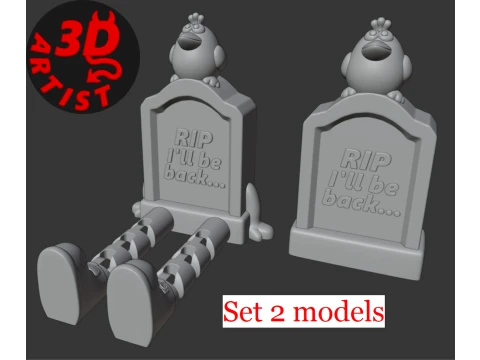 Devils3DArtistDecor
- -50%
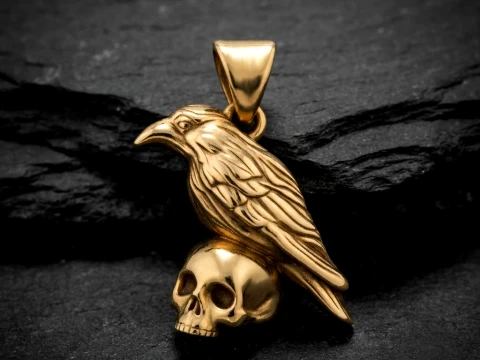 Avera3dPendants
 - -50%
 ITman3DAutomotive
 - -50%
 ITman3DAutomotive
 - -50%
 brunonunesdpSculpture
 - -50%
 brunonunesdpSculpture
 - -50%
 brunonunesdpSculpture
 - -50%
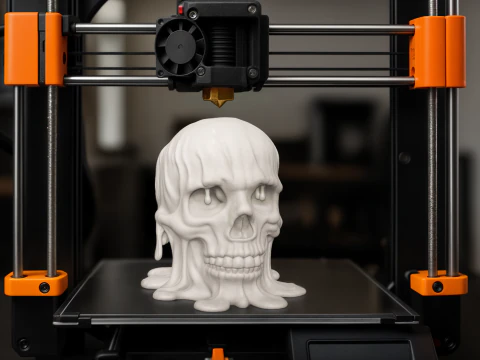 brunonunesdpSculpture
 - -50%
 brunonunesdpOther
 - -50%
 brunonunesdpOther
 - -50%
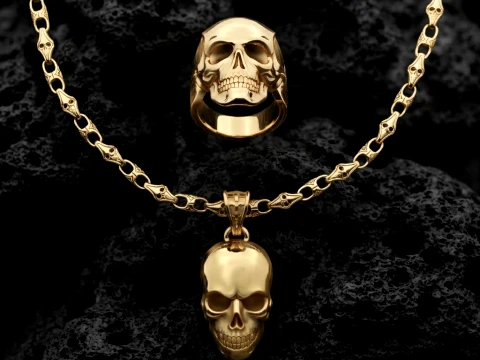 Avera3dPendants
 - -50%
 Avera3dPendants
 - -50%
 Avera3dPendants
 - -50%
 Avera3dPendants
 - -50%
 Avera3dPendants
 - -50%
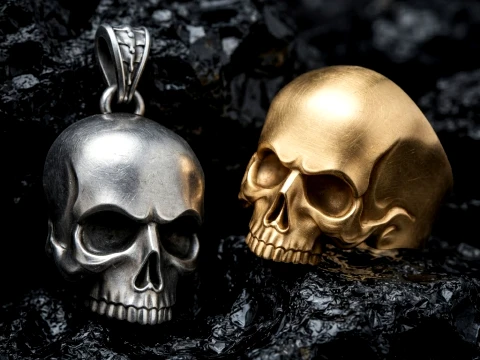 Avera3dPendants
 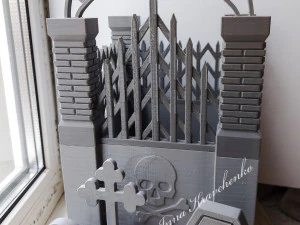 Devils3DArtistDecor






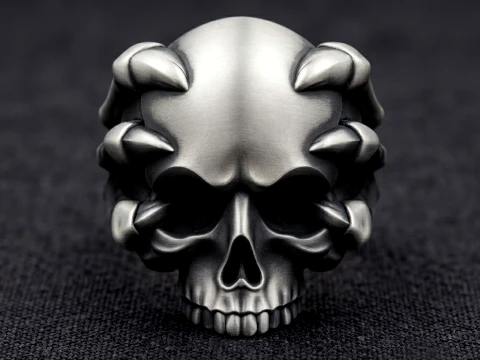
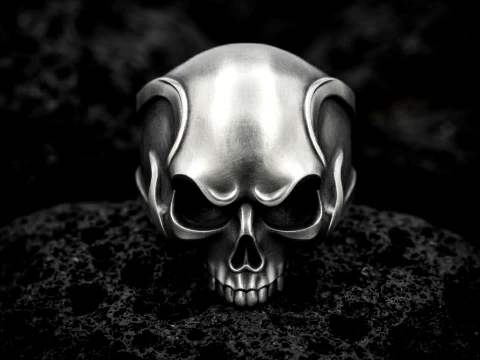
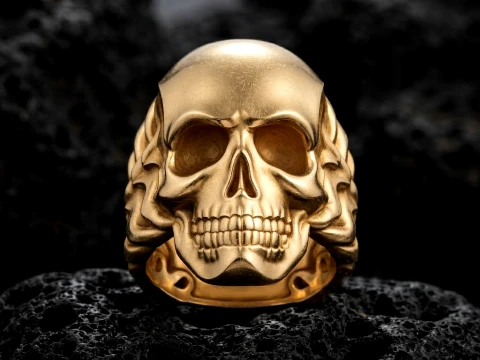
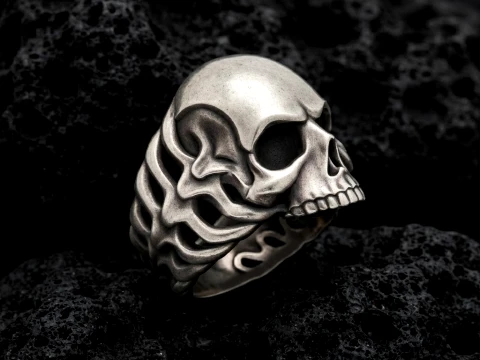



















Trend olan aramalar 3D Modeller:
Heykel 3D Modeller Karakterler 3D Modeller Mutfak 3D Modeller At 3D Modeller Dış Mimarlık 3D Modeller Ev Telefonu ve Cep Telefonu 3D Modeller Sebze 3D Modeller Mücevher 3D Modeller Oyuncaklar 3D Modeller Tıbbi 3D Modeller Helikopter 3D Modeller Ağır silah 3D Modeller Kamyon 3D Modeller Anatomi 3D ModellerSoru 1: Kafatası 3D modelleri tıbbi veya eğitim amaçlı kullanım için anatomik olarak doğru mu?
Bazıları öyle, çoğu değil — dürüst cevap bu. Anatomik olarak doğru kafatasları, BT tarama verilerinden veya tıbbi referansa sahip sanatçılar tarafından oluşturulur ve satıcılar genellikle bunu açıkça belirtir. Açıklamada "gerçek anatomiye dayalı" veya "fotogerçekçi tarama tabanlı" gibi terimlere bakın. Eğitim sunumları veya tıbbi görselleştirme için kontrol edilmesi gereken temel ayrıntılar şunlardır: doğru kranial sütür yerleşimi, doğru orbital soket derinliği ve uygun mandibula eklemlenmesi. Sadece oyun sanatı veya korku estetiği için oluşturulan modeller genellikle bu özellikleri basitleştirir veya abartır. Bir biyoloji dersi veya cerrahi simülasyon prototipi için savunulabilir derecede doğru bir şeye ihtiyacınız varsa, satıcıyla iletişime geçin ve referans kaynağını sorun. 3DExport'deki birkaç stüdyo gerçek tıbbi sınıf varlıklar satıyor — daha pahalılar, ama buna değer.
Soru 2: 3D baskı için en iyi sonuç veren kafatası 3D modelleri hangileridir?
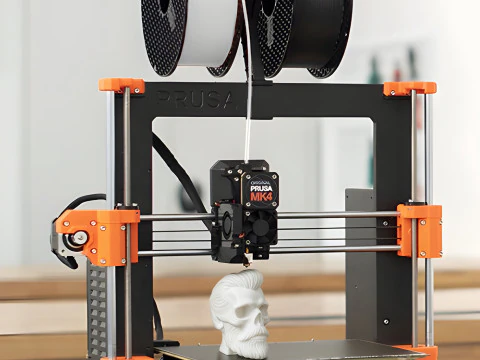
Baskı için, su geçirmez bir modele ihtiyacınız var; yani ağ, delik veya ters normal içermeyen kapalı bir katı olmalıdır. OBJ ve STL formatları aranmalıdır. STL, Cura ve PrusaSlicer gibi dilimleme yazılımlarının doğrudan beklediği formattır; OBJ de çalışır ancak bir dışa aktarma adımı gerektirir. Çok detaylı yer değiştirme haritalı modellerden kaçının; bu yüzey detayı geometri için değil, render için pişirilir ve STL dönüşümünden sorunsuz bir şekilde geçmez. 50.000-150.000 gerçek poligona sahip bir ağ, 4K normal haritalı 5.000 poligona sahip bir tabandan daha iyi baskı verir. Ürün listesinde "baskıya hazır" veya "çoklu ağ" ifadesinin olup olmadığını kontrol edin. Eğer yoksa, hatasız dilimleme için Meshmixer veya Netfabb'da onarım çalışması gerektirdiğini varsayın.
Soru 3: 3DExport sitesinden hangi yazılım kafatası 3D model dosyalarını açabilir?
FBX ve OBJ dosyaları temelde her şeyde açılır: Blender (ücretsiz), Maya, 3ds Max, Cinema 4D, inceleme için ZBrush ve Unity ve Unreal gibi oyun motorları. STL dosyaları doğrudan herhangi bir dilimleme yazılımına gider. Yerel bir .blend dosyası satın aldıysanız, Blender 3.x veya 4.x'e ihtiyacınız vardır; eski sürümler bazen yeni düğüm kurulumlarıyla uyumluluk sorunları yaşayabilir. MAX dosyaları özellikle 3ds Max gerektirir; dönüştürme olmadan başka bir yerde açılmazlar. Dikkat edilmesi gereken bir format: eski yazılımlardan dışa aktarılan .fbx dosyaları, Blender 4.x'e içe aktarıldığında bazen malzeme yuvalarını kaybeder. FBX dosyasını Blender'ın içe aktarma özelliğinden geçirin, malzeme panelini kontrol edin ve gri renkte geliyorsa dokuları manuel olarak yeniden bağlayın.