English
 Español
 Deutsch
 日本語
日本語 Français
 Italiano
 Nederlands
 Türkçe
 Português
















버킷 Daz3D 소품 3D 모델
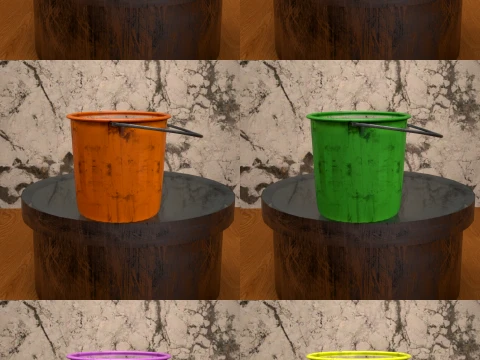
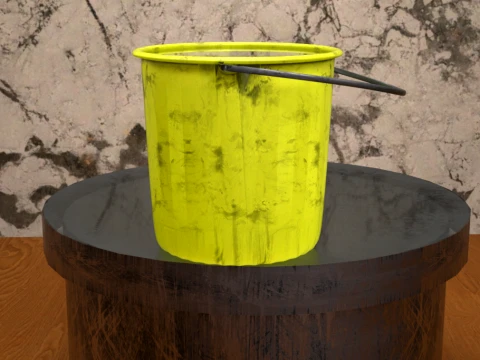
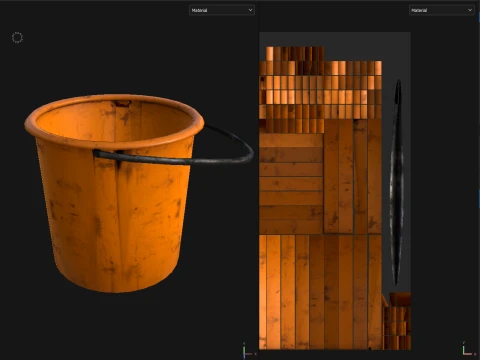
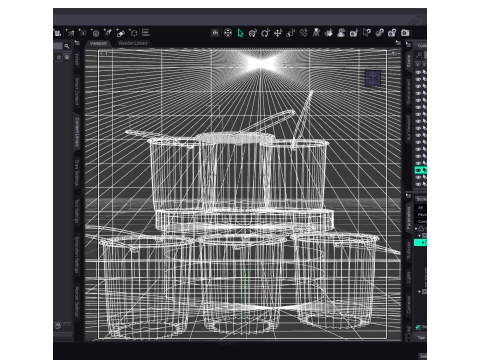
- 작성자에게 제품 지원 요청


- 이용 가능한 포맷:
- 아이템 ID:643936
- 날짜: 2026-06-13
- 애니메이티드:No
- 텍스쳐드:Yes
- 리그드:Yes
- 재료:Yes
- 로우 폴리곤:No
- 컬렉션:No
- UVW 매핑:Yes
- 플러그인 사용 됨:No
- 프린트 준비:No
- 3D 스캔:No
- 성인용 콘텐츠:No
- PBR:Yes
- AI 훈련:No
- AI Generated:No
- 지오메트리:Polygonal
- 언래핑 된 UVs:Non-overlapping
- 조회:188
설명
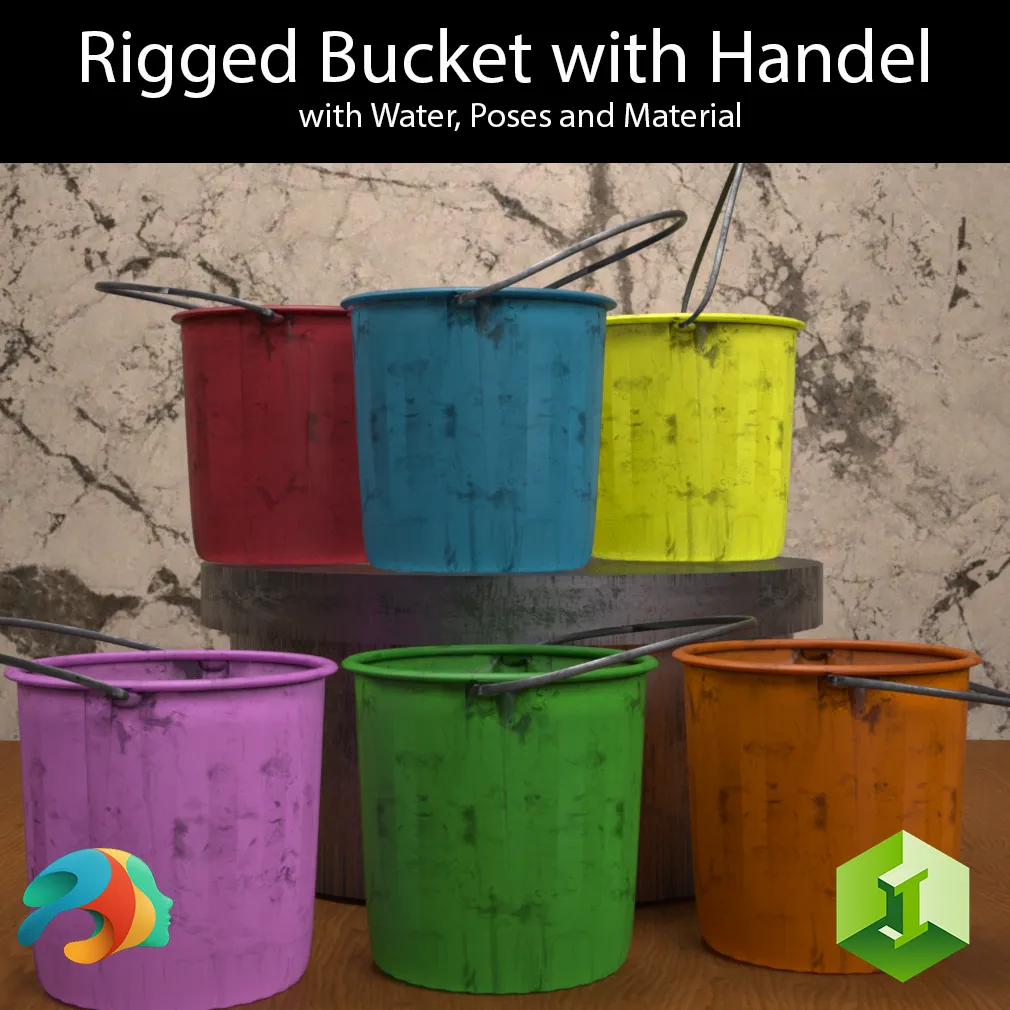
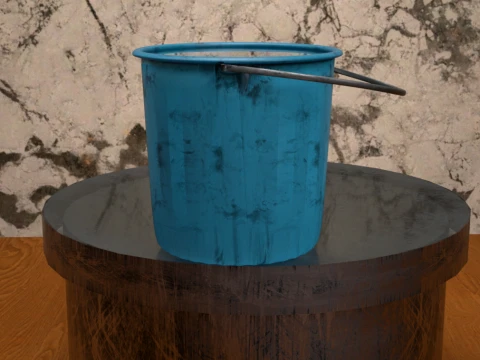
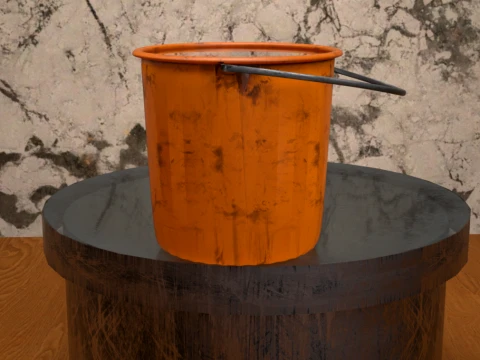
Bucket with Handel
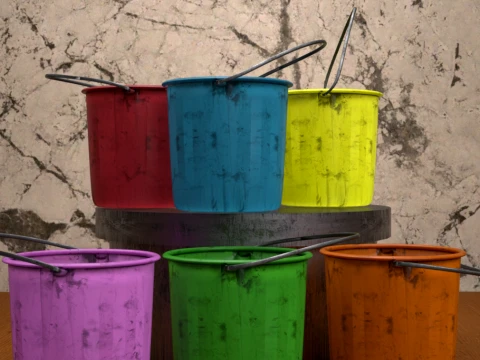
Add a touch of everyday realism to your renders with this versatile, standalone Bucket with Handel asset. Whether your characters are tackling intense spring cleaning, washing the car, or working on a gritty outdoor scene, this asset delivers the perfect utility look.
Because this asset is set up as a true Figure, the handle is fully rigged with its own bone structure, allowing you to position it naturally or use the included presets. Best of all, it is completely standalone and not bound to any specific Genesis generation, making it a universal tool for your Daz Studio library.
To make your chores or cleaning scenes truly authentic, a custom Water Plane is included and pre-configured!
What's Included:
Based on the library files, you will find everything neatly organized into its respective folders:
Main Figures & Props:
Bucket with Handel.duf (The standalone rigged figure)
Bucket with Handel and Water.duf (Pre-loaded with the water plane)
Water Plane.duf (Separate water prop for maximum flexibility)
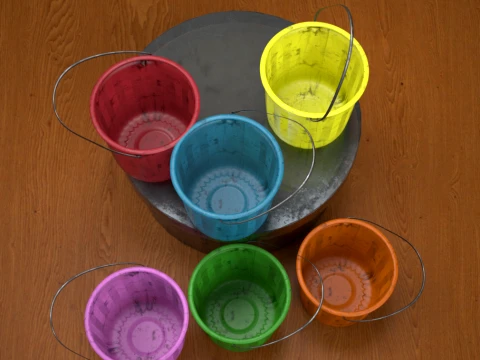
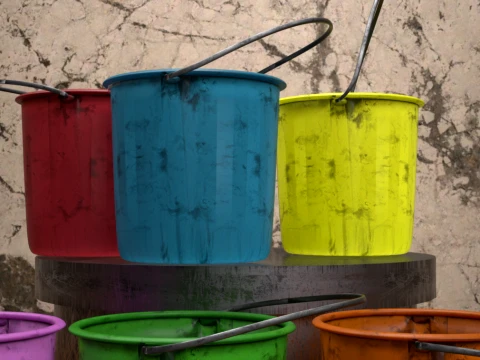
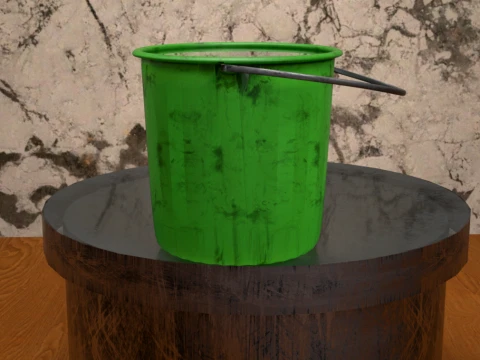
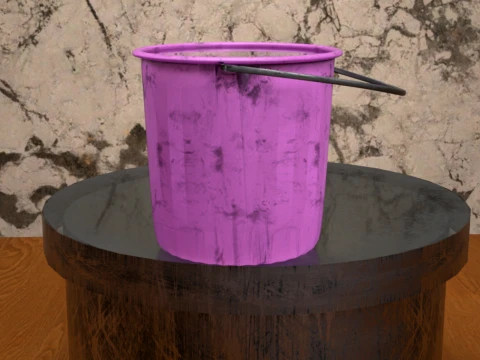
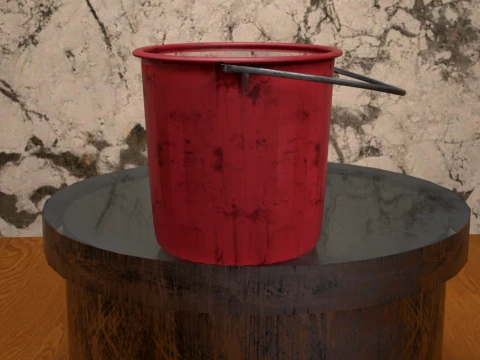
Material Presets (6 Grungy, Worn Color Variations):
Blue.duf
Default Orange.duf
Green.duf
Pink.duf
Red.duf
Yellow.duf
Pose Presets (4 Handle Positions):
Default Pose.duf
Pose 01.duf
Pose 02.duf
Pose 03.duf
How to Install (Unzip Instructions)
Download the ZIP file to your computer.
Right-click the ZIP file and select Extract All... (Windows) or double-click it (Mac). You can also use free software like 7-Zip or WinRAR.
Choose a destination folder to extract the files.
Open the extracted folder, look for the My Library folder, and copy its entire contents (Props, Runtime, etc.).
Paste these files directly into your primary Daz 3D content directory (usually located at Documents/DAZ 3D/Studio/My Library).
Refresh your Content Library in Daz Studio, and you are ready to render!
다른 포맷이 필요하세요?
다른 포맷이 필요하시면, 새로운 지원 티켓을 열어 요청하세요. 저희는 3D 모델을 다음으로 변환할 수 있습니다: .stl, .c4d, .obj, .fbx, .ma/.mb, .3ds, .3dm, .dxf/.dwg, .max. .blend, .skp, .glb. 자유 형식 변환우리는 3D 장면을 변환하지 않습니다 .step, .iges, .stp, .sldprt와 같은 형식도 포함됩니다.!
사용 정보
버킷 Daz3D 소품 - 기본 또는 확장 라이선스에 따라 이 로열티 프리 3D 모델을 개인적 및 상업적 목적으로 사용할 수 있습니다.기본 라이선스는 디지털 광고, 디자인 및 시각화 프로젝트, 비즈니스 소셜 미디어 계정, 네이티브 앱, 웹 앱, 비디오 게임, 그리고 물리적 또는 디지털 최종 제품(무료 및 유료 모두)을 포함한 대부분의 표준 사용 사례를 포괄합니다.
확장 라이선스는 기본 라이선스에 따라 부여된 모든 권리를 포함하며 사용 제한이 없으며, 로열티 프리 조건 하에 3D 모델을 상업적 프로젝트에 무제한으로 사용할 수 있습니다.
더 보기
환불이 보장되나요?
네, 환불을 보장합니다. 작품 구입 후 렌더나 설명에서 오류를 발견하시면, 저희는 최대한 빨리 해당 문제를 수정 할 것입니다. 저희가 해당 오류를 수정 할 수 없는 경우, 저희는 귀하의 주문을 취소하며 아이템 다운로드 24 시간 내에 금액을 환불해드립니다. 더 자세한 정보는 여기를 참조하세요키워드
- daz3d
- daz3dbucket
- dazstudiobucket
- householdfigure
- cleaningasset
- waterbucket
- 조작된 모습
- plasticbucket
- utilitybucket