English
 Español
 Deutsch
 Polska
 Français
 한국의
한국의 Українська
 Italiano
 Nederlands
 Türkçe
 Português
















バケット Daz3D プロップ 3Dモデル
- 作者による製品サポートのリクエスト


- 利用可能フォーマット:
- アイテム ID:643936
- 日付: 2026-06-13
- アニメーション:No
- テクスチャー加工:Yes
- 装飾:Yes
- 素材:Yes
- 低ポリ:No
- コレクション:No
- UVW マッピング:Yes
- 使用中プラグイン:No
- 印刷 準備:No
- 3D スキャン:No
- 成人コンテンツ:No
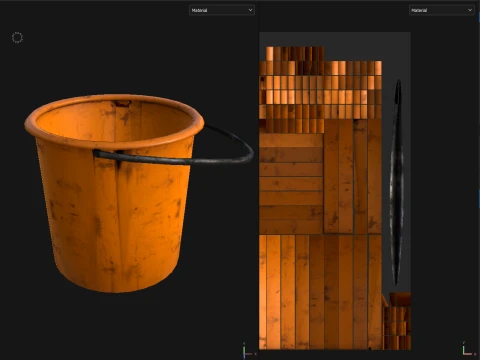
- PBR:Yes
- AIトレーニング:No
- AI Generated:No
- ジオメトリ:Polygonal
- 展開済 UVs:Non-overlapping
- ビュー:314
説明
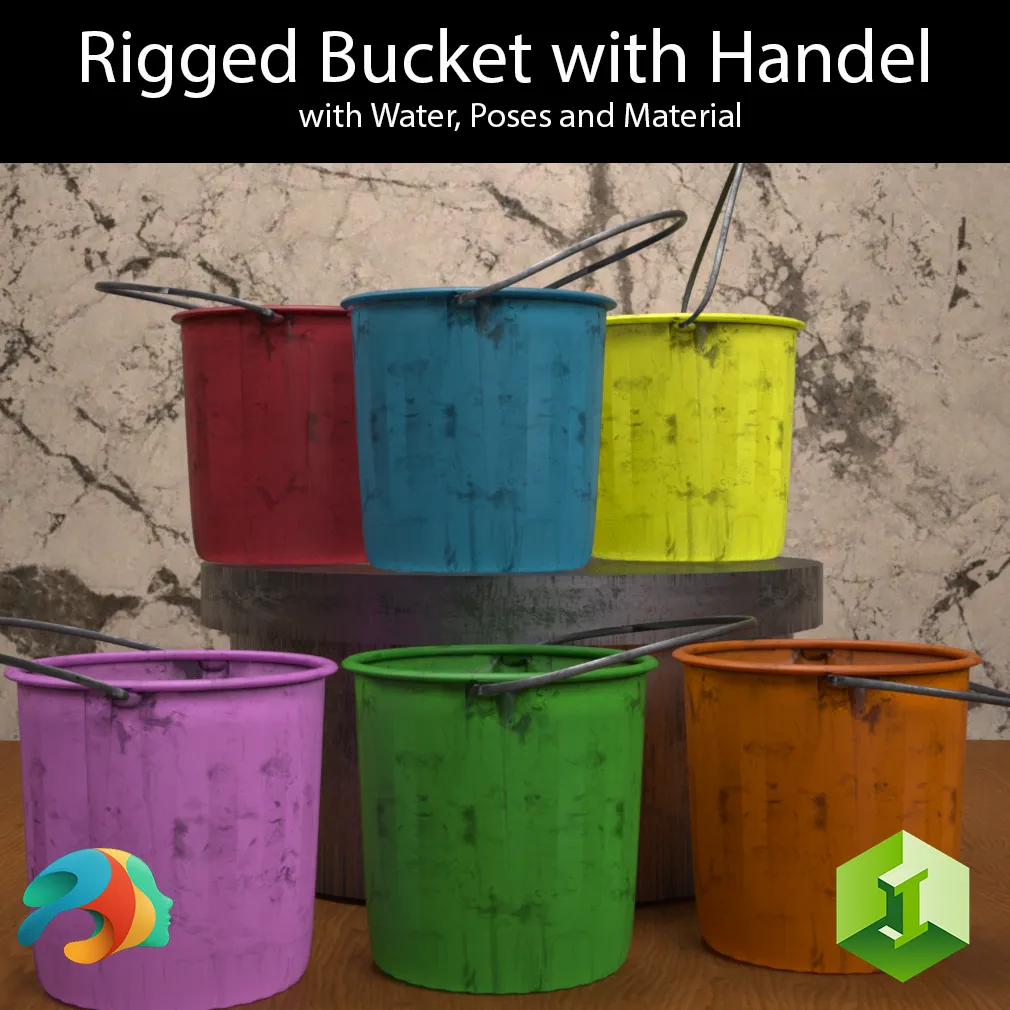
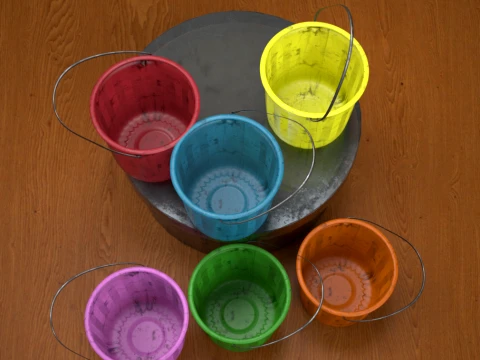
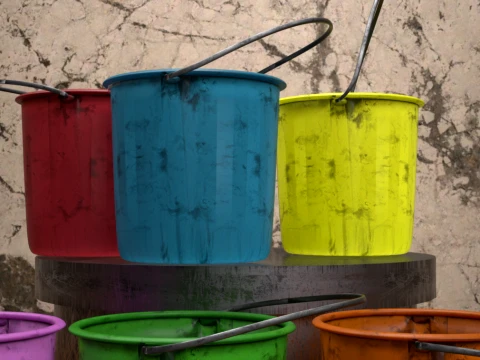
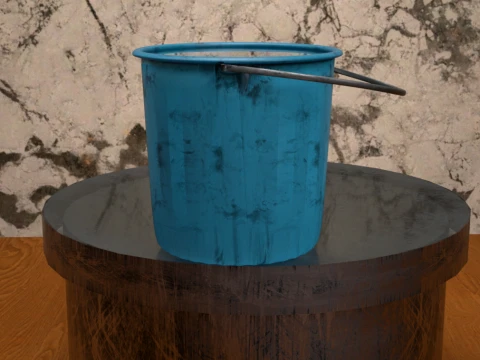
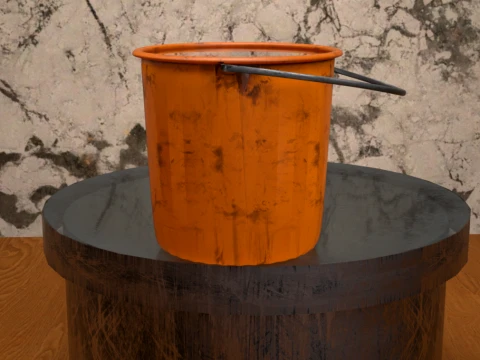
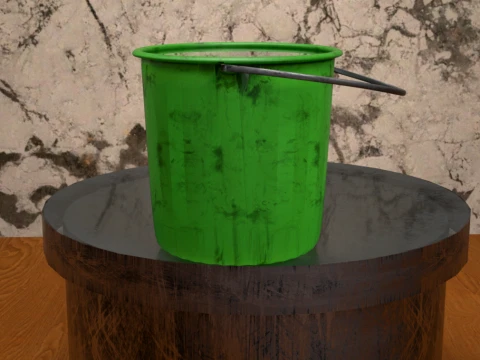
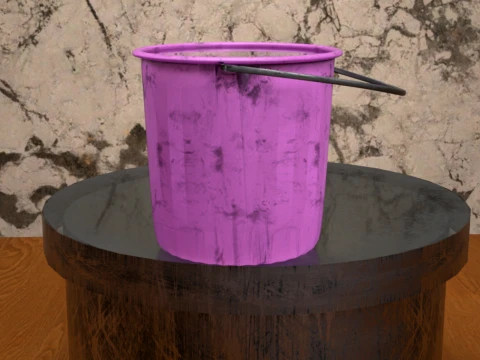
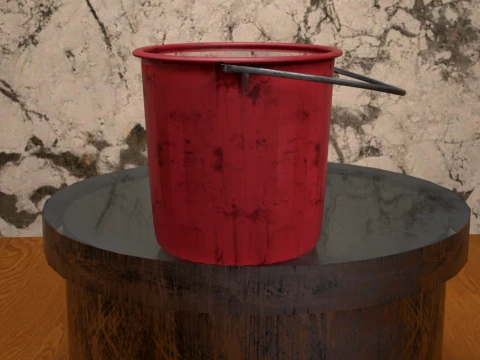
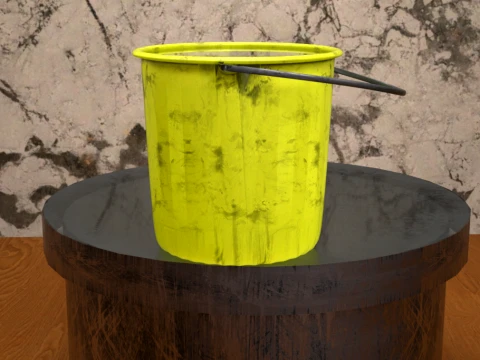
Bucket with Handel
Add a touch of everyday realism to your renders with this versatile, standalone Bucket with Handel asset. Whether your characters are tackling intense spring cleaning, washing the car, or working on a gritty outdoor scene, this asset delivers the perfect utility look.
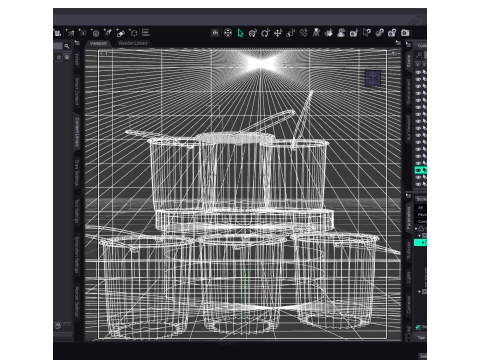
Because this asset is set up as a true Figure, the handle is fully rigged with its own bone structure, allowing you to position it naturally or use the included presets. Best of all, it is completely standalone and not bound to any specific Genesis generation, making it a universal tool for your Daz Studio library.
To make your chores or cleaning scenes truly authentic, a custom Water Plane is included and pre-configured!
What's Included:
Based on the library files, you will find everything neatly organized into its respective folders:
Main Figures & Props:
Bucket with Handel.duf (The standalone rigged figure)
Bucket with Handel and Water.duf (Pre-loaded with the water plane)
Water Plane.duf (Separate water prop for maximum flexibility)
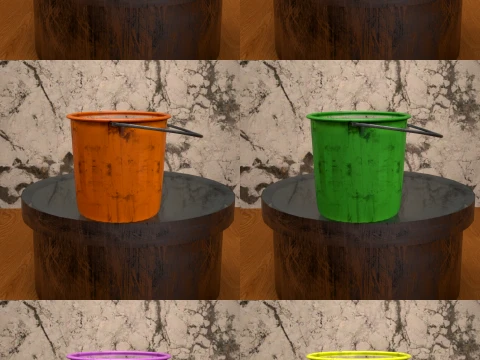
Material Presets (6 Grungy, Worn Color Variations):
Blue.duf
Default Orange.duf
Green.duf
Pink.duf
Red.duf
Yellow.duf
Pose Presets (4 Handle Positions):
Default Pose.duf
Pose 01.duf
Pose 02.duf
Pose 03.duf
How to Install (Unzip Instructions)
Download the ZIP file to your computer.
Right-click the ZIP file and select Extract All... (Windows) or double-click it (Mac). You can also use free software like 7-Zip or WinRAR.
Choose a destination folder to extract the files.
Open the extracted folder, look for the My Library folder, and copy its entire contents (Props, Runtime, etc.).
Paste these files directly into your primary Daz 3D content directory (usually located at Documents/DAZ 3D/Studio/My Library).
Refresh your Content Library in Daz Studio, and you are ready to render!
フォーマットが必要ですか?
異なるフォーマットが必要な場合、サポートチケットを開き、注文をしてください。3Dモデルをこれらに変換できます: .stl, .c4d, .obj, .fbx, .ma/.mb, .3ds, .3dm, .dxf/.dwg, .max. .blend, .skp, .glb. フリーフォーマット変換3D シーンは変換しません .step、.iges、.stp、.sldprt などの形式。!
使用情報
バケット Daz3D プロップ - このロイヤリティフリーの3Dモデルは、基本ライセンスまたは拡張ライセンスに従って、個人および商用目的で使用できます。基本ライセンスは、デジタル広告、デザインおよび視覚化プロジェクト、ビジネスソーシャルメディアアカウント、ネイティブアプリ、ウェブアプリ、ビデオゲーム、物理またはデジタル最終製品(無料および有償)など、ほとんどの標準的な使用事例をカバーしています。
拡張ライセンスには、基本ライセンスで付与されるすべての権利が使用制限なしで含まれており、ロイヤリティフリーの条件の下で、3Dモデルを無制限の商用プロジェクトで使用できます。
詳細を読む
返金保証をしていますか?
はい。商品を購入し、説明やレンダリングに破損など見つけた場合、我々は出来るだけ早く問題を解決するよう努力いたします。もし問題が解決しない場合、我々が注文をキャンセルし。アイテムのダウンロード後24時間以内に返金をいたします。詳細な条件を読むキーワード
- ダズ3d
- daz3dbucket
- dazstudiobucket
- householdfigure
- cleaningasset
- waterbucket
- 装備された図
- plasticbucket
- utilitybucket