


 English
 Español
 Deutsch
 日本語
日本語 Polska
 Français
 中國
中國 Українська
 Italiano
 Nederlands
 Türkçe
 Português
 Bahasa Indonesia
 Русский
 हिंदी
हिंदी
















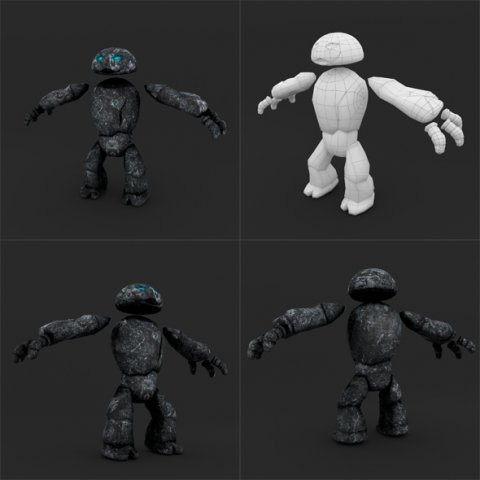
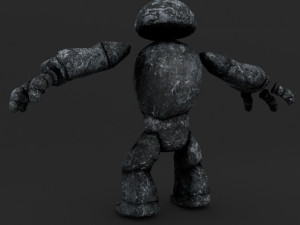
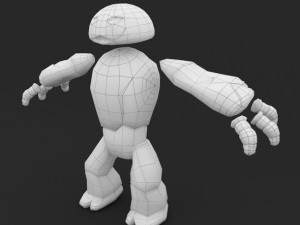
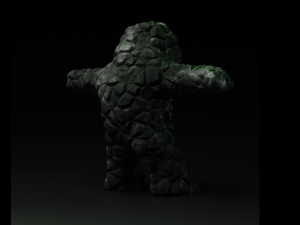
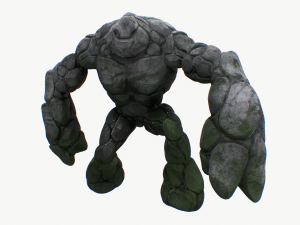
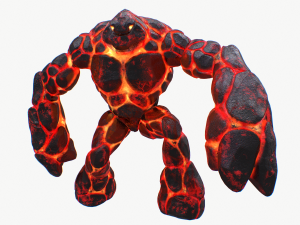
stone golem lowpoly rigged animation 무료 3D 모델
$
0.00 USD
- 작성자에게 제품 지원 요청

- 이용 가능한 포맷:
- 아이템 ID:269037
- 날짜: 2019-12-31
- 폴리곤:1985
- 버텍스:1896
- 애니메이티드:
- 텍스쳐드:
- 리그드:
- 재료:
- 로우 폴리곤:
- 컬렉션:No
- UVW 매핑:
- 플러그인 사용 됨:No
- 프린트 준비:No
- 3D 스캔:No
- 성인용 콘텐츠:No
- PBR:No
- 지오메트리:Polygonal
- 언래핑 된 UVs:Non-overlapping
- 조회:6185



Report: Warning
Could not find 'space_view3d.py' in F:\[my Blender workspace folder]
Could not find 'GolemTexture77.png' in F:\[my Blender workspace folder]
Apparently, it's looking for an image texture named 'GolemTexture77.png' instead of 'GolemTexture.png'. I renamed the included texture file and tried again, but it still failed to show as textured. I guess it needs the .py script file? Or, perhaps something in the materials did not get set or baked right?
Next, I tried to import the .FBX file into Blender 2.92. And I made sure that "Image Search" was enabled during import. However, I got an error:
"ASCII FBX files are not supported"
So, I used Autodesk's free "FBX Converter" program to convert your ASCII-format .FBX into a (2013 version) binary .FBX. When I tried to import the converted .FBX in Blender... surprisingly, it worked. It showed as textured like it should, even though I the only texture was the one I renamed to 'GolemTexture77.png'. (Apparently, this is the exact filename it was looking for.)
But, there were 2 minor issues: For one, it was way too small - tiny, even! I had to scale it up by 100 times for it to look the same scale as the one in the .blend file. The other issue is that, weirdly, the surface was extremely glossy/shiny. These issues are fixable and not too difficult, though.