


 English
 Español
 Deutsch
 日本語
日本語 Polska
 Français
 한국의
한국의 Українська
 Italiano
 Nederlands
 Türkçe
 Português
 Bahasa Indonesia
 Русский
 中國
中國
















बाल 3D मॉडल्स
हमारे पास है 3274 आइटम रॉयल्टी फ्री hair 3D मॉडल्स. अपने सीजी प्रोजेक्ट्स, फिल्म और वीडियो प्रोडक्शन, एनीमेशन, विज़ुअलाइज़ेशन, गेम्स, वीआर/एआर और अन्य के लिए मुफ्त 3डी मॉडल खरीदें या डाउनलोड करें। आप किसी भी 3डी मॉडल को सभी लोकप्रिय 3डी प्रारूपों में डाउनलोड कर सकते हैं MAX, OBJ, FBX, 3DS, STL, C4D, BLEND, MAYA
- -50%
 brunonunesdpOther
 - -50%
 Avera3dPendants
 - -50%
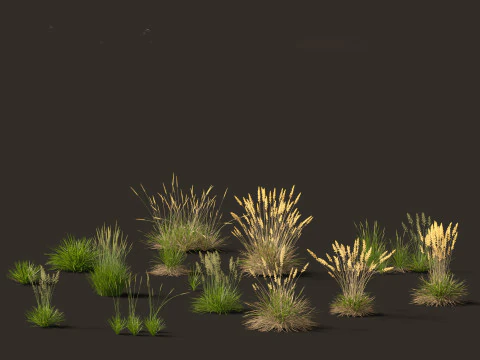 3dgardenplantsGrass and Ground Cover$16.00
$32.00 - -50%
 3dgardenplantsGrass and Ground Cover
 - -50%
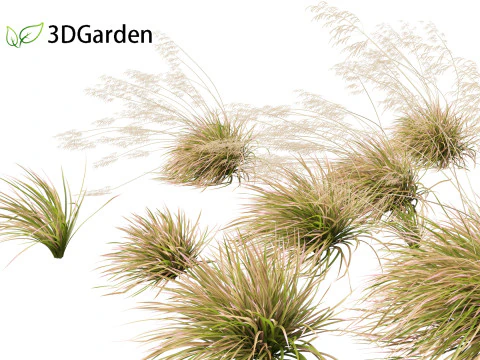 3dgardenplantsGrass and Ground Cover
 - -50%
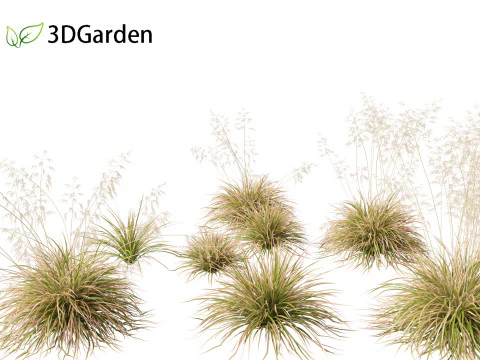 3dgardenplantsGrass and Ground Cover

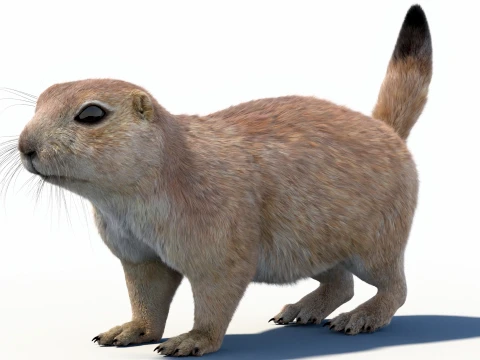
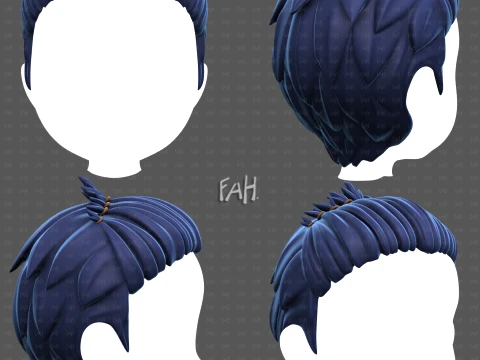
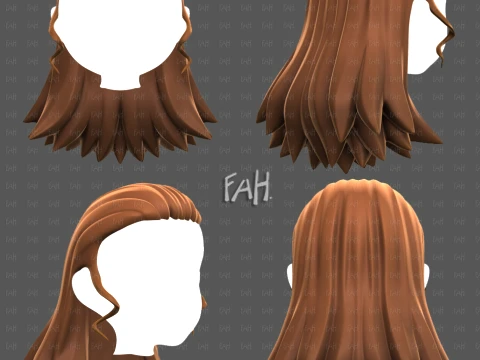































ट्रेंडिंग सर्च 3D मॉडल्स:
मूर्तिकला 3D मॉडल्स पात्र 3D मॉडल्स किचन 3D मॉडल्स घोड़ा 3D मॉडल्स आर्किटेक्चरल एक्सटीरियर्स 3D मॉडल्स फ़ोन और सेल फ़ोन 3D मॉडल्स सब्ज़ी 3D मॉडल्स आभूषण 3D मॉडल्स खिलौने 3D मॉडल्स चिकित्सा 3D मॉडल्स हेलीकाप्टर 3D मॉडल्स भारी हथियार 3D मॉडल्स ट्रक 3D मॉडल्स एनाटॉमी 3D मॉडल्सQ1: What are the main techniques used to create 3D hair models?
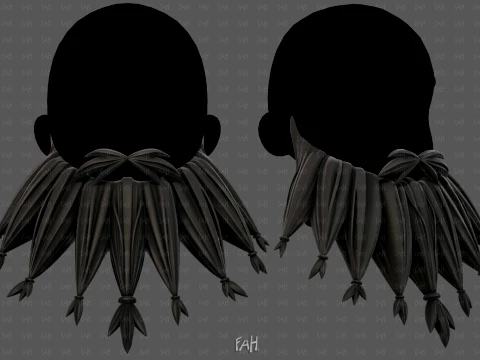
Three approaches dominate production pipelines. Card-based hair: flat polygon strips with alpha-masked hair textures placed to simulate volume and flow — the standard for game characters because it's performant and controllable. Strand-based hair: actual geometry curves or tubes representing individual strands, generated through Blender's hair particle system, Maya's XGen, or Unreal's Groom system — highest quality, used in film and high-end real-time work. Shell/cap hair: a solid mesh shaped to represent a hairstyle, textured to suggest strand detail — simplest approach, used in mobile games and stylized characters where polygon budget is tight. Each technique has different import requirements, so verify which approach a model uses before purchasing.
Q2: How do card-based hair models work in game engines like Unreal Engine 5?
Card-based hair imports as a standard skeletal or static mesh — it's just geometry with alpha-masked textures. The hair cap (a solid base mesh matching the head shape) provides the base, and individual card strips are placed to build volume. In UE5, the hair shader needs Two-Sided enabled and Alpha Clip Mask set to cut out the transparent regions cleanly. The Two-Sided Foliage shading model is often used for hair cards specifically, as it handles the backface lighting correctly. Dynamic simulation — hair movement during character animation — is handled by attaching hair card bones to the character's head bone and adding spring-damper secondary motion through Anim Dynamics. Without secondary motion, card hair looks planted and static.
Q3: What's the difference between hair cards and UE5's Groom system?
Groom is Unreal's strand-based hair system introduced in UE4.26 and significantly improved through UE5.x releases. It renders actual hair strands using a specialized rasterizer, simulates physics per-strand, and produces film-quality results in real time on modern hardware. The trade-off: Groom assets require significantly more GPU resources than card hair and aren't practical on low-end or mobile hardware. As of 2026, Groom is viable for PC and console games targeting mid-to-high-end hardware — not for mobile or Switch-equivalent targets. Card hair remains the practical choice for broad-platform game development. Groom is for games where hair quality is a differentiating visual feature and the platform can support it.
Q4: How do I import a card-based hair model from 3DExport into Blender?
Import the FBX or OBJ file first. The hair textures need careful attention: the diffuse map carries the hair strand color, and the alpha channel (or a separate opacity map) defines the cutout. In Blender's material setup, use a Principled Hair BSDF for strand rendering or a standard Principled BSDF with Alpha set to the texture's alpha channel for card rendering. Set Alpha Blend mode to "Clip" in the material settings for clean cutouts — "Blend" mode causes sorting artifacts on overlapping cards. Back Face Culling should be disabled (enable Two-Sided). One recurring import issue: FBX files sometimes lose the alpha channel link on import, leaving the hair as solid opaque planes. Reconnect the alpha texture manually through the Shader Editor.