English
 Español
 Deutsch
 日本語
日本語 Polska
 Français
 中國
中國 Українська
 Italiano
 Nederlands
 Türkçe
 Português
 Bahasa Indonesia
 Русский
 हिंदी
हिंदी
















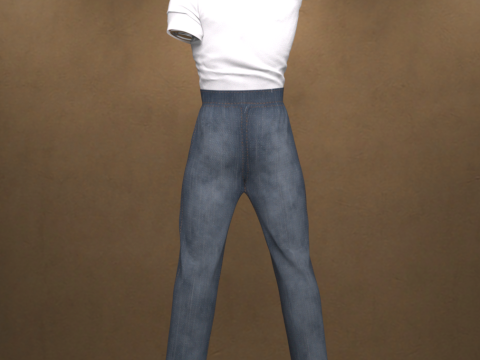
Genesis 9용 Greaser dForce 의상 3D 모델
- 작성자에게 제품 지원 요청


- 이용 가능한 포맷:
- 아이템 ID:604087
- 날짜: 2025-10-08
- 애니메이티드:No
- 텍스쳐드:
- 리그드:No
- 재료:No
- 로우 폴리곤:No
- 컬렉션:No
- UVW 매핑:
- 플러그인 사용 됨:No
- 프린트 준비:No
- 3D 스캔:No
- 성인용 콘텐츠:No
- PBR:No
- AI 훈련:No
- 지오메트리:Polygonal
- 언래핑 된 UVs:Non-overlapping
- 조회:207
설명
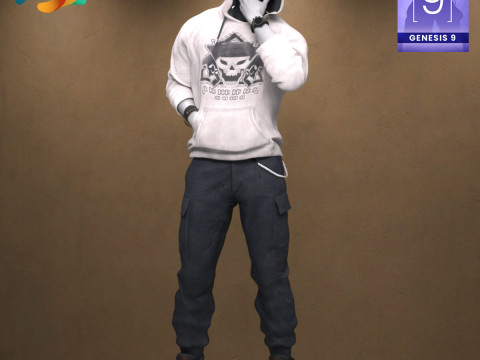
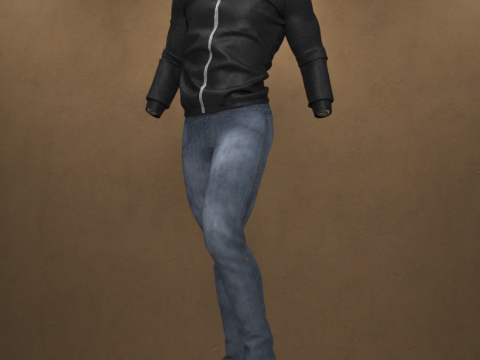
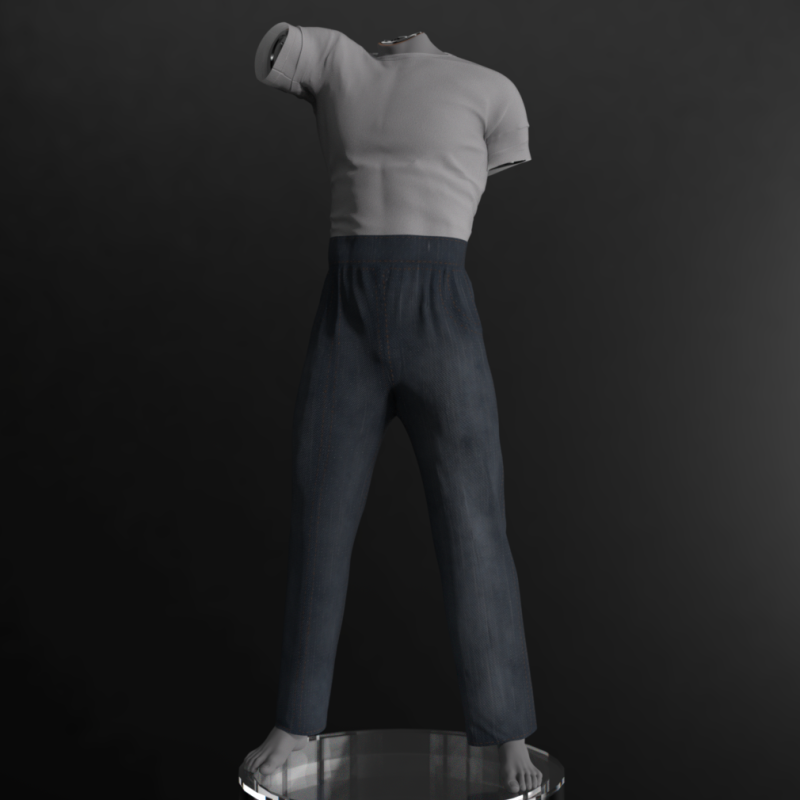
Greaser dForce Outfit for Genesis 9
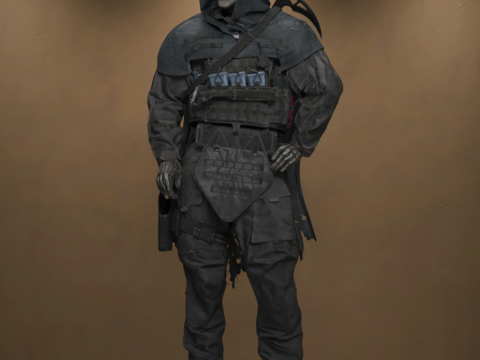
Rev up your renders with the Greaser dForce Outfit for Genesis 9! This complete set captures the rebellious and iconic style of the 1950s Greaser look. Perfect for vintage scenes, classic romance, or dramatic urban renders, this outfit will give your Genesis 9 male characters an unmistakable cool factor.
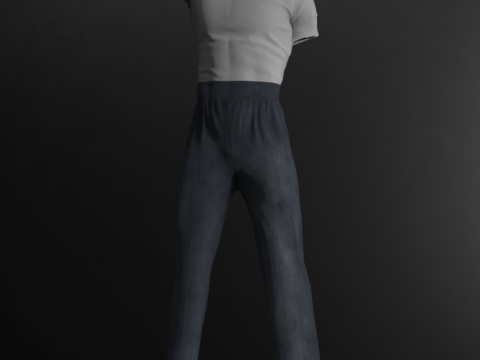
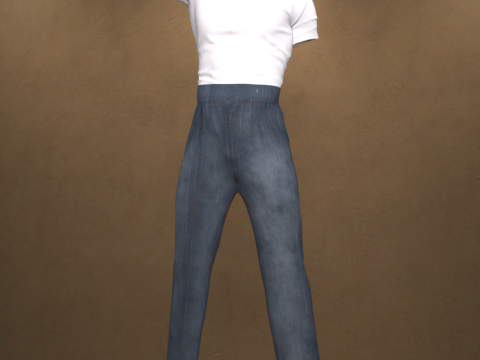
The outfit includes the Greaser Shirt and Greaser Pants, designed to work seamlessly together.
Key Features:
Compatibility: Designed for Genesis 9.
Classic Style: Authentic 1950s Greaser aesthetic.
Physics: Both the Pants and the Shirt are fully dForce enabled, providing realistic fabric draping and movement in all your simulations.
Texture Quality: Comes with high-resolution 4K Textures for superior detail.
Convenience: Includes a "Load All Option" to instantly dress your character with a single click.
What's Included: The complete outfit set includes Greaser Shirt and Greaser Pants.
Installation Guide
To use the Greaser dForce Outfit in Daz Studio, please follow these steps to install the files into your Daz 3D Library:
1. Extract the ZIP File
The content is compressed in a .zip file. You need to unzip or extract the files first.
On Windows: Right-click the downloaded .zip file and select "Extract All" or a similar option from the context menu. Choose the location where you want the temporary files to be extracted.
On macOS: Double-click the downloaded .zip file. The files will automatically extract into the same folder.
2. Copy to Daz 3D Library
Once extracted, you will have a content folder (often named "Content" or the product name). You need to copy this folder's content into your primary Daz 3D Library (your DAZ Studio Content folder).
Locate your Daz 3D Library: This is the main folder where all your installed assets (like "People", "Props", "Runtime", "Data") are stored.
Copy the content: Open the folder you extracted in step 1. Inside, you will typically find the folders like Data, People, Runtime, etc. Copy all these folders and paste them directly into your main Daz 3D Library folder, letting them merge with existing folders. DO NOT copy the entire extracted product folder itself, only the contents inside it.
After the files are copied, the new outfit will appear in the Smart Content tab or the Content Library tab within Daz Studio, usually under the path shown in your file explorer: Clothing > paulawbs > Menswear > Greaser Outfit.
프린트 준비: 아니오다른 포맷이 필요하세요?
다른 포맷이 필요하시면, 새로운 지원 티켓을 열어 요청하세요. 저희는 3D 모델을 다음으로 변환할 수 있습니다: .stl, .c4d, .obj, .fbx, .ma/.mb, .3ds, .3dm, .dxf/.dwg, .max. .blend, .skp, .glb. 자유 형식 변환우리는 3D 장면을 변환하지 않습니다 .step, .iges, .stp, .sldprt와 같은 형식도 포함됩니다.!
사용 정보
Genesis 9용 Greaser dForce 의상 - 기본 또는 확장 라이선스에 따라 이 로열티 프리 3D 모델을 개인적 및 상업적 목적으로 사용할 수 있습니다.기본 라이선스는 디지털 광고, 디자인 및 시각화 프로젝트, 비즈니스 소셜 미디어 계정, 네이티브 앱, 웹 앱, 비디오 게임, 그리고 물리적 또는 디지털 최종 제품(무료 및 유료 모두)을 포함한 대부분의 표준 사용 사례를 포괄합니다.
확장 라이선스는 기본 라이선스에 따라 부여된 모든 권리를 포함하며 사용 제한이 없으며, 로열티 프리 조건 하에 3D 모델을 상업적 프로젝트에 무제한으로 사용할 수 있습니다.
더 보기