Español
 Deutsch
 日本語
日本語 Français
 한국의
한국의 Nederlands
 Türkçe
















Greaser dForce Outfit for Genesis 9 3D Model
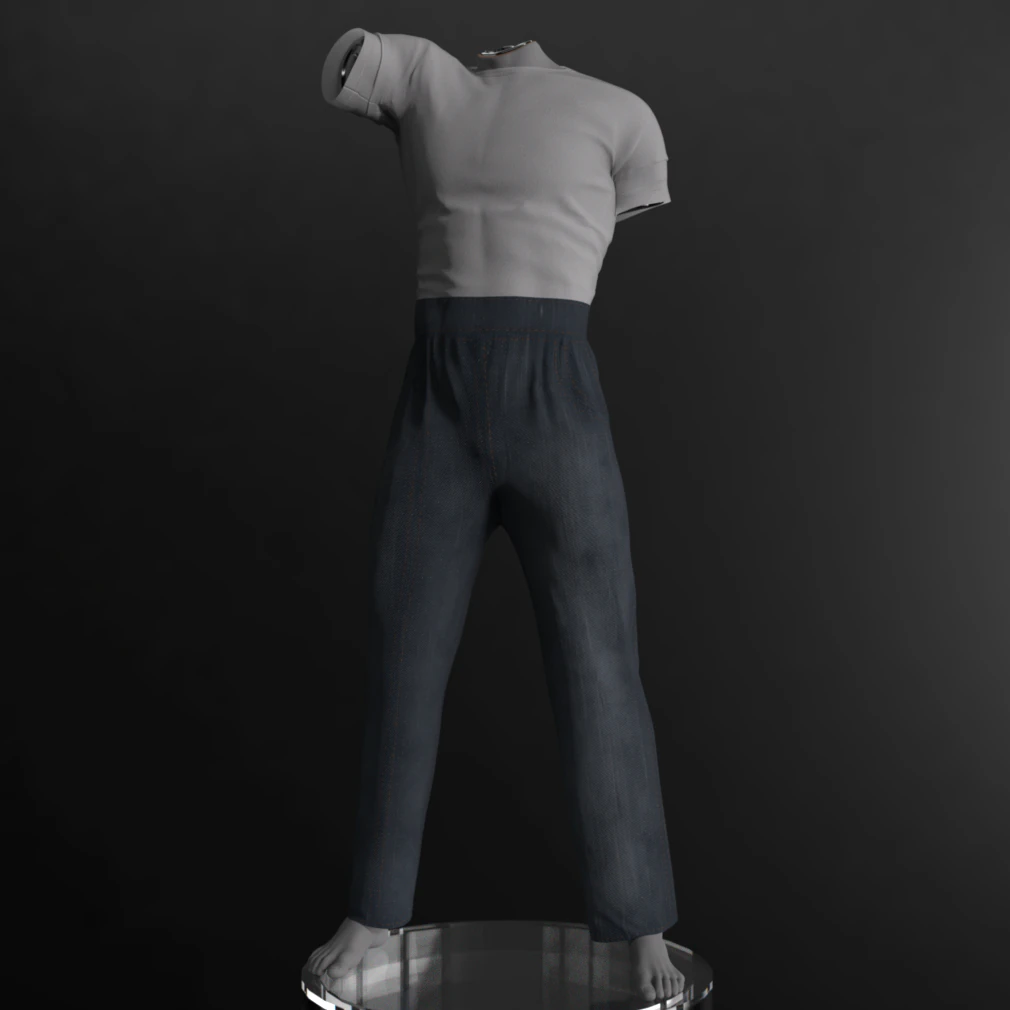

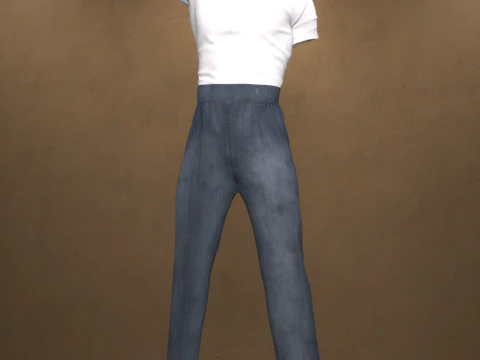
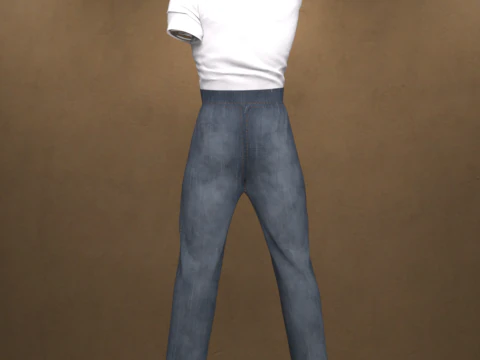
- Request product support by the author


- Available formats:
- Item ID:604087
- Date: 2025-10-08
- Animated:No
- Textured:Yes
- Rigged:No
- Materials:No
- Low-poly:No
- Collection:No
- UVW mapping:Yes
- Plugins Used:No
- Print Ready:No
- 3D Scan:No
- Adult content:No
- PBR:No
- AI Training:No
- Geometry:Polygonal
- Unwrapped UVs:Non-overlapping
- Views:729
Description
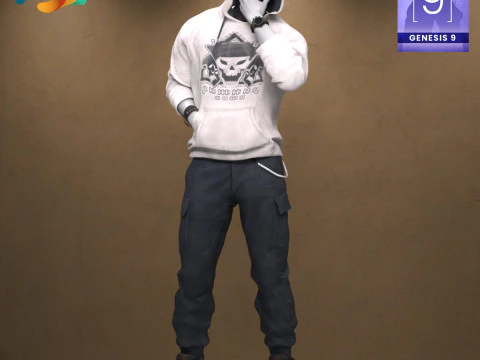
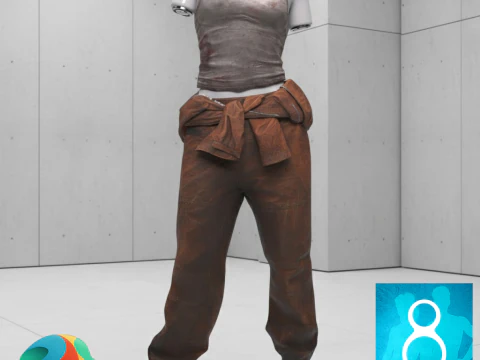
Greaser dForce Outfit for Genesis 9
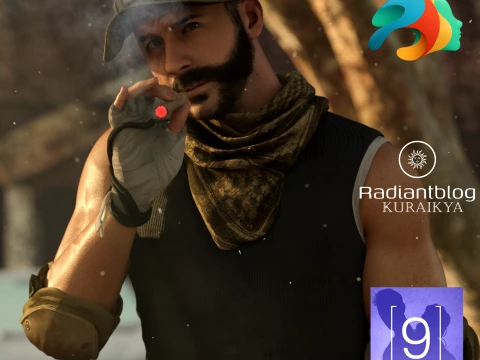
Rev up your renders with the Greaser dForce Outfit for Genesis 9! This complete set captures the rebellious and iconic style of the 1950s Greaser look. Perfect for vintage scenes, classic romance, or dramatic urban renders, this outfit will give your Genesis 9 male characters an unmistakable cool factor.
The outfit includes the Greaser Shirt and Greaser Pants, designed to work seamlessly together.
Key Features:
Compatibility: Designed for Genesis 9.
Classic Style: Authentic 1950s Greaser aesthetic.
Physics: Both the Pants and the Shirt are fully dForce enabled, providing realistic fabric draping and movement in all your simulations.
Texture Quality: Comes with high-resolution 4K Textures for superior detail.
Convenience: Includes a "Load All Option" to instantly dress your character with a single click.
What's Included: The complete outfit set includes Greaser Shirt and Greaser Pants.
Installation Guide
To use the Greaser dForce Outfit in Daz Studio, please follow these steps to install the files into your Daz 3D Library:
1. Extract the ZIP File
The content is compressed in a .zip file. You need to unzip or extract the files first.
On Windows: Right-click the downloaded .zip file and select "Extract All" or a similar option from the context menu. Choose the location where you want the temporary files to be extracted.
On macOS: Double-click the downloaded .zip file. The files will automatically extract into the same folder.
2. Copy to Daz 3D Library
Once extracted, you will have a content folder (often named "Content" or the product name). You need to copy this folder's content into your primary Daz 3D Library (your DAZ Studio Content folder).
Locate your Daz 3D Library: This is the main folder where all your installed assets (like "People", "Props", "Runtime", "Data") are stored.
Copy the content: Open the folder you extracted in step 1. Inside, you will typically find the folders like Data, People, Runtime, etc. Copy all these folders and paste them directly into your main Daz 3D Library folder, letting them merge with existing folders. DO NOT copy the entire extracted product folder itself, only the contents inside it.
After the files are copied, the new outfit will appear in the Smart Content tab or the Content Library tab within Daz Studio, usually under the path shown in your file explorer: Clothing > paulawbs > Menswear > Greaser Outfit.
Print Ready: NoNeed more formats?
If you need a different format, please send us a Conversion Request. We can convert 3D models to: .stl, .c4d, .obj, .fbx, .ma/.mb, .3ds, .3dm, .dxf/.dwg, .max. .blend, .skp, .glb. Free Format ConversionWe do not convert 3d scenes and solid formats such as .step, .iges, .stp, .sldprt etc!
Usage Information
Greaser dForce Outfit for Genesis 9 - You can use this royalty-free 3D model for both personal and commercial purposes in accordance with the Basic or Extended License.The Basic License covers most standard use cases, including digital advertisements, design and visualization projects, business social media accounts, native apps, web apps, video games, and physical or digital end products (both free and sold).
The Extended License includes all rights granted under the Basic License, with no usage limitations, and allows the 3D model to be used in unlimited commercial projects under Royalty-Free terms.
Read more