


 Español
 Deutsch
 日本語
日本語 Polska
 Français
 한국의
한국의 Українська
 Italiano
 Nederlands
 Türkçe
 Português
 Bahasa Indonesia
 Русский
 中國
中國 हिंदी
हिंदी
















3D Textures CG Textures
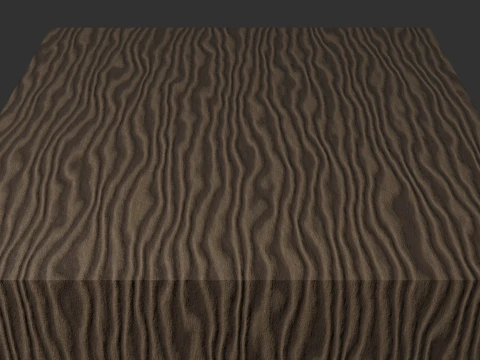
We have 475 item(s) Royalty free 3D Models. In this category, you can find a big range of 3d textures that will fit any kind of project. These high-quality 3d textures have been created by professional 3d artists and you will be impressed by their design and look. These 3d textures will perfectly meet all your needs. Download CG Textures with .jpg, .png, .psd, .tga, .tif, .hdr and .i3d formats. You will undoubtedly find something useful in the category Animals Textures and X-Rays.
- -50%
 AlexanderNedviga3D Textures
 - -50%
 sfdemir3D Textures
 - -50%
 sfdemir3D Textures
 - -50%
 sfdemir3D Textures
 - -50%
 sfdemir3D Textures
 - -50%
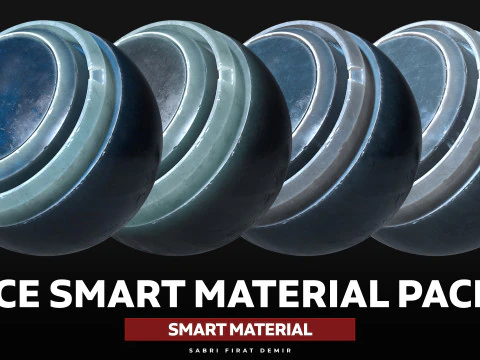 sfdemir3D Textures
 - -50%
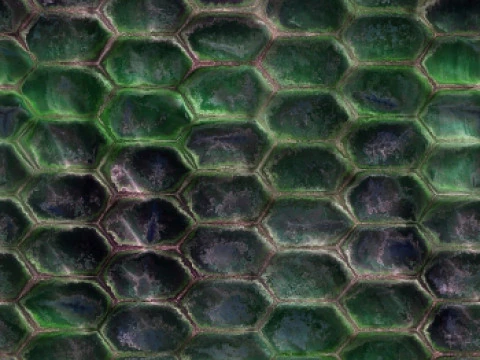 biofilmes3D Textures
 - -50%
 sfdemir3D Textures
 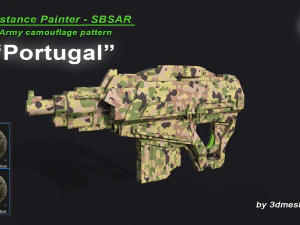 3dmeshesberlin3D Textures
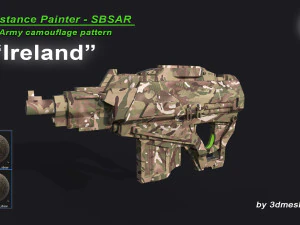 3dmeshesberlin3D Textures
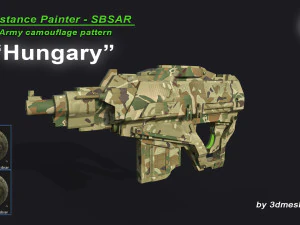 3dmeshesberlin3D Textures
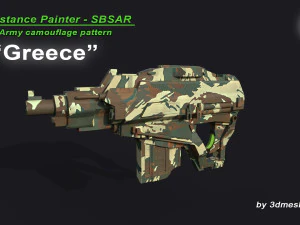 3dmeshesberlin3D Textures
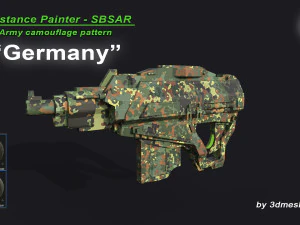 3dmeshesberlin3D Textures
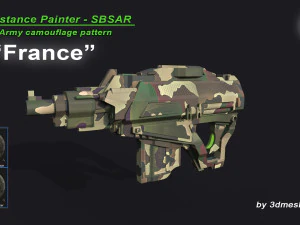 3dmeshesberlin3D Textures
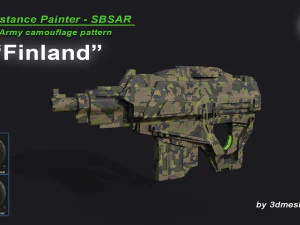 3dmeshesberlin3D Textures
 3dmeshesberlin3D Textures
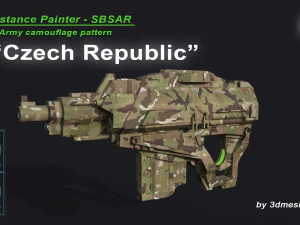 3dmeshesberlin3D Textures
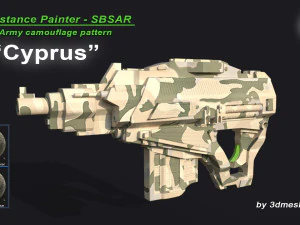 3dmeshesberlin3D Textures
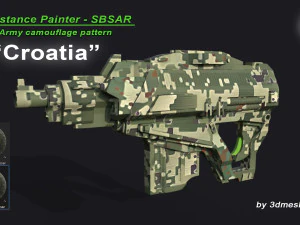 3dmeshesberlin3D Textures
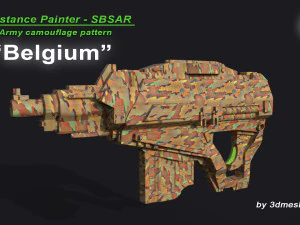 3dmeshesberlin3D Textures
 3dmeshesberlin3D Textures


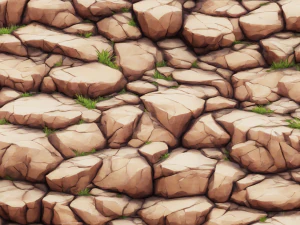
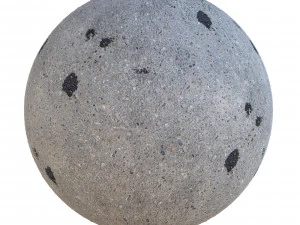
























Trending searches 3D Models:
Sculpture 3D Models Characters 3D Models Kitchen 3D Models Horse 3D Models Architectural Exteriors 3D Models Phone and Cell Phone 3D Models Vegetable 3D Models Jewellery 3D Models Toys 3D Models Medical 3D Models Helicopter 3D Models Heavy Weapon 3D Models Truck 3D Models Anatomy 3D ModelsWhat is the difference between standard and 3D PBR textures?
In 2026, 3D textures refer to comprehensive PBR (Physically Based Rendering) sets that include multiple layers of data to simulate a material's physical properties. Unlike a simple image, a 3D texture includes albedo, normal, roughness, displacement, and ambient occlusion maps. These layers work together in a render engine to calculate how light reflects, scatters, and casts shadows on a surface. This ensures that a brick wall or a piece of leather doesn't just look like a picture, but behaves like a physical object with depth and material integrity, providing a professional and believable result in any high-end digital environment.
How do displacement maps add depth to these textures?
Displacement is a primary requirement for 2026 3D textures, as it physically moves the geometry of a model based on a grayscale map. This creates real peaks and valleys on a surface, allowing for true shadows and silhouettes. For example, a 3D stone texture with a displacement map will have rocks that actually stick out, creating a jagged edge rather than a flat one. This level of detail is essential for close-up shots where the tactile quality of a material is visible. It provides a level of realism that normal maps alone cannot achieve, making your digital surfaces look physically tangible and professional.
Are these textures compatible with all major 3D software?
Yes, our 2026 3D textures are provided in standardized formats like TIFF or EXR, ensuring compatibility with all major platforms including Blender, 3ds Max, Maya, and Cinema 4D. They are also optimized for real-time engines like Unreal Engine and Unity. The maps follow standard naming conventions and are color-corrected to ensure they look consistent across different rendering engines. This versatility allows you to use the same high-quality material library for both cinematic offline renders and interactive real-time applications, providing a seamless and professional workflow for any digital artist or studio working across multiple 3D platforms.
Can I use these textures for 3D printing and manufacturing?
While primarily for visualization, the displacement maps in our 3D texture sets can be used to add physical surface detail to 3D print models. In 2026, designers often use these maps to add realistic leather grain, stone texture, or fabric weaves to their 3D prints. By applying the displacement map to a high-density mesh, you can create a physical object with a detailed surface that would be impossible to model by hand. This makes our 3D textures a valuable resource for product designers and jewelers who need to add professional-grade tactile finishes to their physical prototypes and end-use products.
What rendering settings best utilize 3D texture maps?
To get the most out of 3D textures in 2026, we recommend using a "path-tracing" renderer that can accurately calculate complex light bounces. Ensure that "sub-division-surface" displacement is enabled to give the mesh enough detail to represent the height map correctly. Use high-quality environmental lighting to provide a wide range of reflections for the roughness map to work with. Adding a subtle "micro-shadowing" through the ambient occlusion map will help ground the surface details and add depth to the crevices. These techniques ensure your 3D textures look incredibly realistic, providing a professional and high-fidelity finish to all your digital models and scenes.