


 Español
 Deutsch
 日本語
日本語 Polska
 Français
 한국의
한국의 Українська
 Italiano
 Nederlands
 Türkçe
 Português
 Bahasa Indonesia
 Русский
 中國
中國 हिंदी
हिंदी
















Miscellaneous - Architectural Elements 3D Models
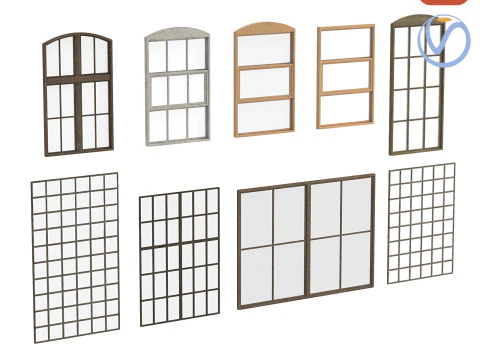
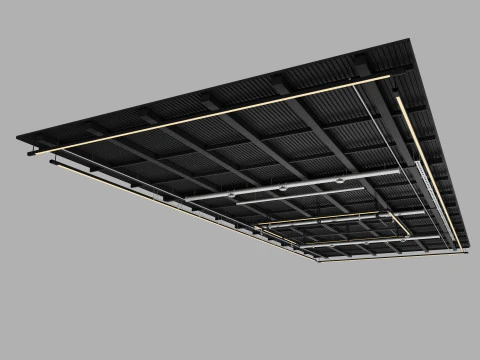
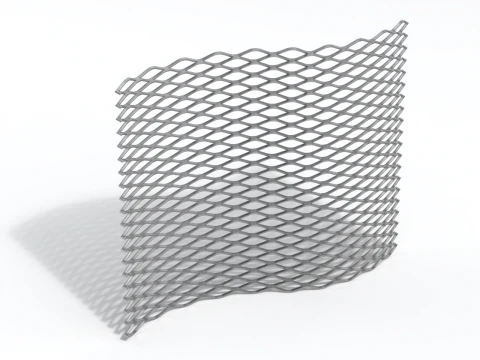
We have 6040 item(s) Royalty free 3D Models. This category contains a wide choice of Architect Element 3D Models - Architects. Any 3D Architect Element model is available in .max, .obj, .c4d, .fbx, .dxf, .dwg, .stl, .iges, .3ds, .mb, .lwo, .3dm, .skp and .blend format. Some of them are ready for 3D Printing & Games. Also you will find a great number of models in Sculpture, Stair and Door categories.
- -30%
 SanchiEspMiscellaneous
 - -30%
 SanchiEspMiscellaneous
 - -30%
 SanchiEspMiscellaneous
 - -30%
 SanchiEspMiscellaneous















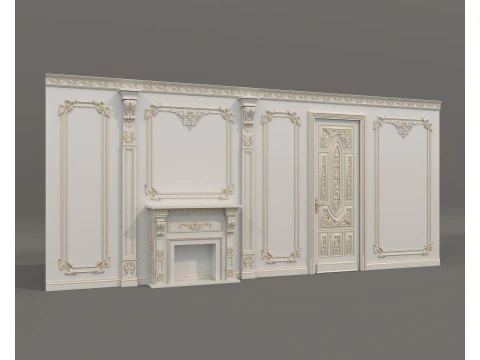
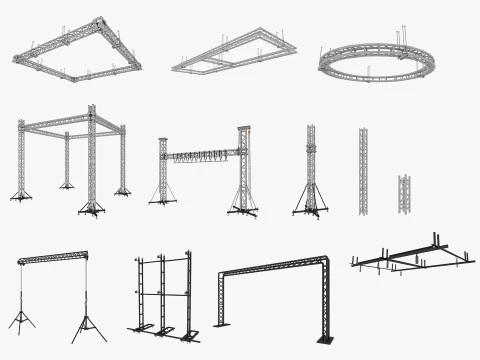


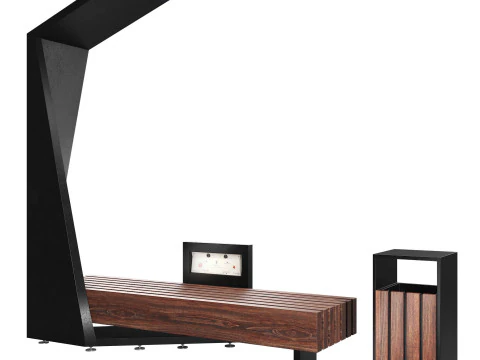


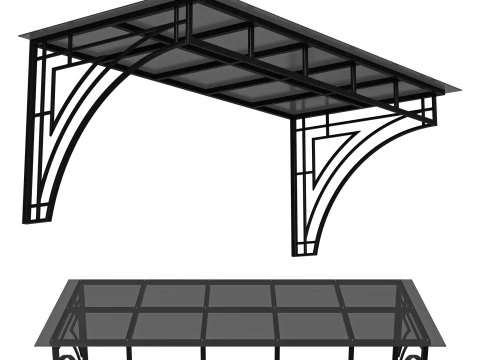














Trending searches 3D Models:
Sculpture 3D Models Characters 3D Models Kitchen 3D Models Horse 3D Models Architectural Exteriors 3D Models Phone and Cell Phone 3D Models Vegetable 3D Models Jewellery 3D Models Toys 3D Models Medical 3D Models Helicopter 3D Models Heavy Weapon 3D Models Truck 3D Models Anatomy 3D ModelsWhat types of assets are included in the Miscellaneous category for 2026?
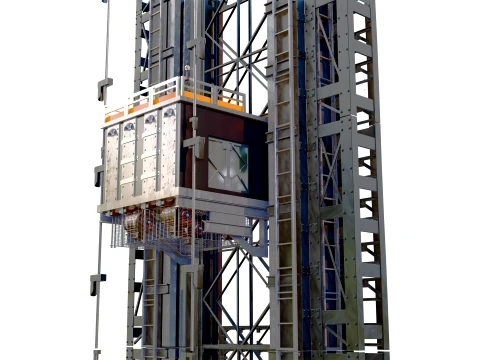
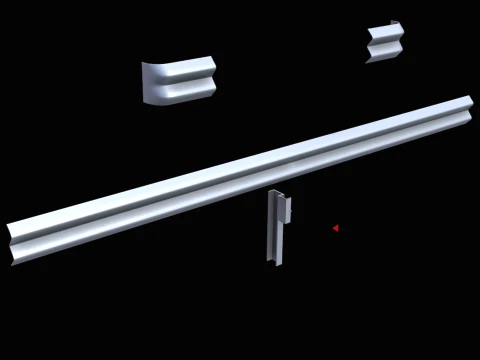
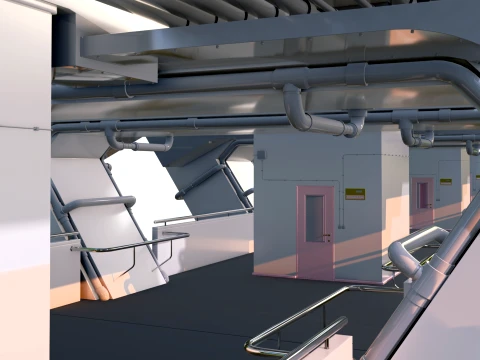
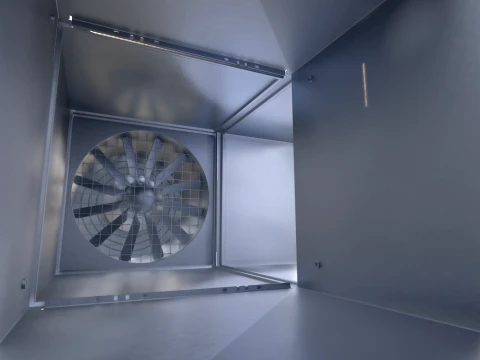
The Miscellaneous Architectural Elements category is a curated collection of specialized components that provide the "final layer" of realism to a 3D scene. In 2026, this includes items like ventilation grilles, exposed piping systems, electrical sockets, fire escape components, and complex structural brackets. These details are often overlooked but are essential for moving away from "sterile" renders and toward lifelike, lived-in environments. Every model in this section is built with PBR materials, ensuring that even a small vent or a piece of conduit hardware catches the light correctly. These assets are particularly useful for industrial-style interiors or for adding technical authenticity to exterior building facades in urban visualizations.
How do these miscellaneous elements improve the realism of ArchViz?
Realism in 3D architecture often comes from the "imperfections" and technical necessities of a building. By adding miscellaneous elements like HVAC ducts, thermostats, or security cameras, you ground your digital space in reality. In 2026, our assets are designed with "Micro-Detail," meaning even small items like screws and seams are represented in the Normal or Displacement maps. This is vital for close-up shots in high-resolution marketing materials. These assets act as "Visual Anchors," providing a sense of scale and function that convinces the viewer they are looking at a real, functional structure rather than a simplified digital concept.
Are these technical elements optimized for real-time industrial simulations?
Yes, 2026 has seen a massive rise in the use of "Digital Twins" for industrial and facility management. Our miscellaneous architectural elements are optimized for these real-time applications. They feature efficient polygon budgets and are often organized into "Instanced" sets to reduce draw calls in engines like Unreal Engine 5. This allows users to populate massive warehouses or complex office buildings with hundreds of small technical details—like sprinkler heads or light switches—without impacting performance. Each model includes clear naming conventions and organized pivots, making it easy to integrate them into automated BIM-to-XR pipelines for professional industrial visualizations.
Can I customize the "Wear and Tear" on these architectural details?
In 2026, the "one-size-fits-all" approach to textures is outdated. Most of our miscellaneous elements include "Mask Maps" (like Curvature or Ambient Occlusion) that allow for procedural weathering. This means you can easily add rust to a metal pipe, dust to a ventilation grille, or scratches to an electrical panel using a shader. Many models are supplied with multiple texture sets—ranging from "Brand New" to "Heavily Weathered"—to suit the specific context of your project. This level of control is essential for artists who need to match the specific "age" of a building, whether it’s a pristine modern hospital or a gritty, renovated industrial loft.
What file formats are best for integrating these elements into CAD software?
For 2026 architectural workflows, we prioritize formats that bridge the gap between creative rendering and technical CAD. While FBX and OBJ are standard for visual work, many of our miscellaneous assets include STEP or IGES files for engineering precision. These NURBS-based formats are ideal for users working in Rhino, SolidWorks, or Revit, as they allow for accurate measurement and structural integration. Having high-accuracy geometry for items like structural brackets or HVAC components ensures that the visual model matches the technical requirements of the build, facilitating better communication between 3D artists, architects, and mechanical engineers during the project lifecycle.