


 English
 Español
 日本語
日本語 Polska
 Français
 한국의
한국의 Українська
 Italiano
 Nederlands
 Türkçe
 Português
 Bahasa Indonesia
 Русский
 中國
中國 हिंदी
हिंदी

















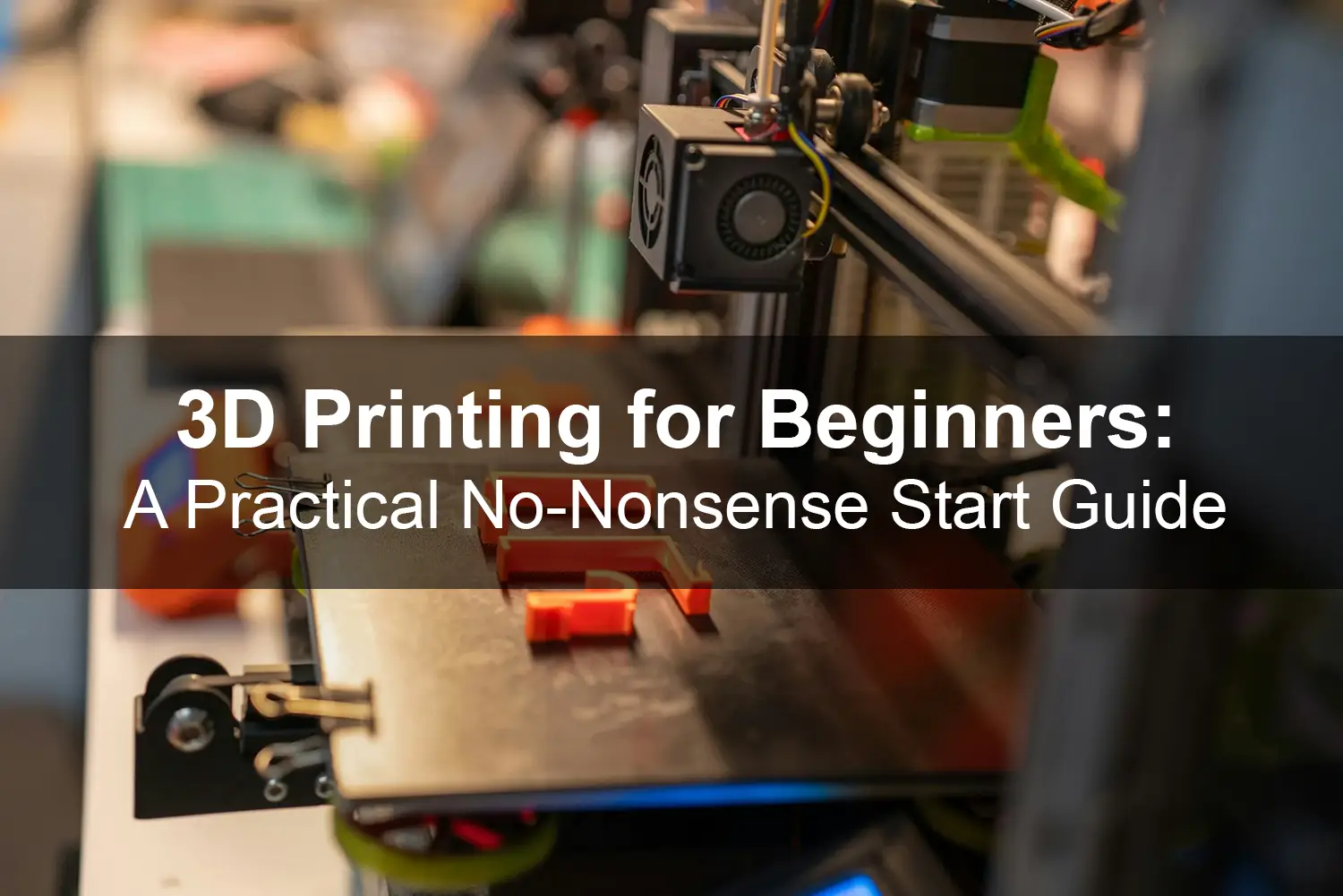
3D printing sounds futuristic until you're the one unboxing a printer, staring at a spool of filament, and wondering where to begin. The good news is that getting started today is far easier than it was even five years ago. Desktop printers are affordable, software is more intuitive, and online communities are incredibly generous with advice.
This guide walks you through the essentials - what 3D printing actually is, what equipment you need, how the workflow works, and what beginners usually get wrong. No jargon overload. Just a practical starting point.
What Is 3D Printing, Really?
At its core, 3D printing is additive manufacturing. Instead of cutting material away, like traditional machining, a printer builds an object layer by layer from a digital file.
Most beginners start with FDM (Fused Deposition Modeling) printers. These machines melt plastic filament and deposit it precisely along a defined path. The material cools, solidifies, and forms a solid object.
What makes this technology exciting is accessibility. You can design a phone stand in the morning and hold it in your hand by the afternoon. Prototyping, custom tools, small replacement parts - all possible without a factory.
Choosing Your First 3D Printer
If you're new, avoid overcomplicating your decision. You don't need industrial hardware. A reliable entry-level FDM printer is more than enough to learn.
Here's what actually matters:
Build volume
This defines the maximum size of objects you can print. For beginners, something around 220 × 220 × 250 mm is perfectly fine.
Ease of assembly
Some printers arrive pre-assembled, others require setup. If you're not mechanically inclined, choose a semi-assembled or fully assembled model.
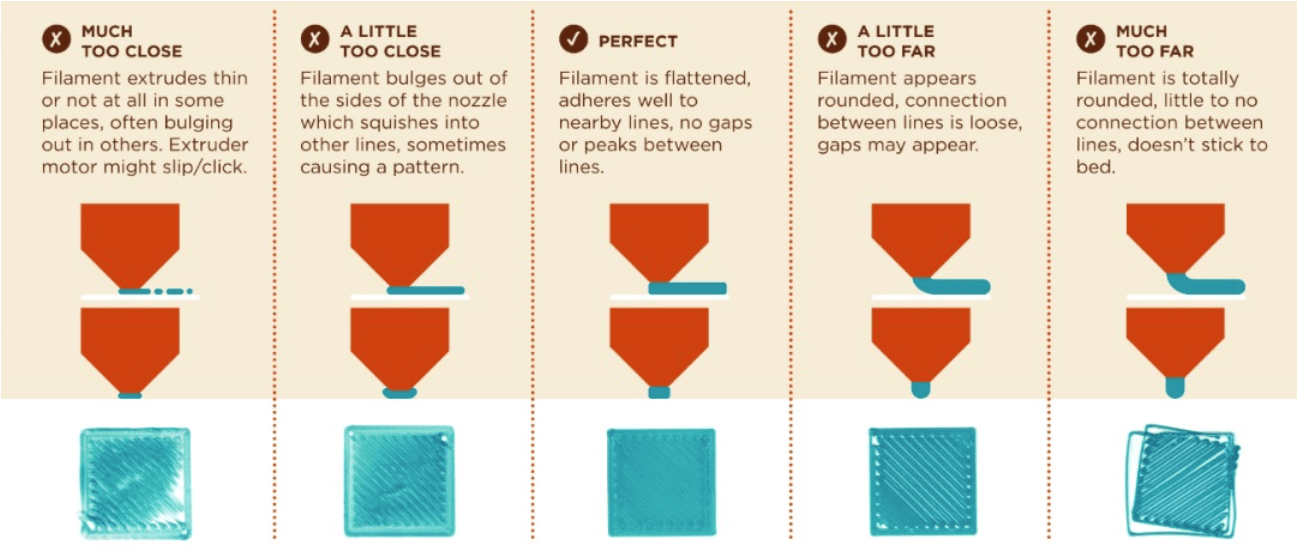
Automatic bed leveling
This feature saves beginners from a lot of frustration. It ensures the first layer adheres properly.
Community support
A printer with a large user base means easier troubleshooting. Forums and YouTube tutorials become your extended support team.
Don't chase the cheapest option. A slightly higher upfront investment often saves time, failed prints, and stress.
Filament: The Material You'll Use Most
For beginners, PLA (Polylactic Acid) is the safest and easiest material to start with.
Why PLA?
- Low printing temperature
- Minimal warping
- No strong odors
- Good detail quality
Other materials like ABS or PETG are great too, but they require more temperature control and experience.
Color and brand also matter. Cheap filament can clog your nozzle or produce inconsistent results. It's worth buying from reputable manufacturers, even if it costs a little more.
The Basic Workflow: From Idea to Object
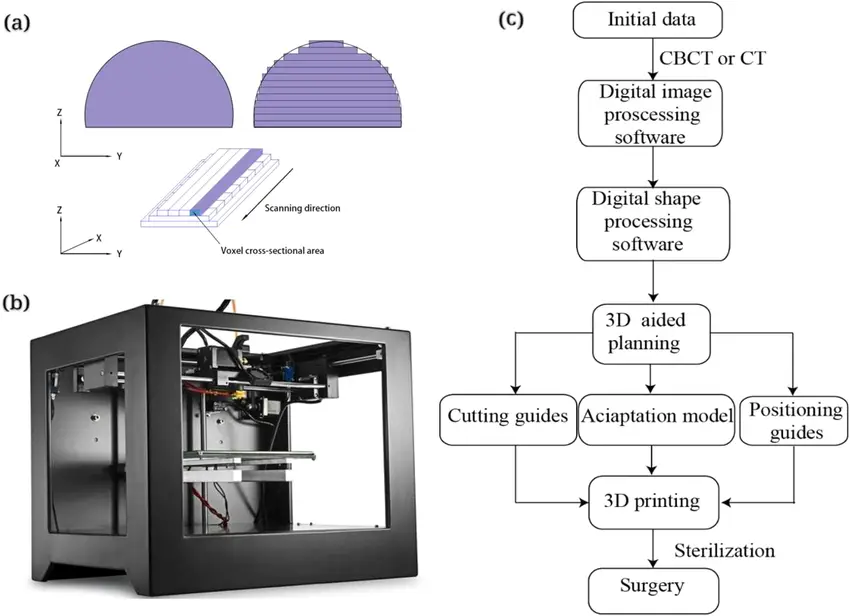
3D printing follows a simple but structured workflow:
- Create or download a 3D modelYou can design your own using software like Tinkercad or Fusion, or download ready-made models from online libraries.
- Slice the modelSlicing software converts your 3D model into printer instructions (G-code). It determines layer height, infill, supports, and print speed.
- Prepare the printerLoad filament, level the bed, preheat.
- Print and monitorThe first layer is critical. If it sticks properly, you're halfway to success.
- Post-processingRemove supports, sand rough edges if needed.
Once you've completed this process a few times, it becomes second nature.
Common Beginner Mistakes
Let's be honest - your first print might fail. That's normal.
Here are the most common issues:
Poor bed adhesion
Usually caused by incorrect leveling or a dirty print surface.
StringingThin plastic strands between parts. Often fixed by adjusting retraction settings.
Warping
Edges lifting from the bed. More common with ABS, less with PLA.
Overcomplicating settings
Beginners often tweak too many parameters. Start with default profiles. They exist for a reason.
The learning curve is real, but it's manageable. Most issues have simple explanations once you understand the basics.
Safety and Workspace Setup
3D printing isn't dangerous, but it's not something you should ignore either.
Place your printer:
- On a stable surface
- In a ventilated area
- Away from direct drafts
Keep in mind that the nozzle and heated bed reach high temperatures. Treat them like you would a stove.
Also, consider storage. Filament absorbs moisture from the air. A sealed container with silica gel helps maintain print quality.
What Should You Print First?
Start simple. Avoid complex mechanical assemblies right away.
Great beginner projects include:
- Phone stands
- Cable organizers
- Desk hooks
- Simple containers
- Calibration cubes
These prints help you understand dimensional accuracy, strength, and surface quality.
As your confidence grows, you can move into functional parts, cosplay props, custom enclosures, or even small business prototypes.
Printing something practical early on makes the process more rewarding.
When It Starts Getting Interesting
After a few successful prints, most beginners experience a shift. The printer stops being a gadget and starts becoming a tool.
You begin thinking differently:
Could I design this instead of buying it?
Can I improve this part?
What if I customize it?
That's when 3D printing becomes powerful. It moves from novelty to problem-solving.
For small businesses, hobbyists, engineers, designers, it opens doors to fast iteration without expensive tooling.
Final Thoughts: Start, Don't Overthink
Many beginners spend weeks researching before buying a printer. Ironically, the real learning begins only after you start printing.
You don't need to understand every advanced setting. You don't need perfect results on day one. What you need is curiosity and patience.
3D printing rewards experimentation. It teaches you about design, materials, mechanics, and precision - often without you realizing it.
Your first print might be a little rough. Your tenth will look better. Your fiftieth will make you smile.
The best way to get started is simple:
Pick a reliable printer.
Buy good PLA filament.
Download a beginner-friendly model.
Press print.
Then watch an idea turn into something real.
