


 English
 Español
 Deutsch
 日本語
日本語 Polska
 한국의
한국의 Українська
 Italiano
 Nederlands
 Türkçe
 Português
 Bahasa Indonesia
 Русский
 中國
中國 हिंदी
हिंदी
















esquisser Modèles 3D
Nous avons 137 produit(s) Libre de droits sketch Modèles 3D. Achetez ou téléchargez des modèles 3D gratuits pour vos projets CG, production cinématographique et vidéo, animation, visualisations, jeux, VR/AR et autres. Vous pouvez télécharger n'importe quel modèle 3D dans tous les formats 3D populaires, notamment MAX, OBJ, FBX, 3DS, STL, C4D, BLEND, MAYA
 tzdEnvironment
- -50%
 ismael2020Other


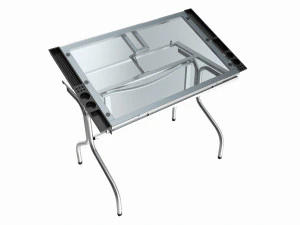

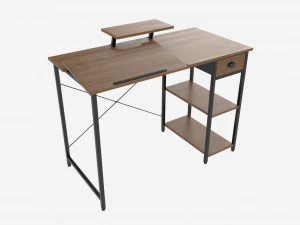


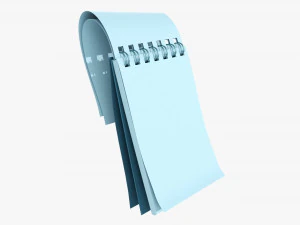
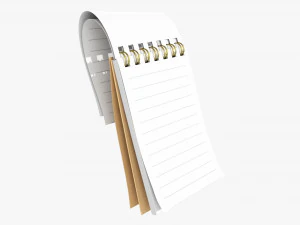


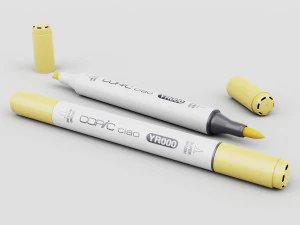
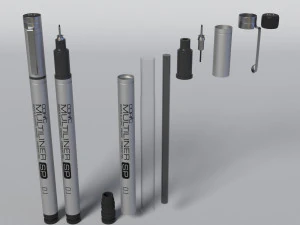
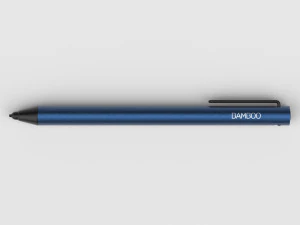
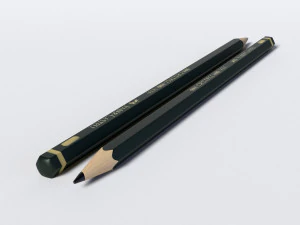










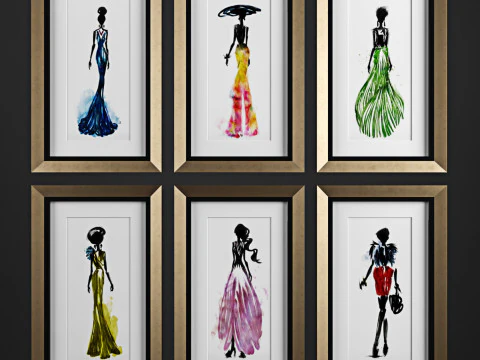
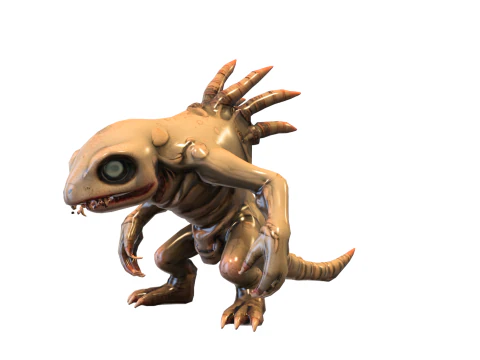
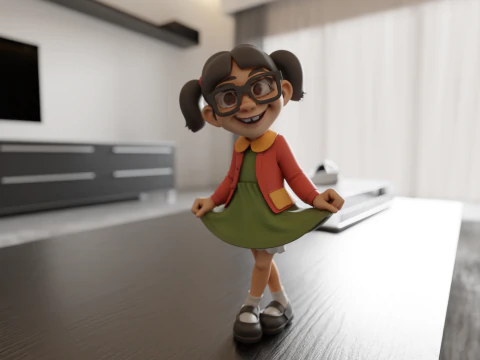

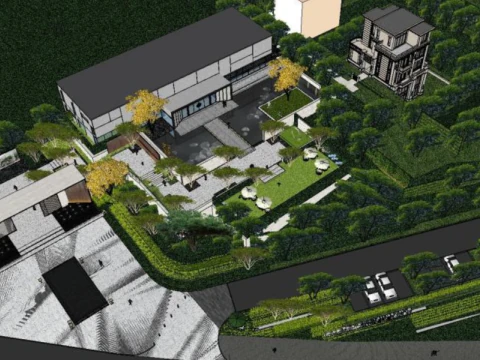













Recherches tendances Modèles 3D:
Sculpture Modèles 3D Personnages Modèles 3D Cuisine Modèles 3D Chevale Modèles 3D Architecturaux extérieurs Modèles 3D Téléphone et téléphone portable Modèles 3D Légume Modèles 3D Bijoux Modèles 3D Jouets Modèles 3D Médical Modèles 3D Hélicoptère Modèles 3D Armes lourdes Modèles 3D Camion Modèles 3D Anatomie Modèles 3DQ1 : Que signifie concrètement un modèle « croquis 3D » ?
C'est un terme légèrement ambigu qui recouvre deux choses distinctes. Premièrement : une géométrie rudimentaire de conception — des modèles cubiques et peu détaillés utilisés comme espaces réservés pendant la préproduction, similaires à ce que vous créeriez dans ZBrush ou Blender avant de définir la topologie finale. Deuxièmement : des modèles conçus pour un rendu avec un aspect dessiné à la main ou esquissé — pensez au cel-shading avec des contours à l'encre et des textures de coups de crayon visibles. Cette seconde catégorie est un choix stylistique délibéré, et non un travail inachevé. Dans Blender, vous obtiendriez ce résultat avec le moteur de rendu Grease Pencil ou la détection de contours Freestyle. Si vous achetez l'un de ces modèles et que vous recevez l'autre, c'est une déception — lisez attentivement la description avant d'acheter.
Q2 : Comment les modèles 3D de type croquis sont-ils utilisés dans l’animation et le cinéma ?
Principalement dans les génériques, les vidéos explicatives et les courts métrages stylisés où l'esthétique dessinée à la main est assumée. Les agences d'architecture utilisent également des rendus de type croquis lors des premières présentations aux clients : un rendu esquissé et approximatif signale « il s'agit d'un concept, pas d'un engagement », contrairement à un rendu photoréaliste. Dans After Effects, les modèles 3D de type croquis exportés sous forme de séquences d'images s'intègrent naturellement aux éléments d'animation dessinés à la main. Pour ce processus, les modèles doivent présenter des silhouettes nettes et un minimum de détails de surface : le langage visuel repose sur le trait, et non sur la texture.
Q3 : Les modèles 3D peuvent-ils servir de référence d’apprentissage pour les modélisateurs débutants ?
Oui, et c'est un cas d'utilisation sous-estimé. Des modèles simples et bien construits, avec un flux d'arêtes visible, constituent d'excellentes références d'étude. Les débutants en topologie peuvent ainsi examiner l'agencement des quadrangles sans être gênés par des textures complexes. Pour cela, téléchargez des modèles avec une structure filaire visible ou un faible niveau de subdivision. Importez-les dans Blender et utilisez le mode Édition pour inspecter le maillage : observez comment les boucles d'arêtes entourent les articulations ou comment les pôles sont placés aux points d'extrémité de la géométrie. Apprendre à partir de ressources de production réelles, même simples, est plus efficace que les tutoriels seuls.