


 Español
 Deutsch
 日本語
日本語 Polska
 Français
 한국의
한국의 Українська
 Italiano
 Nederlands
 Türkçe
 Português
 Bahasa Indonesia
 Русский
 中國
中國 हिंदी
हिंदी
















sketch 3D Models
We have 117 item(s) Royalty free sketch 3D Models. Buy or download free 3D models for your CG projects, film and video production, animation, visualizations, games, VR/AR, and others. You can download any 3d model in all popular 3d formats including MAX, OBJ, FBX, 3DS, STL, C4D, BLEND, MAYA
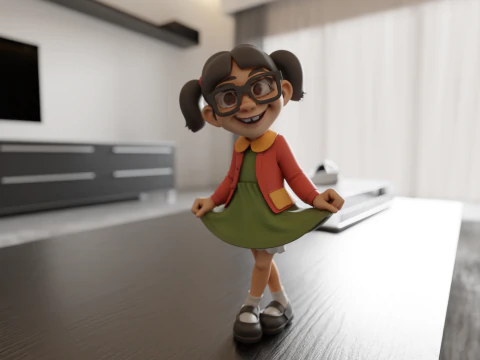
 breakermaximusCartoon
- -50%
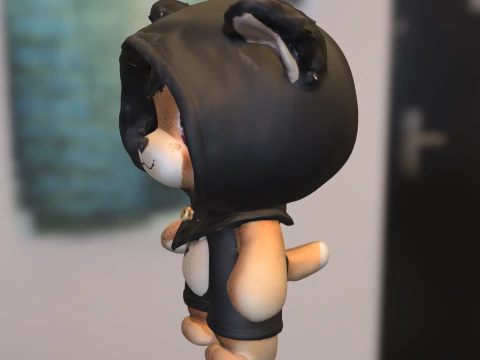
 ismael2020Other
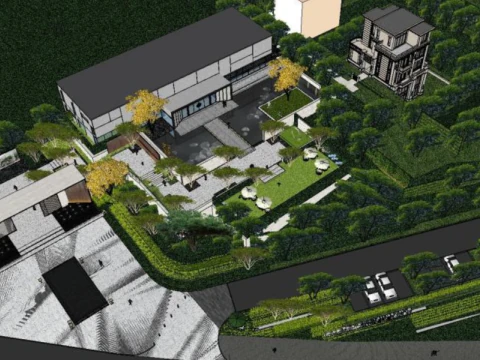
  architectphdRace Track






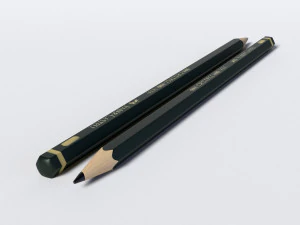


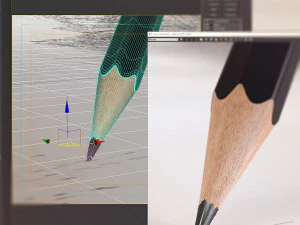


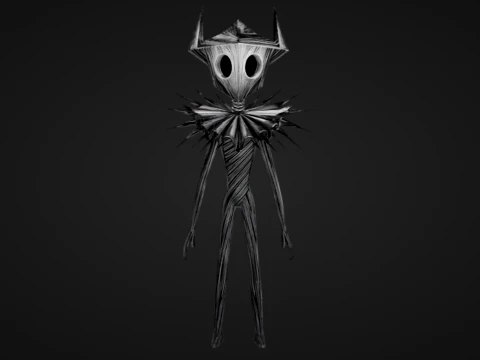


























Trending searches 3D Models:
Sculpture 3D Models Characters 3D Models Kitchen 3D Models Horse 3D Models Architectural Exteriors 3D Models Phone and Cell Phone 3D Models Vegetable 3D Models Jewellery 3D Models Toys 3D Models Medical 3D Models Helicopter 3D Models Heavy Weapon 3D Models Truck 3D Models Anatomy 3D ModelsQ1: What does a "3D sketch" model actually mean in practice?
It's a slightly ambiguous term that covers two distinct things. First: rough concept-stage geometry — blocky, low-detail models used as spatial placeholders during pre-production, similar to what you'd block out in ZBrush or Blender before committing to final topology. Second: models designed to render with a hand-drawn or sketchy aesthetic — think cel-shading with ink outlines and visible pencil-stroke textures. The second category is a deliberate stylistic choice, not unfinished work. In Blender, you'd achieve this with the Grease Pencil renderer or Freestyle edge detection. If you're shopping for one of these and get the other, that's a frustrating mismatch — read the description carefully before purchasing.
Q2: How are sketch-style 3D models used in animation and film?
Primarily in title sequences, explainer videos, and stylized short films where the hand-drawn aesthetic is intentional. Architecture firms also use sketch-style renders in early client presentations — a rough, sketchy render signals "this is a concept, not a commitment" in a way that a photorealistic render doesn't. In After Effects, sketch-style 3D models exported as image sequences integrate naturally with hand-drawn animation elements. For this pipeline, models need clean silhouettes and minimal surface detail — the visual language relies on line work, not texture.
Q3: Can 3D sketch models be used as a learning reference for beginner modelers?
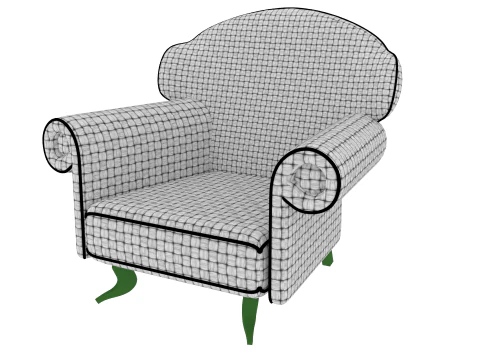
Yes — and this is an underrated use case. Simple, well-constructed sketch models with visible edge flow make excellent study references. Beginners learning topology can examine how quads are arranged without the visual noise of complex textures. For this purpose, download models with visible wireframes or low subdivision counts. Import them into Blender and use Edit Mode to inspect the mesh — look at how edge loops circle joints or how poles are placed at geometry termination points. Learning from real production assets, even simple ones, teaches faster than tutorials alone.
Q4: What rendering setups work best for sketch-style 3D output?
In Blender, Freestyle + Toon shader (Principled or Diffuse with flat shading) is the most common setup. Enable Freestyle in Render Properties, set line thickness to 1.5–2.5px, and choose "Edge Detection" for silhouette + crease edges. For a pencil-sketch look specifically, add a noise texture to the Freestyle line style — it breaks the mechanical straightness of computer-generated lines. Alternatively, the NPR (Non-Photorealistic Rendering) engines like Blender's EEVEE with custom cell shading nodes or Clip Studio's 3D layer system achieve similar results faster. The key is keeping line weight consistent with apparent distance — lines closer to camera should be slightly thicker.