


 English
 Español
 Deutsch
 日本語
日本語 Polska
 Français
 한국의
한국의 Українська
 Nederlands
 Türkçe
 Português
 Bahasa Indonesia
 Русский
 中國
中國 हिंदी
हिंदी
















schizzo Modelli 3D
Abbiamo 117 oggetto(i) Senza royalty sketch Modelli 3D. Acquista o scarica modelli 3D gratuiti per i tuoi progetti CG, produzione di film e video, animazioni, visualizzazioni, giochi, VR/AR e altro. Puoi scaricare qualsiasi modello 3D in tutti i formati 3D più diffusi, inclusi MAX, OBJ, FBX, 3DS, STL, C4D, BLEND, MAYA
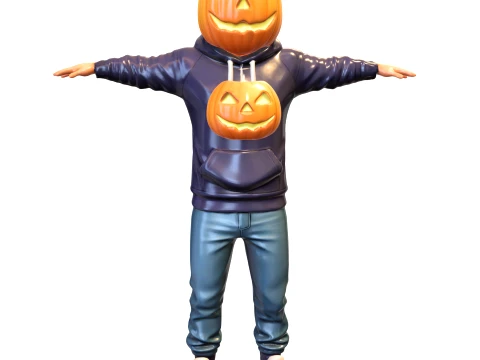
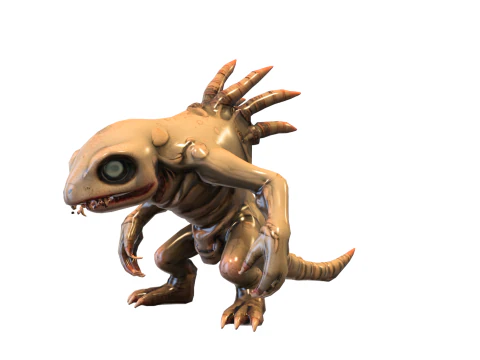
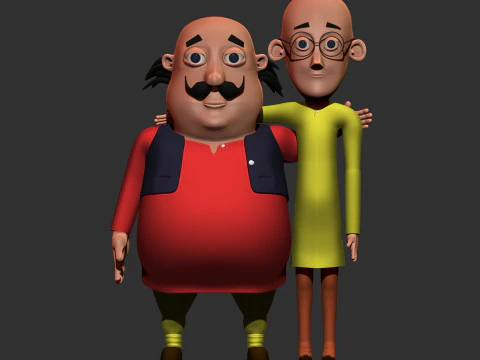
 breakermaximusCartoon
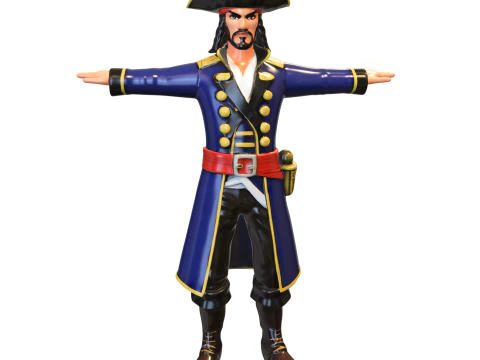
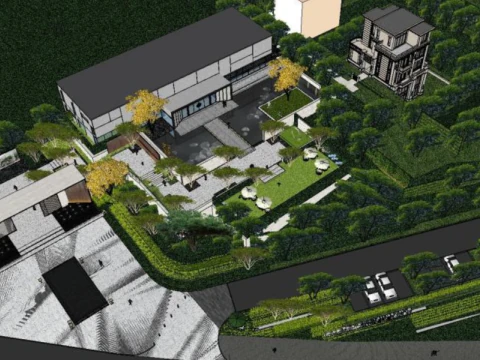
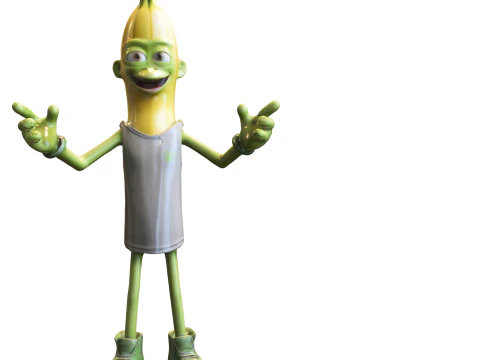
 tzdEnvironment
- -50%
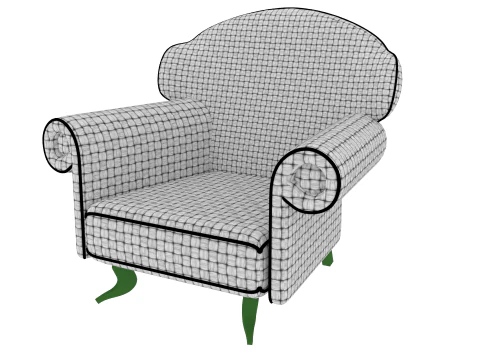
 ismael2020Other
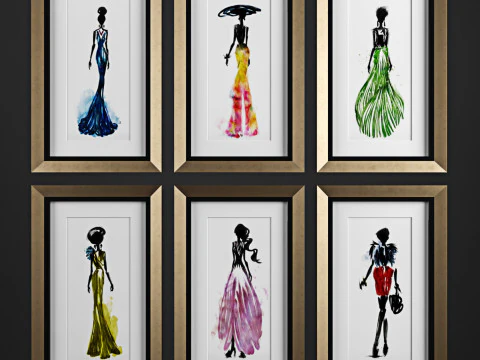
 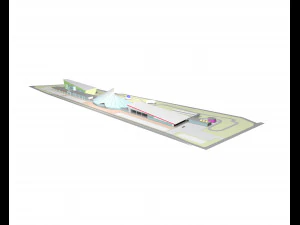 architectphdRace Track






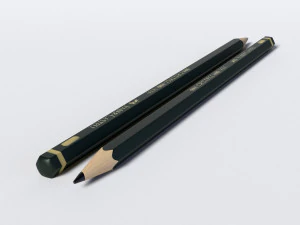


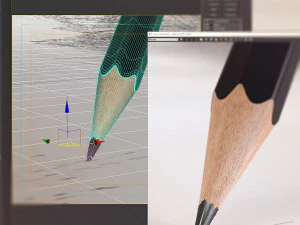


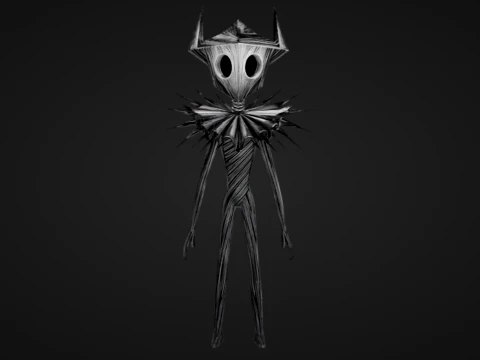






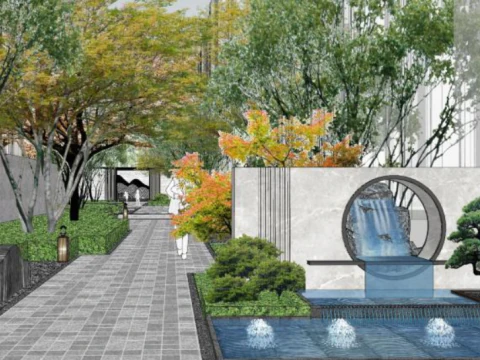
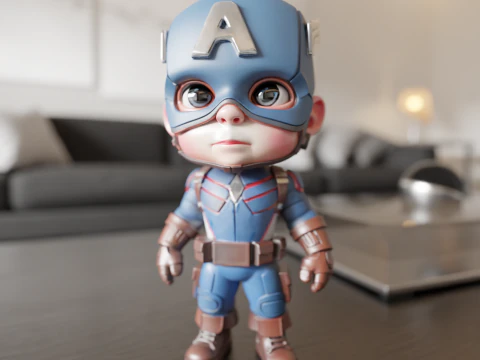
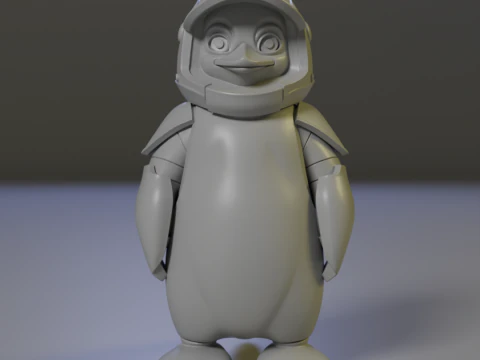
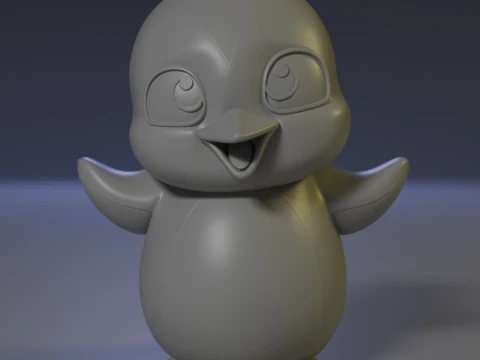
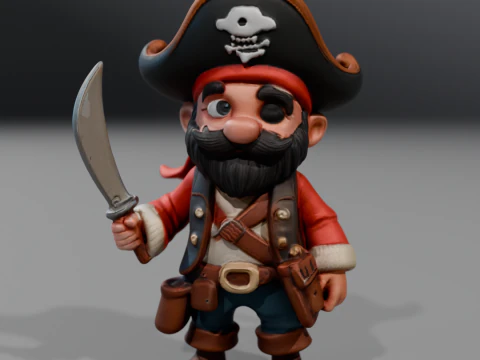







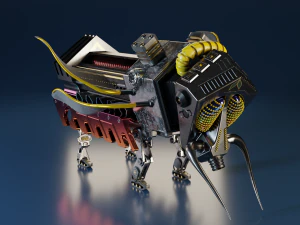

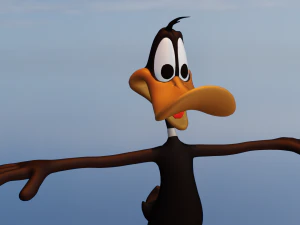


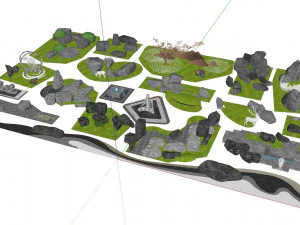
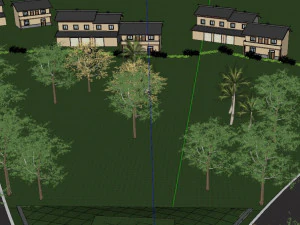







Ricerche di tendenza Modelli 3D:
Scultura Modelli 3D Caratteri Modelli 3D Cucina Modelli 3D Cavallo Modelli 3D Architectural Exteriors Modelli 3D Telefoni e Cellulari Modelli 3D Vegetali Modelli 3D Gioielli Modelli 3D Giocattoli Modelli 3D Medicinali Modelli 3D Elicotteri Modelli 3D Armi Pesanti Modelli 3D Camion Modelli 3D Anatomia Modelli 3DQ1: What does a "3D sketch" model actually mean in practice?
It's a slightly ambiguous term that covers two distinct things. First: rough concept-stage geometry — blocky, low-detail models used as spatial placeholders during pre-production, similar to what you'd block out in ZBrush or Blender before committing to final topology. Second: models designed to render with a hand-drawn or sketchy aesthetic — think cel-shading with ink outlines and visible pencil-stroke textures. The second category is a deliberate stylistic choice, not unfinished work. In Blender, you'd achieve this with the Grease Pencil renderer or Freestyle edge detection. If you're shopping for one of these and get the other, that's a frustrating mismatch — read the description carefully before purchasing.
Q2: How are sketch-style 3D models used in animation and film?
Primarily in title sequences, explainer videos, and stylized short films where the hand-drawn aesthetic is intentional. Architecture firms also use sketch-style renders in early client presentations — a rough, sketchy render signals "this is a concept, not a commitment" in a way that a photorealistic render doesn't. In After Effects, sketch-style 3D models exported as image sequences integrate naturally with hand-drawn animation elements. For this pipeline, models need clean silhouettes and minimal surface detail — the visual language relies on line work, not texture.
Q3: Can 3D sketch models be used as a learning reference for beginner modelers?
Yes — and this is an underrated use case. Simple, well-constructed sketch models with visible edge flow make excellent study references. Beginners learning topology can examine how quads are arranged without the visual noise of complex textures. For this purpose, download models with visible wireframes or low subdivision counts. Import them into Blender and use Edit Mode to inspect the mesh — look at how edge loops circle joints or how poles are placed at geometry termination points. Learning from real production assets, even simple ones, teaches faster than tutorials alone.
Q4: What rendering setups work best for sketch-style 3D output?
In Blender, Freestyle + Toon shader (Principled or Diffuse with flat shading) is the most common setup. Enable Freestyle in Render Properties, set line thickness to 1.5–2.5px, and choose "Edge Detection" for silhouette + crease edges. For a pencil-sketch look specifically, add a noise texture to the Freestyle line style — it breaks the mechanical straightness of computer-generated lines. Alternatively, the NPR (Non-Photorealistic Rendering) engines like Blender's EEVEE with custom cell shading nodes or Clip Studio's 3D layer system achieve similar results faster. The key is keeping line weight consistent with apparent distance — lines closer to camera should be slightly thicker.