English
 Español
 Türkçe
















Kleine Flamme für Genesis 9 3D Modell neu





- Fordern Sie Produktunterstützung


- Verfügbare Formate:
- Artikel-ID:641245
- Datum: 2026-05-21
- Animiert:No
- Texturen:
- Rigged:
- Materialien:
- Low-poly:No
- Sammlung:No
- UVW mapping:No
- Plugins Used:No
- Druckfertige:No
- 3D Scan:No
- Erwachsene:No
- PBR:
- KI-Training:No
- AI Generated:No
- Geometrie:Polygonal
- Unwrapped UVs:Non-overlapping
- Betrachter:37
Beschreibung
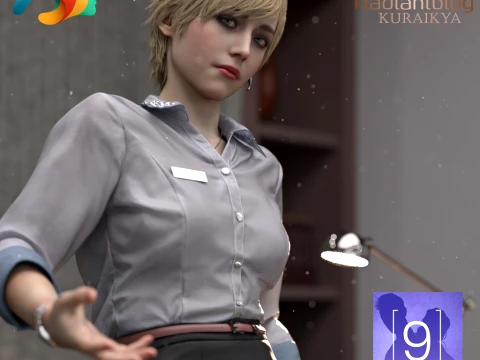
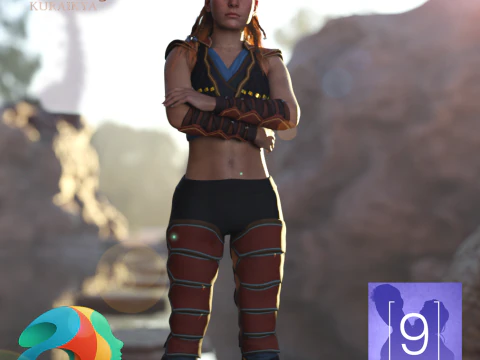
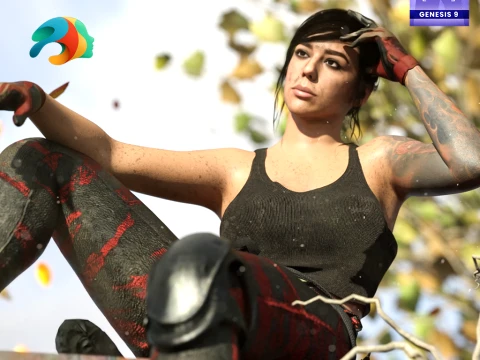
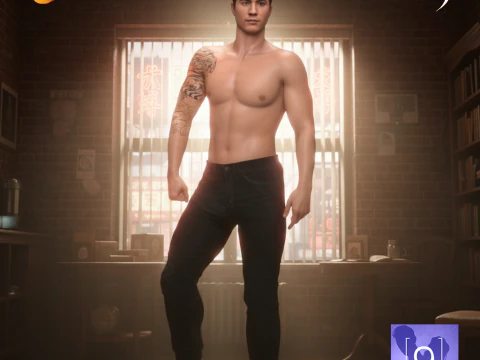
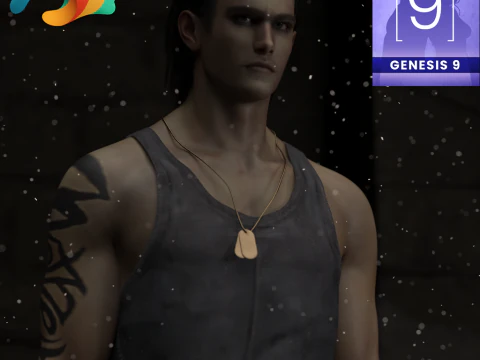
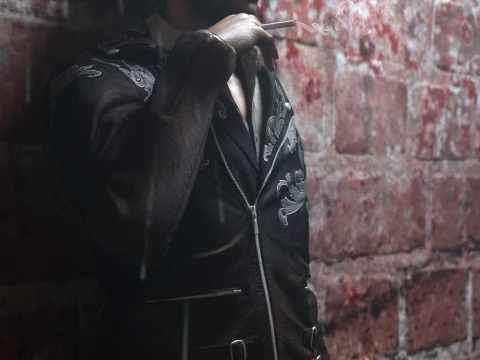
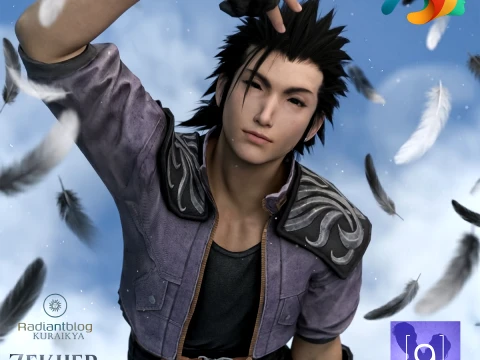
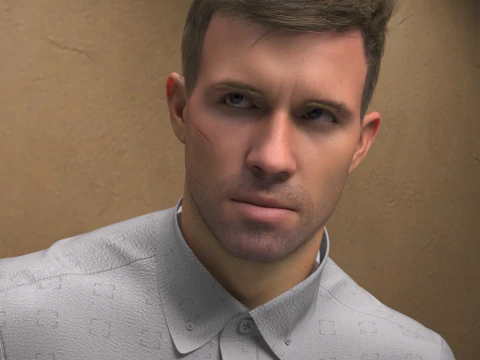
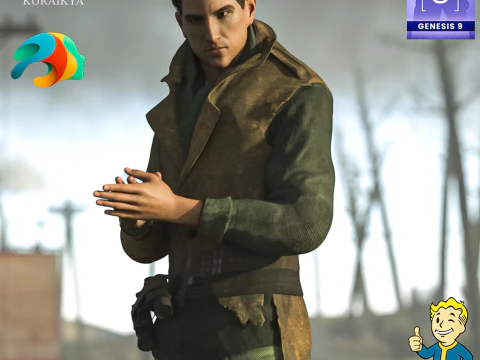
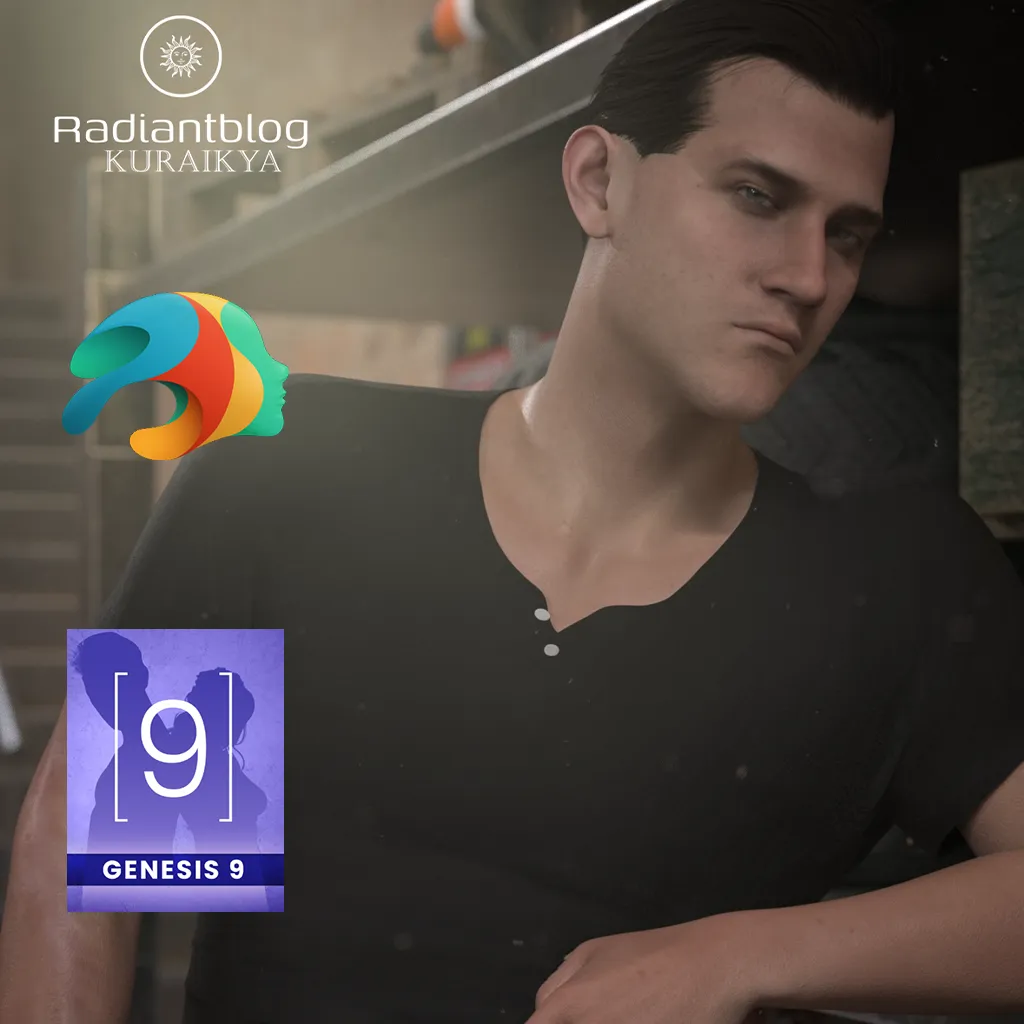
Meet Small Flame, a highly detailed custom character preset designed exclusively for the Genesis 9 platform. Whether you are looking for a rugged survivor, a battle-hardened soldier, or a gritty urban protagonist, this full-body morph brings depth and intensity to your 3D library.
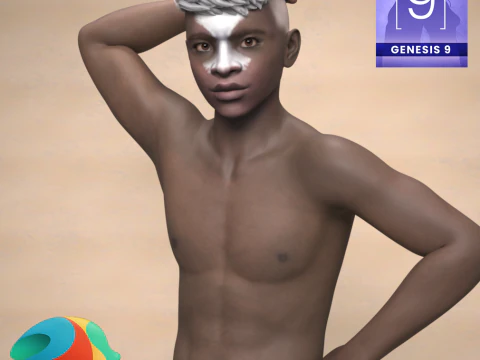
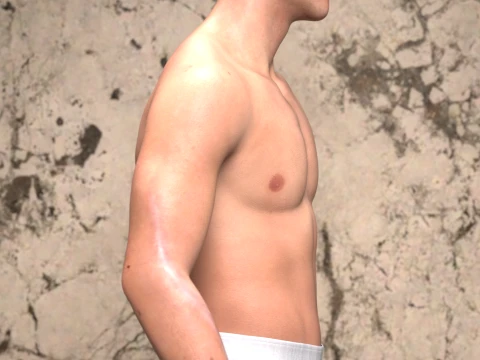
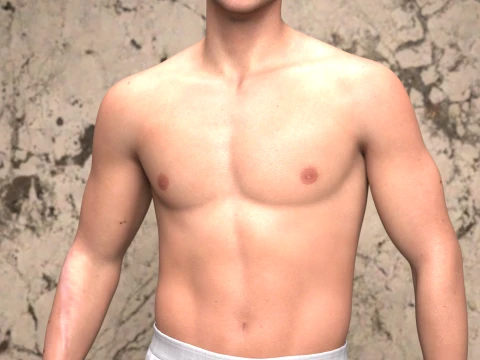
The character features highly detailed skin textures, custom eye and mouth options, and specialized material presets. From a clean everyday look to a dirty, battle-worn version complete with a tactical face paint option and realistic arm scars, Small Flame is ready for your next cinematic render.
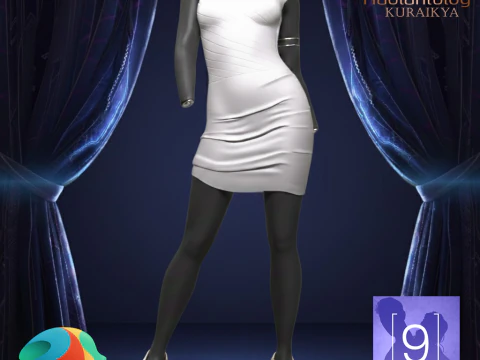
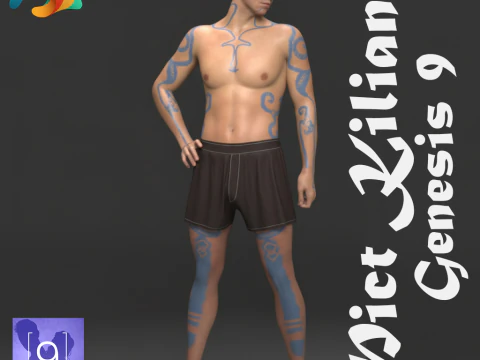
Please Note: The clothing, outfit, and background elements shown in the promotional renders are for demonstration purposes only and are not included in this package.
What's Included in the Pack
Based on the included files, your download contains the following organized folders and assets:
Main Directory:
Small Flame without Clothes (DSON User File & .duf PNG icon)
README Important Information (Text Document)
KuraiKya_Store (Daz Script)
Character Preset Folder:
Full Character Preset (.duf)
Full Shaping Preset (.duf)
Material Clean Preset (.duf)
Material Dirty Preset (including tactical face paint options) (.duf)
Small Flame Eyes Material (.duf)
Small Flame Mouth Material (.duf)
Hair Folder:
Small Flame Custom Hair (.duf)
Small Flame Eyebrows (.duf)
Small Flame Eyelashes (.duf)
How to Extract and Install Zip Files
To install this character pack into your Daz 3D library, follow these simple steps:
Download the ZIP file to your computer.
Right-click the ZIP file and select Extract All... (Windows) or double-click the file (Mac).
Choose the destination folder where you want to unpack the files.
Copy the content folders (Runtime, Data, and People if applicable) and paste them directly into your main Daz 3D Content Library directory (e.g., My DAZ 3D Library).
Open Daz Studio, refresh your Content Content Pane, and navigate to Genesis 9 > Characters > KuraiKya > Small Flame to find your new character.
Sie brauchen mehr Formate?
Falls Sie ein anderes Format benötigen, eröffnen Sie bitte ein neues Support-Ticket und fragen Sie danach. Wir können 3D Modelle in folgende Formate konvertieren: .stl, .c4d, .obj, .fbx, .ma/.mb, .3ds, .3dm, .dxf/.dwg, .max. .blend, .skp, .glb. Kostenlose FormatkonvertierungWir konvertieren keine 3D Szenen und Formate wie .step, .iges, .stp, .sldprt usw!
Nutzungsinformationen
Kleine Flamme für Genesis 9 - Sie können dieses lizenzfreie 3D Modell gemäß der Basis- oder erweiterten Lizenz sowohl für private als auch für kommerzielle Zwecke verwenden.Die Basislizenz deckt die meisten Standardanwendungsfälle ab, darunter digitale Werbung, Design- und Visualisierungsprojekte, Social-Media-Konten von Unternehmen, native Apps, Web-Apps, Videospiele sowie physische oder digitale Endprodukte (sowohl kostenlos als auch kostenpflichtig).
Die Erweiterte Lizenz umfasst alle unter der Basislizenz gewährten Rechte ohne Nutzungsbeschränkungen und ermöglicht die Verwendung des 3D Modells in unbegrenzten kommerziellen Projekten unter Lizenzgebührenfreiheit.
Mehr lesen