Español
 Türkçe
















Small Flame for Genesis 9 3D Model NEW





- Request product support by the author


- Available formats:
- Item ID:641245
- Date: 2026-05-21
- Animated:No
- Textured:
- Rigged:
- Materials:
- Low-poly:No
- Collection:No
- UVW mapping:No
- Plugins Used:No
- Print Ready:No
- 3D Scan:No
- Adult content:No
- PBR:
- AI Training:No
- AI Generated:No
- Geometry:Polygonal
- Unwrapped UVs:Non-overlapping
- Views:11
Description
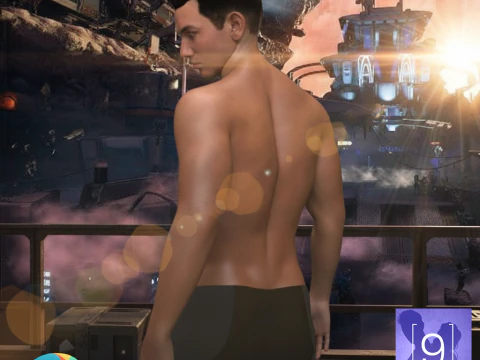
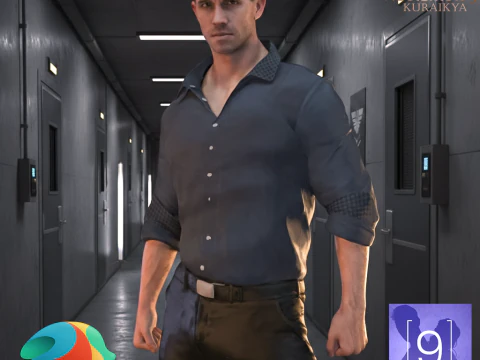
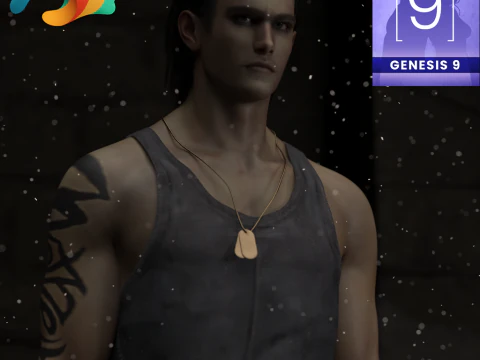
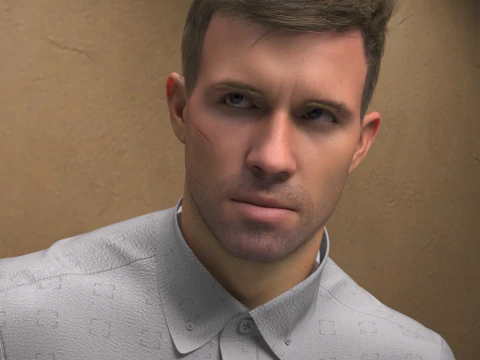
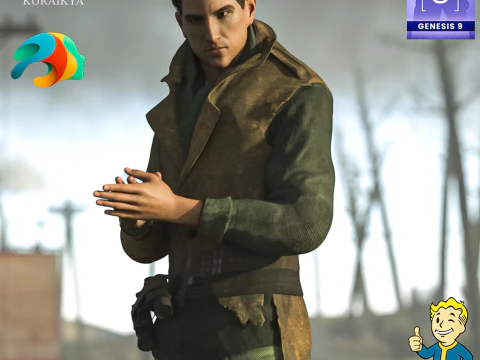
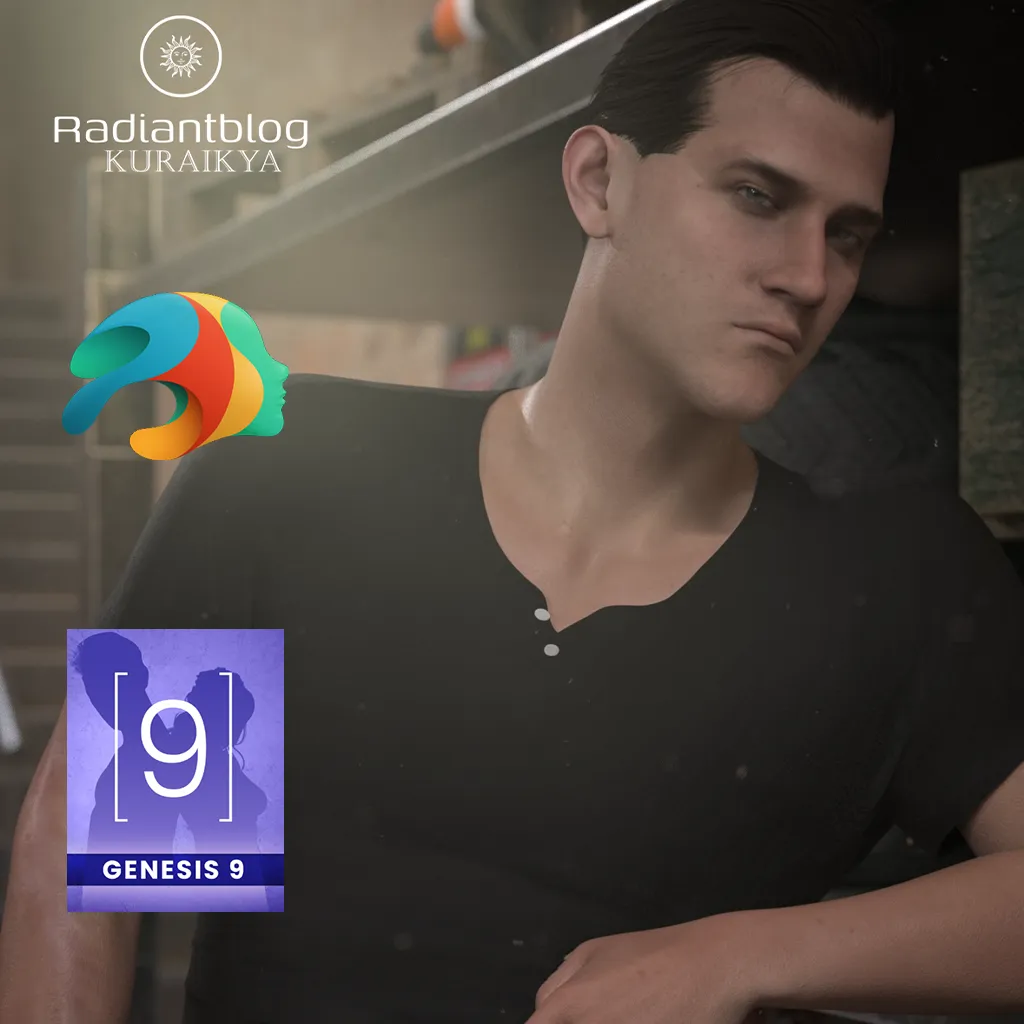
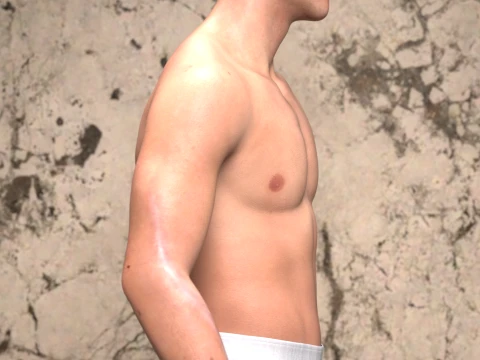
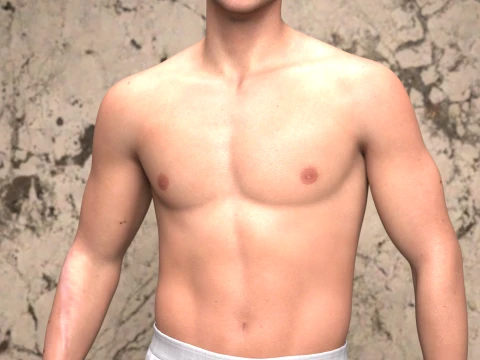
Meet Small Flame, a highly detailed custom character preset designed exclusively for the Genesis 9 platform. Whether you are looking for a rugged survivor, a battle-hardened soldier, or a gritty urban protagonist, this full-body morph brings depth and intensity to your 3D library.
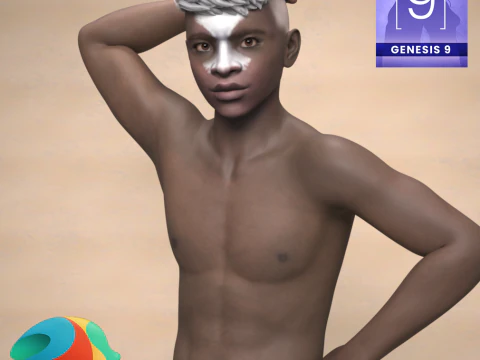
The character features highly detailed skin textures, custom eye and mouth options, and specialized material presets. From a clean everyday look to a dirty, battle-worn version complete with a tactical face paint option and realistic arm scars, Small Flame is ready for your next cinematic render.
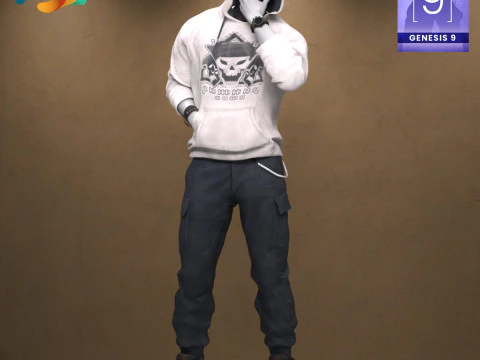
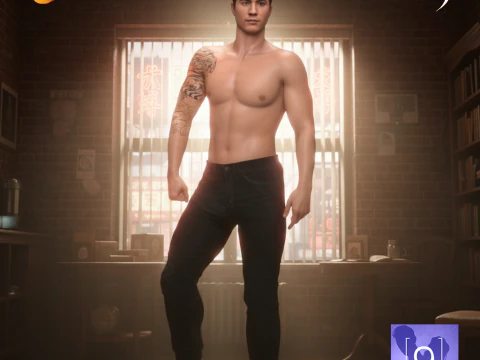
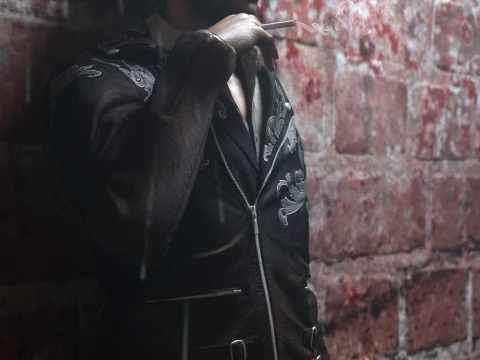
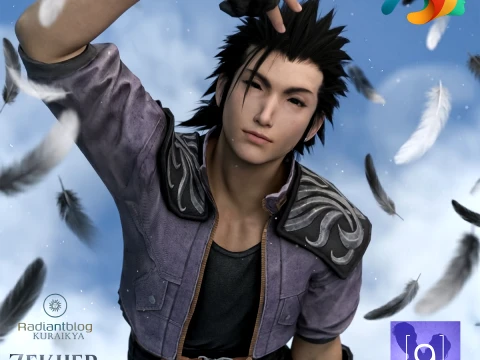
Please Note: The clothing, outfit, and background elements shown in the promotional renders are for demonstration purposes only and are not included in this package.
What's Included in the Pack
Based on the included files, your download contains the following organized folders and assets:
Main Directory:
Small Flame without Clothes (DSON User File & .duf PNG icon)
README Important Information (Text Document)
KuraiKya_Store (Daz Script)
Character Preset Folder:
Full Character Preset (.duf)
Full Shaping Preset (.duf)
Material Clean Preset (.duf)
Material Dirty Preset (including tactical face paint options) (.duf)
Small Flame Eyes Material (.duf)
Small Flame Mouth Material (.duf)
Hair Folder:
Small Flame Custom Hair (.duf)
Small Flame Eyebrows (.duf)
Small Flame Eyelashes (.duf)
How to Extract and Install Zip Files
To install this character pack into your Daz 3D library, follow these simple steps:
Download the ZIP file to your computer.
Right-click the ZIP file and select Extract All... (Windows) or double-click the file (Mac).
Choose the destination folder where you want to unpack the files.
Copy the content folders (Runtime, Data, and People if applicable) and paste them directly into your main Daz 3D Content Library directory (e.g., My DAZ 3D Library).
Open Daz Studio, refresh your Content Content Pane, and navigate to Genesis 9 > Characters > KuraiKya > Small Flame to find your new character.
Need more formats?
If you need a different format, please send us a Conversion Request. We can convert 3D models to: .stl, .c4d, .obj, .fbx, .ma/.mb, .3ds, .3dm, .dxf/.dwg, .max. .blend, .skp, .glb. Free Format ConversionWe do not convert 3d scenes and solid formats such as .step, .iges, .stp, .sldprt etc!
Usage Information
Small Flame for Genesis 9 - You can use this royalty-free 3D model for both personal and commercial purposes in accordance with the Basic or Extended License.The Basic License covers most standard use cases, including digital advertisements, design and visualization projects, business social media accounts, native apps, web apps, video games, and physical or digital end products (both free and sold).
The Extended License includes all rights granted under the Basic License, with no usage limitations, and allows the 3D model to be used in unlimited commercial projects under Royalty-Free terms.
Read more