English
 Español
 日本語
日本語 Polska
 Français
 中國
中國 한국의
한국의 Українська
 Italiano
 Nederlands
 Türkçe
 Português
 Bahasa Indonesia
 Русский
 हिंदी
हिंदी
















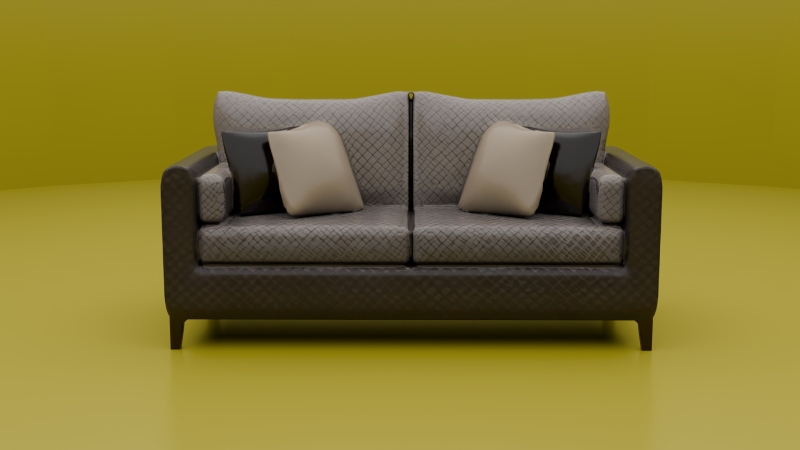
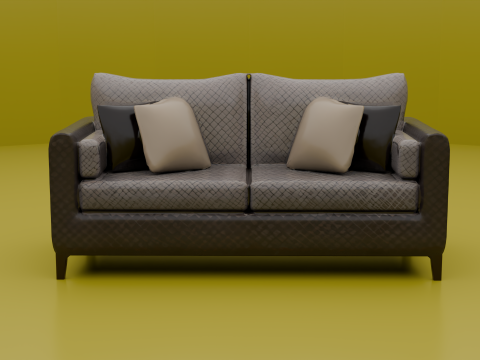
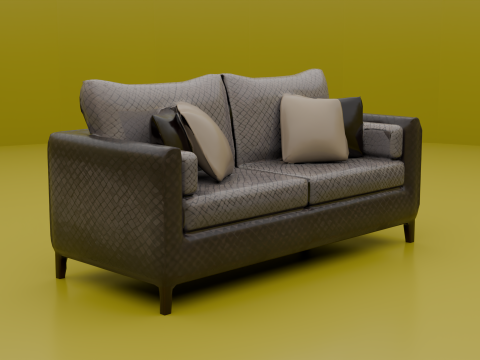
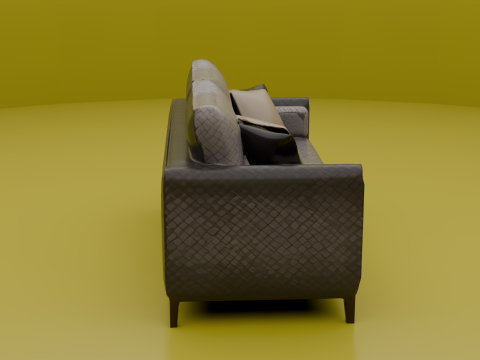
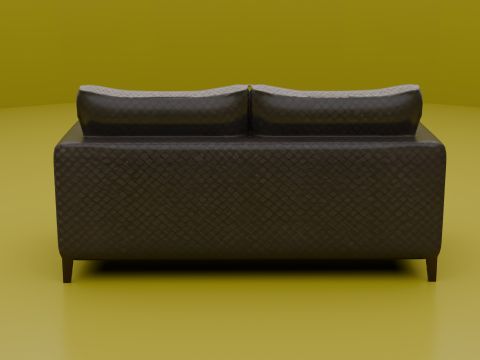
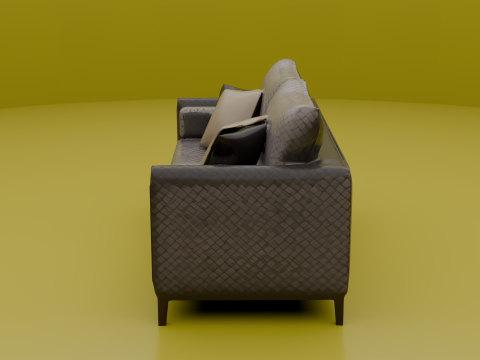
Innovatives 3D-Designmodell für moderne Räume 3D Druckmodell
- Fordern Sie Produktunterstützung


- Verfügbare Formate:
- Artikel-ID:578467
- Datum: 2025-06-09
- Sammlung:No
- Breite in Zentimeter:10
- Einheiten in Zoll:3.94 inch
- Breite in Millimeter:100 mm
- Höhe in Millimeter:100 mm
- Tiefe in Millimeter:100
- Druckfertige:
- 3D Scan:No
- Erwachsene:No
- PBR:
- KI-Training:No
- Betrachter:984
Beschreibung
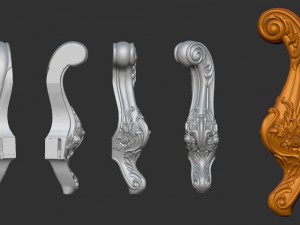
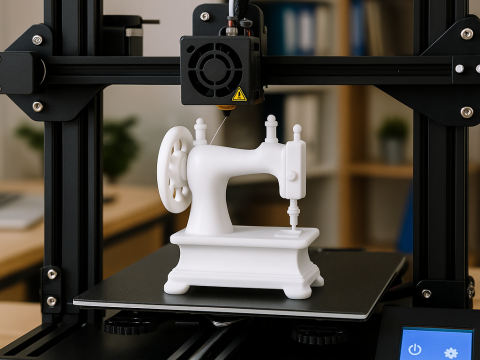
This 3D model embodies innovation and modernity, specifically designed to meet the needs of contemporary spaces. It features intricate details and smooth shapes, making it ideal for a variety of projects, from interior design to architectural models.
3D printing settings
Printer Type:
FDM (Fused Deposition Modeling) or SLA (Stereolithography) based on the desired finish.
Layer Height:
Recommended: 0.1 - 0.2 mm for detailed prints.
For faster prints, a layer height of 0.3 mm can be used, but detail may be lost.
Infill Density:
Recommended: 20-30% for a good balance of strength and material usage.
For more structural integrity, increase to 50%.
Print Speed:
Recommended: 50-60 mm/s for optimal quality.
Can be adjusted based on printer capability.
Temperature Settings:
PLA: Nozzle temperature: 190-210°C; Bed temperature: 50-60°C.
ABS: Nozzle temperature: 220-250°C; Bed temperature: 90-110°C.
Resin (for SLA): Follow the manufacturer’s recommendations.
Support Structures:
Use supports for overhangs greater than 45 degrees.
Consider using breakaway or soluble supports for easier removal.
Cooling:
Enable part cooling fan for PLA prints.
For ABS, minimize cooling to prevent warping.
Manufacturing Instructions:
Preparation:
Ensure the 3D printer is calibrated and clean.
Load the appropriate filament or resin based on the desired material.
Slicing:
Use slicing software (e.g., Cura, PrusaSlicer) to prepare the model.
Import the STL file and adjust settings as per the recommendations above.
Generate the G-code for FDM printers or prepare the print file for SLA printers.
Printing:
Start the print job and monitor the first few layers to ensure proper adhesion.
Keep an eye on the print progress for any issues such as warping or misalignment.
Post-Processing:
For FDM prints, remove supports carefully and sand any rough edges if necessary.
For SLA prints, wash the model in isopropyl alcohol (IPA) and cure it under UV light.
Optionally, paint or finish the model as desired.
Final Inspection:
Check the model for any defects or imperfections.
Ensure all parts are securely attached and functional.
This guide provides a comprehensive overview of the settings and manufacturing instructions for successfully producing the Innovative 3D Design Model for Modern Spaces. If you have any specific requirements or adjustments, feel free to ask!
Sie brauchen mehr Formate?
Falls Sie ein anderes Format benötigen, eröffnen Sie bitte ein neues Support-Ticket und fragen Sie danach. Wir können 3D Modelle in folgende Formate konvertieren: .stl, .c4d, .obj, .fbx, .ma/.mb, .3ds, .3dm, .dxf/.dwg, .max. .blend, .skp, .glb. Kostenlose FormatkonvertierungWir konvertieren keine 3D Szenen und Formate wie .step, .iges, .stp, .sldprt usw!
Nutzungsinformationen
Innovatives 3D-Designmodell für moderne Räume - Sie können dieses lizenzfreie 3D Modell gemäß der Basis- oder erweiterten Lizenz sowohl für private als auch für kommerzielle Zwecke verwenden.Die Basislizenz deckt die meisten Standardanwendungsfälle ab, darunter digitale Werbung, Design- und Visualisierungsprojekte, Social-Media-Konten von Unternehmen, native Apps, Web-Apps, Videospiele sowie physische oder digitale Endprodukte (sowohl kostenlos als auch kostenpflichtig).
Die Erweiterte Lizenz umfasst alle unter der Basislizenz gewährten Rechte ohne Nutzungsbeschränkungen und ermöglicht die Verwendung des 3D Modells in unbegrenzten kommerziellen Projekten unter Lizenzgebührenfreiheit.
Mehr lesen
Bieten Sie eine Geld-zurück-Garantie?
Ja, tun wir. Wenn Sie ein Produkt erworben haben und einen Fehler in den Rendern oder der Beschreibung finden, werden wir versuchen das Problem so bad wie möglich zu beheben. Wenn wir den Fehler nicht beheben können, stornieren wir Ihre Bestellung und Sie bekommen Ihr Geld innerhalb von 24 Stunden nach dem Download des Artikels zurück. . Lesen Sie weitere Bedingungen hierStichworte
Zufällige Artikel des Autors