English
 Español
 日本語
 Polska
 Français
 한국의
 Українська
 Italiano
 Nederlands
 Türkçe
 Português

















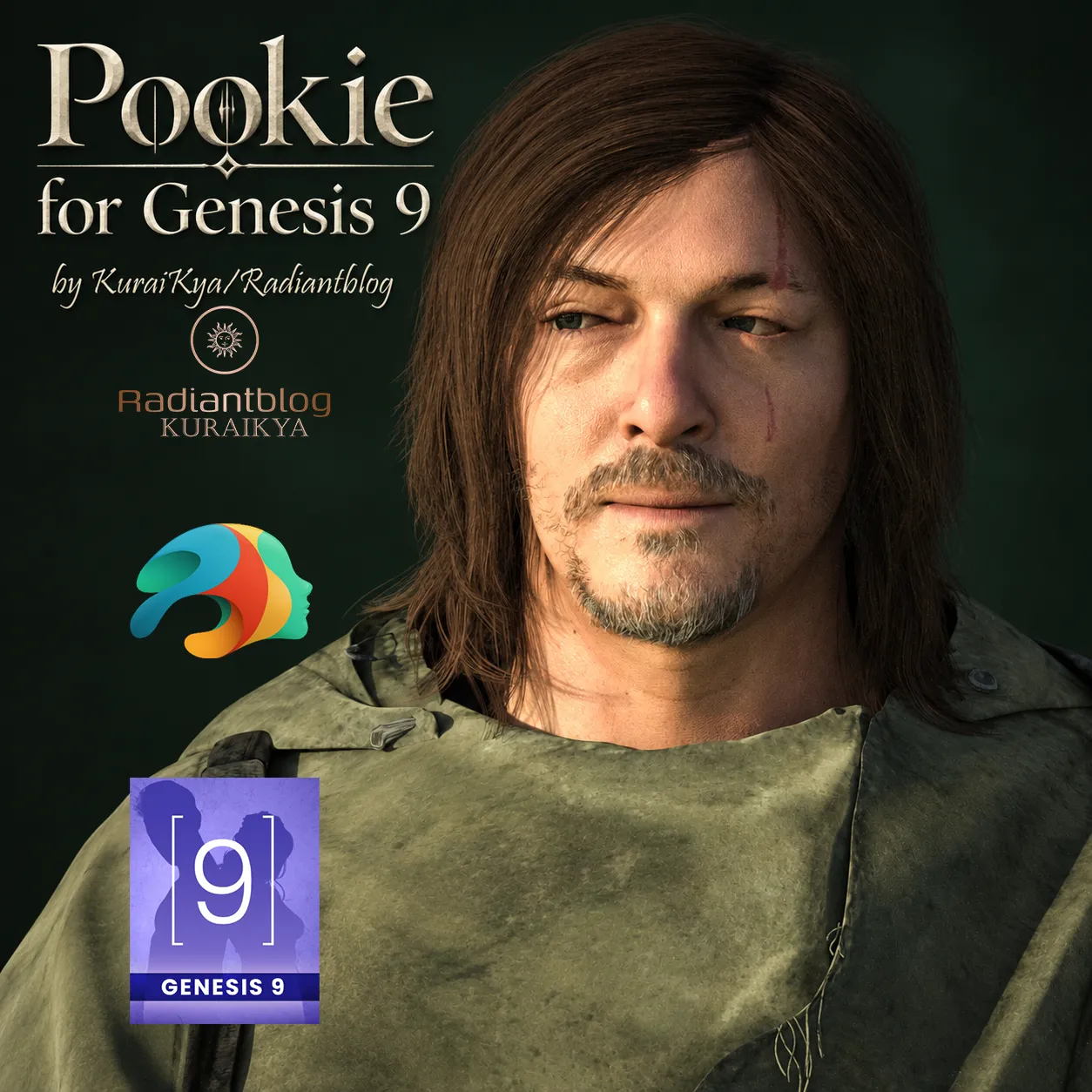
Pookie for Genesis 9 3D Modell

- Fordern Sie Produktunterstützung


- Verfügbare Formate:
- Artikel-ID:674033
- Datum: 2026-10-09
- Animiert:No
- Texturen:Yes
- Rigged:Yes
- Materialien:Yes
- Low-poly:No
- Sammlung:No
- UVW mapping:Yes
- Plugins Used:No
- Druckfertige:No
- 3D Scan:No
- Erwachsene:No
- PBR:Yes
- KI-Training:No
- AI Generated:No
- Geometrie:Polygonal
- Unwrapped UVs:Non-overlapping
- Betrachter:266
Beschreibung
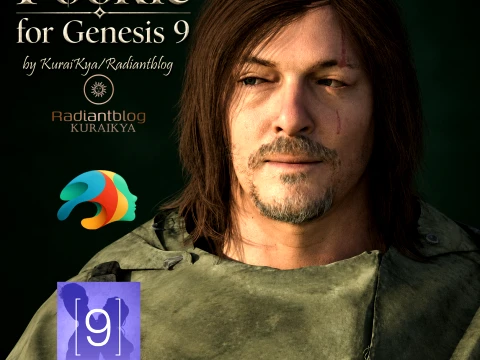
Pookie for Genesis 9
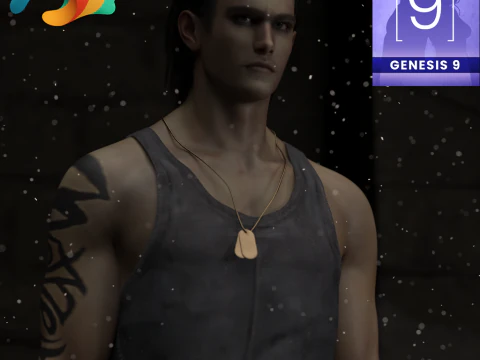
Meet Pookie, a highly detailed survival-themed character designed for your post-apocalyptic renders. This character is built as a Genesis 9 Fullmorph, providing a distinct and rugged look complete with a full survival outfit, detailed hair, and movable props.
Important Information & Warnings:
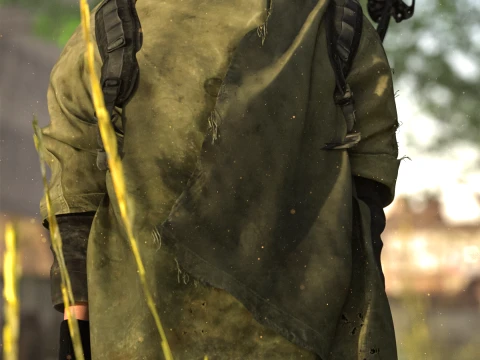
dForce Included: The outfit includes dForce on the shirt and poncho for realistic draping. WARNING: EXTREME MOVEMENTS CAN CAUSE POKE-THROUGHS. Please simulate carefully and adjust poses as needed.
Movable Props: The knives, arrow, and crossbow are included as props and can be independently moved and adjusted in your scenes.
What's Included in this Package:
Base Files:
Pookie with Clothing
Pookie without Clothing
KuraiKya_Store Link
Character Presets:
Character Preset
Material Preset
Shaping Preset
Pookie Eyes
Pookie Mouth
Clothing & Props:
!!!Load All Outfit!!!
Pookie Arrow
Pookie Backpack
Pookie Crossbow
Pookie Gloves
Pookie Holster
Pookie Knife 01
Pookie Knife 02
Pookie Pants
Pookie Poncho
Pookie Shirt
Pookie Shoes
Hair:
Pookie Beard
Pookie Eyebrows
Pookie Eyelashes
Pookie Hair
How to Extract and Install the ZIP File:
Download the provided .zip file to your computer.
If you are using Windows, right-click on the .zip file and select "Extract All...". If you are on a Mac, simply double-click the .zip file to extract it.
Open the extracted folder. You will see a "Genesis 9" folder.
Copy and paste (or drag and drop) the contents of this folder directly into your main Daz 3D Library/Content directory. The files will automatically sort into the correct Characters/KuraiKya/Pookie paths.
Open Daz Studio, refresh your library, and you are ready to render!
Sie brauchen mehr Formate?
Falls Sie ein anderes Format benötigen, eröffnen Sie bitte ein neues Support-Ticket und fragen Sie danach. Wir können 3D Modelle in folgende Formate konvertieren: .stl, .c4d, .obj, .fbx, .ma/.mb, .3ds, .3dm, .dxf/.dwg, .max. .blend, .skp, .glb. Kostenlose FormatkonvertierungWir konvertieren keine 3D Szenen und Formate wie .step, .iges, .stp, .sldprt usw!
Nutzungsinformationen
Pookie for Genesis 9 - Sie können dieses lizenzfreie 3D Modell gemäß der Basis- oder erweiterten Lizenz sowohl für private als auch für kommerzielle Zwecke verwenden.Die Basislizenz deckt die meisten Standardanwendungsfälle ab, darunter digitale Werbung, Design- und Visualisierungsprojekte, Social-Media-Konten von Unternehmen, native Apps, Web-Apps, Videospiele sowie physische oder digitale Endprodukte (sowohl kostenlos als auch kostenpflichtig).
Die Erweiterte Lizenz umfasst alle unter der Basislizenz gewährten Rechte ohne Nutzungsbeschränkungen und ermöglicht die Verwendung des 3D Modells in unbegrenzten kommerziellen Projekten unter Lizenzgebührenfreiheit.
Mehr lesen
Bieten Sie eine Geld-zurück-Garantie?
Ja, tun wir. Wenn Sie ein Produkt erworben haben und einen Fehler in den Rendern oder der Beschreibung finden, werden wir versuchen das Problem so bad wie möglich zu beheben. Wenn wir den Fehler nicht beheben können, stornieren wir Ihre Bestellung und Sie bekommen Ihr Geld innerhalb von 24 Stunden nach dem Download des Artikels zurück. . Lesen Sie weitere Bedingungen hierStichworte
- Genesis 9
- g9male
- dforce
- g9
- daz3d
- die wandelnden Toten
- daryldixon
- genesis9male
- Daz Genesis 9
- dforcegenesis9
- twd
- daryldixondaz
- dazstudiogenesis9
- g9outfit