English
 Español
 Deutsch
 日本語
 Polska
 Français
 한국의
 Українська
 Italiano
 Türkçe
 Português

















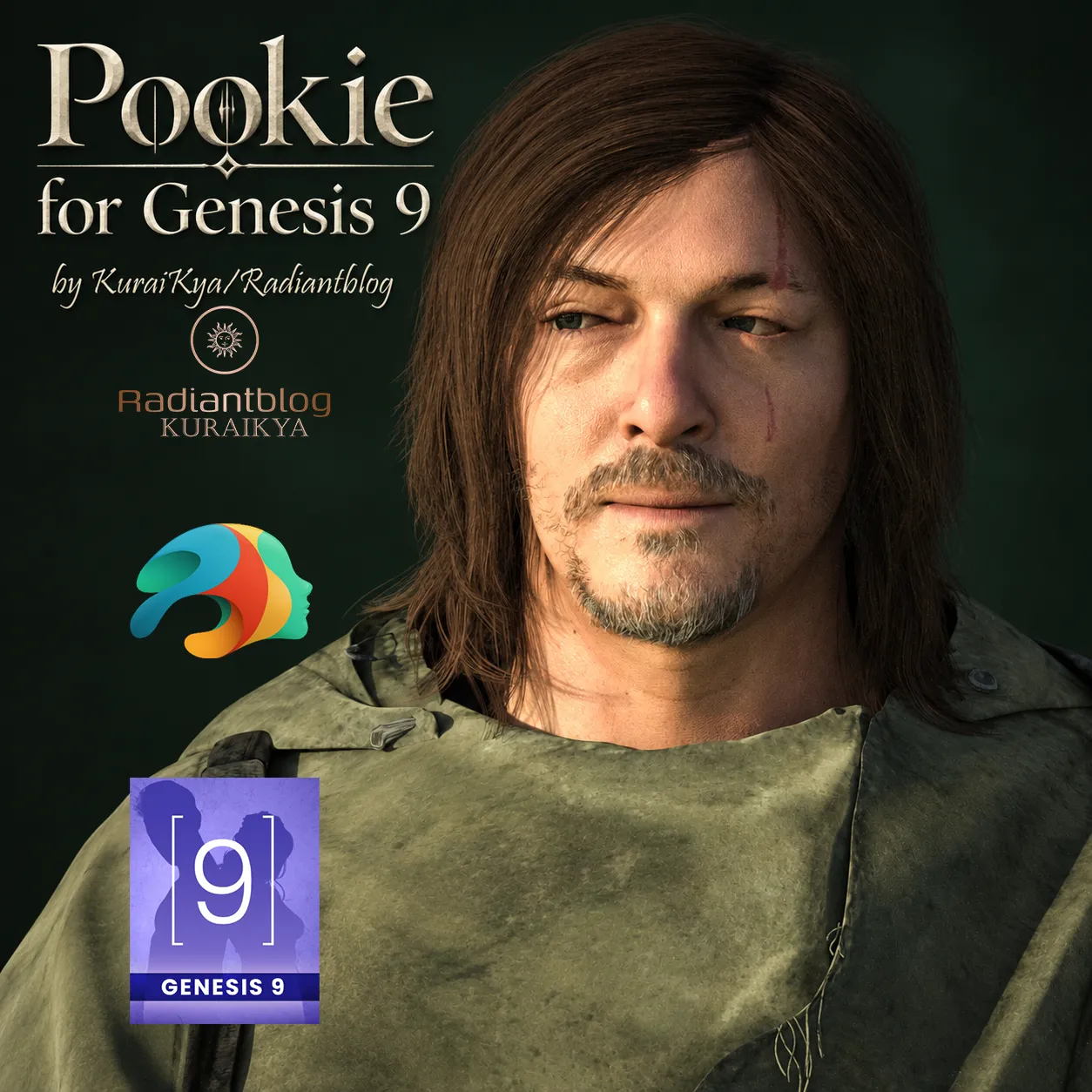
Pookie for Genesis 9 3D Model
- Vraag productondersteuning


- Mogelijke formaten:
- Item ID:674033
- Datum: 2026-10-09
- Geanimeerd:No
- Texturen:Yes
- Gemanipuleerd:Yes
- Materialen:Yes
- Low-poly:No
- Collectie:No
- UVW-toewijzing:Yes
- Plugins Gebruikt:No
- Afdruk Gereed:No
- 3D scan:No
- Volwassen:No
- PBR:Yes
- AI-training:No
- AI Generated:No
- Geometrie:Polygonal
- Onverpakte UV's:Non-overlapping
- Aantal keer bekeken:273
Beschrijving
Pookie for Genesis 9
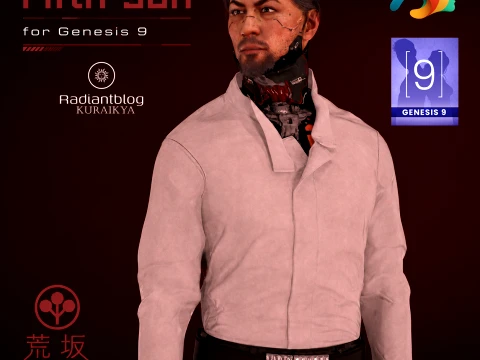
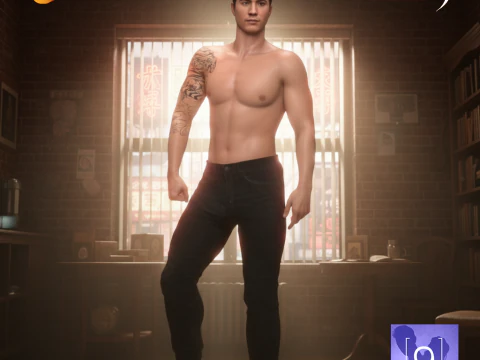
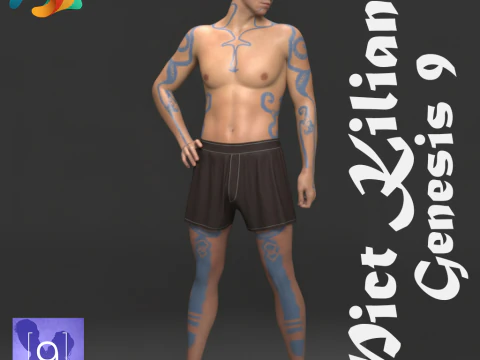
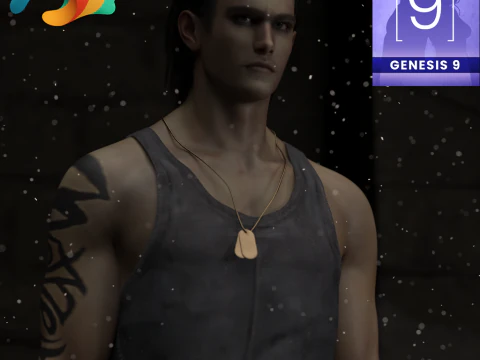
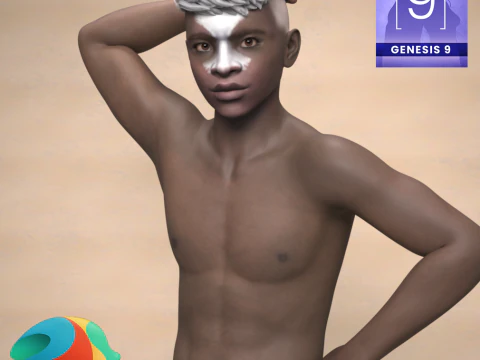
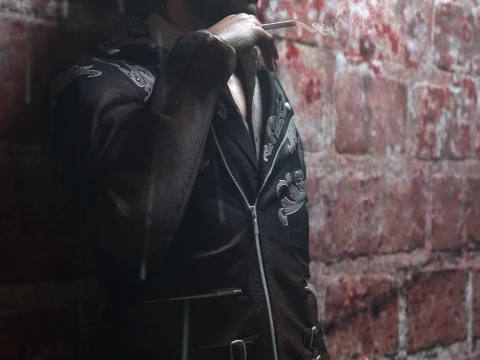
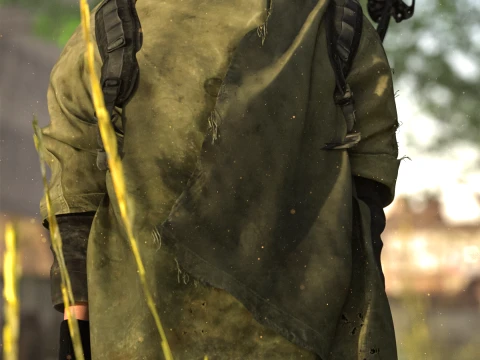
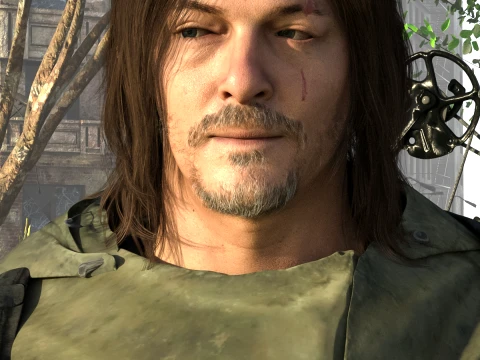
Meet Pookie, a highly detailed survival-themed character designed for your post-apocalyptic renders. This character is built as a Genesis 9 Fullmorph, providing a distinct and rugged look complete with a full survival outfit, detailed hair, and movable props.
Important Information & Warnings:
dForce Included: The outfit includes dForce on the shirt and poncho for realistic draping. WARNING: EXTREME MOVEMENTS CAN CAUSE POKE-THROUGHS. Please simulate carefully and adjust poses as needed.
Movable Props: The knives, arrow, and crossbow are included as props and can be independently moved and adjusted in your scenes.
What's Included in this Package:
Base Files:
Pookie with Clothing
Pookie without Clothing
KuraiKya_Store Link
Character Presets:
Character Preset
Material Preset
Shaping Preset
Pookie Eyes
Pookie Mouth
Clothing & Props:
!!!Load All Outfit!!!
Pookie Arrow
Pookie Backpack
Pookie Crossbow
Pookie Gloves
Pookie Holster
Pookie Knife 01
Pookie Knife 02
Pookie Pants
Pookie Poncho
Pookie Shirt
Pookie Shoes
Hair:
Pookie Beard
Pookie Eyebrows
Pookie Eyelashes
Pookie Hair
How to Extract and Install the ZIP File:
Download the provided .zip file to your computer.
If you are using Windows, right-click on the .zip file and select "Extract All...". If you are on a Mac, simply double-click the .zip file to extract it.
Open the extracted folder. You will see a "Genesis 9" folder.
Copy and paste (or drag and drop) the contents of this folder directly into your main Daz 3D Library/Content directory. The files will automatically sort into the correct Characters/KuraiKya/Pookie paths.
Open Daz Studio, refresh your library, and you are ready to render!
Meer formaten nodig?
Als u een ander formaat nodig heeft, open dan alstublieft een nieuwe Support Ticket en vraag om een ander formaat. Wij kunnen uw 3D modelen van vorm veranderen naar: .stl, .c4d, .obj, .fbx, .ma/.mb, .3ds, .3dm, .dxf/.dwg, .max. .blend, .skp, .glb. Gratis formaatconversieWe converteren geen 3D scènes en formaten zoals .step, .iges, .stp, .sldprt.!
Gebruiksinformatie
Pookie for Genesis 9 - U kunt dit royaltyvrije 3D model gebruiken voor zowel persoonlijke als commerciële doeleinden, in overeenstemming met de Basislicentie of Uitgebreide Licentie.De Basislicentie dekt de meeste standaard use cases, waaronder digitale advertenties, ontwerp- en visualisatieprojecten, zakelijke socialmedia-accounts, native apps, webapps, videogames en fysieke of digitale eindproducten (zowel gratis als verkocht).
De Uitgebreide Licentie omvat alle rechten die worden verleend onder de Basislicentie, zonder gebruiksbeperkingen, en staat toe dat het 3D model wordt gebruikt in onbeperkte commerciële projecten onder royaltyvrije voorwaarden.
Lees meer
Hebben jullie een geld terug garantie?
Ja, dat hebben we. Als u een product heeft gekocht en u een fout gevonden heeft in de beschrijving of in het product zelf, zullen wij het probleem zo snel mogelijk oplossen. Als wij het probleem niet kunnen oplossen, zullen wij uw bestelling annuleren en krijgt u uw geld terug binnen 24 na downloaden van het product. Lees more benodigdheden hierKeyworden
- ontstaan 9
- g9mannelijk
- dkracht
- g9
- daz3d
- de wandelende doden
- daryldixon
- genesis9mannelijk
- daz genesis 9
- dkrachtgenese9
- twd
- daryldixondaz
- dazstudiogenesis9
- g9 outfit