English
 Español
 Deutsch
 Polska
 Français
 한국의
 Українська
 Italiano
 Nederlands
 Türkçe
 Português

















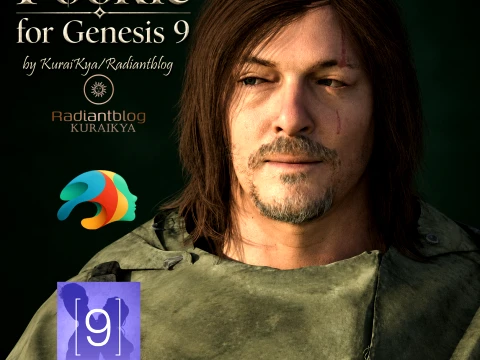
Pookie for Genesis 9 3Dモデル

- 作者による製品サポートのリクエスト


- 利用可能フォーマット:
- アイテム ID:674033
- 日付: 2026-10-09
- アニメーション:No
- テクスチャー加工:Yes
- 装飾:Yes
- 素材:Yes
- 低ポリ:No
- コレクション:No
- UVW マッピング:Yes
- 使用中プラグイン:No
- 印刷 準備:No
- 3D スキャン:No
- 成人コンテンツ:No
- PBR:Yes
- AIトレーニング:No
- AI Generated:No
- ジオメトリ:Polygonal
- 展開済 UVs:Non-overlapping
- ビュー:269
説明
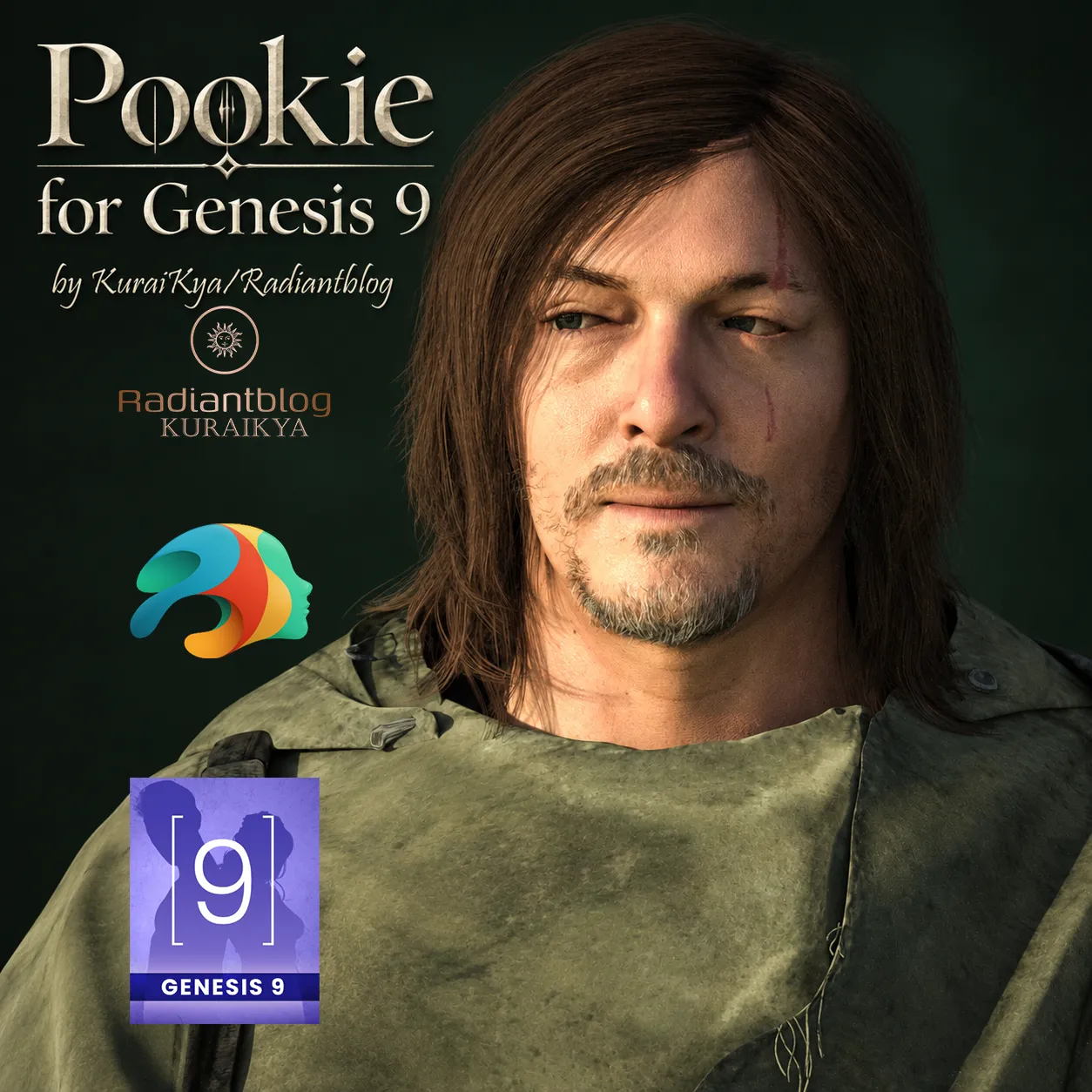
Pookie for Genesis 9
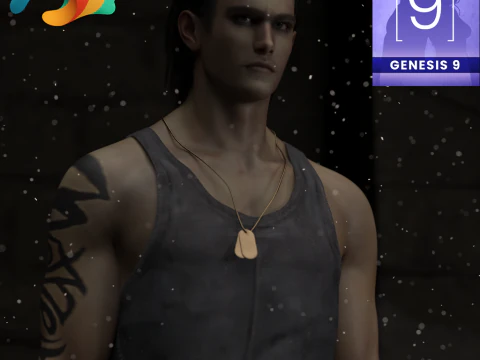
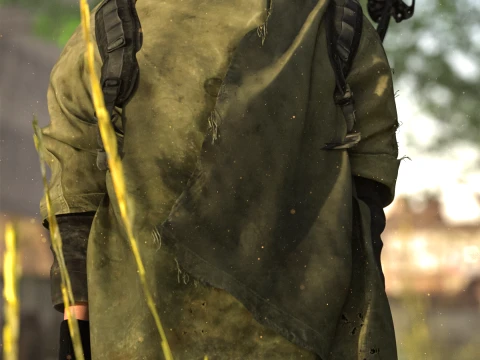
Meet Pookie, a highly detailed survival-themed character designed for your post-apocalyptic renders. This character is built as a Genesis 9 Fullmorph, providing a distinct and rugged look complete with a full survival outfit, detailed hair, and movable props.
Important Information & Warnings:
dForce Included: The outfit includes dForce on the shirt and poncho for realistic draping. WARNING: EXTREME MOVEMENTS CAN CAUSE POKE-THROUGHS. Please simulate carefully and adjust poses as needed.
Movable Props: The knives, arrow, and crossbow are included as props and can be independently moved and adjusted in your scenes.
What's Included in this Package:
Base Files:
Pookie with Clothing
Pookie without Clothing
KuraiKya_Store Link
Character Presets:
Character Preset
Material Preset
Shaping Preset
Pookie Eyes
Pookie Mouth
Clothing & Props:
!!!Load All Outfit!!!
Pookie Arrow
Pookie Backpack
Pookie Crossbow
Pookie Gloves
Pookie Holster
Pookie Knife 01
Pookie Knife 02
Pookie Pants
Pookie Poncho
Pookie Shirt
Pookie Shoes
Hair:
Pookie Beard
Pookie Eyebrows
Pookie Eyelashes
Pookie Hair
How to Extract and Install the ZIP File:
Download the provided .zip file to your computer.
If you are using Windows, right-click on the .zip file and select "Extract All...". If you are on a Mac, simply double-click the .zip file to extract it.
Open the extracted folder. You will see a "Genesis 9" folder.
Copy and paste (or drag and drop) the contents of this folder directly into your main Daz 3D Library/Content directory. The files will automatically sort into the correct Characters/KuraiKya/Pookie paths.
Open Daz Studio, refresh your library, and you are ready to render!
フォーマットが必要ですか?
異なるフォーマットが必要な場合、サポートチケットを開き、注文をしてください。3Dモデルをこれらに変換できます: .stl, .c4d, .obj, .fbx, .ma/.mb, .3ds, .3dm, .dxf/.dwg, .max. .blend, .skp, .glb. フリーフォーマット変換3D シーンは変換しません .step、.iges、.stp、.sldprt などの形式。!
使用情報
Pookie for Genesis 9 - このロイヤリティフリーの3Dモデルは、基本ライセンスまたは拡張ライセンスに従って、個人および商用目的で使用できます。基本ライセンスは、デジタル広告、デザインおよび視覚化プロジェクト、ビジネスソーシャルメディアアカウント、ネイティブアプリ、ウェブアプリ、ビデオゲーム、物理またはデジタル最終製品(無料および有償)など、ほとんどの標準的な使用事例をカバーしています。
拡張ライセンスには、基本ライセンスで付与されるすべての権利が使用制限なしで含まれており、ロイヤリティフリーの条件の下で、3Dモデルを無制限の商用プロジェクトで使用できます。
詳細を読む