


 English
 Español
 Deutsch
 日本語
日本語 Polska
 Français
 한국의
한국의 Українська
 Italiano
 Nederlands
 Türkçe
 Português
 Русский
 中國
中國 हिंदी
हिंदी
















objek Model 3D
Kita punya 233 item Royalti gratis objects Model 3D. Beli atau unduh model 3D gratis untuk proyek CG, produksi film dan video, animasi, visualisasi, game, VR/AR, dan lainnya. Anda dapat mengunduh model 3d apa pun dalam semua format 3d populer termasuk MAX, OBJ, FBX, 3DS, STL, C4D, BLEND, MAYA
- -40%
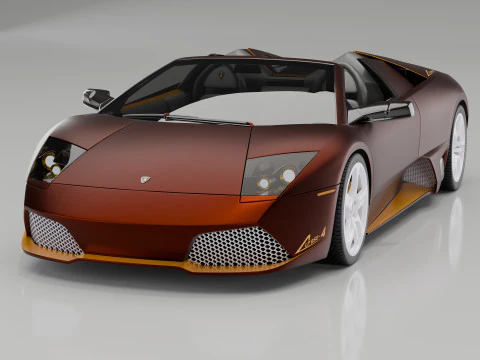 K.STORESport Cars
 - -50%
 SillyToysMonsters and Creatures
 - -50%
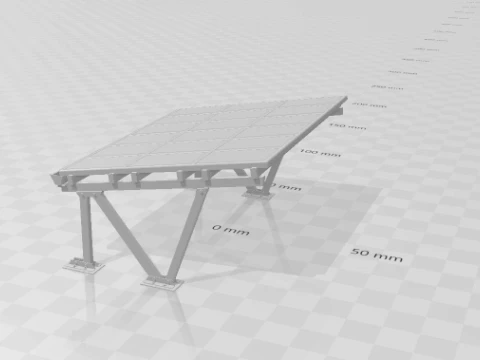 goodcreatorArchitecture
  AlejandrordamMan
- -50%
 DavideContiSigns and Logos





















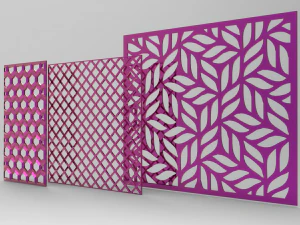
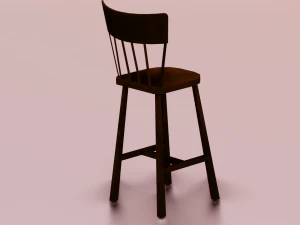
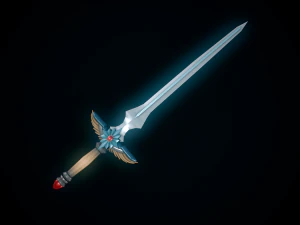

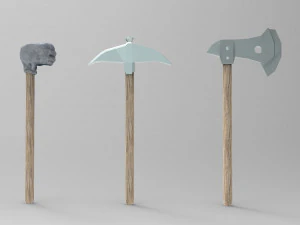


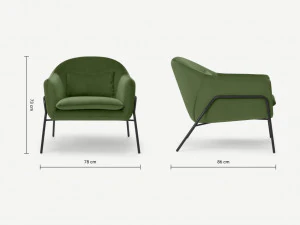
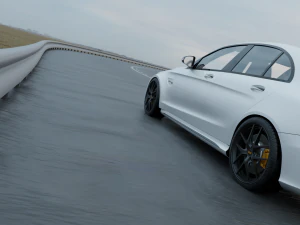


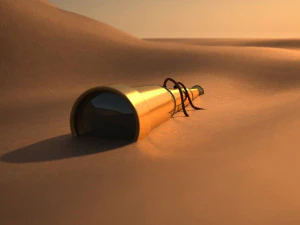

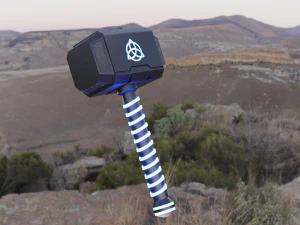
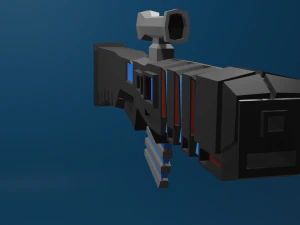
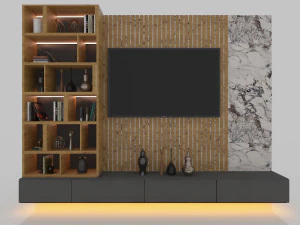

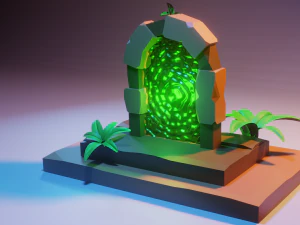
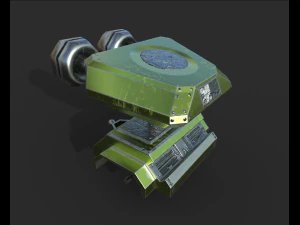



Penelusuran yang lagi ngetren Model 3D:
Patung Model 3D Karakter Model 3D Dapur Model 3D Kuda Model 3D Eksterior Arsitektur Model 3D Telepon dan Ponsel Model 3D Sayuran Model 3D Perhiasan Model 3D Mainan Model 3D Medis Model 3D Helikopter Model 3D Senjata Berat Model 3D Truk Model 3D Anatomi Model 3DT1: Kategori objek 3D apa saja yang tersedia di 3DExport?
Katalognya luas — furnitur, barang-barang rumah tangga, elektronik, perlengkapan makanan dan minuman, peralatan industri, senjata, kendaraan, elemen arsitektur, dan benda-benda dekoratif. Khusus untuk visualisasi arsitektur, kategori furnitur dan perlengkapan interior sangat lengkap: sofa, set ruang makan, peralatan dapur, perlengkapan pencahayaan. Pengembang game cenderung menggunakan bagian perlengkapan — peti, tong, papan nama, dan dekorasi lingkungan umum. Perbedaan antara "perlengkapan" dan "aset utama" penting dalam produksi: perlengkapan adalah sesuatu yang dilewati kamera, sedangkan aset utama adalah sesuatu yang difokuskan oleh kamera. Sebagian besar objek 3D yang terjangkau memiliki kualitas perlengkapan — sangat cocok untuk penggunaan latar belakang tetapi tidak untuk rendering jarak dekat. Saring berdasarkan resolusi tekstur dan jumlah poligon untuk menemukan aset yang layak untuk ditampilkan di kamera.
T2: Bagaimana cara menemukan objek 3D yang dioptimalkan untuk rendering waktu nyata?
Carilah daftar yang menyebutkan "siap pakai untuk game," "tekstur PBR," dan "poligon rendah." Material PBR (Physically Based Rendering) — peta kekasaran, metalik, dan normal yang dikemas dalam saluran standar — berfungsi dengan benar di Unreal Engine 5 dan Unity tanpa perlu pengerjaan ulang shader. Jumlah poligon adalah filter lainnya: properti real-time biasanya memiliki kurang dari 10.000 segitiga. Satu hal yang tidak ditampilkan oleh sebagian besar filter pencarian adalah jumlah panggilan gambar — satu "objek poligon rendah" dengan 12 slot material terpisah sebenarnya lebih buruk untuk performa daripada objek poligon tinggi dengan satu atlas. Jika halaman produk menampilkan banyak file tekstur terpisah daripada satu atau dua atlas, pertimbangkan biaya optimasi tersebut.
T3: Apakah objek 3D di 3DExport cocok untuk digunakan dalam aplikasi AR/VR?
Sebagian besar dapat diadaptasi, tetapi "cocok" bergantung pada platform Anda. ARKit dan ARCore (iOS dan Android) menangani GLB/GLTF secara native — dan banyak objek di 3DExport diekspor ke GLB. Batasan utamanya adalah anggaran poligon: pengalaman AR pada perangkat seluler biasanya membatasi objek utama pada 50.000 segitiga, dengan atlas tekstur tidak lebih besar dari 2K. Headset VR untuk PC (Quest 3, Vision Pro passthrough, PC VR) dapat menangani lebih banyak, tetapi tetap mendapat manfaat dari rantai LOD yang bersih. Masalah yang lebih besar seringkali adalah skala — banyak objek 3D dimodelkan dalam satuan arbitrer. Selalu verifikasi dimensi dunia nyata dalam deskripsi produk. Meja kopi yang dimodelkan dengan lebar 10 meter tidak berguna dalam adegan AR tanpa mengetahui koreksi skala apa yang harus diterapkan.
T4: Bisakah saya menggunakan objek 3D dari 3DExport di Blender untuk render komersial?
Ya — lisensi komersial standar mencakup hal ini. Impor OBJ atau FBX ke Blender 4.x, tetapkan material PBR menggunakan shader Principled BSDF, dan render dengan Cycles atau EEVEE Next. Satu masalah praktis: banyak file FBX diimpor dengan gamma yang salah pada tekstur di Blender. Atur manajemen warna Anda ke "sRGB" untuk peta diffuse/albedo dan "Non-Color" untuk peta roughness, metallic, dan normal — ini adalah langkah manual yang tidak selalu ditangani Blender secara otomatis saat impor. Jika tekstur terlihat terlalu terang atau pudar, itu penyebabnya 80% dari waktu.