


 English
 Español
 Deutsch
 日本語
日本語 Polska
 Français
 한국의
한국의 Українська
 Italiano
 Türkçe
 Português
 Bahasa Indonesia
 Русский
 中國
中國 हिंदी
हिंदी
















voorwerpen 3D Modellen
Wij hebben 233 item(s) Royalty free objects 3D Modellen. Koop of download gratis 3D modellen voor uw CG-projecten, film- en videoproductie, animatie, visualisaties, games, VR/AR en meer. U kunt elk 3D model downloaden in alle populaire 3D formaten, inclusief MAX, OBJ, FBX, 3DS, STL, C4D, BLEND, MAYA
- -40%
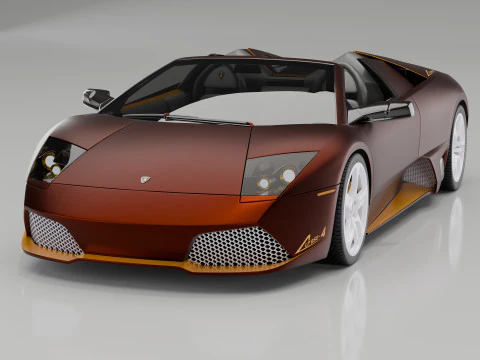 K.STORESport Cars
 - -50%
 SillyToysMonsters and Creatures
 - -50%
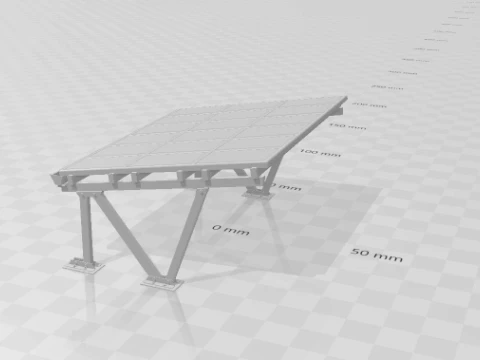 goodcreatorArchitecture
  AlejandrordamMan
- -50%
 DavideContiSigns and Logos








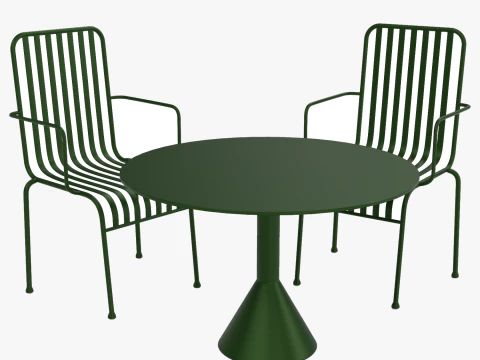



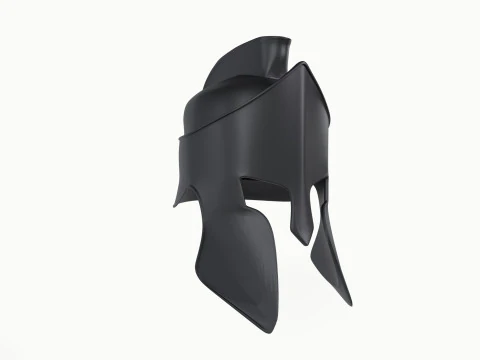

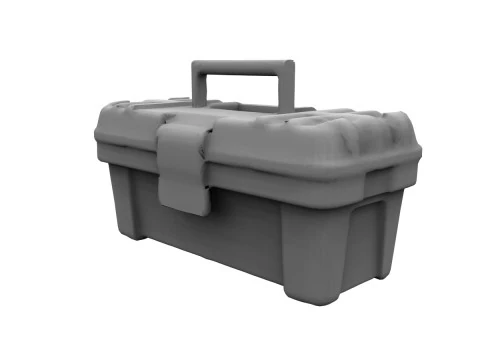


















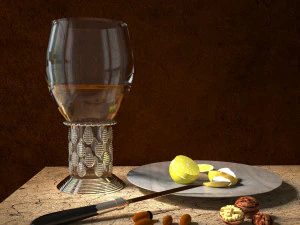

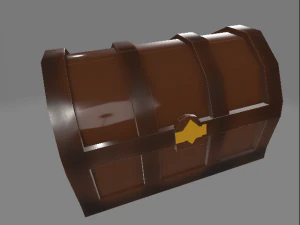

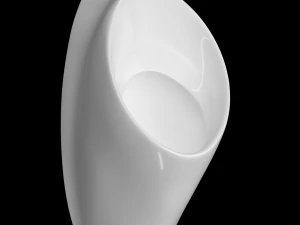
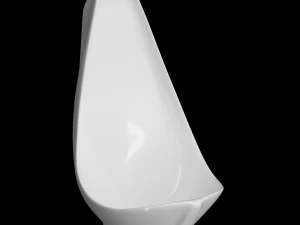
Populaire zoekopdrachten 3D Modellen:
Standbeelden 3D Modellen Karakters 3D Modellen Keuken 3D Modellen Paard 3D Modellen Architechturale ontwerpen 3D Modellen Telefoon en mobiel 3D Modellen Groente 3D Modellen Juwelen 3D Modellen Speelgoed 3D Modellen Medisch 3D Modellen Helikopter 3D Modellen Zware wapens 3D Modellen Vrachtwagen 3D Modellen Anatomie 3D ModellenVraag 1: Welke categorieën 3D-objecten zijn beschikbaar op 3DExport?
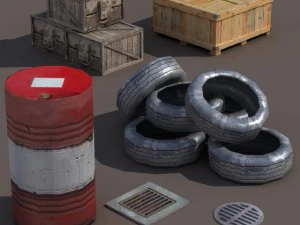
De catalogus is breed: meubels, huishoudelijke artikelen, elektronica, rekwisieten voor eten en drinken, industriële gereedschappen, wapens, voertuigen, architectonische elementen en decoratieve objecten. Voor architectuurvisualisatie is de categorie meubels en interieurrekwisieten bijzonder uitgebreid: banken, eethoeksets, keukenapparatuur, verlichting. Gameontwikkelaars gebruiken vaak de sectie met rekwisieten: kratten, vaten, borden, algemene omgevingsdecoratie. Het onderscheid tussen "rekwisiet" en "hero asset" is belangrijk in de productie: een rekwisiet is iets waar de camera langs beweegt, een hero asset is iets waar de camera op blijft hangen. De meeste betaalbare 3D-objecten zijn van rekwisietenkwaliteit – prima geschikt voor gebruik op de achtergrond, maar niet voor close-up renders. Filter op textuurresolutie en polycount om objecten te vinden die de moeite waard zijn om in beeld te brengen.Vraag 2: Hoe vind ik 3D-objecten die geoptimaliseerd zijn voor realtime rendering?
Zoek naar vermeldingen die specificeren "game-ready", "PBR-texturen" en "low-poly". PBR-materialen (Physically Based Rendering) — ruwheids-, metallic- en normaalmaps verpakt in standaardkanalen — werken correct in zowel Unreal Engine 5 als Unity zonder dat shaders hoeven te worden aangepast. Het aantal polygonen is een ander filter: realtime objecten hebben doorgaans minder dan 10.000 driehoeken. Iets wat de meeste zoekfilters niet weergeven, is het aantal draw calls — een enkel "low-poly object" met 12 afzonderlijke materiaalslots presteert eigenlijk slechter dan een object met meer polygonen en één atlas. Als de productpagina veel afzonderlijke textuurbestanden toont in plaats van één of twee atlases, houd dan rekening met die optimalisatiekosten.