


 English
 Español
 Deutsch
 日本語
日本語 Polska
 Français
 한국의
한국의 Українська
 Nederlands
 Türkçe
 Português
 Bahasa Indonesia
 Русский
 中國
中國 हिंदी
हिंदी
















camera Modelli 3D
Abbiamo 20761 oggetto(i) Senza royalty room Modelli 3D. Acquista o scarica modelli 3D gratuiti per i tuoi progetti CG, produzione di film e video, animazioni, visualizzazioni, giochi, VR/AR e altro. Puoi scaricare qualsiasi modello 3D in tutti i formati 3D più diffusi, inclusi MAX, OBJ, FBX, 3DS, STL, C4D, BLEND, MAYA
- -50%
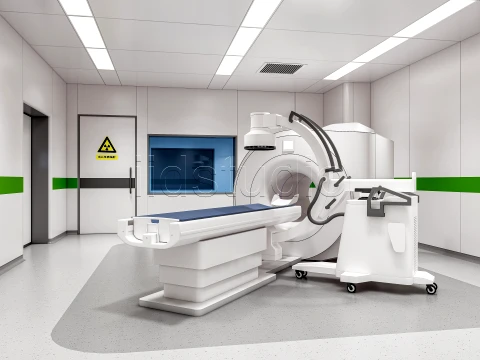
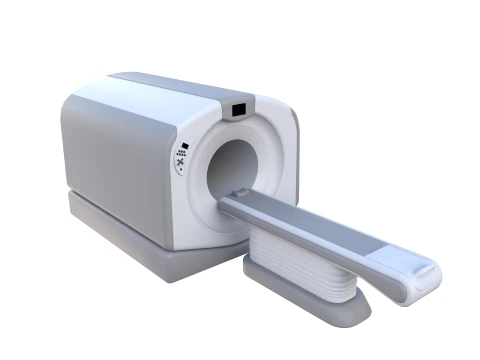
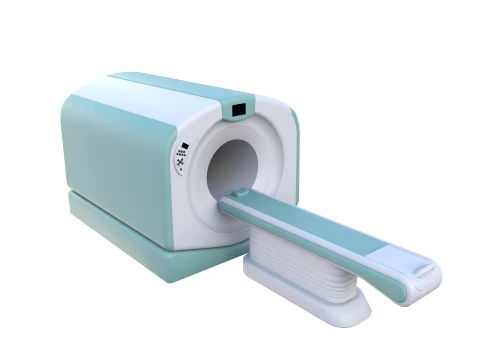
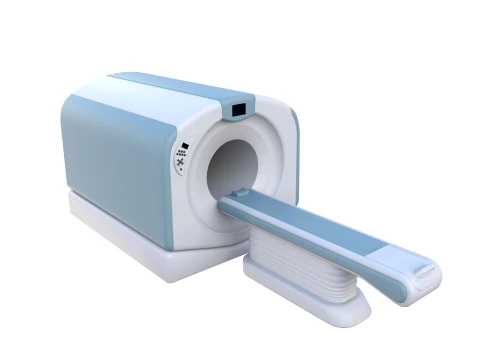
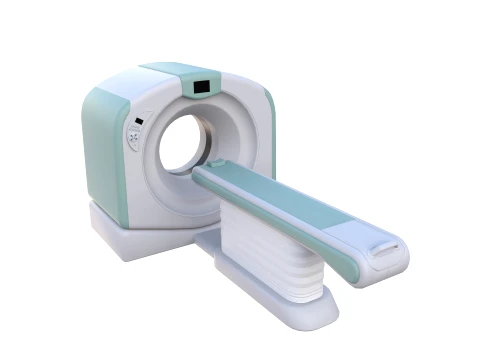
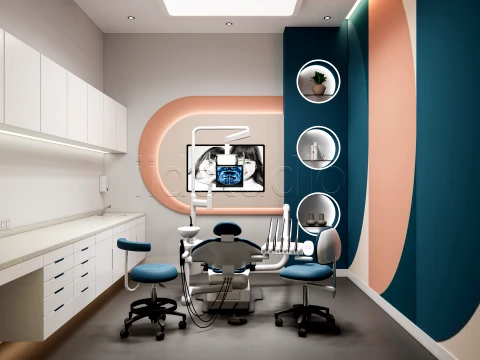 IIDStodioMedical Equipment
 - -50%
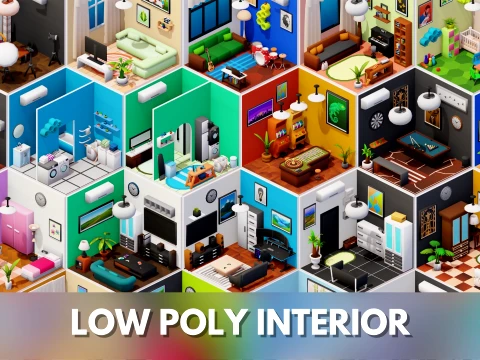
 deckoratorToys
 - -50%
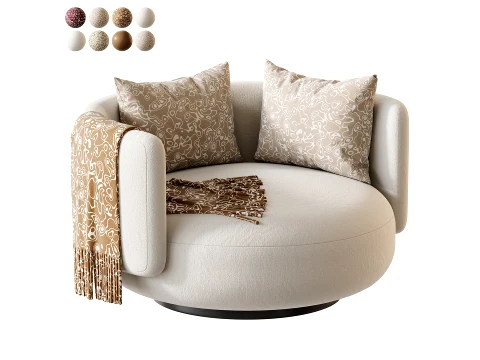
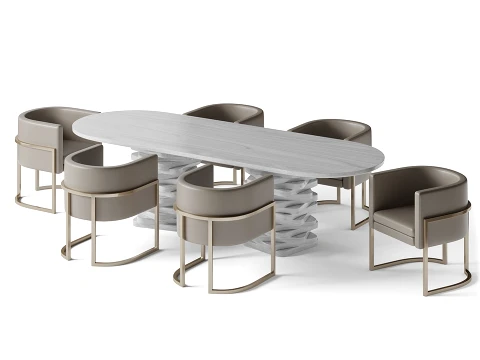
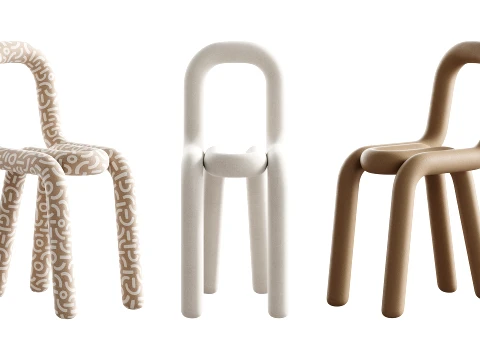 cgdocaChair
 - -50%
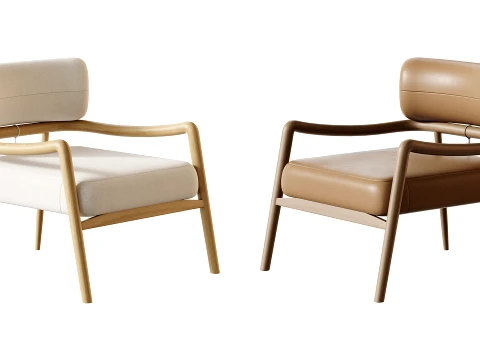
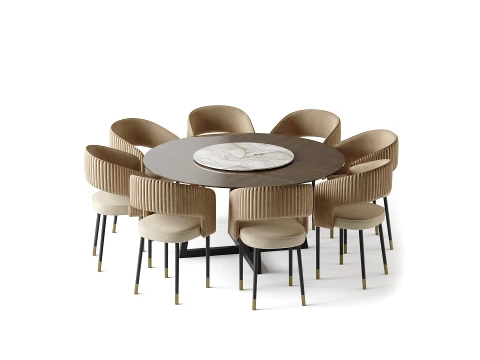
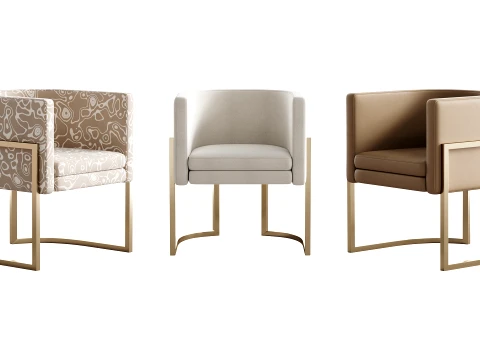 cgdocaChair
 - -50%
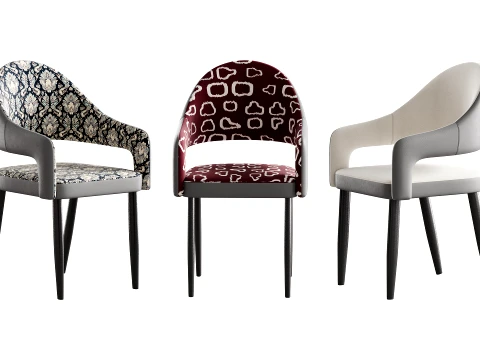 cgdocaChair
 - -50%
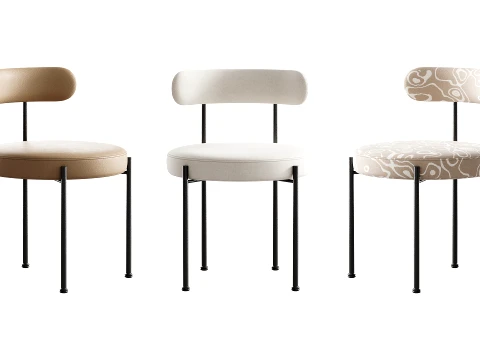 cgdocaChair
 - -50%
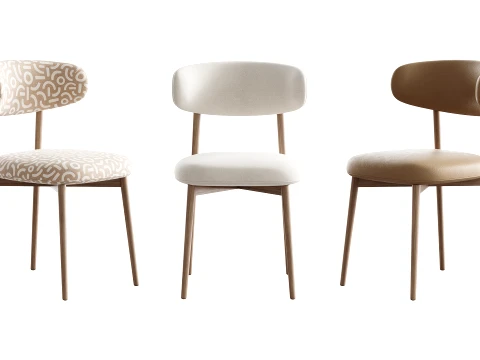 cgdocaChair
 - -50%
 cgdocaChair
 - -50%
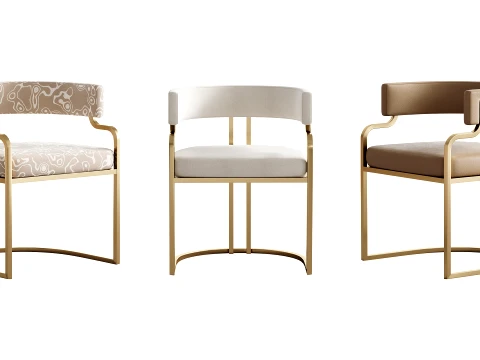 cgdocaChair
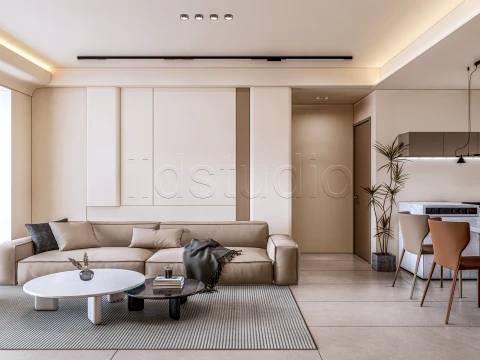
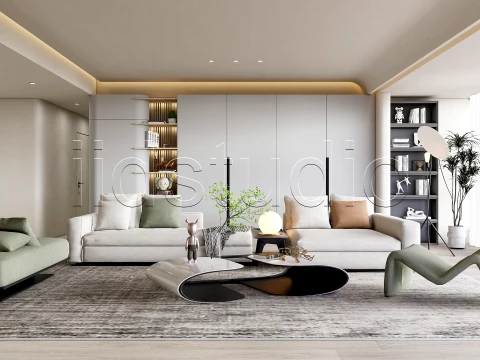
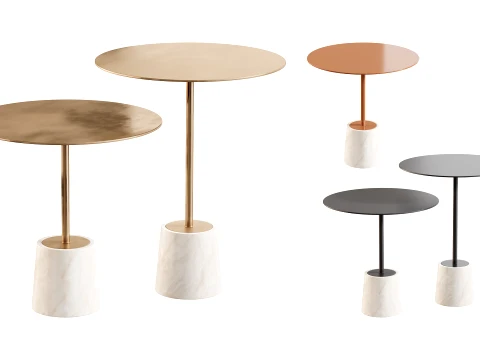

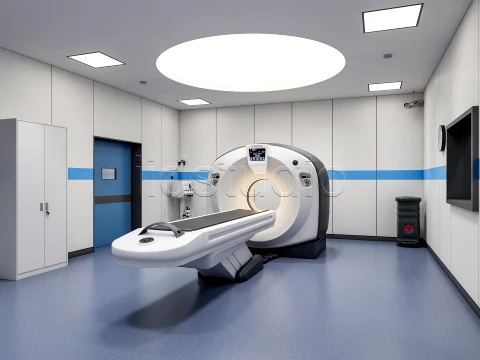
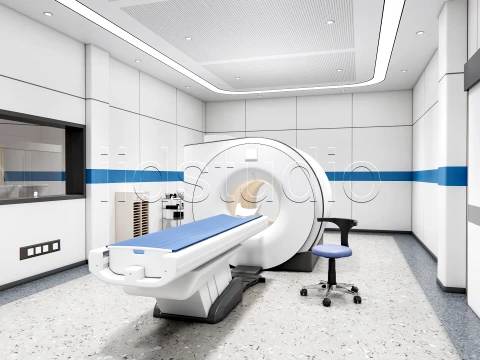
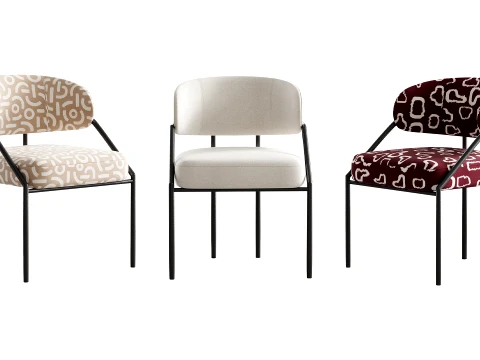
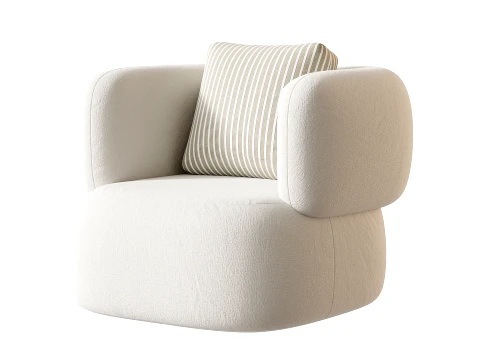
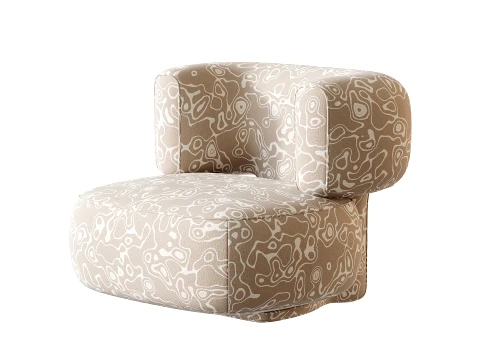
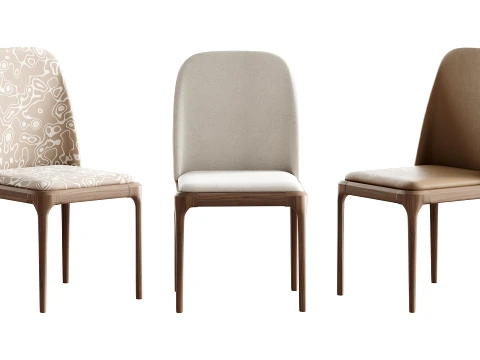
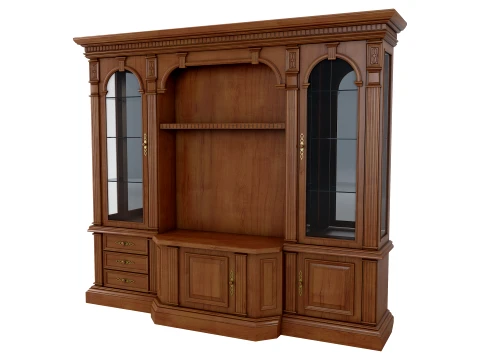
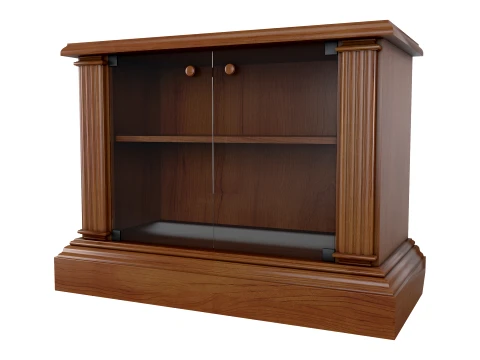
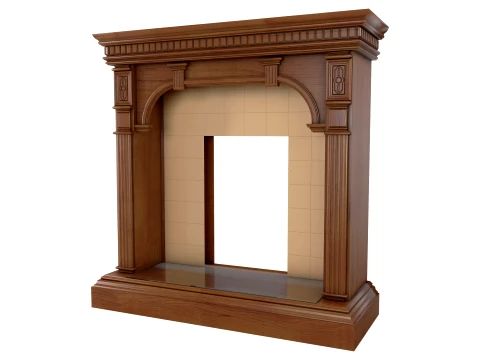
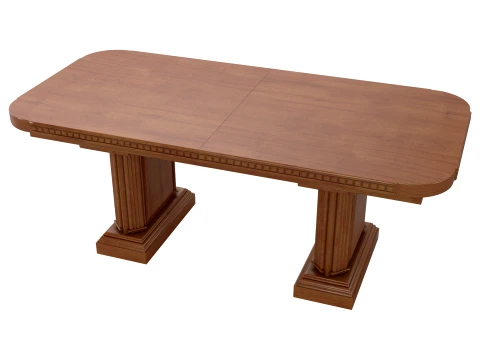





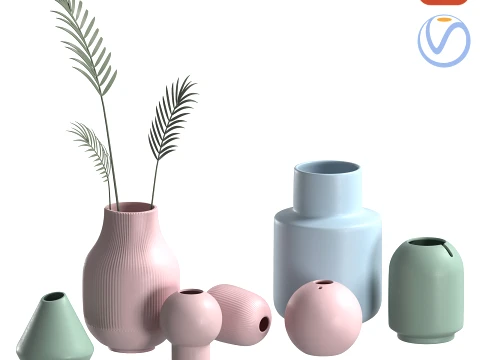
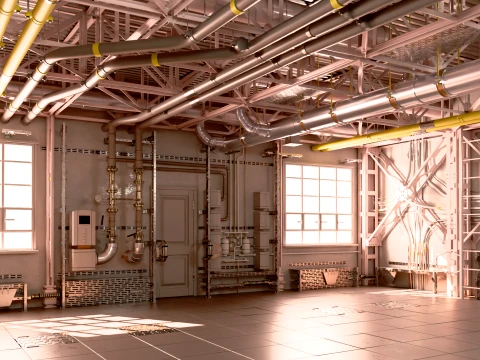
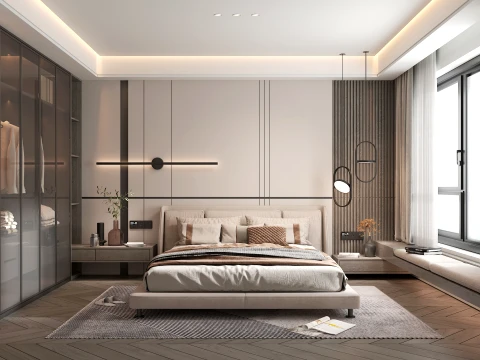

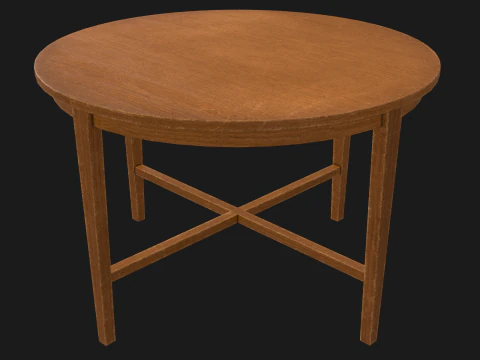


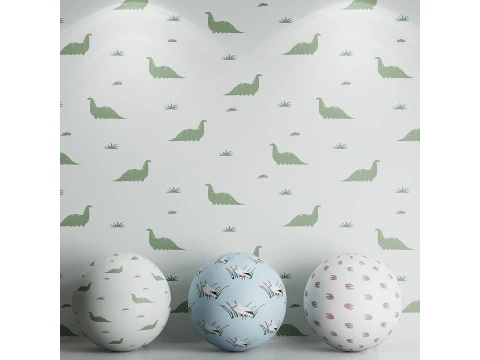

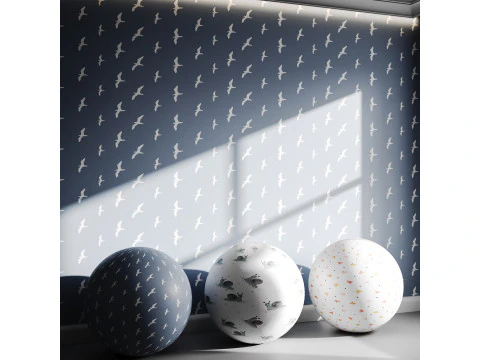


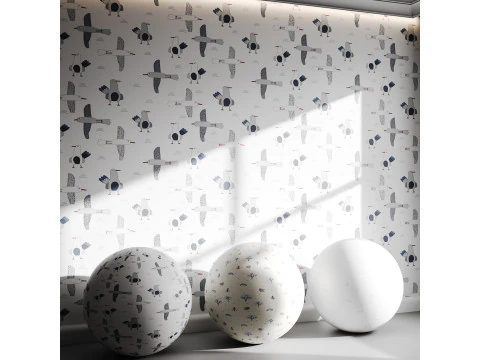
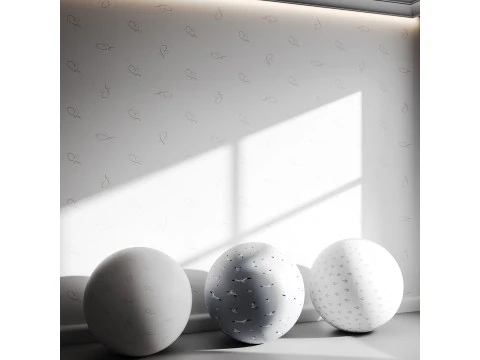


Ricerche di tendenza Modelli 3D:
Scultura Modelli 3D Caratteri Modelli 3D Cucina Modelli 3D Cavallo Modelli 3D Architectural Exteriors Modelli 3D Telefoni e Cellulari Modelli 3D Vegetali Modelli 3D Gioielli Modelli 3D Giocattoli Modelli 3D Medicinali Modelli 3D Elicotteri Modelli 3D Armi Pesanti Modelli 3D Camion Modelli 3D Anatomia Modelli 3DQ1: What room types are available as 3D models on 3DExport?
The catalog covers the full residential and commercial range. Residential: bedrooms, living rooms, kitchens, bathrooms, dining rooms, home offices, children's rooms. Commercial: office spaces, retail stores, hotel rooms, restaurant interiors, medical examination rooms. Specialized: server rooms, recording studios, classrooms, gym interiors. Pre-furnished room models are the most useful for archviz because they include all the props and furniture arranged in a credible layout — furniture selection, placement, and styling is actually the hardest and most time-consuming part of interior visualization, not the room geometry itself. Empty room shells are useful as starting points for custom furnishing, but they're a smaller portion of the catalog.
Q2: What makes a 3D room model suitable for architectural visualization client presentations?
Material quality and lighting setup determine whether a room render convinces a client or makes them uncomfortable. The materials that most often fail in client presentations: wood flooring that tiles visibly (the same grain pattern repeating every 80cm), wall paint with no surface variation (looks like plastic rather than matte emulsion), and fabric upholstery with overly uniform texture. A convincing room render needs a plausible daylight source — window placement that matches the HDRI sun position, with correct exposure so the bright window areas don't blow out while shadow areas retain detail. HDRI rotation is the most commonly forgotten step: sun coming from outside the window and HDRI sun pointing in a different direction reads as physically impossible, even if clients can't articulate why it bothers them.
Q3: How do I optimize a room 3D model for real-time use in Unreal Engine 5?
Structure the room as modular components rather than a single baked mesh. Walls, floor, and ceiling as separate meshes allow Nanite to handle high-polygon versions without performance penalty on static geometry. Furniture should be separate static mesh actors so Lumen's global illumination can calculate indirect light from each object correctly. Use Lightmass (baked GI) for static lighting in rooms where performance is critical; switch to Lumen (real-time GI) for interactive experiences where time-of-day or movable lights are needed. One practical issue: room-scale geometry often has light leaks at wall-floor-ceiling intersections with baked lighting. Close these by overlapping geometry slightly (5–10mm) at corners rather than relying on perfect alignment.
Q4: What camera settings produce the best interior room renders in Blender?
Use a wide-angle lens (24–28mm equivalent) to show the full room — the natural human visual experience of a room requires more field of view than portrait-style renders. Set the camera to a standing eye level of 1.6m height, positioned in a corner so two walls frame the shot (the classic three-point perspective interior view). Depth of field with a focus distance on the room's primary interest point and an f-stop of f/4–f/8 adds photographic quality without excessive blur. For a realistic interior exposure, use Blender's Filmic color management with a slight S-curve contrast boost in the compositor. Interior photography whites are almost never pure white in the final image — if your ceiling is blowing out to pure white, lower the exposure by 1–2 stops.