


 English
 Español
 Deutsch
 日本語
日本語 Polska
 Français
 한국의
한국의 Українська
 Nederlands
 Türkçe
 Português
 Bahasa Indonesia
 Русский
 中國
中國 हिंदी
हिंदी
















Strade CG Textures
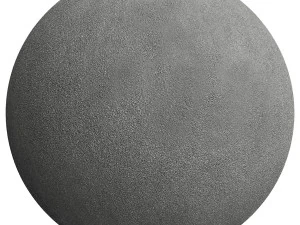
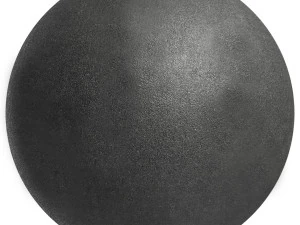
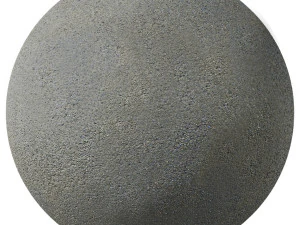
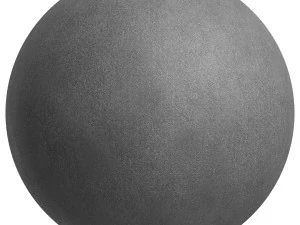
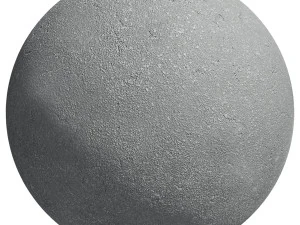
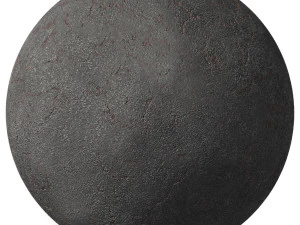
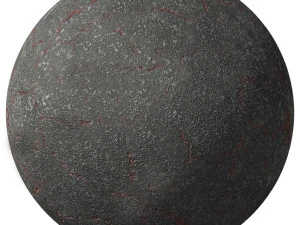
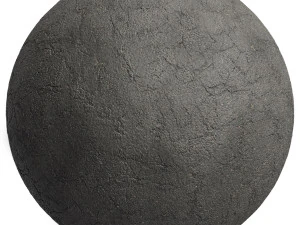
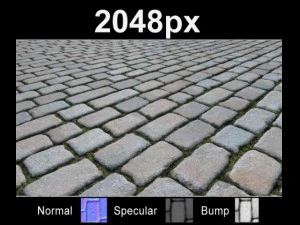
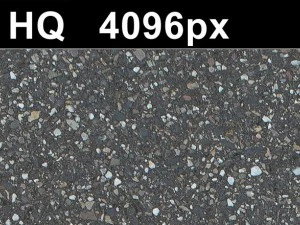
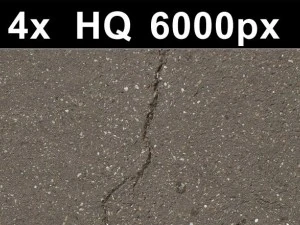
Abbiamo 76 oggetto(i) Senza royalty Modelli 3D. This is a huge library of road textures that will perfectly fit any kind of project. You will be astounded by their variety and look. These road textures will meet all your needs. Our road texture is a great solution for your project! Each road texture is available for download. Download CG Textures with .jpg, .png, .psd, .tga, .tif, .hdr and .i3d formats. You will undoubtedly find something useful in the categories Rock Textures and Rust Textures.
- -20%
 SanchiEspRoads
 - -40%
 hdrihubRoads
































Ricerche di tendenza Modelli 3D:
Scultura Modelli 3D Caratteri Modelli 3D Cucina Modelli 3D Cavallo Modelli 3D Architectural Exteriors Modelli 3D Telefoni e Cellulari Modelli 3D Vegetali Modelli 3D Gioielli Modelli 3D Giocattoli Modelli 3D Medicinali Modelli 3D Elicotteri Modelli 3D Armi Pesanti Modelli 3D Camion Modelli 3D Anatomia Modelli 3DQuali tipi di superfici stradali e percorsi urbani sono disponibili?
La categoria "strade" è una risorsa fondamentale per la pianificazione urbana e lo sviluppo di giochi, con texture ad alta risoluzione di autostrade moderne, strade cittadine e sentieri di campagna rustici. Nel 2026, presentiamo scansioni dettagliate di asfalto fresco, cemento stagionato e superfici in ciottoli. Queste texture includono tutti i dettagli caratteristici di una strada reale, come la segnaletica orizzontale dipinta, i tombini e le toppe di riparazione. Che tu stia costruendo un incrocio metropolitano trafficato o un tranquillo sentiero nel bosco, questa categoria fornisce le mappe di superficie ad alta fedeltà necessarie per creare percorsi di transito credibili e funzionali nel tuo mondo digitale.
Come vengono rappresentati l'usura e le imperfezioni della strada nelle texture?
Il realismo delle texture stradali del 2026 è ottenuto grazie all'inclusione di modelli di usura dettagliati, come segni di pneumatici, macchie d'olio e crepe. Le mappe PBR includono specifiche variazioni di "rugosità" e "metallicità" per simulare la lucentezza oleosa dell'asfalto bagnato o l'aspetto polveroso di una banchina in cemento asciutta. Le mappe normali sono progettate per catturare la texture granulosa dell'aggregato e la profondità di buche o fessure. Questo livello di dettaglio è essenziale per radicare i veicoli in una scena, assicurando che l'interazione tra gli pneumatici e la strada appaia fisicamente accurata e renderizzata in modo professionale.
Esistono texture per segnaletica orizzontale e decalcomanie specifiche?
Sì, la nostra collezione 2026 include una varietà di segnaletica orizzontale sotto forma di decalcomanie separate con maschera alfa, tra cui strisce pedonali, frecce e limiti di velocità. Queste consentono di personalizzare le superfici stradali senza dover incorporare la segnaletica direttamente nella texture di base. È possibile trovare segnaletica conforme a diversi standard internazionali, garantendo che le scene urbane appaiano autentiche in una specifica località geografica. Questo approccio modulare è fondamentale per i creatori che devono costruire reti stradali complesse con segnaletica variegata, fornendo una soluzione flessibile e di alta qualità sia per la visualizzazione architettonica che per gli ambienti di gioco open-world in cui i dettagli stradali sono fondamentali.
Come si comportano queste texture in condizioni di pioggia?
Nel 2026, le nostre texture stradali sono ottimizzate per i sistemi meteorologici dinamici. Regolando i valori di "rugosità" e "specularità" nel tuo shader, puoi facilmente trasformare queste strade da uno stato asciutto e polveroso a una superficie bagnata, scivolosa e riflettente. Le mappe includono maschere dettagliate per le pozzanghere che definiscono dove l'acqua si raccoglierà naturalmente nelle depressioni e nelle crepe. Ciò consente riflessi realistici delle luci al neon e dei fari dei veicoli durante le sequenze di pioggia. Questa profondità tecnica è perfetta per creare scene notturne di città suggestive in cui l'interazione della luce su una superficie stradale bagnata è un elemento chiave della narrazione visiva.
Quali consigli di rendering aiutano a creare un aspetto realistico dell'asfalto?
Per ottenere un aspetto professionale della strada nel 2026, consigliamo di utilizzare un displacement di alta qualità per dare all'aggregato dell'asfalto una sensazione tattile realistica. Utilizzate il "filtraggio anisotropico" nel vostro motore per garantire che le texture stradali rimangano nitide anche se visualizzate dagli angoli acuti tipici delle riprese di guida. l'aggiunta di un leggero rumore di "microdettagli" può aiutare a evitare che la texture appaia troppo piatta nei primi piani. Per le strade cittadine, l'inserimento di "elementi di disturbo" a bordo strada come cordoli e griglie di drenaggio renderà la texture ancora più realistica. Queste tecniche assicurano che le vostre strade appaiano solide, utilizzate e perfettamente integrate nelle vostre visualizzazioni urbane e paesaggistiche professionali.