


 English
 Español
 Deutsch
 日本語
日本語 Polska
 Français
 한국의
한국의 Українська
 Nederlands
 Türkçe
 Português
 Bahasa Indonesia
 Русский
 中國
中國 हिंदी
हिंदी
















cranio Modelli 3D Gratuiti
Abbiamo 52 oggetto(i) Senza royalty skull Modelli 3D. Scarica modelli 3D gratuiti di alta qualità per progetti personali e commerciali
 MarProMonsters and Creatures






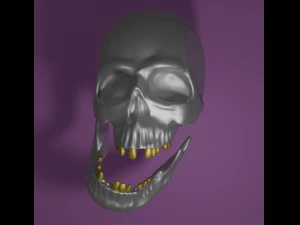

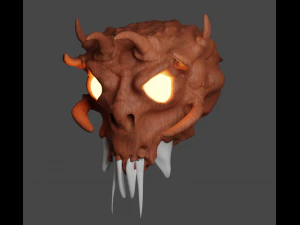
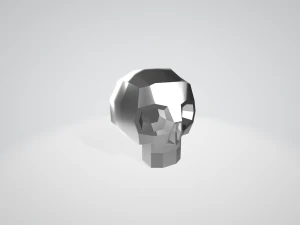
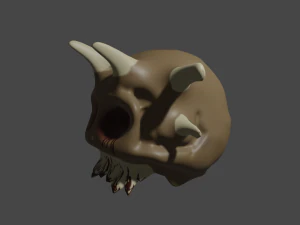













Ricerche di tendenza Modelli 3D:
Scultura Modelli 3D Caratteri Modelli 3D Cucina Modelli 3D Cavallo Modelli 3D Architectural Exteriors Modelli 3D Telefoni e Cellulari Modelli 3D Vegetali Modelli 3D Gioielli Modelli 3D Giocattoli Modelli 3D Medicinali Modelli 3D Elicotteri Modelli 3D Armi Pesanti Modelli 3D Camion Modelli 3D Anatomia Modelli 3DQ1: Are skull 3D models anatomically accurate for medical or educational use?
Some are, most aren't — that's the honest answer. Anatomically precise skulls are built from CT scan data or by artists with medical reference, and sellers usually flag this explicitly. Look for terms like "based on real anatomy" or "photorealistic scan-based" in the description. For educational presentations or medical visualization, the key details to check are: correct cranial suture placement, accurate orbital socket depth, and proper mandible articulation. Models built purely for game art or horror aesthetics often simplify or exaggerate these features. If you need something defensibly accurate for a biology class or a surgical simulation prototype, contact the seller and ask for the reference source. A few studios on 3DExport do sell genuine medical-grade assets — they're more expensive, but worth it.
Q2: Which skull 3D models work best for 3D printing?
For printing, you want a model that's watertight — meaning the mesh is a closed solid with no holes or inverted normals. OBJ and STL are the formats to look for. STL is what slicers like Cura and PrusaSlicer expect directly; OBJ works too but requires an export step. Avoid highly detailed displacement-mapped models — that surface detail is baked for rendering, not geometry, and it won't survive the STL conversion cleanly. A mesh with 50,000–150,000 actual polygons prints better than a 5,000-poly base with a 4K normal map. Check if the product listing mentions "print-ready" or "manifold mesh." If it doesn't, assume it needs repair work in Meshmixer or Netfabb before it'll slice without errors.
Q3: What software can open skull 3D model files from 3DExport?
FBX and OBJ open in essentially everything: Blender (free), Maya, 3ds Max, Cinema 4D, ZBrush for inspection, and game engines like Unity and Unreal. STL files go straight into any slicer. If you bought a native .blend file, you need Blender 3.x or 4.x — older versions sometimes have compatibility issues with newer node setups. MAX files require 3ds Max specifically — they won't open elsewhere without conversion. One format to be careful about: .fbx exported from older software sometimes loses material slots on import into Blender 4.x. Run the FBX through Blender's import, check the material panel, and re-link textures manually if they come in grey.
Q4: Are there low-poly skull models suitable for mobile game development?
Yes, and this is actually one of the more saturated categories. Low-poly skulls under 2,000 triangles are common — simple enough for particle effects, inventory icons, or environment dressing in mobile titles. The question isn't polygon count, it's texture efficiency. A skull with a single 1024×1024 atlas (diffuse + roughness + normal packed) is far better for mobile than one with three separate 2K maps. Check the texture setup before buying. For Unity specifically, look for models with URP-compatible materials; HDRP shaders won't run on Android without significant rework.