


 English
 Español
 Deutsch
 日本語
日本語 Polska
 Français
 한국의
한국의 Українська
 Nederlands
 Türkçe
 Português
 Bahasa Indonesia
 Русский
 中國
中國 हिंदी
हिंदी
















ciambella Modelli 3D
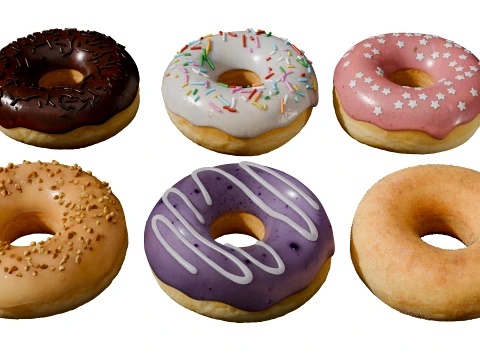
Abbiamo 279 oggetto(i) Senza royalty donut Modelli 3D. Acquista o scarica modelli 3D gratuiti per i tuoi progetti CG, produzione di film e video, animazioni, visualizzazioni, giochi, VR/AR e altro. Puoi scaricare qualsiasi modello 3D in tutti i formati 3D più diffusi, inclusi MAX, OBJ, FBX, 3DS, STL, C4D, BLEND, MAYA
- -20%
 MONA3DStudioToys
 - -50%
 surf3dTools
 - -50%
 surf3dTools
 - -50%
 surf3dTools
  PUFFTOONSTUDIOSci-Fi
- -50%
 surf3dTools
  AlaaeddineZairOther
 PixelVoidStudioOther
 InventiveWorldSweets
 elegantmesh.studiosMan








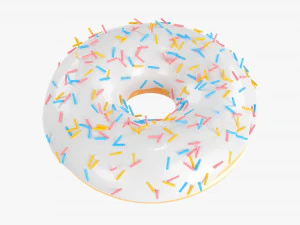






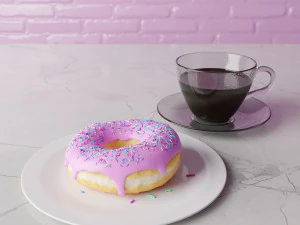


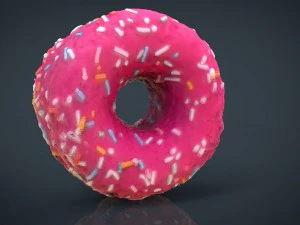







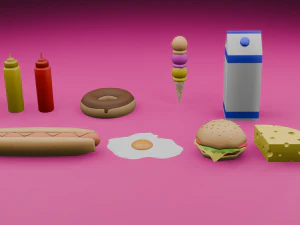


Ricerche di tendenza Modelli 3D:
Scultura Modelli 3D Caratteri Modelli 3D Cucina Modelli 3D Cavallo Modelli 3D Architectural Exteriors Modelli 3D Telefoni e Cellulari Modelli 3D Vegetali Modelli 3D Gioielli Modelli 3D Giocattoli Modelli 3D Medicinali Modelli 3D Elicotteri Modelli 3D Armi Pesanti Modelli 3D Camion Modelli 3D Anatomia Modelli 3DQ1: Why is the donut the most iconic beginner Blender project?
Andrew Price's (Blender Guru) donut tutorial series is the de facto introduction to Blender for millions of users — the tutorial has been updated multiple times across Blender versions and as of 2025 remains the most-watched Blender tutorial series. The donut works as a teaching project because it covers the full production pipeline in one asset: modeling (subdivision surface workflow), sculpting (adding icing drips), procedural texturing (sprinkle distribution via geometry nodes), shading (Principled BSDF, subsurface scattering on dough), and rendering (HDRI lighting, camera settings). No single other object teaches all these systems simultaneously. Pre-made donut models on 3DExport serve as reference, comparison, or time-savers for people past the tutorial stage.
Q2: What makes a photorealistic donut 3D model convincing?
Four material properties working together. The dough body: subsurface scattering with a warm orange-yellow subsurface color (bread is translucent at thin edges), roughness around 0.6, slight normal map texture for the irregular fried surface. The glaze: high specularity, very low roughness (0.05–0.1), slight transparency where the glaze thins at edges, and drip geometry that follows gravity correctly — thin at the top, thicker pooling at the underside. Sprinkles: correctly scaled (roughly 3–4mm long), random rotation and placement, with their own distinct material. The critical detail most beginner models miss: the glaze should show the slight warping and tension patterns of real poured glaze, not a uniform smooth shell.
Q3: Can 3D donut models be used in food product visualization professionally?
Yes — bakery product visualization, food delivery app menus, and promotional content for donut chains use 3D renders in 2026. The advantage of 3D over photography: infinite variation with one base model, consistent lighting across a full product catalog, and ability to show seasonal variants or limited editions without physical production. The requirement for this use: photorealism that stands up to comparison with product photography. A donut render that reads as CG in a food app erodes trust in the product. Key benchmarks — does the glaze drip follow plausible gravity? Do the sprinkles have random variation in orientation? Does the dough texture suggest actual frying rather than plastic?
Q4: How do I add procedural sprinkles to a donut model using Blender geometry nodes?
Create a sprinkle object (a small cylinder, roughly 0.4×0.1 blender units for scale). In the donut's Geometry Nodes modifier, use a Distribute Points on Faces node with Poisson Disk distribution to place points on the top face of the glaze mesh — Poisson Disk prevents overlapping. Connect the points to an Instance on Points node with your sprinkle object as the instance. Add a Random Value node feeding into the Rotation input to randomize each sprinkle's orientation. Add a second Random Value for scale variation (0.8–1.2 range). For color variation, create 4–5 sprinkle material variants and use an Index node with a Modulo operation to cycle through them. The whole setup takes about 15 minutes once you know the nodes involved.