


 Español
 Deutsch
 日本語
日本語 Polska
 Français
 한국의
한국의 Українська
 Italiano
 Nederlands
 Türkçe
 Português
 Bahasa Indonesia
 Русский
 中國
中國 हिंदी
हिंदी
















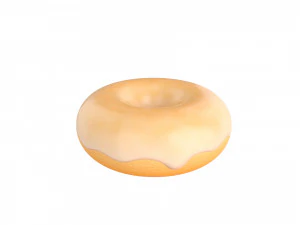
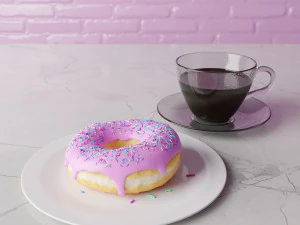
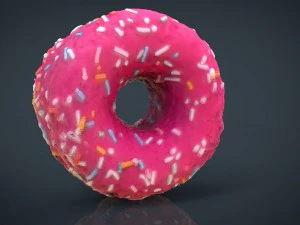
donut 3D Models
We have 281 item(s) Royalty free donut 3D Models. Buy or download free 3D models for your CG projects, film and video production, animation, visualizations, games, VR/AR, and others. You can download any 3d model in all popular 3d formats including MAX, OBJ, FBX, 3DS, STL, C4D, BLEND, MAYA
- -50%
 jewell1Pendants
 - -50%
 7DMaxHousehold Items
 - -50%
 surf3dTools
 - -50%
 surf3dTools
 - -50%
 surf3dTools
 - -50%
 surf3dTools
 - -50%
 surf3dTools
 - -50%
 AlaaeddineZairOther
 - -50%
 layerablesMan

























Trending searches 3D Models:
Sculpture 3D Models Characters 3D Models Kitchen 3D Models Horse 3D Models Architectural Exteriors 3D Models Phone and Cell Phone 3D Models Vegetable 3D Models Jewellery 3D Models Toys 3D Models Medical 3D Models Helicopter 3D Models Heavy Weapon 3D Models Truck 3D Models Anatomy 3D ModelsQ1: Why is the donut the most iconic beginner Blender project?
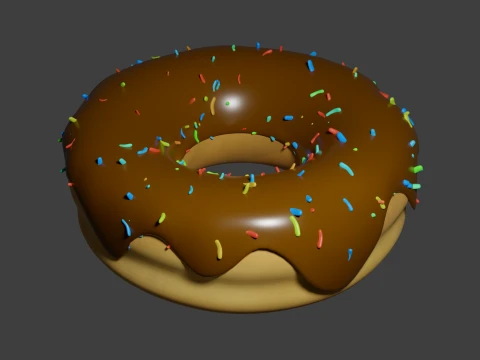
Andrew Price's (Blender Guru) donut tutorial series is the de facto introduction to Blender for millions of users — the tutorial has been updated multiple times across Blender versions and as of 2025 remains the most-watched Blender tutorial series. The donut works as a teaching project because it covers the full production pipeline in one asset: modeling (subdivision surface workflow), sculpting (adding icing drips), procedural texturing (sprinkle distribution via geometry nodes), shading (Principled BSDF, subsurface scattering on dough), and rendering (HDRI lighting, camera settings). No single other object teaches all these systems simultaneously. Pre-made donut models on 3DExport serve as reference, comparison, or time-savers for people past the tutorial stage.
Q2: What makes a photorealistic donut 3D model convincing?
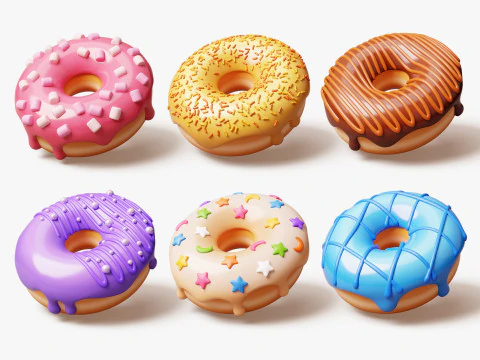
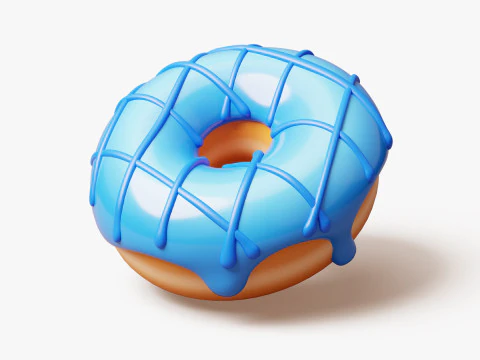
Four material properties working together. The dough body: subsurface scattering with a warm orange-yellow subsurface color (bread is translucent at thin edges), roughness around 0.6, slight normal map texture for the irregular fried surface. The glaze: high specularity, very low roughness (0.05–0.1), slight transparency where the glaze thins at edges, and drip geometry that follows gravity correctly — thin at the top, thicker pooling at the underside. Sprinkles: correctly scaled (roughly 3–4mm long), random rotation and placement, with their own distinct material. The critical detail most beginner models miss: the glaze should show the slight warping and tension patterns of real poured glaze, not a uniform smooth shell.
Q3: Can 3D donut models be used in food product visualization professionally?
Yes — bakery product visualization, food delivery app menus, and promotional content for donut chains use 3D renders in 2026. The advantage of 3D over photography: infinite variation with one base model, consistent lighting across a full product catalog, and ability to show seasonal variants or limited editions without physical production. The requirement for this use: photorealism that stands up to comparison with product photography. A donut render that reads as CG in a food app erodes trust in the product. Key benchmarks — does the glaze drip follow plausible gravity? Do the sprinkles have random variation in orientation? Does the dough texture suggest actual frying rather than plastic?
Q4: How do I add procedural sprinkles to a donut model using Blender geometry nodes?
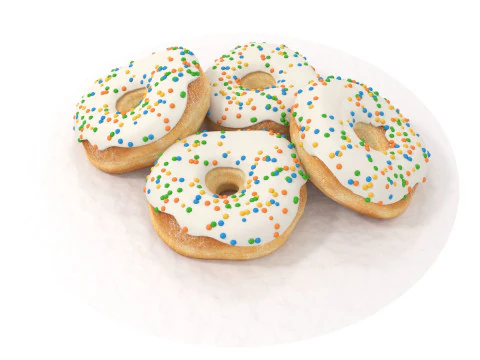
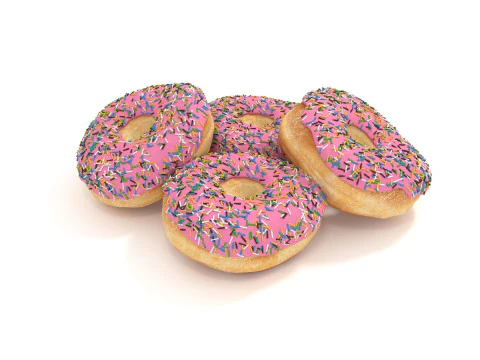
Create a sprinkle object (a small cylinder, roughly 0.4×0.1 blender units for scale). In the donut's Geometry Nodes modifier, use a Distribute Points on Faces node with Poisson Disk distribution to place points on the top face of the glaze mesh — Poisson Disk prevents overlapping. Connect the points to an Instance on Points node with your sprinkle object as the instance. Add a Random Value node feeding into the Rotation input to randomize each sprinkle's orientation. Add a second Random Value for scale variation (0.8–1.2 range). For color variation, create 4–5 sprinkle material variants and use an Index node with a Modulo operation to cycle through them. The whole setup takes about 15 minutes once you know the nodes involved.