


 English
 Español
 Deutsch
 Français
 한국의
한국의 Italiano
 Nederlands
 Türkçe
 Português
















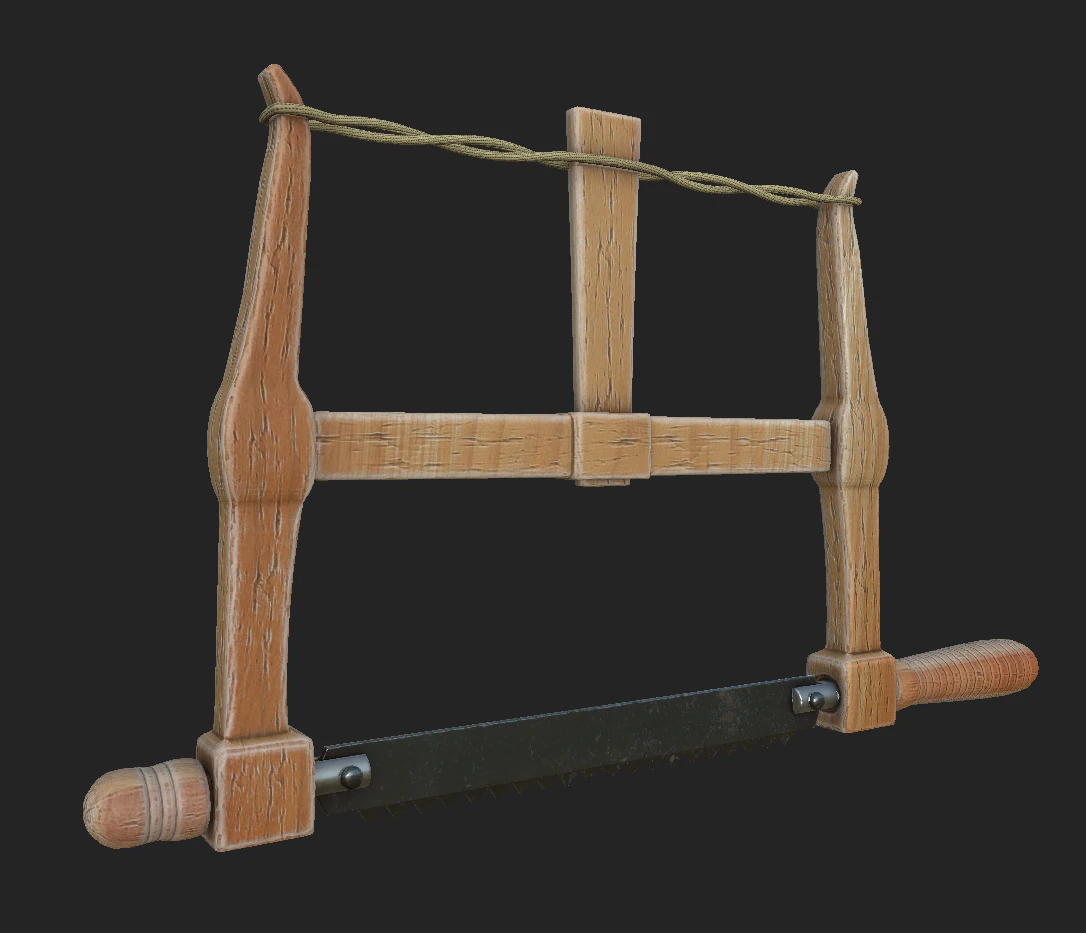


I've since also tried to import the Wavefront OBJ file. However, it also completely lacks the UV map and is not linked to any texture. I opened up the associated .mtl file with a text editor and it's clear that it is not pointing to texture files. (It is lacking anything like map_Kd, map_Ka, map_bump, and bump with corresponding references to texture files.)
Assuming that the textures for the .blend are missing because of folders getting rearranged, I tried this Blender command (with your .blend file loaded):
File -> External Data -> Find Missing Files
It gave this message:
Report: Warning
Could not find 'myPallete01.png'
Could not find 'myPallete_02.png'
I also tried this command:
File -> External Data -> Report Missing Files
...and got this:
Path 'F:\Blender_Files\Textures\myPallete_02.png' not found
So, I moved the textures and all the files to 'F:\Blender_Files', but neither the .blend nor the .FBX would load with the textures.
Assuming that the textures for the .blend are missing because of folders getting rearranged, I tried this Blender command (with your .blend file loaded):
File -> External Data -> Find Missing Files
It gave this message:
Report: Warning
Could not find 'myPallete01.png'
Could not find 'myPallete_02.png'
I also tried this command:
File -> External Data -> Report Missing Files
...and got this:
Path 'F:\Blender_Files\Textures\myPallete_02.png' not found
So, I moved the textures and all the files to 'F:\Blender_Files', but neither the .blend nor the .FBX would load with the textures.


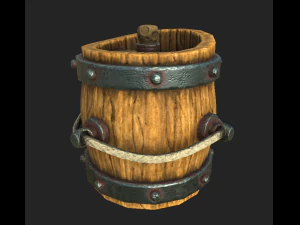
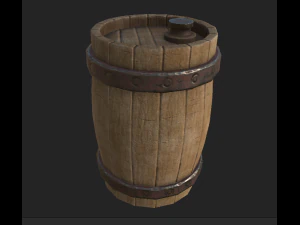
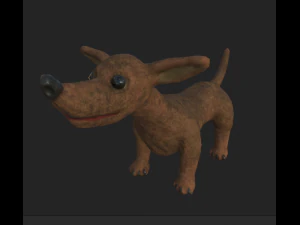

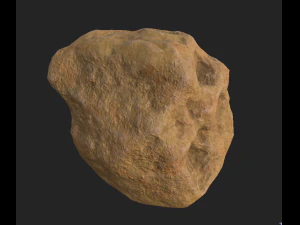


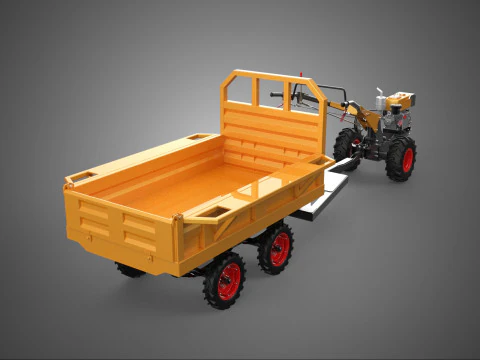

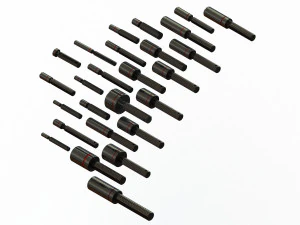



The thing is: There seems to be an issue with the folder structure or something because the textures are not getting found or recognized - both with the .FBX and the .blend files. Thankfully, the UV mapping seems preserved... for the .blend file anyway. But the .FBX seems to not have preserved any material data or UV mapping. (BTW: I'm using Blender 2.92.)
What was the original folder structure where the texture files were located? Or were they together with the main (.blend) folder? I suspect this site might be at fault for forcing everyone to download the texture files and the different mesh formats in separate downloads rather than as one download.