


 English
 Español
 Deutsch
 Polska
 Français
 한국의
한국의 Українська
 Italiano
 Nederlands
 Türkçe
 Português
 Bahasa Indonesia
 Русский
 中國
中國 हिंदी
हिंदी
















不正行為 3Dモデル
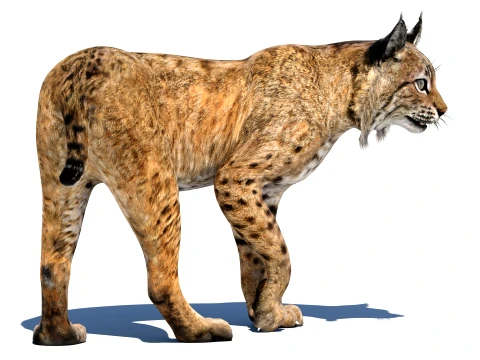
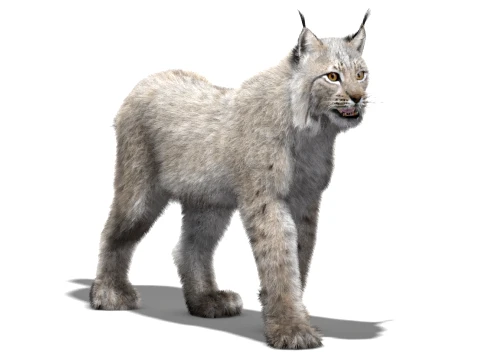
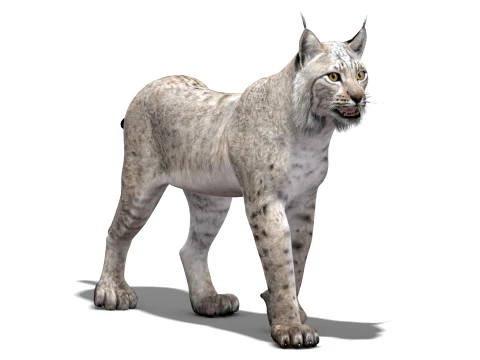
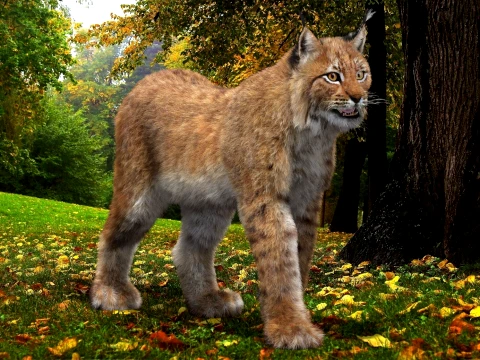
あります 5003アイテム ロイヤリティフリー rigged 3Dモデル. CG プロジェクト、映画やビデオ制作、アニメーション、ビジュアライゼーション、ゲーム、VR/AR などのために無料の 3D モデルを購入またはダウンロードできます。 以下を含むすべての一般的な 3D 形式で 3D モデルをダウンロードできます。 MAX, OBJ, FBX, 3DS, STL, C4D, BLEND, MAYA







トレンド検索 3Dモデル:
彫刻 3Dモデル 特徴 3Dモデル 台所 3Dモデル 馬 3Dモデル 外装 3Dモデル 電話と携帯電話 3Dモデル 野菜 3Dモデル ジュエリー 3Dモデル 人形 3Dモデル 医療の 3Dモデル ヘリコプター 3Dモデル 重い武器 3Dモデル トラック 3Dモデル 骨格 3DモデルQ1:リギング済みの3Dモデルを購入する前に確認すべきことは何ですか?
5つのポイントを順番に確認しましょう。まず、リグが含まれているか。一部の出品では「リグ済み」と記載されていても、「リグ対応」または「リギングに適したトポロジー」を意味している場合があります。説明文を文字通りに読んでください。次に、リグはどのソフトウェアで作成されたか。Mayaの筋肉リグはBlenderにきれいに転送できませんし、RigifyベースのBlenderリグは、制御リグ構造が失われるベイク済みのボーン位置でFBXにエクスポートされます。3つ目は、アニメーションクリップが含まれているか、それともリグの骨格のみか。4つ目は、ボーンの数。ボーンの数が多いとリアルタイムパフォーマンスに影響します。5つ目は、リグが動いているプレビューを確認すること。静止画レンダリングでは変形品質は分かりません。見た目の良いモデルでも、アニメーションさせたときに初めて分かるひどいジョイント変形がある場合があります。
Q2:ゲーム用リグと映画用リグの違いは何ですか?
映画用リグは、制御の複雑さと視覚的な品質を最優先します。映画キャラクターのリグには、200以上の制御ボーン、筋肉シミュレーション、スキンスライディング、そして問題のある関節角度ごとに補正ブレンドシェイプが含まれる場合があります。アニメーターは、微妙で物理的に説得力のある変形を実現できますが、リグはソフトウェアに特化しており、計算コストが高くなります。ゲーム用リグは、パフォーマンスと移植性を最優先します。ゲームキャラクターのリグは通常50~80個のボーンで構成され、筋肉シミュレーションなしのFK/IKスケルトンのみを使用し、Unreal EngineやUnityにインポートするためにFBX形式でクリーンにエクスポートできるように設計されています。ブレンドシェイプはゲーム内の顔のアニメーションを処理します。30個以上のコントローラーを持つフルフェイシャルリグは、ゲームキャラクターには通常過剰です。適切なリグは、品質へのこだわりではなく、パイプラインによって決まります。
Q3: Unreal Engine 5では、リギングされた3Dモデルはどのように機能しますか?
FBXをスタティックメッシュではなく、スケルタルメッシュとしてインポートしてください。UE5はボーン階層を読み取り、インポート時にスケルトンアセット、物理アセット、スケルタルメッシュを同時に作成します。アニメーションクリップはアニメーションシーケンスアセットとしてインポートされます。スケルトンアセットはメッシュとアニメーションをリンクする役割を果たします。複数のスケルタルメッシュが1つのスケルトンを共有できるため、キャラクターカスタマイズシステム(すべて同じスケルトンを参照する衣服メッシュの交換)が機能します。UE5のコントロールリグを使用すると、FBXにベイクする必要なく、インポートしたスケルトンデータに基づいてIKとプロシージャルアニメーションを構築できます。ほとんどの購入済みリグモデルでは、アニメーションブループリントでスケルトンアセットを制御するFBXインポートパイプラインが標準的なワークフローです。
Q4: 3DExportのリグ付きモデルをMixamoアニメーションにリターゲットできますか?
多くの場合、多少の修正は必要ですが、可能です。Mixamoの自動リギングは標準化されたボーン命名規則を使用しており、UE5のIKリターゲターやBlenderのRigifyリターゲティングツールを使えば、Mixamoのアニメーションデータをカスタムスケルトンにマッピングできます。リターゲティングの精度は、ソーススケルトンのプロポーションとボーンの向きがMixamoの標準にどれだけ近いかによって決まります。腕が非常に長い、脚が短い、頭が大きいなど、人間とは大きく異なるプロポーションの場合、リターゲティング後のアニメーションが歪んでしまうため、手動で修正する必要があります。標準的なプロポーションに近い人型キャラクターの場合、Mixamoのリターゲティングによってアニメーション作成時間を大幅に短縮できます。クリーチャーや高度に様式化されたキャラクターの場合は、手動アニメーションやモーションキャプチャによるリターゲティングと修正パスの方が信頼性が高くなります。