


 Español
 Deutsch
 日本語
日本語 Polska
 Français
 한국의
한국의 Українська
 Italiano
 Nederlands
 Türkçe
 Português
 Bahasa Indonesia
 Русский
 中國
中國 हिंदी
हिंदी
















schoolbus 3D Models
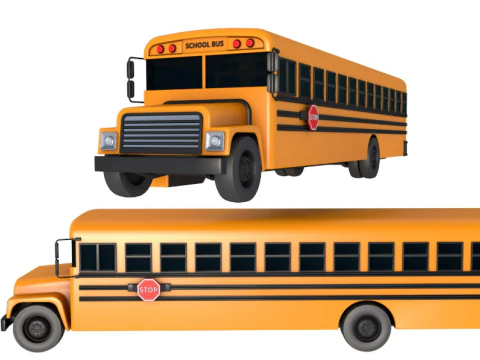
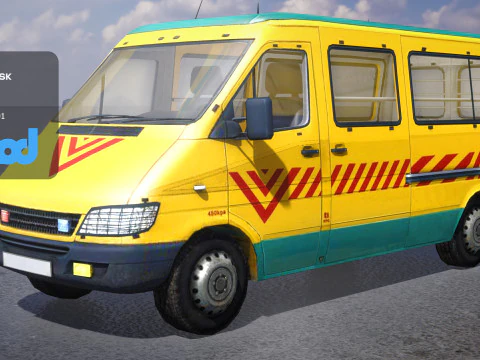
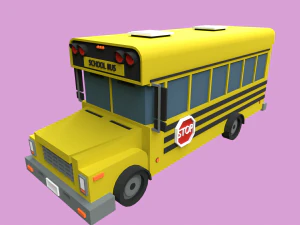
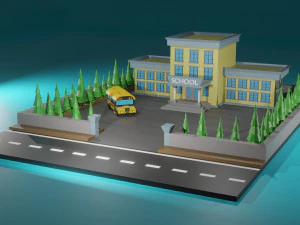
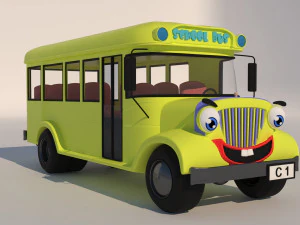
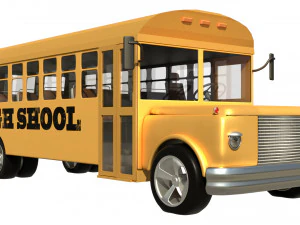
We have 43 item(s) Royalty free schoolbus 3D Models. Buy or download free 3D models for your CG projects, film and video production, animation, visualizations, games, VR/AR, and others. You can download any 3d model in all popular 3d formats including MAX, OBJ, FBX, 3DS, STL, C4D, BLEND, MAYA
- -10%
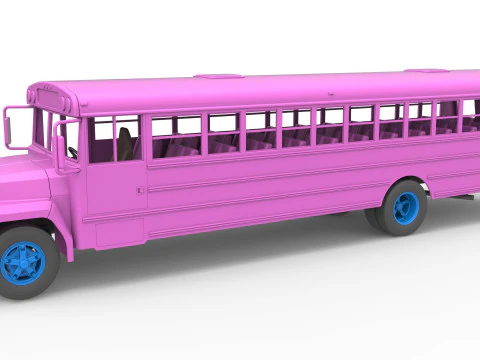 TechItemsRockVehicle
 - -10%
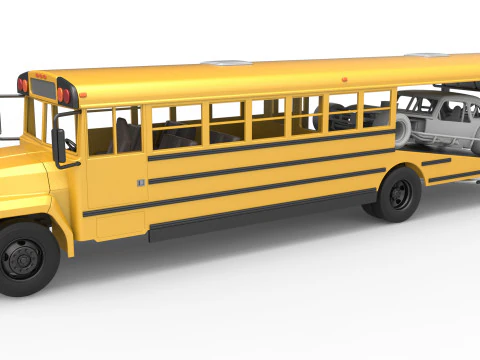 TechItemsRockVehicle
 - -10%
 TechItemsRockVehicle
 - -10%
 TechItemsRockVehicle
 - -10%
 TechItemsRockVehicle
 - -10%
 TechItemsRockVehicle
 - -10%
 TechItemsRockVehicle
 - -10%
 TechItemsRockVehicle











Trending searches 3D Models:
Sculpture 3D Models Characters 3D Models Kitchen 3D Models Horse 3D Models Architectural Exteriors 3D Models Phone and Cell Phone 3D Models Vegetable 3D Models Jewellery 3D Models Toys 3D Models Medical 3D Models Helicopter 3D Models Heavy Weapon 3D Models Truck 3D Models Anatomy 3D ModelsQ1: What level of detail do school bus 3D models typically include?
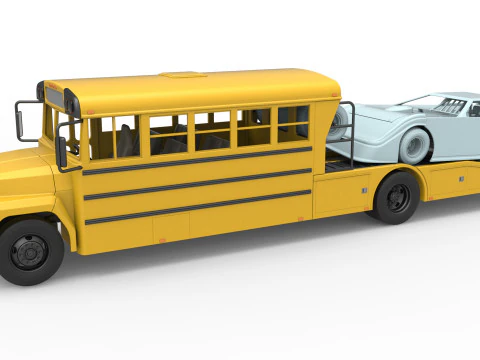
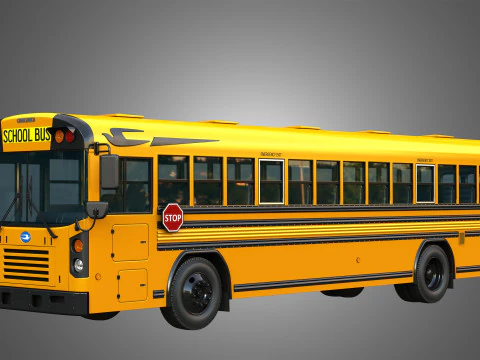
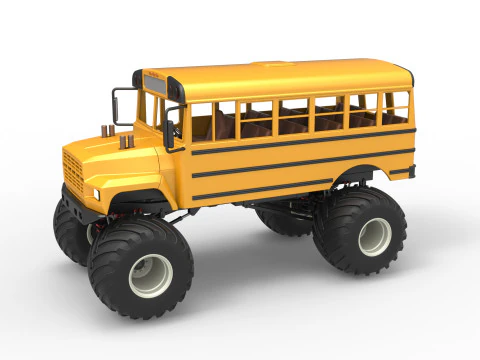
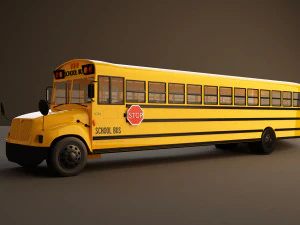
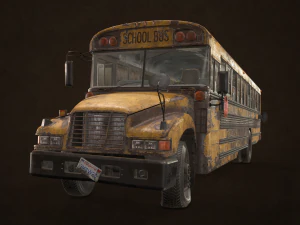
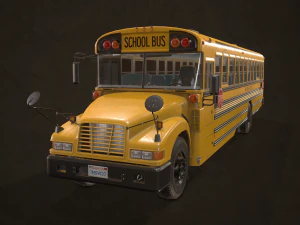
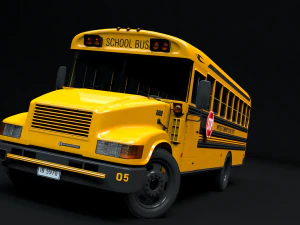
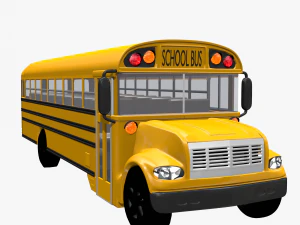
Good ones include exterior body panels with correct proportions (a standard 72-passenger Type C school bus is 35 feet long), opening door geometry, emergency exit hatches, roof hatches, warning lights and stop arm geometry. Interior detail is where models diverge sharply: budget versions have a basic interior shell; high-end models include individual seat rows, overhead handrails, dashboard instrumentation, and driver compartment detail. For architectural visualization or film VFX where the camera enters the vehicle, interior detail is non-negotiable. For game use where the bus is a background prop or destructible set piece, exterior-only models save significant polycount budget.
Q2: Are animated school bus 3D models available with opening doors?
Some sellers include rigged door animations — the characteristic folding doors on the driver's side and the full-width rear emergency door. For game development, these are best set up as separate animated components rather than baked into a single timeline, so you can trigger door open/close independently through game logic. In Unreal Engine 5, Blueprint visual scripting handles door state machines cleanly without needing complex animation setups. The stop arm (the red sign that extends from the left side when the bus stops) is another animated component worth having rigged — it's visually distinctive and makes the vehicle interactive rather than static.
Q3: What's the polygon count for a game-ready school bus model?
A hero vehicle — one that players interact with closely — runs 50,000–100,000 triangles including interior. A background prop or traffic vehicle can be 8,000–20,000 tris. The exterior body of a school bus is geometrically simple compared to sports cars — large flat panels, minimal compound curves — which means a visually detailed school bus can actually be quite efficient in polygon count. The complexity budget goes to windows (each needing separate glass geometry), wheels (individually modeled tires with tread pattern), and any interior elements visible through windows. LOD generation in Unreal or Unity handles performance scaling for distant instances automatically.
Q4: Can school bus 3D models be used in driving simulation or education software?
Yes — school bus models appear in traffic simulation tools, driving safety education apps, and emergency responder training simulations. For simulation use, the model needs a physically accurate wheel base and axle placement for correct suspension simulation (a standard Type C bus has a 170-inch wheelbase). The collision mesh needs to accurately represent the vehicle silhouette — a simplified box collider works for basic traffic simulation, but emergency response training requires accurate side and front collision geometry to simulate impact scenarios correctly. Check that the model includes proper scale metadata so the simulation's physics calculations start from correct real-world dimensions.