Español
 Deutsch
 日本語
日本語 Français
 한국의
한국의 Italiano
 Nederlands
 Türkçe
 Português
















Compfy Kit for Genesis 9 3D Model

- Request product support by the author


- Available formats:
- Item ID:617663
- Date: 2025-12-13
- Animated:No
- Textured:Yes
- Rigged:No
- Materials:Yes
- Low-poly:No
- Collection:No
- UVW mapping:Yes
- Plugins Used:No
- Print Ready:No
- 3D Scan:No
- Adult content:No
- PBR:No
- AI Training:No
- Geometry:Polygonal
- Unwrapped UVs:Non-overlapping
- Views:639
Description
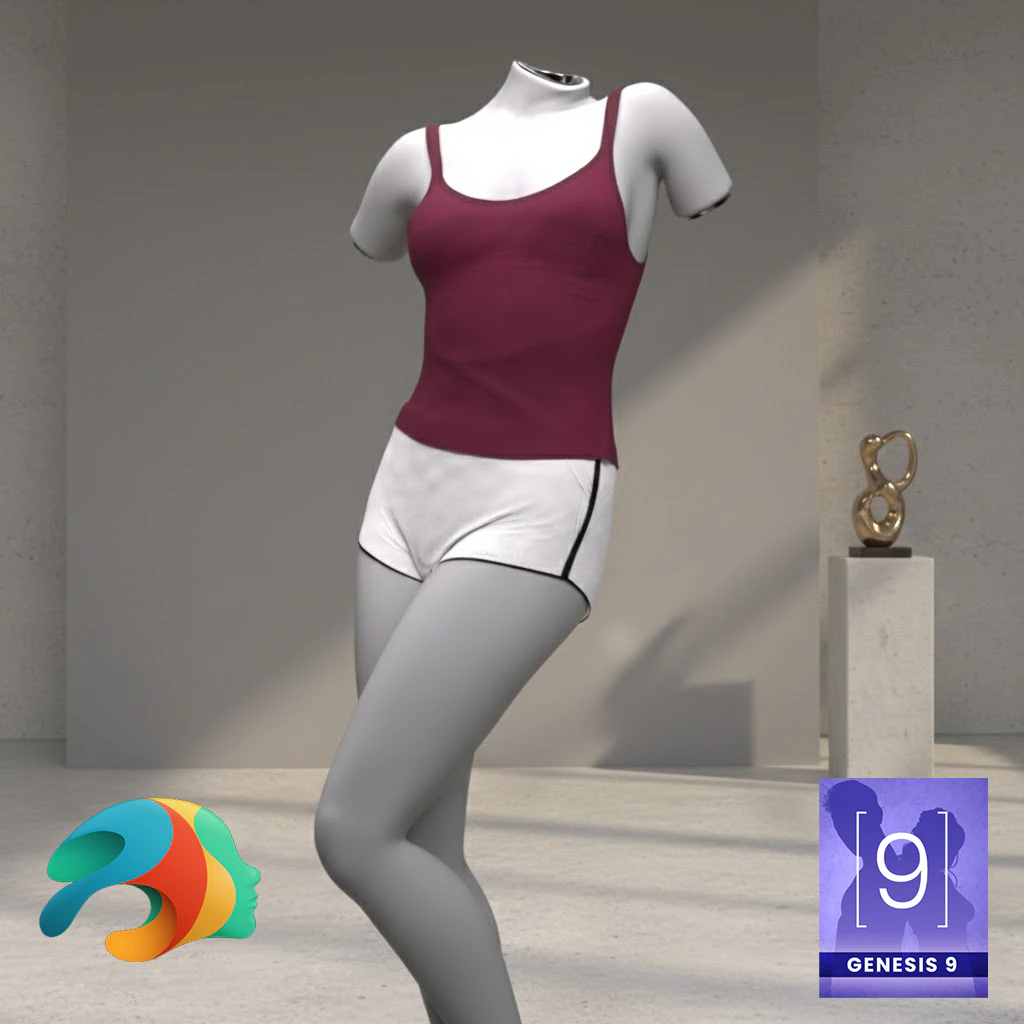
Comfy Kit for Genesis 9 Female
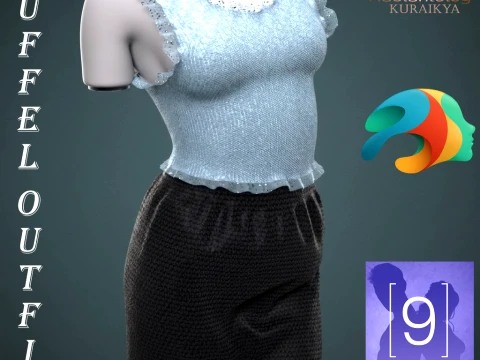
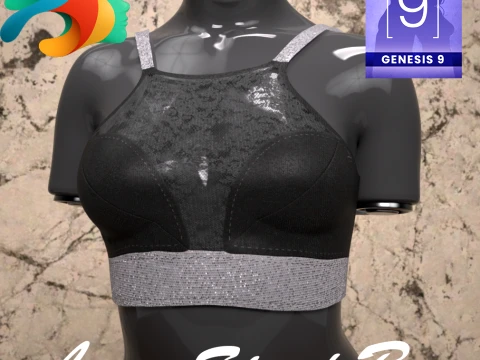
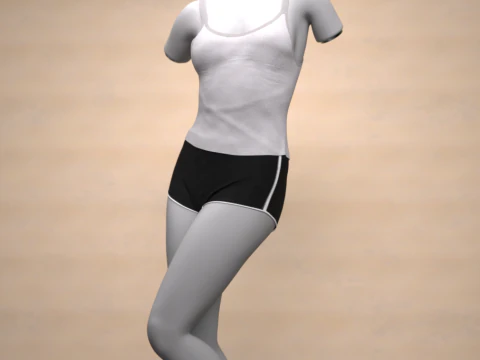
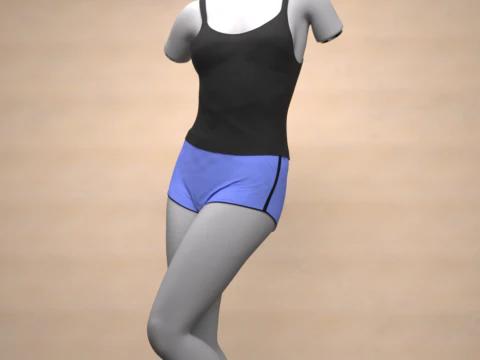
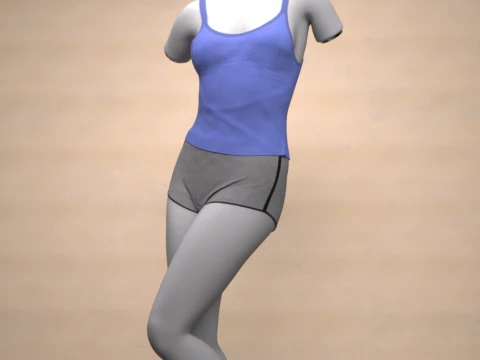
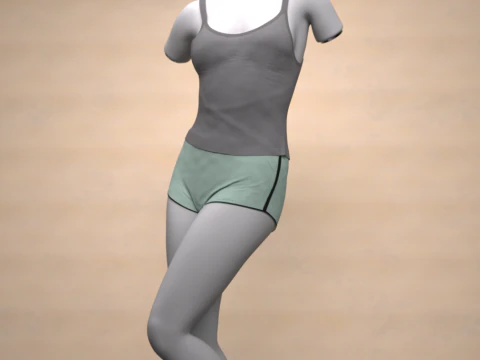
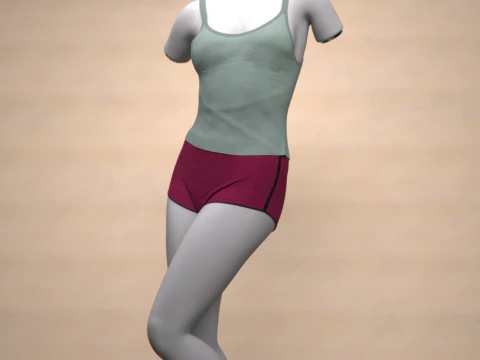
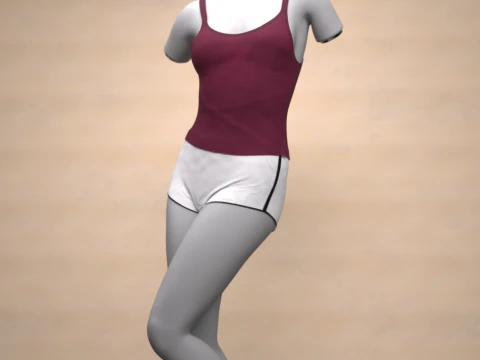
This cozy and stylish Comfy Kit is designed for your Genesis 9 Female figures, perfect for loungewear, sleepwear, or casual indoor scenes. The kit includes a comfortable Spaghetti Top and matching Shorts.
Key Features
dForce Ready: The outfit is set up with dForce for realistic draping and movement.
Genesis 9 Female Base: Optimized specifically for the Genesis 9 Female figure.
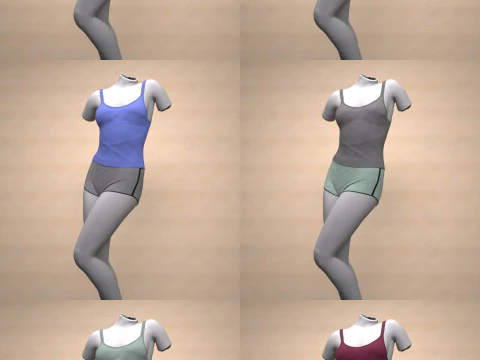
Material Presets: The outfit comes with a variety of beautiful material presets in both DSON User File (.duf) and corresponding PNG image files, allowing for easy application in Daz Studio.
Included Material Colors
Based on the file structure you provided, the following colors are included:
Spaghetti Top Materials (Top Material Subfolder)
Black
Blue
Default White
Gray
Mint
Red
Shorts Materials (Shorts Material Subfolder)
Black Default
Blue
Gray
Mint
Red
White
Installation Instructions
To use this product, you first need to extract the downloaded ZIP file.
How to Unzip/Extract Files:
Locate the File: Find the downloaded .zip file on your computer.
Right-Click: Right-click on the .zip file.
Extract: Select an option like "Extract All..." (Windows) or "Open" (macOS).
Destination: Choose the folder where you want to save the extracted files (typically your Daz Studio content library folder, e.g., "My Daz3D Library").
Confirm: Click "Extract" or "OK." The content will now be ready for Daz Studio.
Usage in Daz Studio
Load your Genesis 9 Female figure into the scene.
Navigate to the "Comfy Kit" folder in your Smart Content or Content Library.
Double-click the !!!Load All Outfit!!!.duf file to load the top and shorts onto your figure.
Apply your desired material presets by navigating to the "Material" subfolder and then the "Top" or "Shorts" folders, and double-clicking the respective color .duf file.
Simulate the scene using dForce for the best results.
Need more formats?
If you need a different format, please send us a Conversion Request. We can convert 3D models to: .stl, .c4d, .obj, .fbx, .ma/.mb, .3ds, .3dm, .dxf/.dwg, .max. .blend, .skp, .glb. Free Format ConversionWe do not convert 3d scenes and solid formats such as .step, .iges, .stp, .sldprt etc!
Usage Information
Compfy Kit for Genesis 9 - You can use this royalty-free 3D model for both personal and commercial purposes in accordance with the Basic or Extended License.The Basic License covers most standard use cases, including digital advertisements, design and visualization projects, business social media accounts, native apps, web apps, video games, and physical or digital end products (both free and sold).
The Extended License includes all rights granted under the Basic License, with no usage limitations, and allows the 3D model to be used in unlimited commercial projects under Royalty-Free terms.
Read more
Do you provide Money Back Guarantee?
Yes, we do. If you purchased a product and found some error in the renders or description, we'll try to fix the problem as soon as possible. If we cannot correct the error, we will cancel your order and you will get your money back within 24 hours from downloading the item. Read more conditions hereKeywords
- genesis9
- g9female
- dforce
- daz3d
- dazstudio
- g9outfit
- g9clothing
- comfykit
- spaghettitop
- shorts
- loungewear
- sleepwear