


 Español
 Deutsch
 日本語
日本語 Polska
 Français
 中國
中國 한국의
한국의 Українська
 Italiano
 Nederlands
 Türkçe
 Português
 Bahasa Indonesia
 Русский
 हिंदी
हिंदी
















Scene Setups for Jewelry Rendering in Cinema 4D OctaneRender Vol3 3D Model
$
23.09 USD
- Request product support by the author


- Available formats:
- Item ID:489787
- Date: 2024-01-29
- Animated:No
- Textured:No
- Rigged:No
- Materials:
- Low-poly:No
- Collection:No
- UVW mapping:No
- Plugins Used:No
- Print Ready:No
- 3D Scan:No
- Adult content:No
- PBR:No
- AI Training:No
- Geometry:Polygonal
- Unwrapped UVs:Unknown
- Views:1551
Description
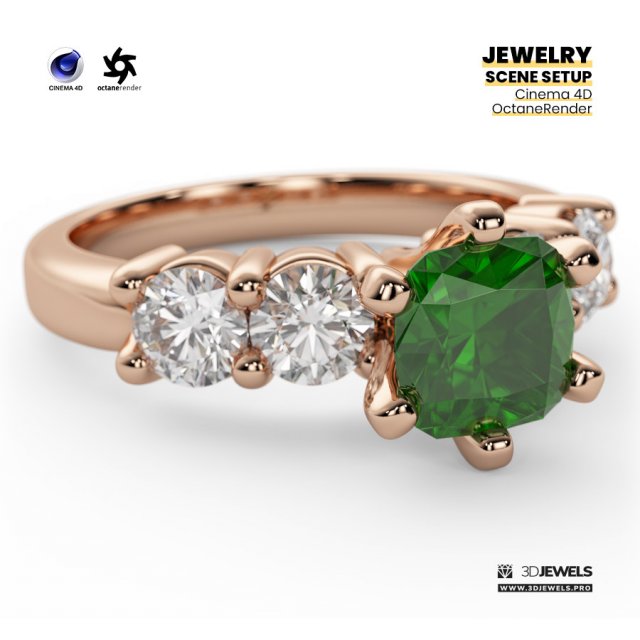
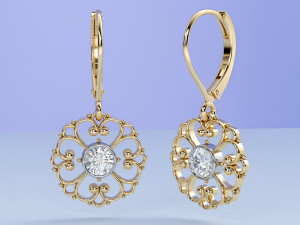
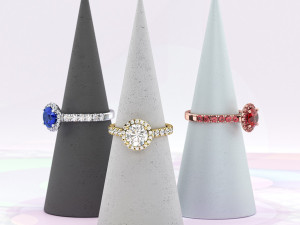
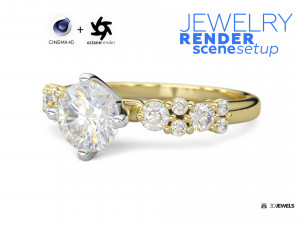
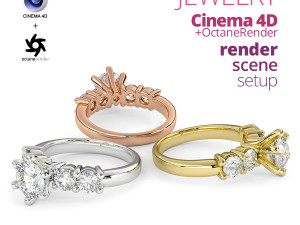
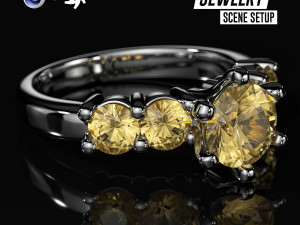
Ready-made photorealistic scene setups for jewelry 3D rendering with Cinema 4D (R19/R25/2023 and above) and OctaneRender (ver.3/ver.2021/ver.2023.1 and above).Features:
- GPU rendering
- Fully ready-made scene setups
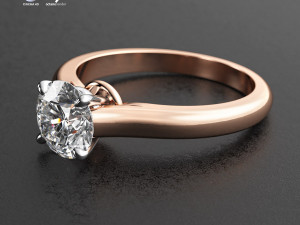
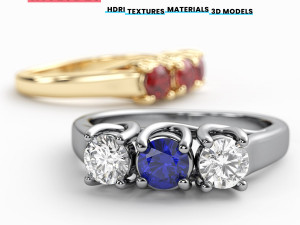
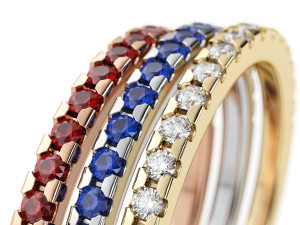
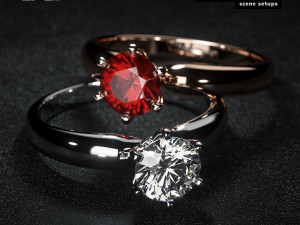
- 4 gold color materials with scratches
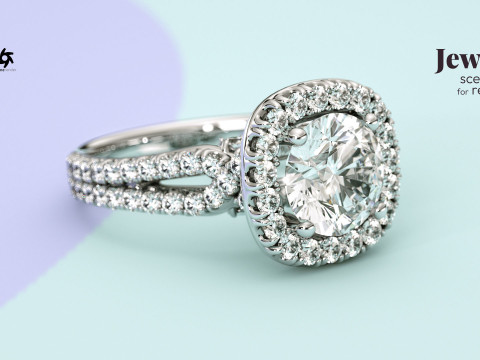
- White diamond material
- 3 gemstone materials
- Background materials
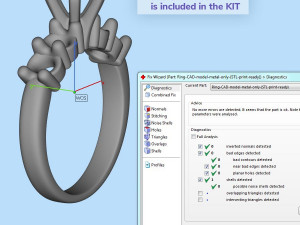
- Jewelry ring 3D CAD model
- Rock 3D CAD model
- HDRI environment map
- Textures
- Simple user’s guide
Details:
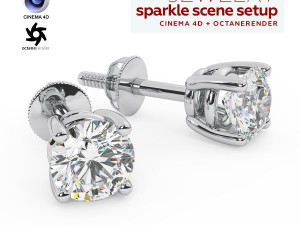
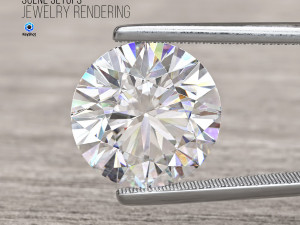
The scene setup was created for jewelry 3D rendering using Cinema 4D with the OctaneRender plugin.
Lighting in the 3D scene is organized using a custom HDRI environment map (included).
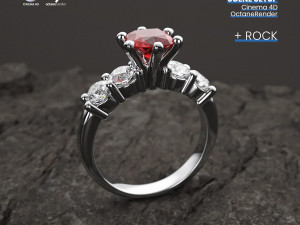
There is also a separate rock model in the scene for a nice superb rendering with the rock background.
And the scene has material for tran.sparent background with a shadow (alpha channel) for compositing on any backplate.
Note! Sample render files (images) are not included in the download files.
Software is not included in the KIT price and must be purchased separately from the owner (developer) of the specified software.
What needs to be done?
- unzip archive
- open the received scene file Cinema 4D
- import model and apply materials
- adjust lighting using the HDRI environment
- done, start render!
Kit includes:
- Cinema 4D file (.c4d) with:
— 4 color gold materials
— white diamond material
— 3 gemstone materials (ruby, emerald, sapphire) - Jewelry ring 3D CAD model (STL/print-ready, OBJ, FBX)
- Rock 3D model (OBJ, FBX)
- HDRI environment map (5000×2500 pxs /.hdr)
- Textures (.jpg / .exr / .png)
- User’s guide
Requirements:
- MAXON CINEMA 4D software (R19/R25/2023 and above)
- OTOY OctaneRender plugin for CINEMA 4D (ver.3/ver.2021/ver.2023.1 and above)
More jewelry 3D assets: 3djewels.pro Print Ready: No
Need more formats?
If you need a different format, please send us a Conversion Request. We can convert 3D models to: .stl, .c4d, .obj, .fbx, .ma/.mb, .3ds, .3dm, .dxf/.dwg, .max. .blend, .skp, .glb. Free Format ConversionWe do not convert 3d scenes and solid formats such as .step, .iges, .stp, .sldprt etc!
Usage Information
Scene Setups for Jewelry Rendering in Cinema 4D OctaneRender Vol3 - You can use this royalty-free 3D model for both personal and commercial purposes in accordance with the Basic or Extended License.The Basic License covers most standard use cases, including digital advertisements, design and visualization projects, business social media accounts, native apps, web apps, video games, and physical or digital end products (both free and sold).
The Extended License includes all rights granted under the Basic License, with no usage limitations, and allows the 3D model to be used in unlimited commercial projects under Royalty-Free terms.
Read more
Do you provide Money Back Guarantee?
Yes, we do. If you purchased a product and found some error in the renders or description, we'll try to fix the problem as soon as possible. If we cannot correct the error, we will cancel your order and you will get your money back within 24 hours from downloading the item. Read more conditions hereKeywords
Random Items from the author
-30%
fbx
3djewels
Jewellery
-30%
fbx
3djewels
Jewellery
-30%
fbx
3djewels
Jewellery
-30%
fbx
3djewels
Jewellery
-30%
fbx
3djewels
Jewellery
-30%
fbx
3djewels
Jewellery
There are no comments for this item.
-30%
fbx
3djewels
Jewellery
-30%
fbx
3djewels
Jewellery
-30%

fbx
3djewels
Jewellery
-30%
fbx
3djewels
Jewellery
-30%
fbx
3djewels
Jewellery
-30%
fbx
3djewels
Jewellery
-30%
fbx
3djewels
Jewellery
-30%
fbx
3djewels
Jewellery
-30%
fbx
3djewels
Jewellery
-30%
3djewels
Jewellery