Español
 Deutsch
 日本語
日本語 Polska
 Français
 한국의
한국의 Українська
 Italiano
 Nederlands
 Türkçe
 Português
















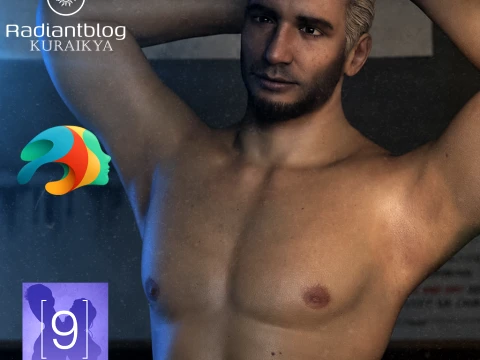
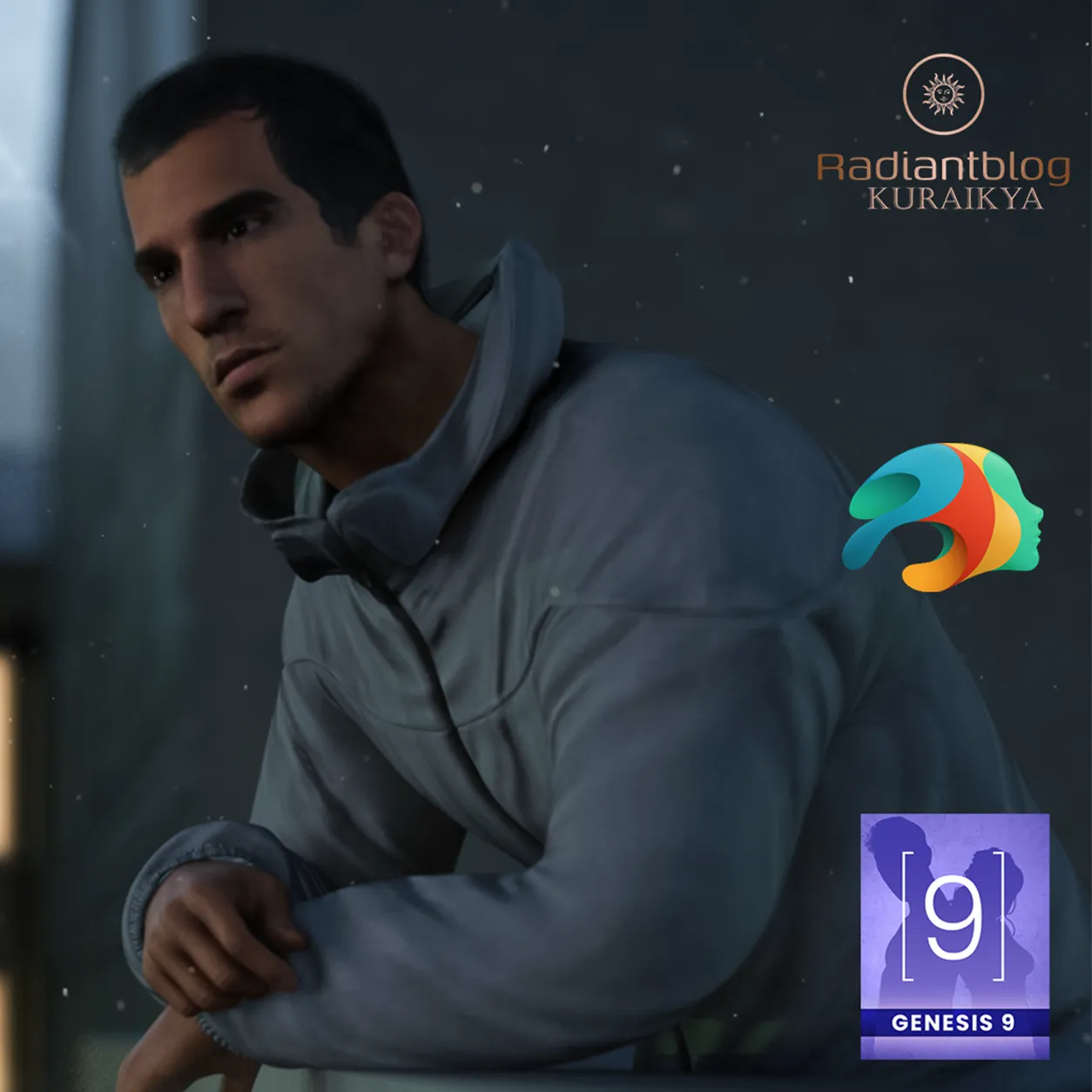
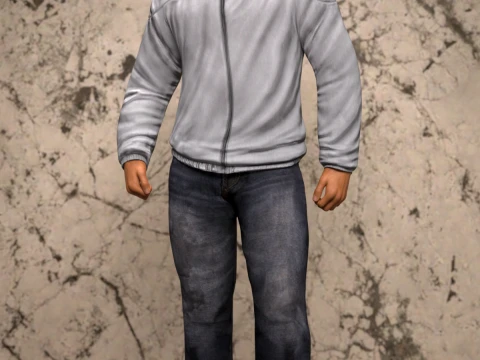
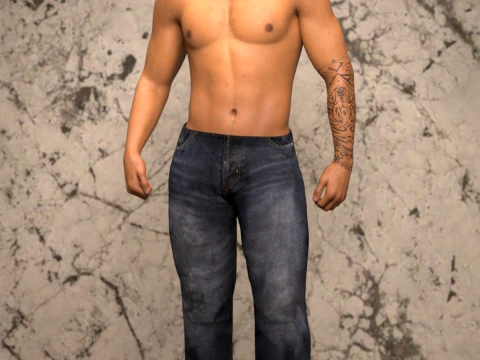
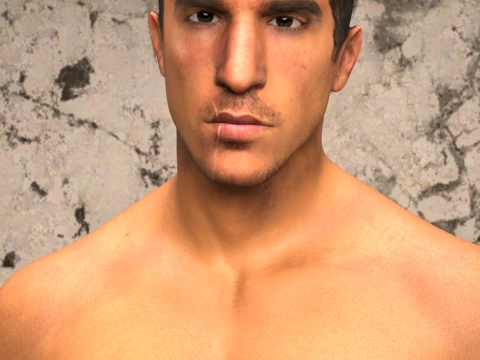
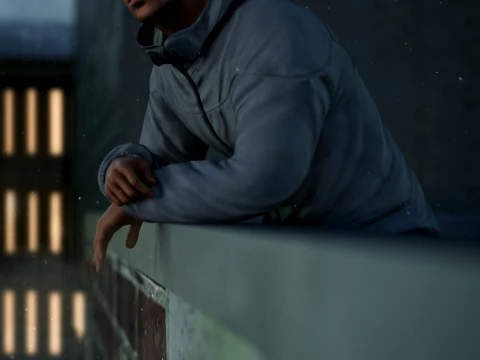
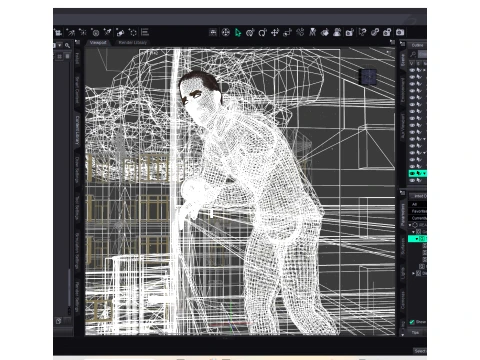
South Munster for Genesis 9 3D Model
- Request product support by the author


- Available formats:
- Item ID:643651
- Date: 2026-06-11
- Animated:No
- Textured:Yes
- Rigged:Yes
- Materials:Yes
- Low-poly:No
- Collection:No
- UVW mapping:Yes
- Plugins Used:No
- Print Ready:No
- 3D Scan:No
- Adult content:No
- PBR:Yes
- AI Training:No
- AI Generated:No
- Geometry:Polygonal
- Unwrapped UVs:Non-overlapping
- Views:402
Description
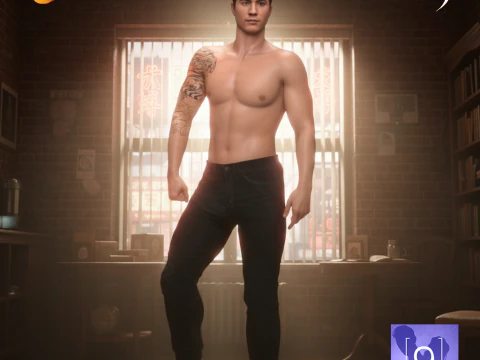
South Munster for Genesis 9 Male
Genesis 9 Fullmorph Character and Outfit.
Content List
Main Folder:
Character Preset
Clothing
Hair
KuraiKya_Store
README Important Information
South Munster with Clothes
South Munster with Clothes.duf
South Munster without Clothes
South Munster without Clothes.duf
Character Preset:
Character Preset
Character Preset.duf
Material Preset
Material Preset.duf
Shaping Preset
Shaping Preset.duf
South Munster Eyes
South Munster Eyes.duf
South Munster Mouth
South Munster Mouth.duf
Clothing:
!!!Load All Outfit!!!
!!!Load All Outfit!!!.duf
South Munster Hoodie
South Munster Hoodie.duf
South Munster Jeans
South Munster Jeans.duf
South Munster Shoes
South Munster Shoes.duf
Hair:
South Munster Eyebrows
South Munster Eyebrows.duf
South Munster Eyelashes
South Munster Eyelashes.duf
South Munster Hair
South Munster Hair.duf
Important Note on Clothing Simulation: The included jeans are fully rigged and enhanced with dForce capabilities to ensure natural folds and hanging behavior in your animations and poses. However, depending on extreme poses or underlying morph combinations, minor pokethroughs may still occur. Adjusting the simulation settings or using the smoothing modifier can help clean up complex poses perfectly.
How to Unzip and Install Content Files
To install this package into your Daz Studio Content Library, follow these simple steps:
Download the ZIP file to your computer.
Right-click the ZIP file and select Extract All... (Windows) or double-click the file (Mac).
Choose the destination folder where you want the files unpacked.
Copy the extracted folders (Content, My DAZ 3D Library, or the specific People directory structure) and paste them directly into your official Daz Studio Formats Content Library path.
Refresh your Content Pane inside Daz Studio, navigate to People > Genesis 9 > Characters > KuraiKya > South Munster, and start rendering!
Print Ready: NoNeed more formats?
If you need a different format, please send us a Conversion Request. We can convert 3D models to: .stl, .c4d, .obj, .fbx, .ma/.mb, .3ds, .3dm, .dxf/.dwg, .max. .blend, .skp, .glb. Free Format ConversionWe do not convert 3d scenes and solid formats such as .step, .iges, .stp, .sldprt etc!
Usage Information
South Munster for Genesis 9 - You can use this royalty-free 3D model for both personal and commercial purposes in accordance with the Basic or Extended License.The Basic License covers most standard use cases, including digital advertisements, design and visualization projects, business social media accounts, native apps, web apps, video games, and physical or digital end products (both free and sold).
The Extended License includes all rights granted under the Basic License, with no usage limitations, and allows the 3D model to be used in unlimited commercial projects under Royalty-Free terms.
Read more