


 Español
 Deutsch
 日本語
日本語 Polska
 Français
 한국의
한국의 Українська
 Italiano
 Nederlands
 Türkçe
 Português
 Bahasa Indonesia
 Русский
 中國
中國 हिंदी
हिंदी
















spongebob 3D Models
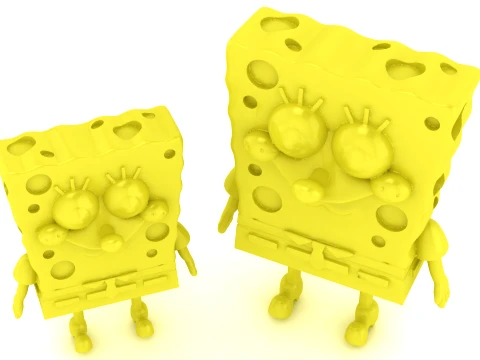
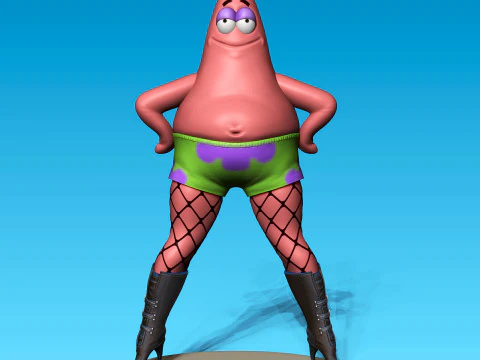
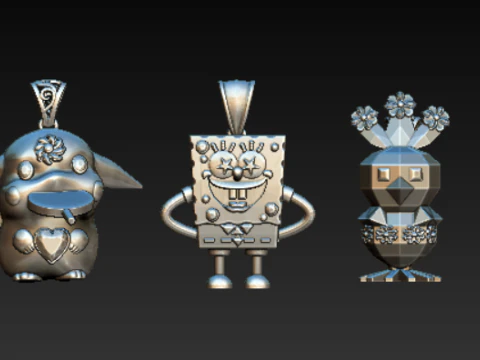
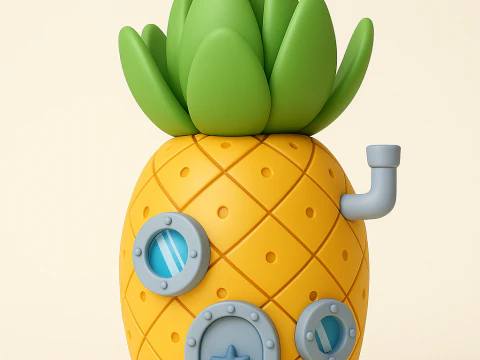
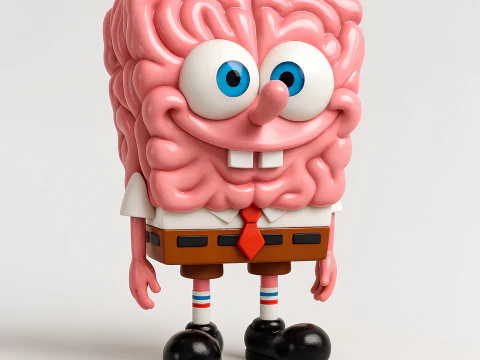
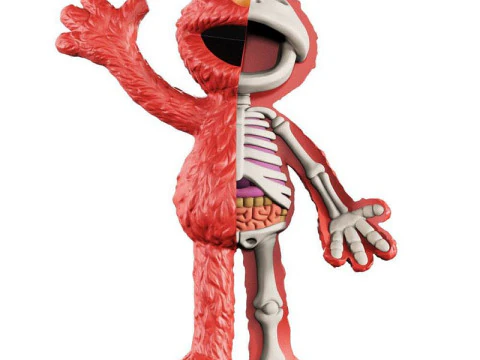
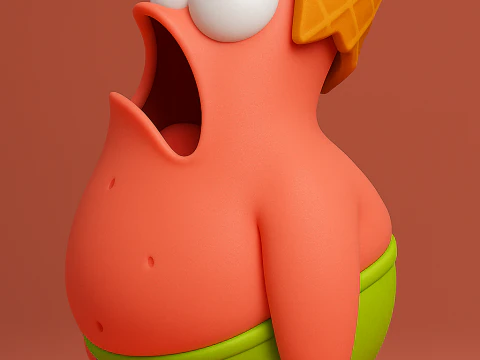
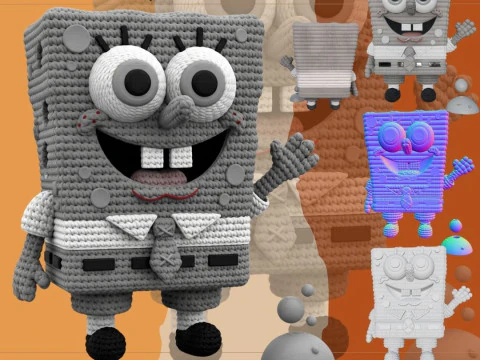
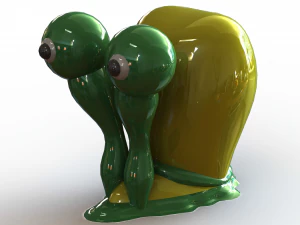
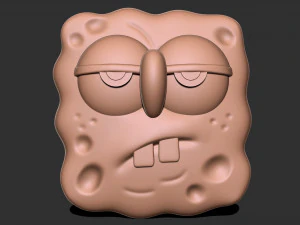
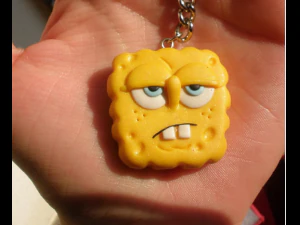
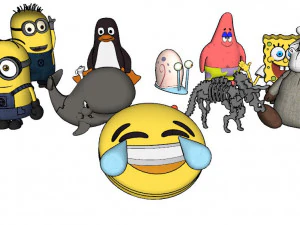
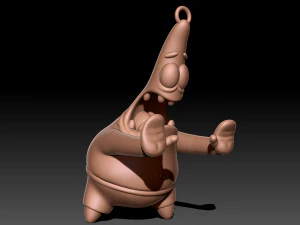
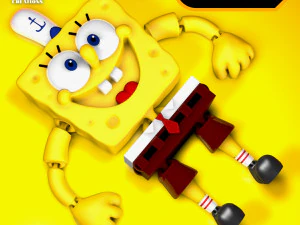
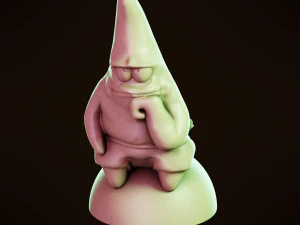
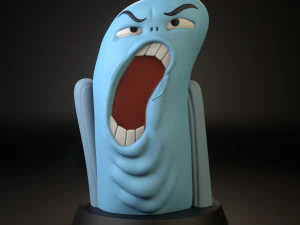
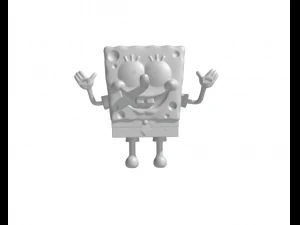
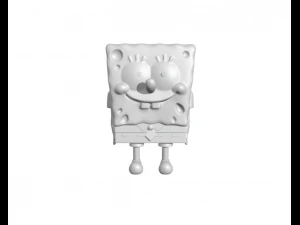
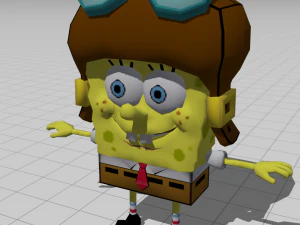
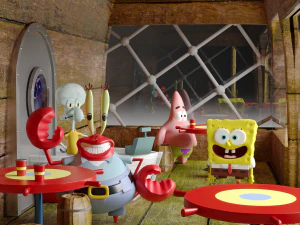
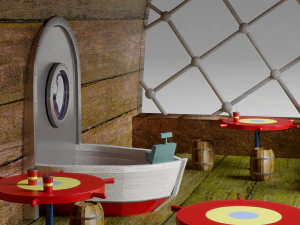
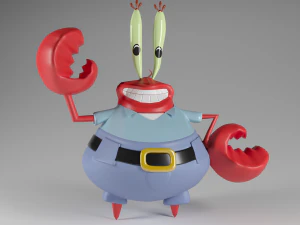
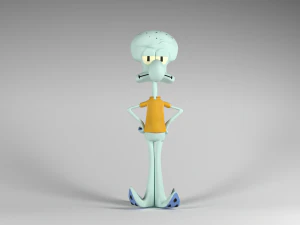
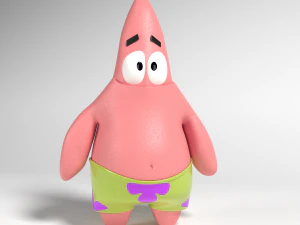
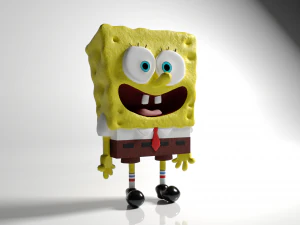
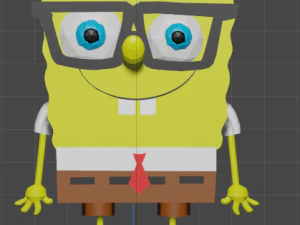
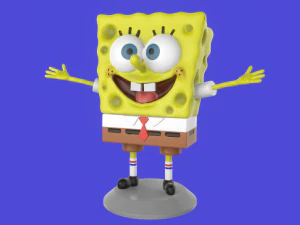
We have 119 item(s) Royalty free spongebob 3D Models. Buy or download free 3D models for your CG projects, film and video production, animation, visualizations, games, VR/AR, and others. You can download any 3d model in all popular 3d formats including MAX, OBJ, FBX, 3DS, STL, C4D, BLEND, MAYA
- -50%
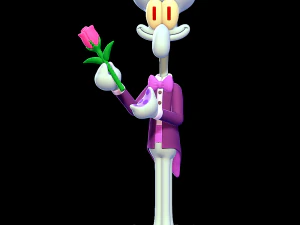 SillyToysMonsters and Creatures
 - -50%
 SillyToysMonsters and Creatures
 - -10%
 unbreakableSculpture
 - -20%
 MONA3DStudioToys
 - -20%
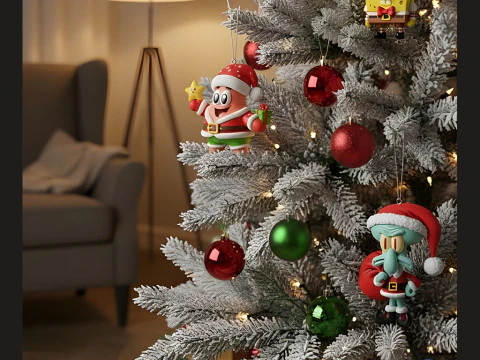 MONA3DStudioDecor
 - -50%
 Flawless.JNCartoon
 - -50%
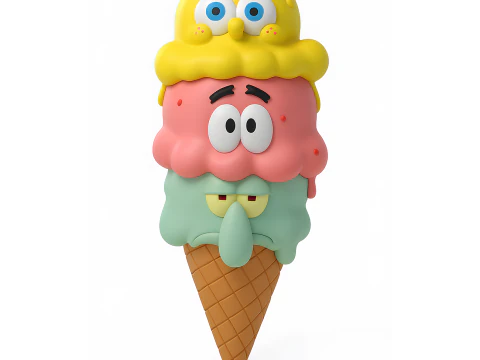 Flawless.JNCartoon
 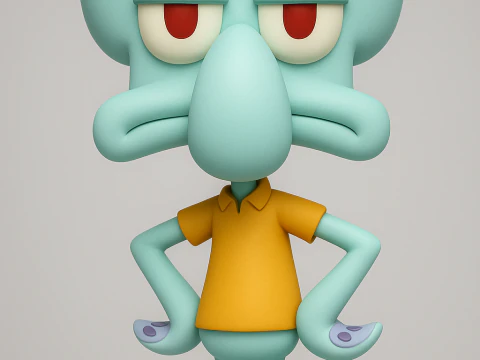 PUFFTOONSTUDIOMonsters and Creatures
 nawoMonsters and Creatures
- -20%
 unbreakableSculpture


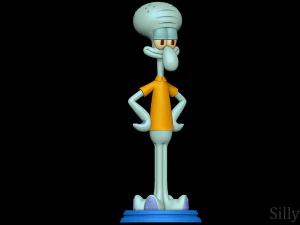
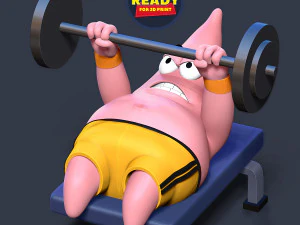

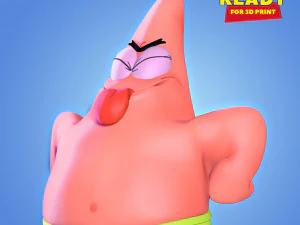

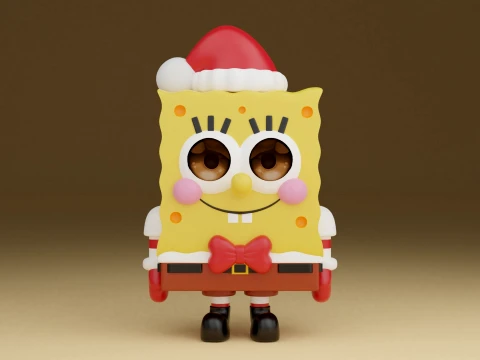
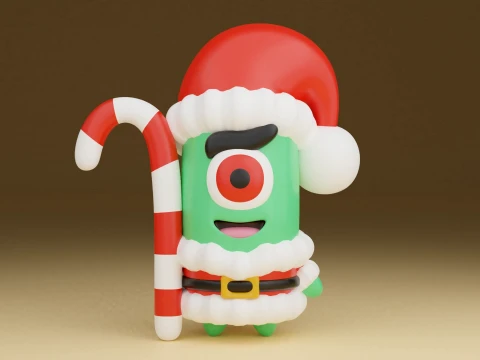
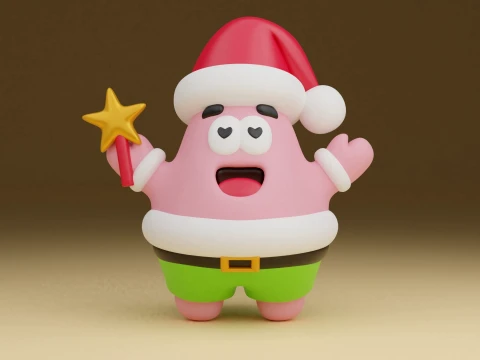
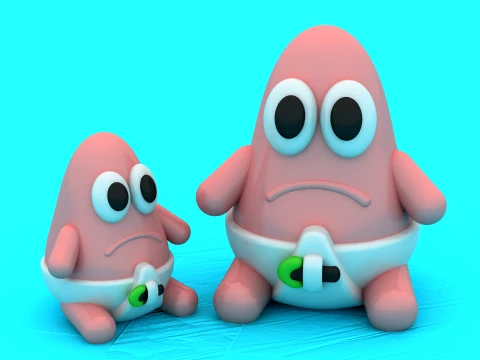
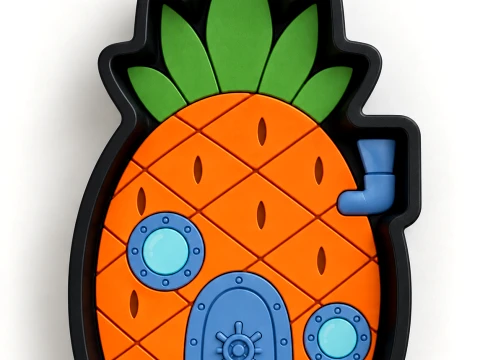
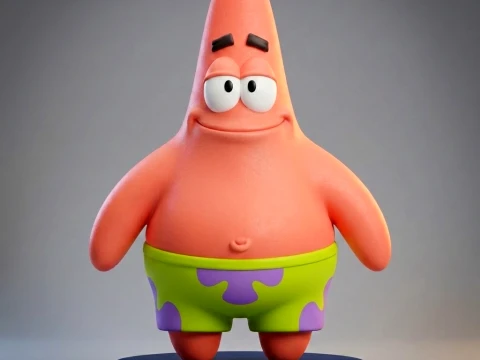
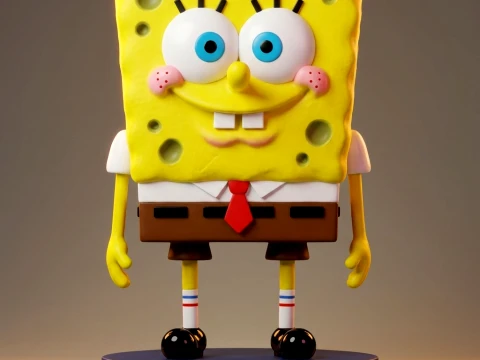






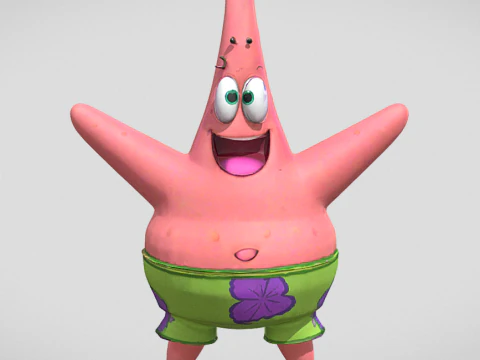
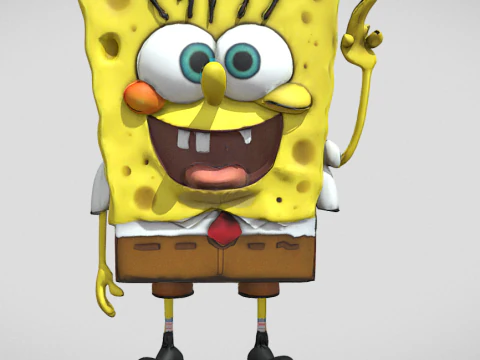


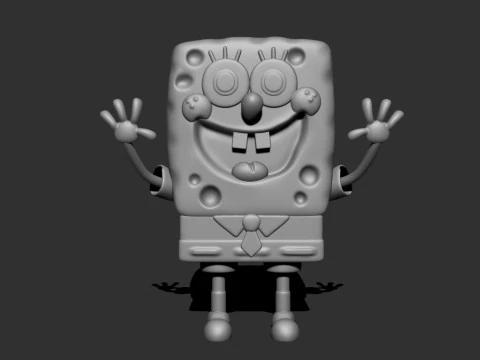

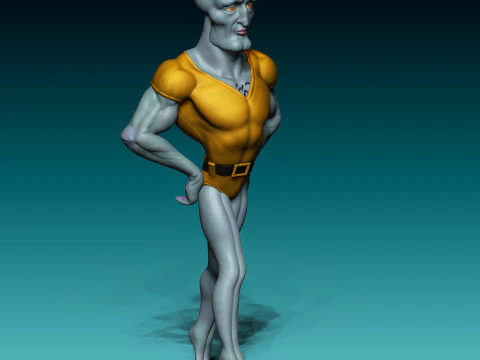


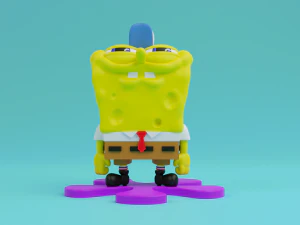
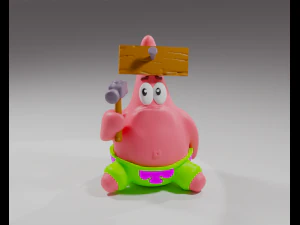
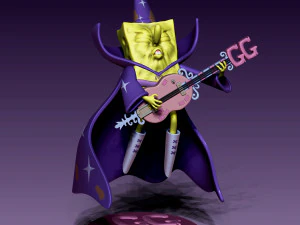
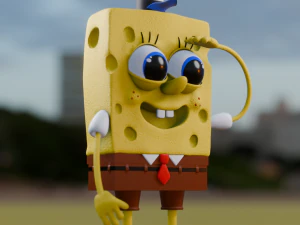





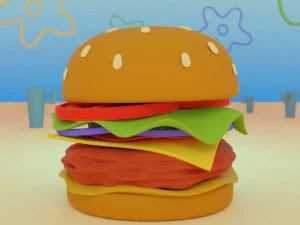


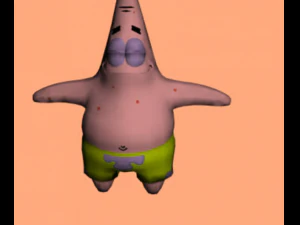


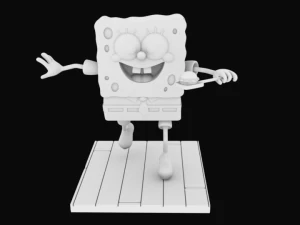

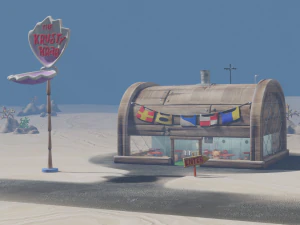



Trending searches 3D Models:
Sculpture 3D Models Characters 3D Models Kitchen 3D Models Horse 3D Models Architectural Exteriors 3D Models Phone and Cell Phone 3D Models Vegetable 3D Models Jewellery 3D Models Toys 3D Models Medical 3D Models Helicopter 3D Models Heavy Weapon 3D Models Truck 3D Models Anatomy 3D ModelsQ1: Can SpongeBob 3D models be used in commercial projects?
This is where you need to be careful. SpongeBob SquarePants is a registered trademark of Paramount Global (formerly ViacomCBS), and using character likenesses in commercial products without a license is copyright infringement. Models on third-party marketplaces exist in a grey area — many are sold for personal use, fan art, and non-commercial projects only. If your project is commercial — a game sold on Steam, a product with paid distribution, a branded video — you need either an official Nickelodeon license or a model that's sufficiently transformed to not constitute infringement. For practice, education, and personal fan projects, these models are widely used without issue.
Q2: What makes a good SpongeBob-style 3D character model for animation practice?
A correctly rigged character with the right proportions and a face rig that supports the show's exaggerated expressions. SpongeBob's defining visual feature is his extremely elastic face — squash-and-stretch deformation far beyond what a realistic character would allow. A model built for animation practice should have blend shapes for jaw drop, eye scale variations, and cheek puff. The rig should support limb stretch — arms and legs that scale along their length during exaggerated movements, which is the classic 2D animation technique translated to 3D. Models without these features can be rigged manually in Blender, but it's significant work.
Q3: What file formats work best for SpongeBob 3D models in fan films?
For rendering in Blender: native .blend files or OBJ with accompanying texture maps. For compositing in After Effects with Element 3D or Cinema 4D: C4D native or OBJ. The stylized cartoon look of SpongeBob is best reproduced with a toon shader — flat diffuse shading with a strong ink outline. In Blender, this uses EEVEE with a Toon BSDF and Freestyle edge detection. The outline thickness should vary with curvature — thicker at convex edges (outer silhouette) and thinner at concave creases. This mimics traditional animation cel look better than uniform outlines.
Q4: Are there rigged SpongeBob 3D models with facial animation controls?
Some sellers offer rigged versions with basic bone controls. A full facial rig for a character like this would include independent eye controls (scale and rotation for iris, eyelid shapes), a jaw bone, cheek controls, and brow controls. More sophisticated rigs add mouth corner controllers for the wide smile that defines the character. For animation newcomers using these for practice, a simpler 5–7 bone face rig is actually better than a complex one — it teaches the fundamentals of timing and spacing without getting lost in technical controls. Master the basics of squash and stretch on a simple rig before moving to advanced facial setups.