Español
 Deutsch
 日本語
日本語 Français
 한국의
한국의 Nederlands
 Türkçe
















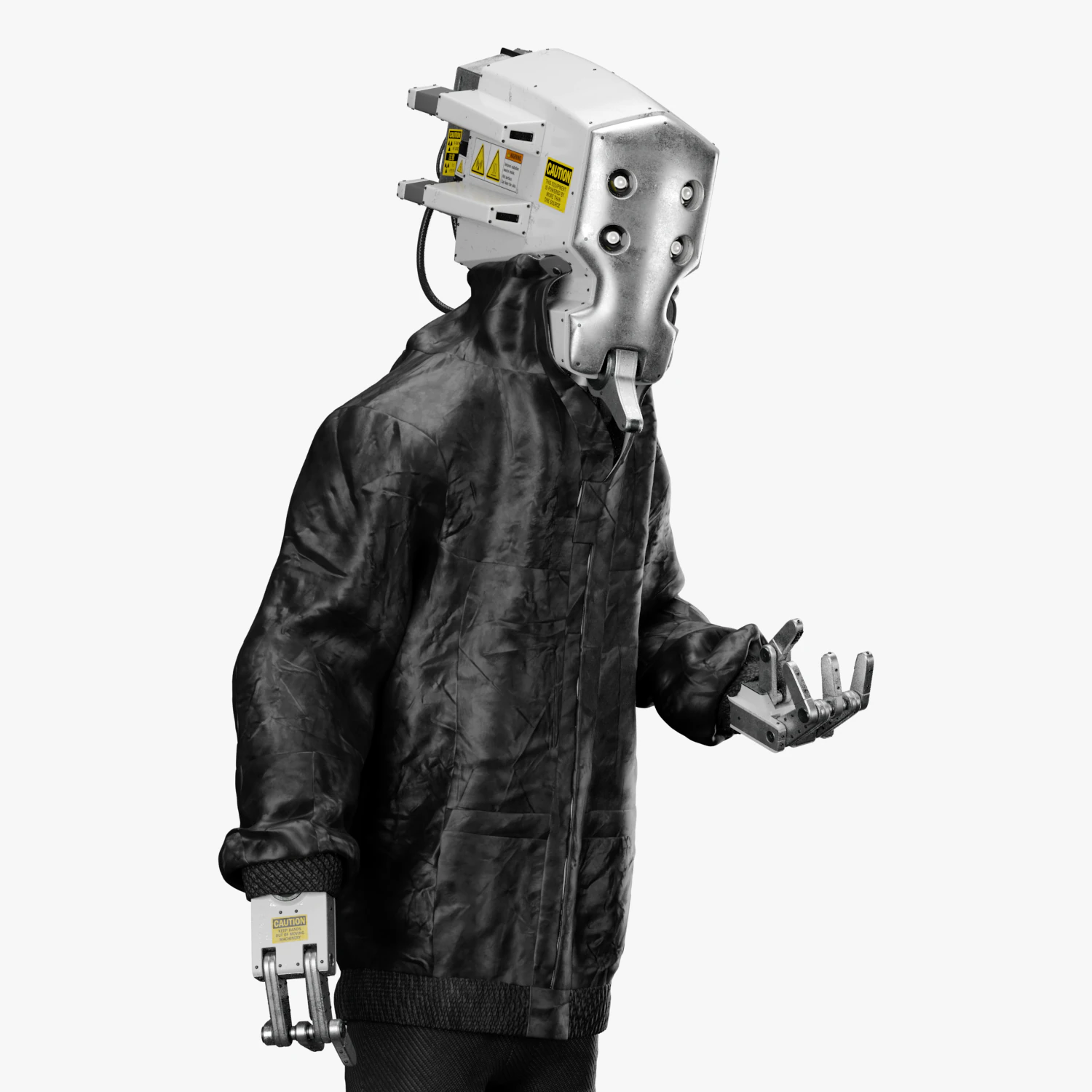
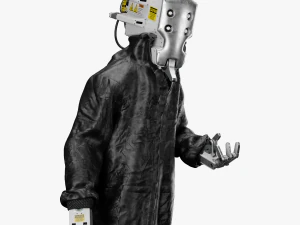
Urban Robot 3DS Max 3D Model
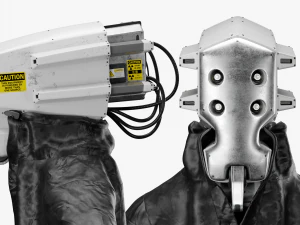
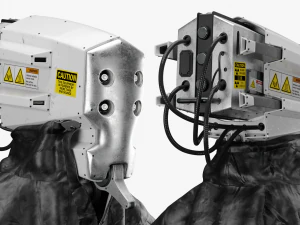
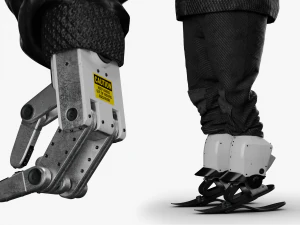
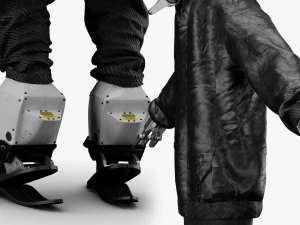
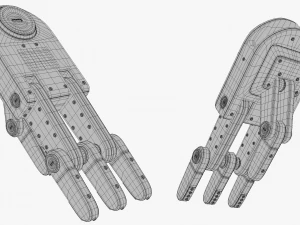
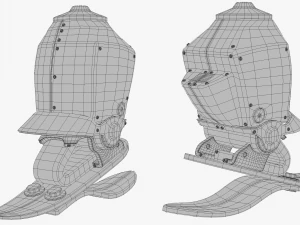
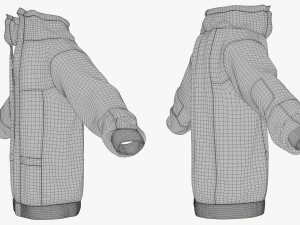
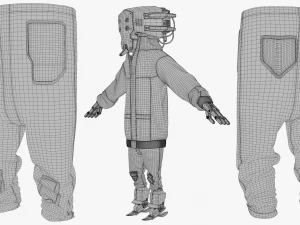
- Request product support by the author


- Available formats:
- Item ID:394361
- Date: 2022-04-16
- Polygons:224911
- Vertices:218484
- Animated:Yes
- Textured:Yes
- Rigged:Yes
- Materials:Yes
- Low-poly:No
- Collection:No
- UVW mapping:Yes
- Plugins Used:No
- Print Ready:No
- 3D Scan:No
- Adult content:No
- PBR:No
- AI Training:No
- Geometry:Subdiv
- Unwrapped UVs:Mixed
- Views:4653
Description
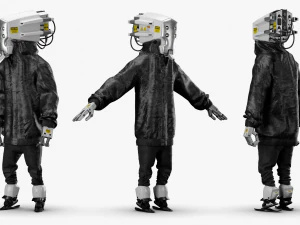
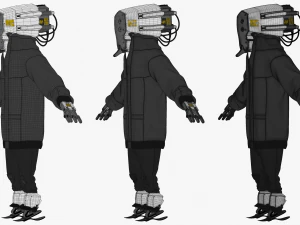
Urban Robot
|Model|
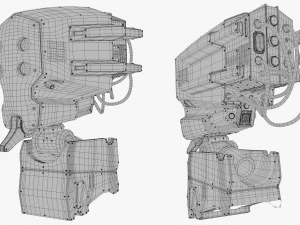
Character modeled in 3ds Max 2020.All parts are Editable Poly Objects with TurboSmooth Modifier.Cable parts are Renderable Splines.Mostly done with Quad Polygons.
|Texture|
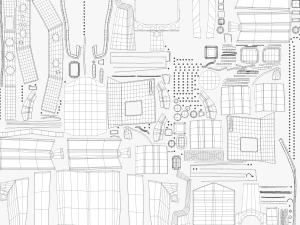
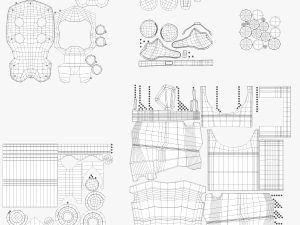
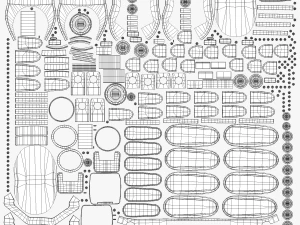
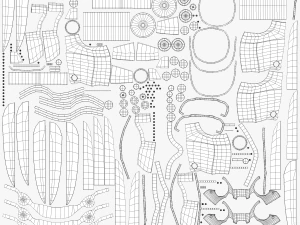
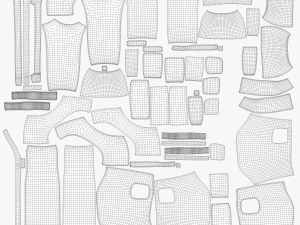
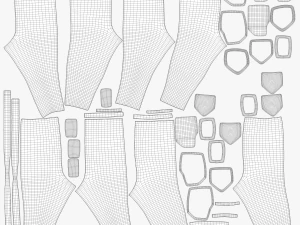
All parts are Unwrapped and grouped in islands by body part. Textures are tileable patterns for easy editing.JPG and PNG file formats in various resolutions to match closeup detail.Resolutions vary between 512px up to 4096px. Including the decals.
|Render|
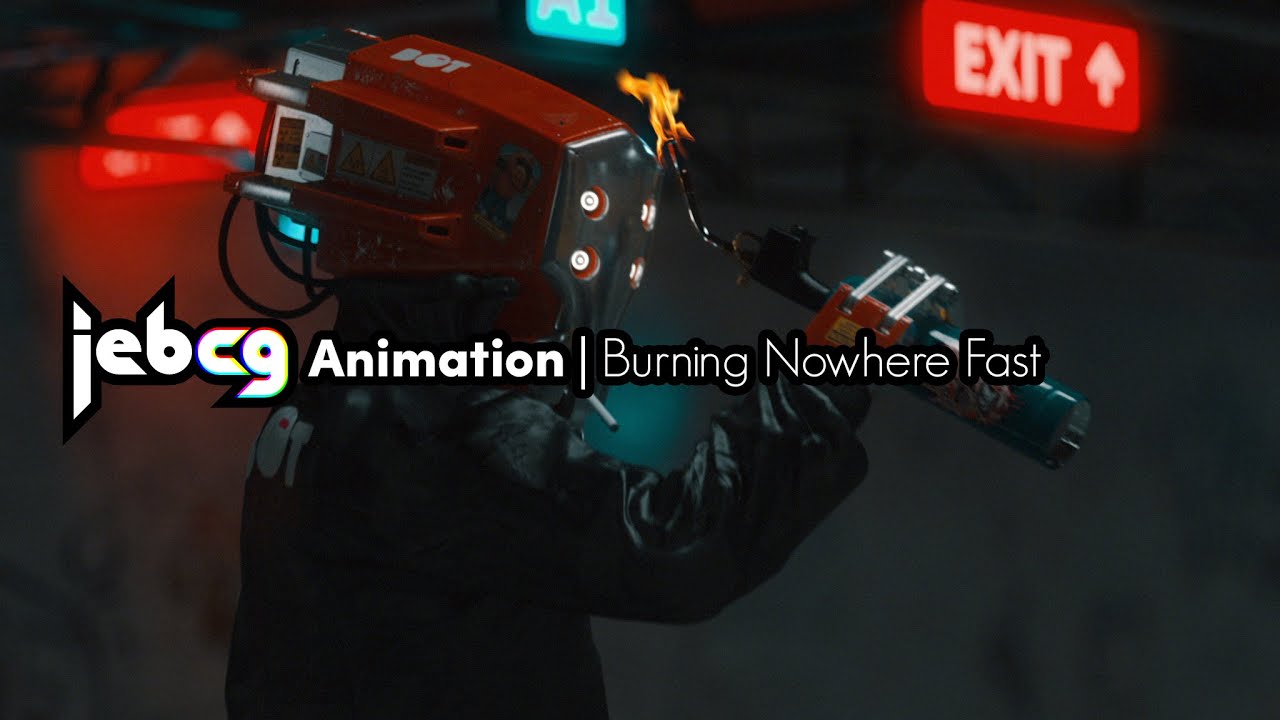
Render Engine used is the default Arnold Render from Max 2020.No 3rd party plugins needed.Ready for rendering to match the product shots shown above.Max files have all the lights and render setup settings.Materials are Arnold Standard Surface.All colors can be easily modified in the material settings.
|Rig|
Rigged with 3ds Max Biped.Clothing parts deformed with Skin Modifier, there is a file version with Skin Modifier only. (Urban Robot Skin Modifier)For optimal clothing animation and posing there is a cloth modifier added on proxy geometry that drives the main clothing geometry, the file version with skin and cloth modifiers has all the features. (Urban Robot Skin-Cloth Modifier) It's recommended to start the cloth simulation from the standard t pose and then transition to the actual pose in at least 10 frames for optimal deformation.The bones from the biped skeleton serve as collision objects for the body.
|Animation|
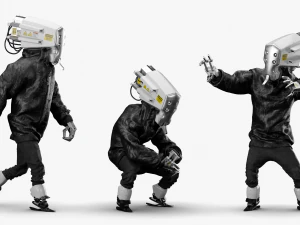
A BIP file called "Urban Robot Walk Loop" is included. This file has a 2k frames long looped walk animation.The walk cycle was generated in place so you can manipulate the walk path to your needs.There is a CPY file with the standard relaxed body poses. You can open the "Urban Robot Body Default Poses Collection" file in the biped copy/paste menu and paste the poses to fix any bad rotations when importing motion capture. Animate Button On.
|Formats|
2 Files- 3ds Max 2020 with Arnold Render 3.2.661 File- 3ds Max 2017 with Arnold Render 3.2.66 1 File- OBJ Model ONLY1 File
*The preview video provided here is from a modified version of the character and showcases the walk cycle animation.
Need more formats?
If you need a different format, please send us a Conversion Request. We can convert 3D models to: .stl, .c4d, .obj, .fbx, .ma/.mb, .3ds, .3dm, .dxf/.dwg, .max. .blend, .skp, .glb. Free Format ConversionWe do not convert 3d scenes and solid formats such as .step, .iges, .stp, .sldprt etc!
Usage Information
Urban Robot 3DS Max - You can use this royalty-free 3D model for both personal and commercial purposes in accordance with the Basic or Extended License.The Basic License covers most standard use cases, including digital advertisements, design and visualization projects, business social media accounts, native apps, web apps, video games, and physical or digital end products (both free and sold).
The Extended License includes all rights granted under the Basic License, with no usage limitations, and allows the 3D model to be used in unlimited commercial projects under Royalty-Free terms.
Read more