


 Español
 Deutsch
 日本語
日本語 Polska
 Français
 한국의
한국의 Українська
 Italiano
 Nederlands
 Türkçe
 Português
 Bahasa Indonesia
 Русский
 中國
中國 हिंदी
हिंदी
















earth 3D Models
We have 1273 item(s) Royalty free earth 3D Models. Buy or download free 3D models for your CG projects, film and video production, animation, visualizations, games, VR/AR, and others. You can download any 3d model in all popular 3d formats including MAX, OBJ, FBX, 3DS, STL, C4D, BLEND, MAYA
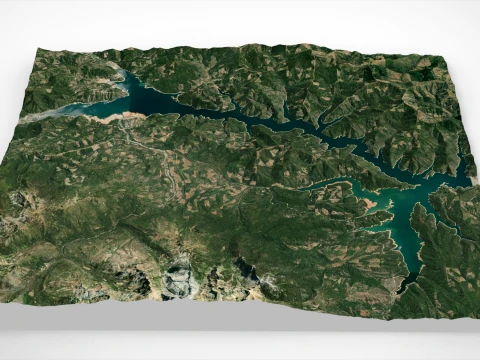
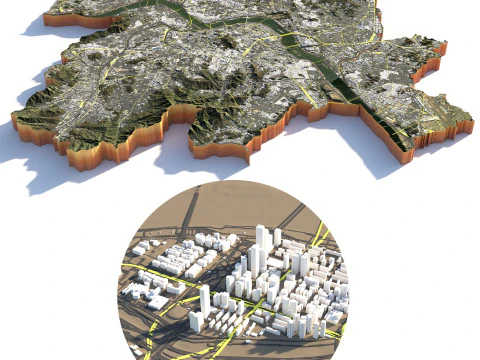
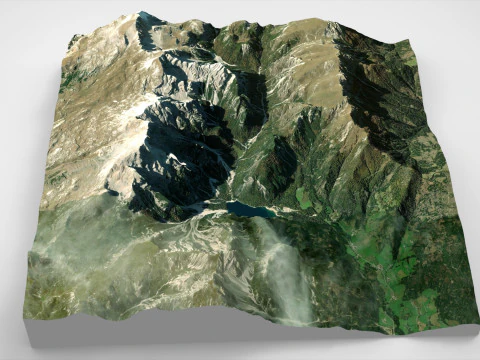
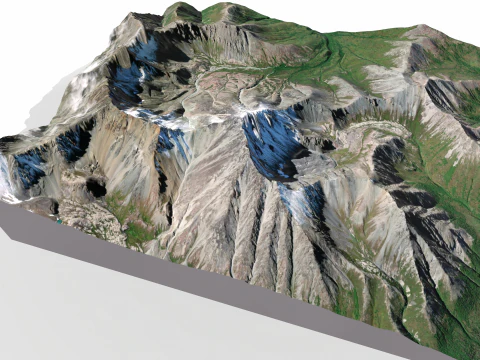
 sychev23021983Terrain
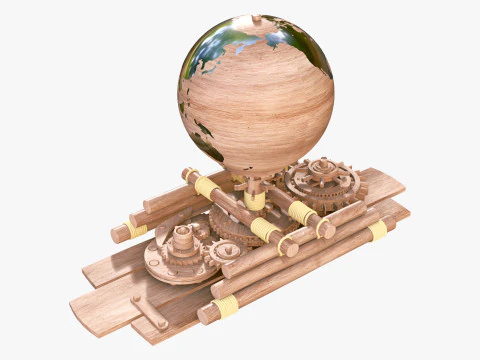
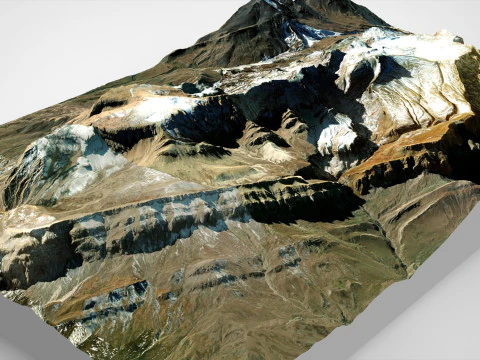
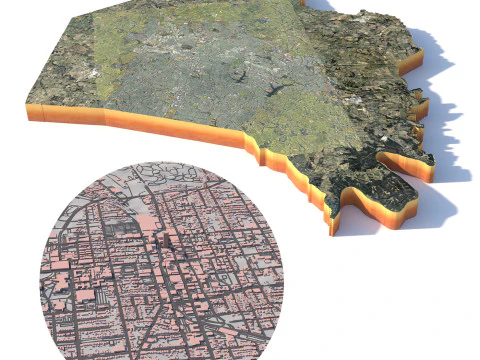
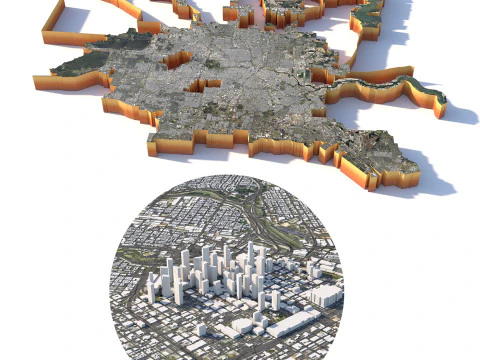
 3d.apxumekmopLandmarks
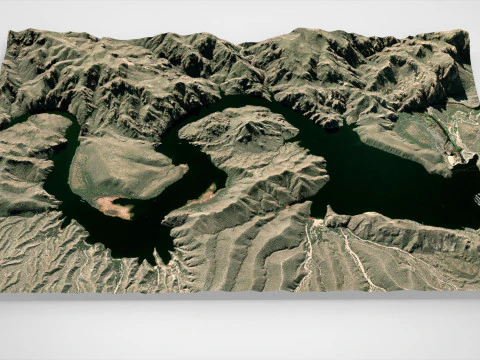
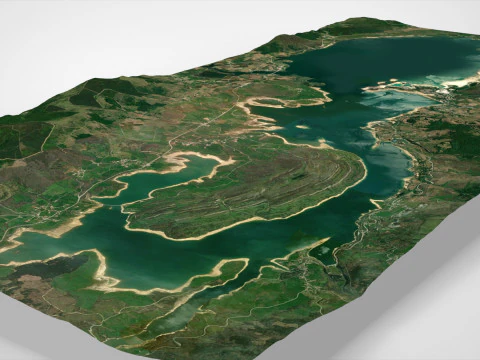
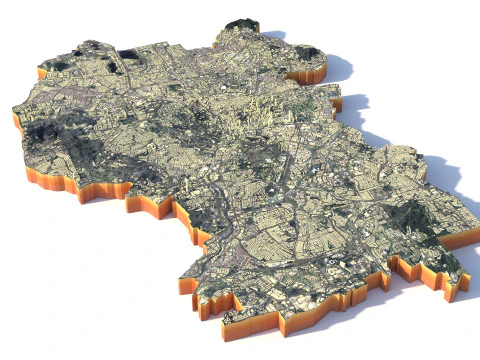
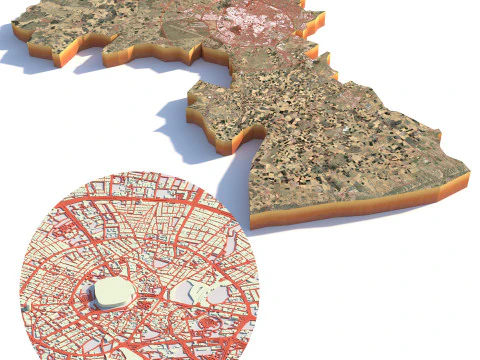
 3d.apxumekmopLandmarks



























Trending searches 3D Models:
Sculpture 3D Models Characters 3D Models Kitchen 3D Models Horse 3D Models Architectural Exteriors 3D Models Phone and Cell Phone 3D Models Vegetable 3D Models Jewellery 3D Models Toys 3D Models Medical 3D Models Helicopter 3D Models Heavy Weapon 3D Models Truck 3D Models Anatomy 3D ModelsQ1: What texture data do high-quality Earth 3D models use?
The best Earth models use NASA's publicly available Blue Marble imagery — specifically the Blue Marble Next Generation dataset, which provides 500-meter resolution land surface data, and the Visible Earth collection for cloud and ocean datasets. A complete Earth material set includes: diffuse/albedo map (land and ocean color), specular map (oceans are reflective, land is not — this separation is what makes Earth renders look correct), normal/bump map for terrain elevation, night lights map (NASA's "Earth at Night" composite), and a cloud layer as a separate semi-transparent sphere slightly larger than the Earth mesh. Models that use all five layers produce photorealistic results; models with only a diffuse map look like a painted ball.
Q2: How do I animate a realistic Earth rotation in Blender?
The Earth rotates once every 23 hours 56 minutes (sidereal day) — for a visualization animation, you'll typically speed this up dramatically. In Blender, add a Y-axis rotation keyframe at frame 1 (0 degrees) and at your end frame (360 degrees). Set the Graph Editor interpolation to Linear for constant rotation speed. Earth's axial tilt is 23.5 degrees — rotate the entire Earth object 23.5 degrees on the X-axis before animating the Y rotation so the poles are correctly tilted relative to the orbital plane. The cloud layer sphere should rotate slightly faster (clouds move relative to the surface) — add 15–20 degrees extra rotation over the same timeframe. Add atmospheric glow with a Volume Scatter shader on a slightly larger transparent sphere.
Q3: What are Earth 3D models used for in commercial productions?
News broadcast graphics, documentary openers, corporate presentation animations, educational apps, and game loading screens are the primary commercial uses. The rotating Earth establishing shot is one of the most recognizable visual conventions in media — it signals "global scale" or "international context" instantly. For broadcast use, real-time rendered Earth globes in Unreal Engine or Notch are standard in 2026 news graphics pipelines. For educational apps, interactive Earth models where users can click regions to access information are built with Three.js or Babylon.js using GLB Earth models as the base geometry. Scientific visualization for climate research uses actual GIS data layered over Earth geometry.
Q4: Can an Earth 3D model include accurate topographic displacement?
Yes — NASA's SRTM (Shuttle Radar Topography Mission) dataset provides 30-meter resolution elevation data that can be used as a displacement map. In Blender, apply the SRTM heightmap as a Displacement modifier on a high-subdivision UV sphere. The displacement scale needs careful calibration: Earth's highest point (Everest, 8,849m) relative to Earth's radius (6,371km) is a ratio of about 1:720 — visually this almost disappears on a globe render. For educational visualizations where topographic relief should be visible, exaggerate the displacement by 10–20× while noting the exaggeration in the visualization. This is standard practice in geography education and geological visualization.