


 Español
 Deutsch
 日本語
日本語 Polska
 Français
 한국의
한국의 Українська
 Italiano
 Nederlands
 Türkçe
 Português
 Bahasa Indonesia
 Русский
 中國
中國 हिंदी
हिंदी
















mario 3D Models
We have 514 item(s) Royalty free mario 3D Models. Buy or download free 3D models for your CG projects, film and video production, animation, visualizations, games, VR/AR, and others. You can download any 3d model in all popular 3d formats including MAX, OBJ, FBX, 3DS, STL, C4D, BLEND, MAYA
- -50%
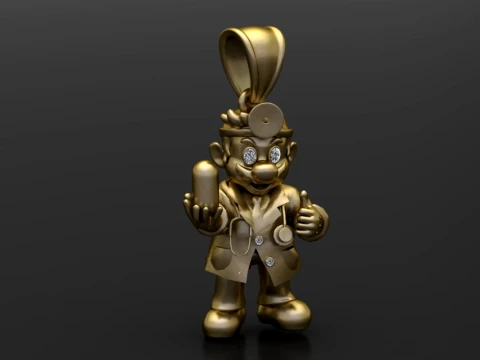 gemsjewell011Pendants
 - -50%
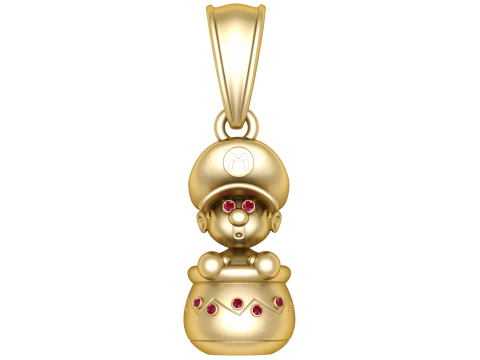 gemsjewell011Pendants
 - -50%
 MR3D.storeToys
 - -50%
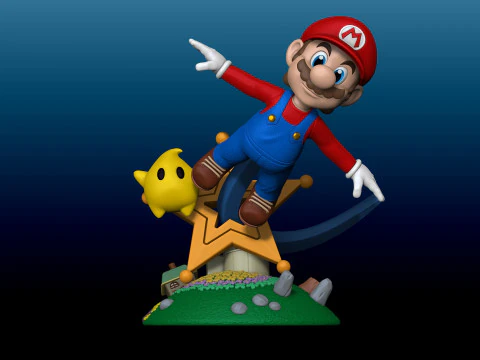 felipexixFigurines
  MONA3DStudioToys
- -50%
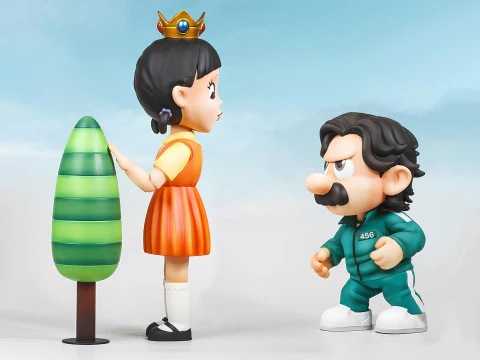 Flawless.JNCartoon









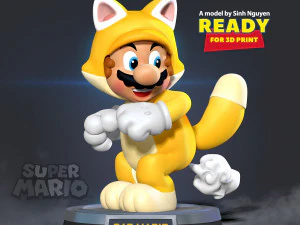

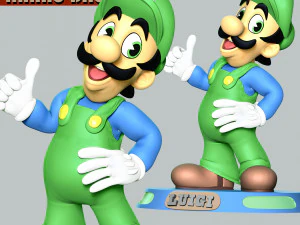

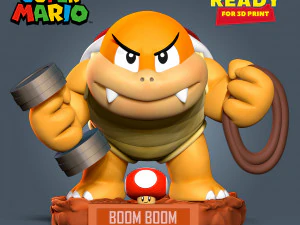












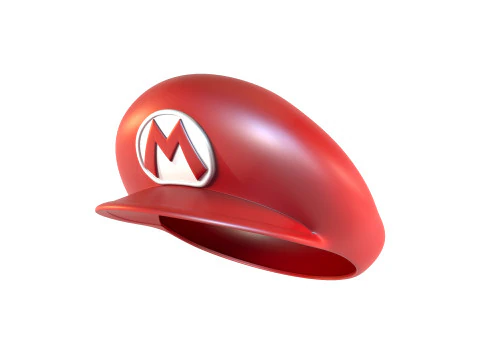

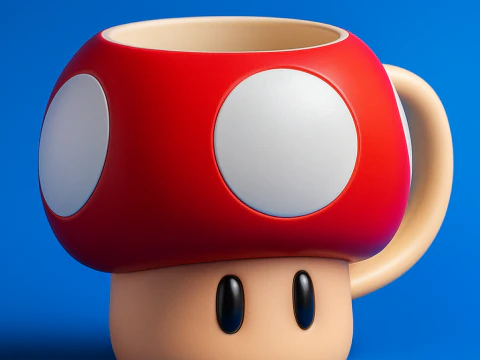
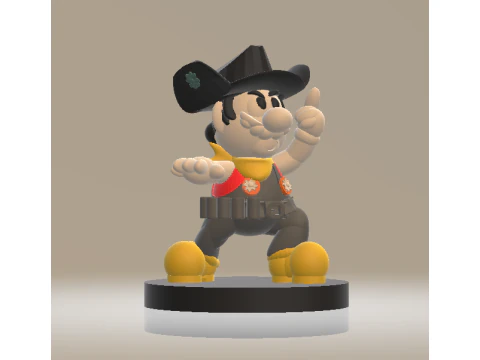
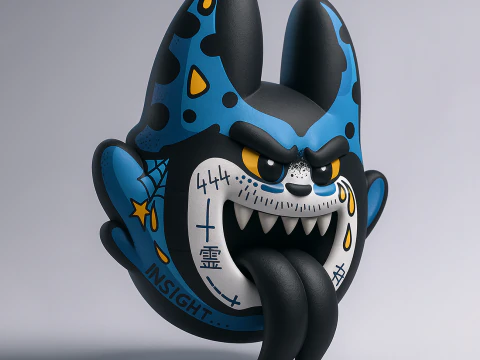

Trending searches 3D Models:
Sculpture 3D Models Characters 3D Models Kitchen 3D Models Horse 3D Models Architectural Exteriors 3D Models Phone and Cell Phone 3D Models Vegetable 3D Models Jewellery 3D Models Toys 3D Models Medical 3D Models Helicopter 3D Models Heavy Weapon 3D Models Truck 3D Models Anatomy 3D ModelsQ1: Can Mario 3D models be used in commercial projects?
No — Mario is one of Nintendo's most protected intellectual properties, and Nintendo is notably aggressive about enforcing trademark and copyright. Using Mario character likenesses in commercial products without an official Nintendo license will result in takedown notices and potential legal action. Fan games distributed for free have historically received cease-and-desist letters from Nintendo regardless of non-commercial intent. Models on 3DExport are suitable for personal use, animation practice, portfolio work, and non-distributed fan art. Any public commercial use — paid game, monetized YouTube series, merchandise — is legally risky regardless of how far removed the design is from the original.
Q2: What makes a stylized plumber character 3D model animation-friendly?
The proportions Nintendo established for Mario — large head (roughly 1/3 of total body height), short legs, wide torso — are actually excellent for animation. Exaggerated proportions allow for more expressive squash-and-stretch because the forms are already simplified. A good model for animation practice has these key features: separate hat geometry rigged to the head bone for tip-and-slide expressions, overalls with material slots that allow color changes, and a facial rig with enough controls for the classic video game emote range — happy, surprised, determined, pained. The mustache geometry is a character-defining detail that needs its own controls for expressive mouth-area animation.
Q3: What are the best animation exercises to practice with a Mario-style character?
The classic 11 Second Club exercise format works well, but Mario-specific scenarios teach more. The jump arc — anticipation crouch, launch, apex hang, fall, land with squash — is the foundational exercise. The character has been jumping in games for 40+ years, and nailing that specific arc teaches timing fundamentals directly. Walk cycles with the distinctive arm-pump of a short character with wide shoulders teach balance and rhythm. Idle animations — the weight shifts, glances, and small gestures between actions — are where character personality lives. These are harder than action animations and more valuable for portfolio work.
Q4: How do I rig a stylized cartoon character like Mario in Blender?
Start with Rigify's basic human preset and adjust bone lengths to match the exaggerated proportions — shorter leg bones, larger head bone, wider shoulder spread. The key modification for cartoon characters is enabling stretch in the IK bones: in Rigify, set the "Stretch To" constraint on limb bones to allow up to 150% of natural length. This enables squash-and-stretch animation directly through the IK controls without needing separate shape keys for every stretch pose. For the hat, add a single bone parented to the head with its own rotation control. Weight paint the body carefully at joints — cartoon characters need softer, more generous weight falloff than realistic characters to avoid pinching at extreme poses.