Español
 Deutsch
 日本語
日本語 Français
 한국의
한국의 Italiano
 Nederlands
 Türkçe
 Português
















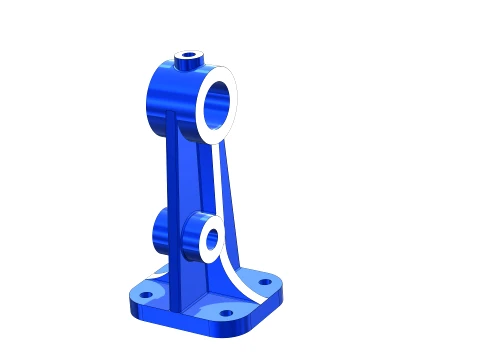
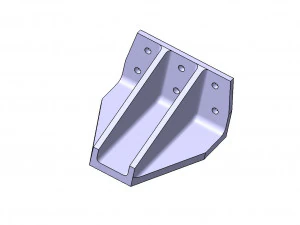
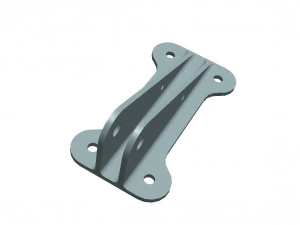
SolidWorks Exercise Bearing Bracket 3D Model
END OF THE SUMMER
Discount 50% OFF
$
3.49 USD
- Request product support by the author


- Available formats:
- Item ID:650428
- Date: 2026-07-30
- Animated:No
- Textured:No
- Rigged:No
- Materials:Yes
- Low-poly:No
- Collection:No
- UVW mapping:No
- Plugins Used:No
- Print Ready:Yes
- 3D Scan:No
- Adult content:No
- PBR:No
- AI Training:Yes
- AI Generated:No
- Geometry:Polygonal
- Unwrapped UVs:Unknown
- Views:172
Description
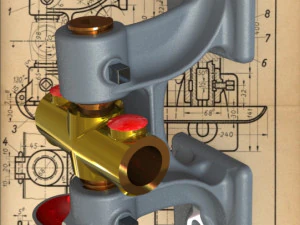
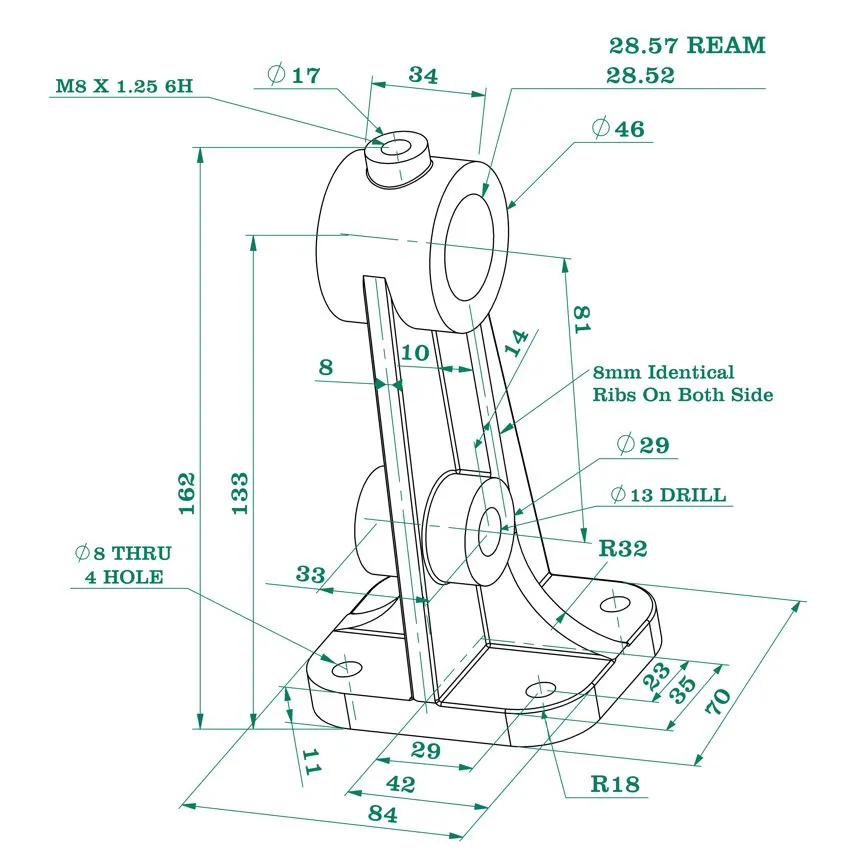
this SolidWorks Tutorial for Beginners (Exercise 8), we’ll guide you through How to Make a Bearing Bracket in SolidWorks 2023 step by step. This lesson is designed to help you master key SolidWorks essential tools, including:
🔹 Extrude Boss – Build 3D geometry
🔹 Extruded Cut – Create precise cutouts
🔹 Fillet – Smooth sharp edges
🔹 Mirror & Plane – Achieve perfect symmetry
🔹 Rib Tool – Reinforce your design
🔹 Appearance – Enhance model aesthetics
Need more formats?
If you need a different format, please send us a Conversion Request. We can convert 3D models to: .stl, .c4d, .obj, .fbx, .ma/.mb, .3ds, .3dm, .dxf/.dwg, .max. .blend, .skp, .glb. Free Format ConversionWe do not convert 3d scenes and solid formats such as .step, .iges, .stp, .sldprt etc!
Usage Information
SolidWorks Exercise Bearing Bracket - You can use this royalty-free 3D model for both personal and commercial purposes in accordance with the Basic or Extended License.The Basic License covers most standard use cases, including digital advertisements, design and visualization projects, business social media accounts, native apps, web apps, video games, and physical or digital end products (both free and sold).
The Extended License includes all rights granted under the Basic License, with no usage limitations, and allows the 3D model to be used in unlimited commercial projects under Royalty-Free terms.
Read more
Do you provide Money Back Guarantee?
Yes, we do. If you purchased a product and found some error in the renders or description, we'll try to fix the problem as soon as possible. If we cannot correct the error, we will cancel your order and you will get your money back within 24 hours from downloading the item. Read more conditions hereKeywords
There are no comments for this item.
-50%
mahmoudamirmansour16752146
Rock
-50%
mahmoudamirmansour16752146
Truck
-50%
mahmoudamirmansour16752146
Parts of auto
-50%
mahmoudamirmansour16752146
Figurines


-50%
surf3d
Parts