Español
 Deutsch
 日本語
日本語 Polska
 Français
 한국의
한국의 Українська
 Italiano
 Nederlands
 Türkçe
 Português
















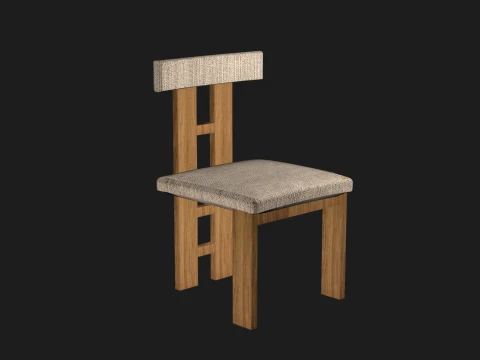
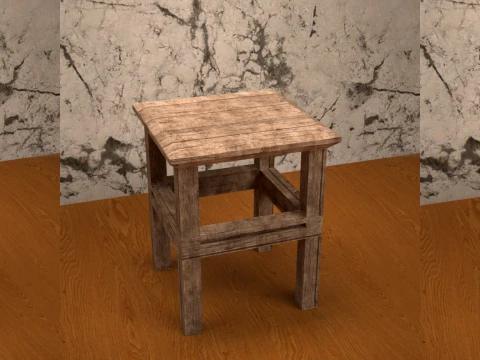
Wooden Stool Prop for Daz Studio Low-poly 3D Model
- Request product support by the author


- Available formats:
- Item ID:643526
- Date: 2026-06-09
- Polygons:378
- Vertices:778
- Animated:No
- Textured:Yes
- Rigged:No
- Materials:Yes
- Low-poly:Yes
- Collection:No
- UVW mapping:Yes
- Plugins Used:No
- Print Ready:No
- 3D Scan:No
- Adult content:No
- PBR:Yes
- AI Training:No
- AI Generated:No
- Geometry:Polygonal
- Unwrapped UVs:Non-overlapping
- Views:345
Description
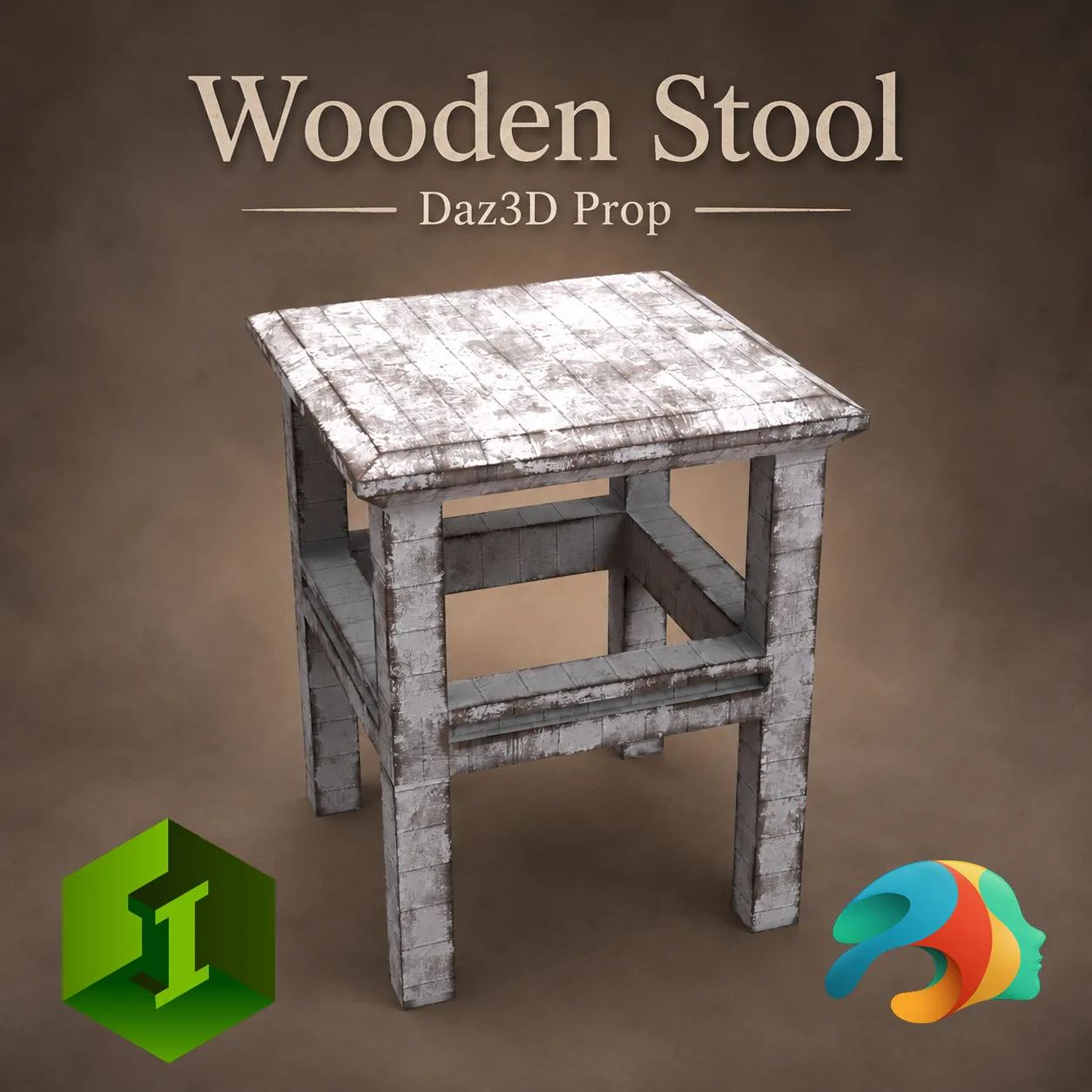
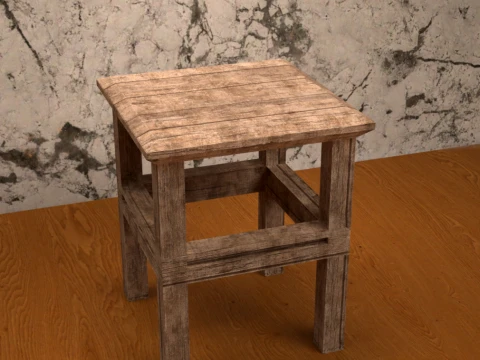
Wooden Stool Prop for Daz Studio
Add versatility to your renders with this highly optimized, low-poly wooden stool prop. Perfect for a wide variety of scenes—ranging from rustic farmhouses, cozy kitchens, and artist workshops to weathered, post-apocalyptic hideouts.
While this prop is completely standalone and not dependent on any specific Genesis generation, it has been meticulously modeled and proportioned to match the scale of Genesis 9 (G9 Dev) figures perfectly.
What's Included and Features:
Wooden Stool Prop (.DUF)
5 Distinct Material Presets (.DUF):
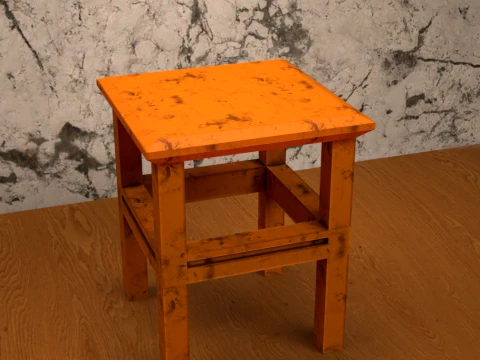
Orange Dirty: A vibrant, heavily weathered orange paint style with chipped details.
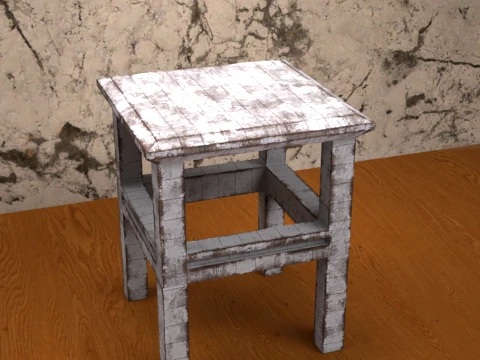
Painted Wood: A classic, distressed white painted look showing underlying wood wear.
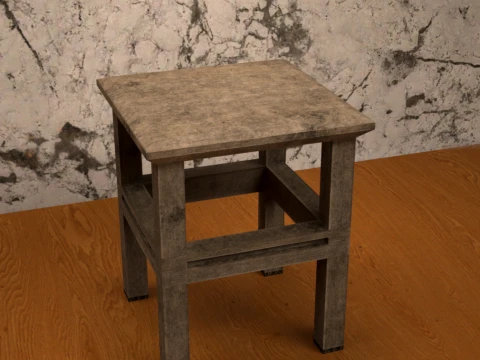
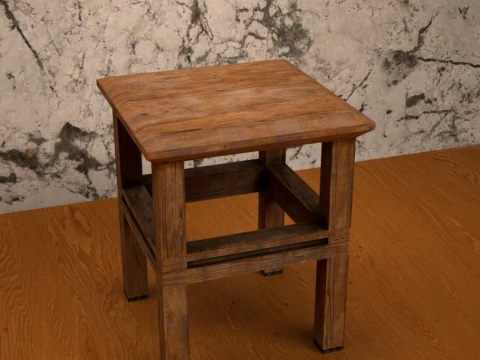
Wood Clean: A natural, clean brown wood grain style for classic interiors.
Wood Plank: A rough, rustic planked surface style for older or outdoor environments.
Worn Out: A faded, greyish, heavily aged wood style.
Technical Specifications:
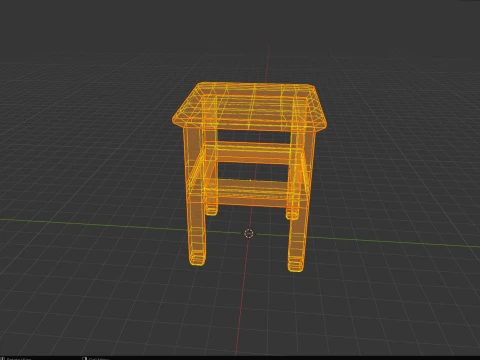
Optimized Low-Poly Mesh
Vertices: 378
Faces: 399
Triangles: 778
Clean wireframe and layout topology.
File Location in Daz Studio: My Library > Props > Max90 > Stool > Wooden Stool
How to Unpack and Install (ZIP Guide)
Download the File: Save the ZIP folder to your computer.
Extract the Content: * Windows: Right-click the ZIP file and select "Extract All...". Choose a destination folder and click extract.
Mac: Double-click the ZIP file to automatically extract the folder.
Installation: Copy the extracted Props folder and paste it directly into your main Daz 3D content directory (usually named My Library or Content).
Load the Asset: Open Daz Studio, navigate to your Smart Content or Content Library tab, and find the stool under Props > Max90 > Stool > Wooden Stool.
Need more formats?
If you need a different format, please send us a Conversion Request. We can convert 3D models to: .stl, .c4d, .obj, .fbx, .ma/.mb, .3ds, .3dm, .dxf/.dwg, .max. .blend, .skp, .glb. Free Format ConversionWe do not convert 3d scenes and solid formats such as .step, .iges, .stp, .sldprt etc!
Usage Information
Wooden Stool Prop for Daz Studio - You can use this royalty-free 3D model for both personal and commercial purposes in accordance with the Basic or Extended License.The Basic License covers most standard use cases, including digital advertisements, design and visualization projects, business social media accounts, native apps, web apps, video games, and physical or digital end products (both free and sold).
The Extended License includes all rights granted under the Basic License, with no usage limitations, and allows the 3D model to be used in unlimited commercial projects under Royalty-Free terms.
Read more