


 Español
 Deutsch
 日本語
日本語 Polska
 Français
 한국의
한국의 Українська
 Italiano
 Nederlands
 Türkçe
 Português
 Bahasa Indonesia
 Русский
 中國
中國 हिंदी
हिंदी
















emoji 3D Models
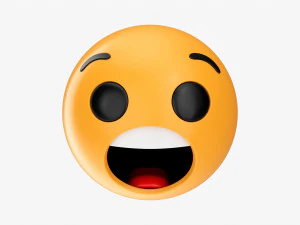
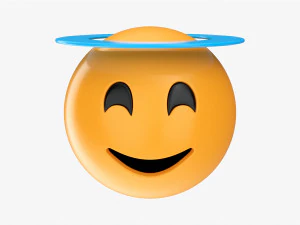
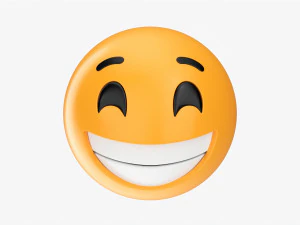
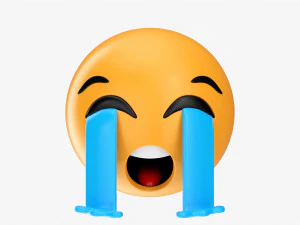
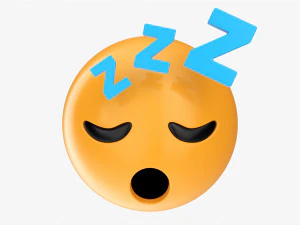
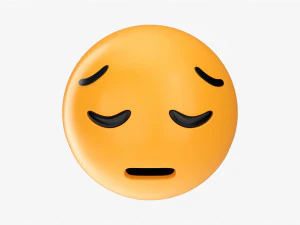
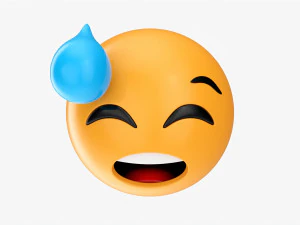
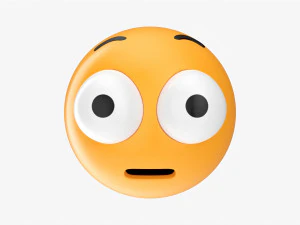
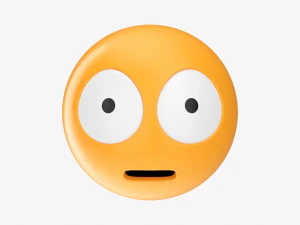
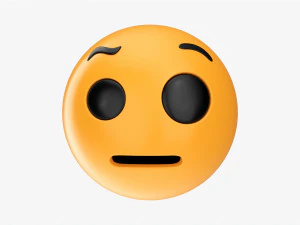
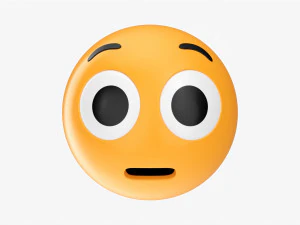
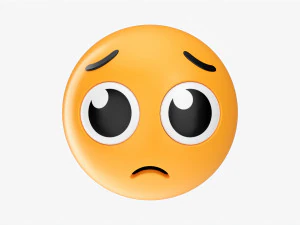
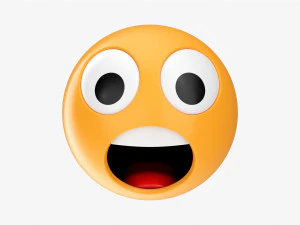
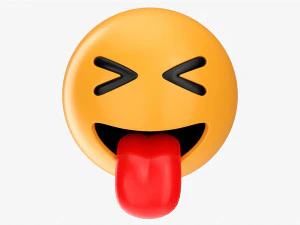
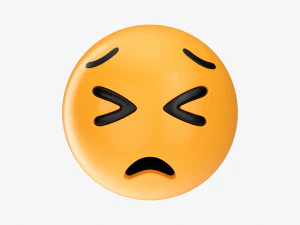
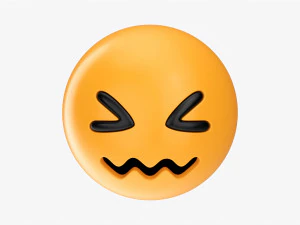
We have 472 item(s) Royalty free emoji 3D Models. Buy or download free 3D models for your CG projects, film and video production, animation, visualizations, games, VR/AR, and others. You can download any 3d model in all popular 3d formats including MAX, OBJ, FBX, 3DS, STL, C4D, BLEND, MAYA

























Trending searches 3D Models:
Sculpture 3D Models Characters 3D Models Kitchen 3D Models Horse 3D Models Architectural Exteriors 3D Models Phone and Cell Phone 3D Models Vegetable 3D Models Jewellery 3D Models Toys 3D Models Medical 3D Models Helicopter 3D Models Heavy Weapon 3D Models Truck 3D Models Anatomy 3D ModelsQ1: What are 3D emoji models typically used for in content creation?
Social media animations are the primary use case — short looping videos, sticker packs, and reaction content for platforms like TikTok, Instagram Reels, and YouTube Shorts. A 3D emoji spinning, bouncing, or reacting adds production value over flat 2D emoji that every phone can display natively. For game developers, 3D emoji appear in UI elements — reaction systems, chat overlays, score popups. For VTubers and streamers, animated 3D emoji as screen overlays or alert animations have become a standard production element. The content is quick to produce: import model, add simple keyframe animation, render at 1080p with transparent background, export as WebM or APNG.
Q2: Are 3D meme face models available — like the classic internet meme expressions?
Yes — trollface, Wojak, various "giga chad" and "NPC" face variants, and other meme-based characters exist in 3D form on the platform. The quality ranges from basic flat extrusions of 2D meme images to fully sculpted 3D interpretations with proper volume and lighting. For video content where these appear as animated characters rather than flat overlays, the sculpted versions with proper topology and normal maps produce significantly better renders under dynamic lighting. Meme models specifically face the question of internet "freshness" — what's viral today may feel dated in six months. Timeless classics like Trollface have more lasting utility than topical meme 3D models.
Q3: Can 3D emoji models be used in mobile game development?
Yes — they fit naturally into casual and social mobile games as UI elements. For mobile, keep texture atlases at 512×512 or 1024×1024 maximum; emoji are small on screen and don't justify large textures. Polygon counts under 2,000 tris per emoji are standard. For animated emoji in games (bouncing, spinning, transforming), Spine 2D is the industry-standard tool for 2D game animation — but genuine 3D emoji rendered to sprite sheets or used as real-time 3D objects in Unity/Unreal offer a premium feel that differentiates from flat icon systems. The implementation complexity is minimal; the visual payoff is disproportionately high.
Q4: How do I render a 3D emoji with a transparent background for social media use?
In Blender: set the render engine to EEVEE or Cycles, change the Film settings to enable Transparent background, and render to PNG with RGBA channels. The resulting PNG has genuine transparency rather than a white background. For video content, render to EXR image sequences and composite in DaVinci Resolve or After Effects with an alpha channel — this gives you more control over the final look. One common mistake: rendering with a solid-colored "chroma key" background (like green) and keying it out in post. This introduces color fringing on semi-transparent edges — anti-aliased geometry renders particularly poorly through chroma key. Render with genuine alpha transparency from the start.