Español
 Deutsch
 日本語
日本語 Français
 한국의
한국의 Italiano
 Nederlands
 Türkçe
 Português
















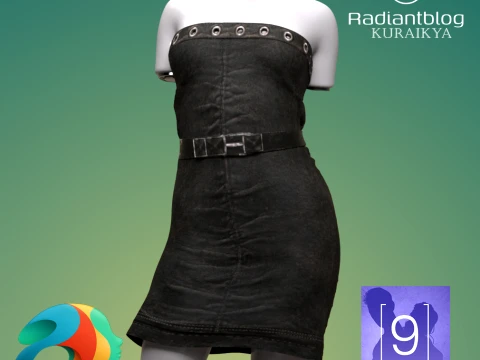
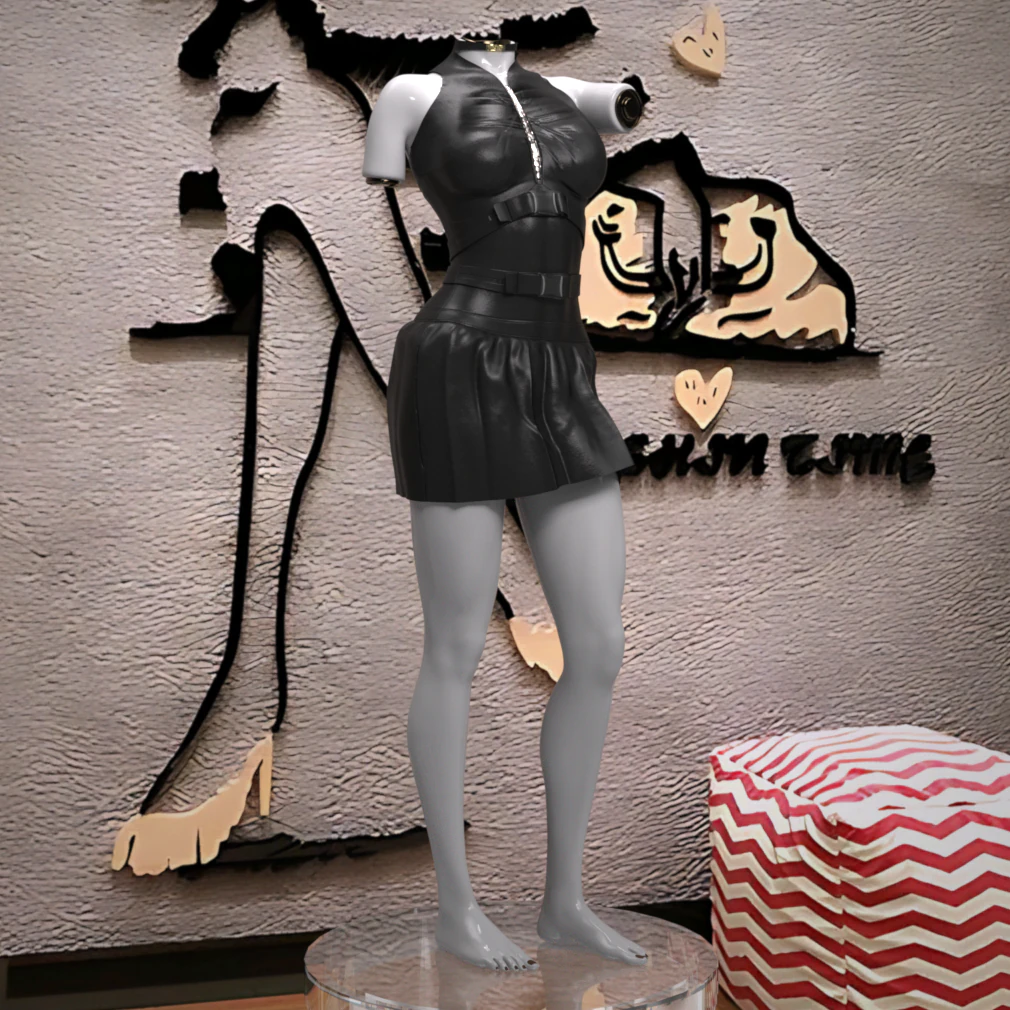
REBEL DRESS FOR GENESIS 9 3D Model
- Request product support by the author


- Available formats:
- Item ID:604328
- Date: 2025-10-10
- Animated:No
- Textured:Yes
- Rigged:No
- Materials:No
- Low-poly:No
- Collection:No
- UVW mapping:Yes
- Plugins Used:No
- Print Ready:No
- 3D Scan:No
- Adult content:No
- PBR:No
- AI Training:No
- Geometry:Polygonal
- Unwrapped UVs:Non-overlapping
- Views:608
Description
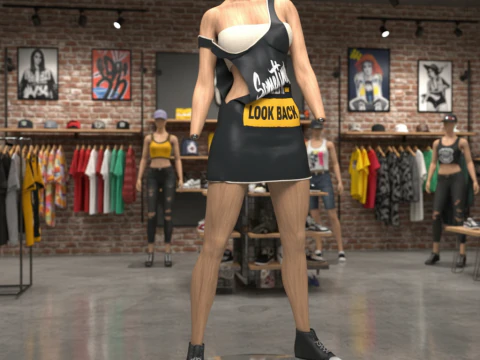
Rebel Dress for Genesis 9
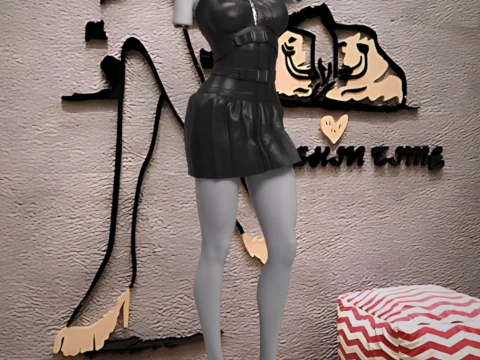
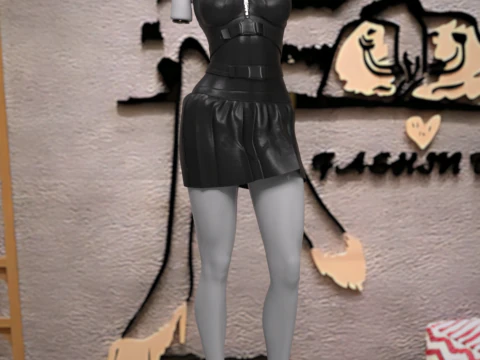
Unleash your character’s edgy style with the Rebel Dress for Genesis 9. This high-energy piece is designed with a fierce cyberpunk and gothic aesthetic, featuring black faux leather, bold zipper details, and buckle straps that command attention.
Perfect for dystopian scenes, dark fashion renders, or high-octane action shots, this dress brings a powerful, rebellious attitude to your Genesis 9 library.
Key Features:
Compatibility: Designed for Genesis 9.
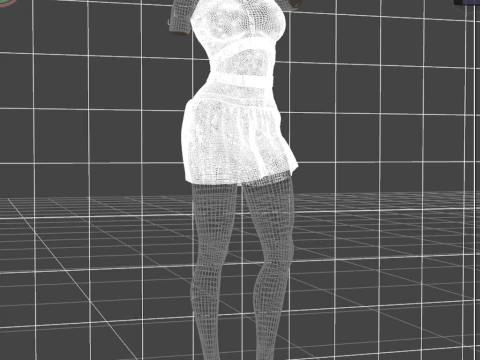
Style: Distinct Cyberpunk/Goth fashion with a sleek, high-poly design.
Physics: No dForce is required, ensuring the mesh maintains its sharp shape and fit through all poses without the need for simulation.
Texture Quality: Comes with crisp, high-resolution 4K Textures.
What's Included: The package contains the Rebel Dress only. No additional shoes, accessories, or figures are included.
File Location:
The dress will be found in your Daz Studio Content Library under: Clothing > Max90 > Rebel Dress.
Installation Guide
To use the Rebel Dress in Daz Studio, please follow these steps to install the files into your Daz 3D Library:
1. Extract the ZIP File
The content is compressed in a .zip file. You need to unzip or extract the files first.
On Windows: Right-click the downloaded .zip file and select "Extract All" or a similar option from the context menu. Choose the location where you want the temporary files to be extracted.
On macOS: Double-click the downloaded .zip file. The files will automatically extract into the same folder.
2. Copy to Daz 3D Library
Once extracted, you will have a content folder (often named "Content" or the product name). You need to copy this folder's content into your primary Daz 3D Library (your DAZ Studio Content folder).
Locate your Daz 3D Library: This is the main folder where all your installed assets (like "People", "Props", "Runtime", "Data") are stored.
Copy the content: Open the folder you extracted in step 1. Inside, you will typically find the folders like Data, People, Runtime, etc. Copy all these folders and paste them directly into your main Daz 3D Library folder, letting them merge with existing folders. DO NOT copy the entire extracted product folder itself, only the contents inside it.
Need more formats?
If you need a different format, please send us a Conversion Request. We can convert 3D models to: .stl, .c4d, .obj, .fbx, .ma/.mb, .3ds, .3dm, .dxf/.dwg, .max. .blend, .skp, .glb. Free Format ConversionWe do not convert 3d scenes and solid formats such as .step, .iges, .stp, .sldprt etc!
Usage Information
REBEL DRESS FOR GENESIS 9 - You can use this royalty-free 3D model for both personal and commercial purposes in accordance with the Basic or Extended License.The Basic License covers most standard use cases, including digital advertisements, design and visualization projects, business social media accounts, native apps, web apps, video games, and physical or digital end products (both free and sold).
The Extended License includes all rights granted under the Basic License, with no usage limitations, and allows the 3D model to be used in unlimited commercial projects under Royalty-Free terms.
Read more