


 Español
 Deutsch
 日本語
日本語 Polska
 Français
 한국의
한국의 Українська
 Italiano
 Nederlands
 Türkçe
 Português
 Bahasa Indonesia
 Русский
 中國
中國 हिंदी
हिंदी
















hoodie 3D Models
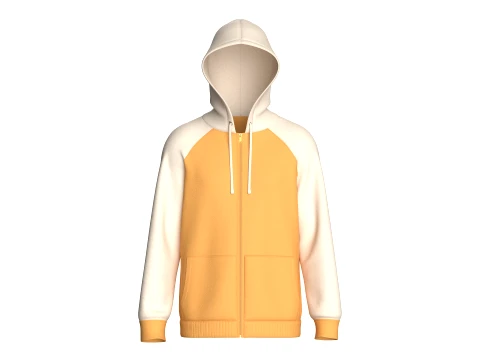
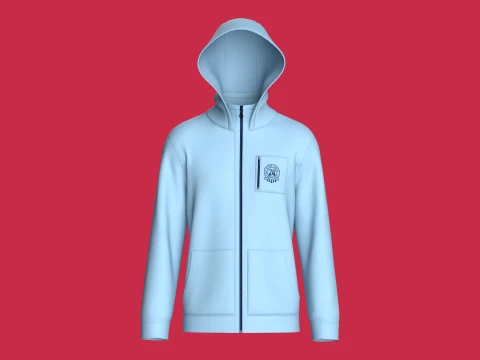
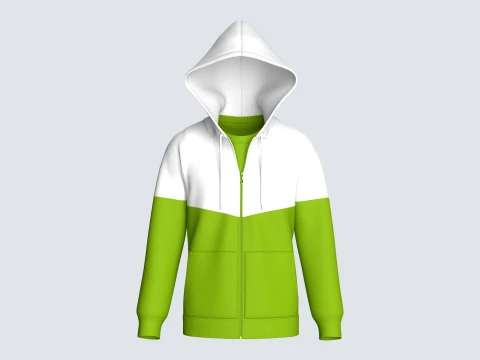
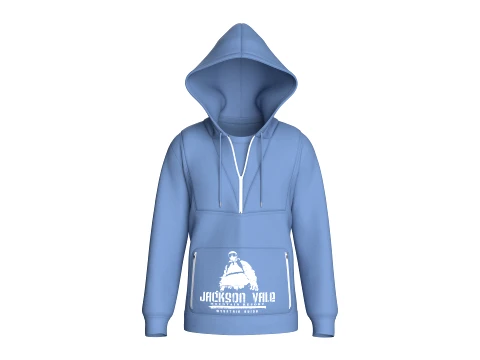
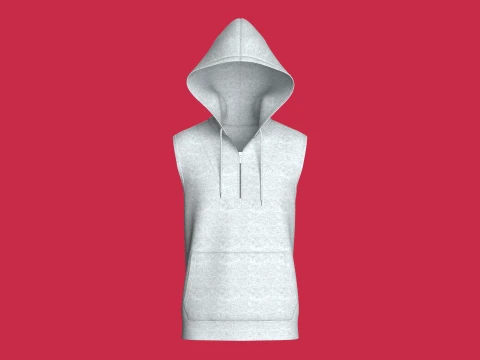
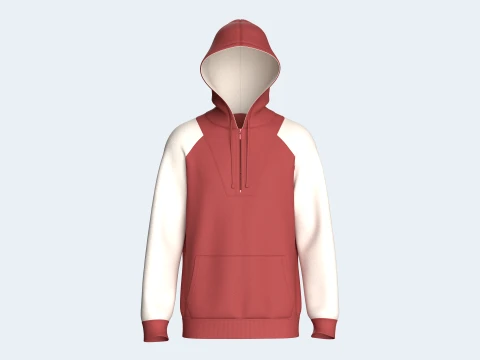
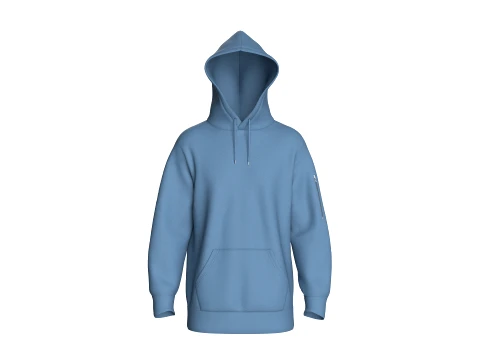
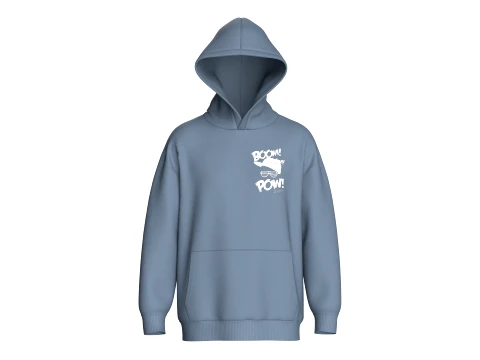
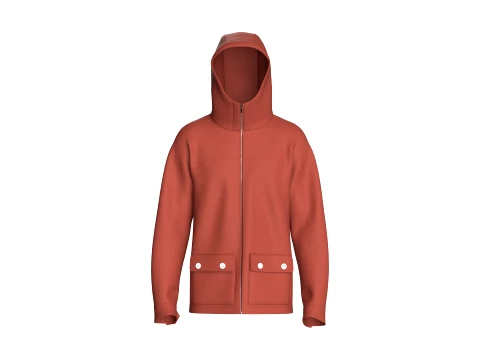
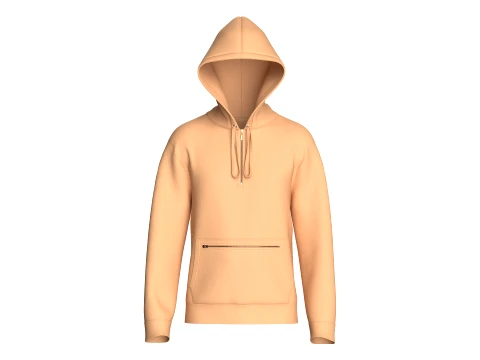
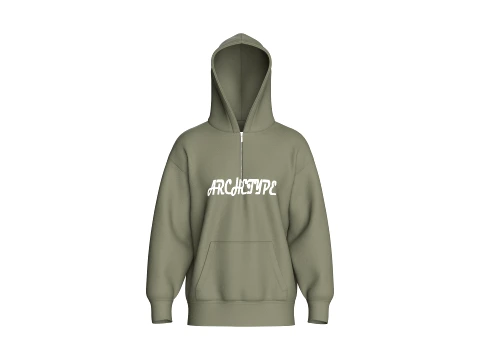
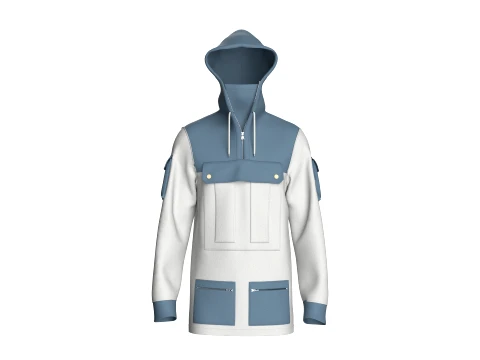
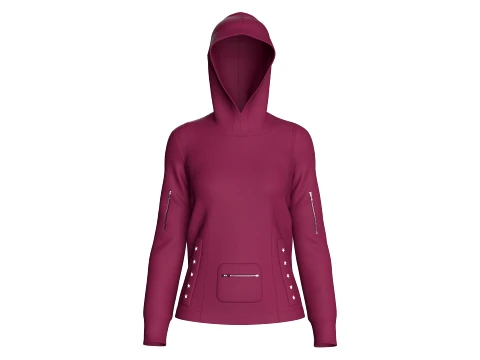
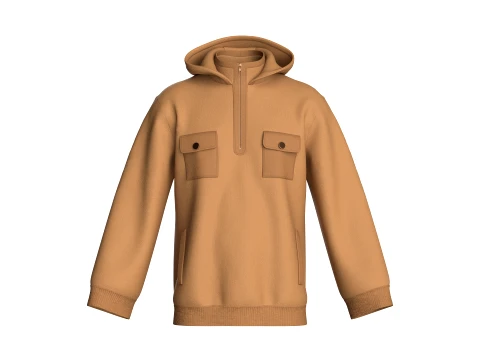
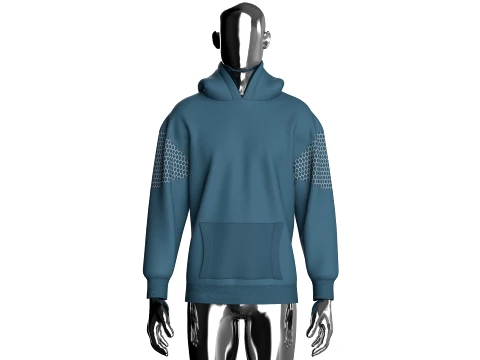
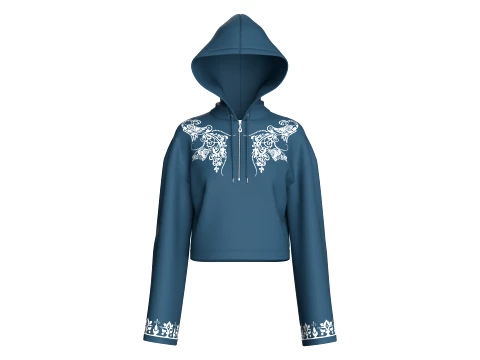
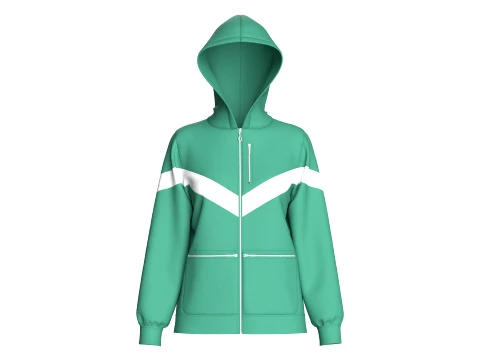
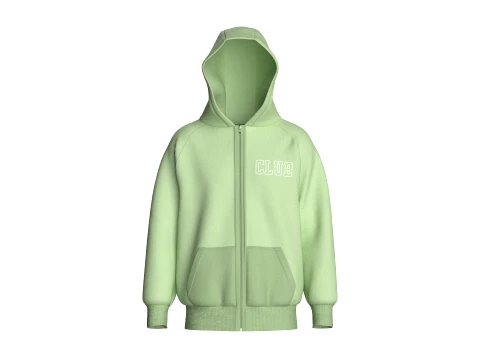
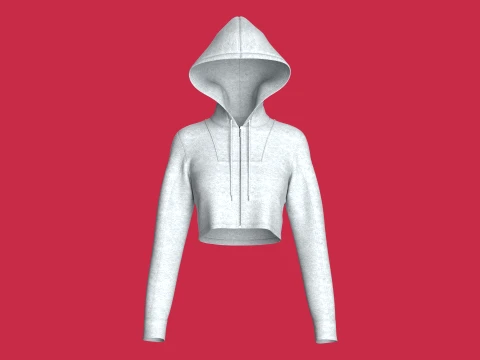
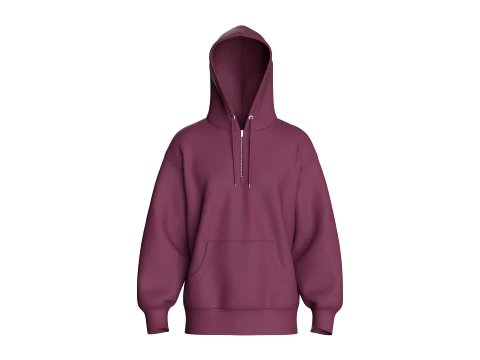
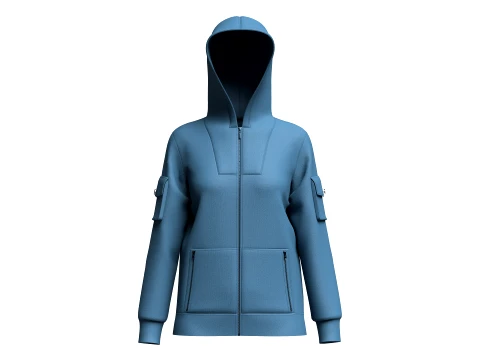
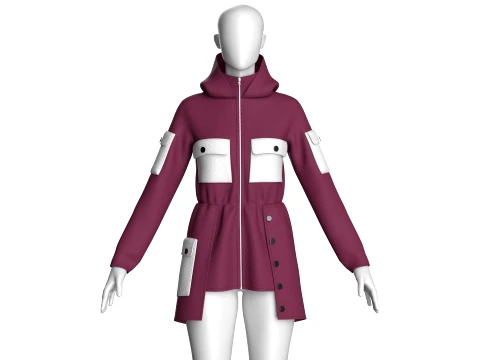
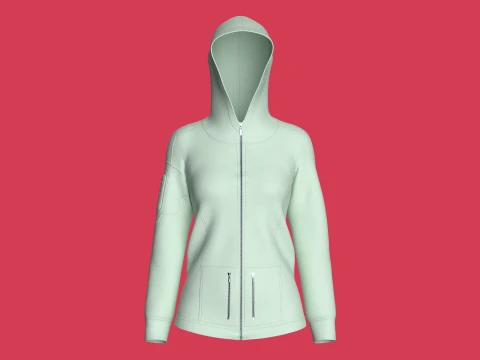
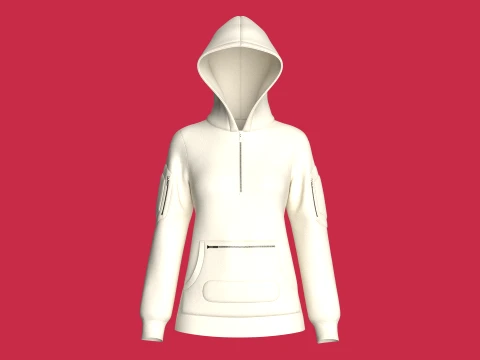
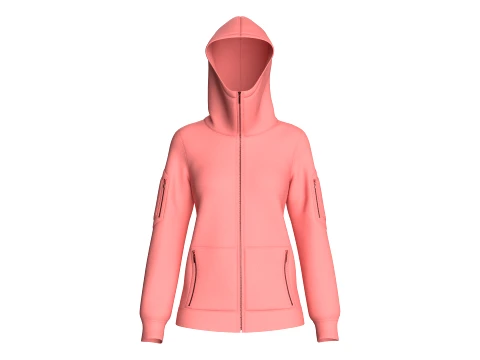
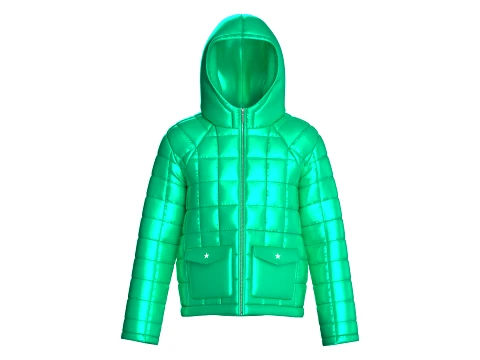
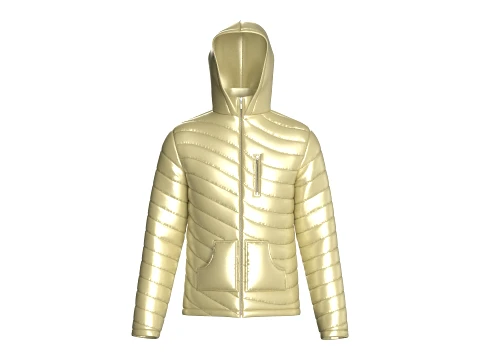
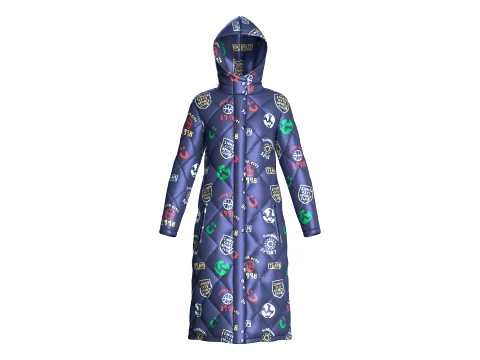
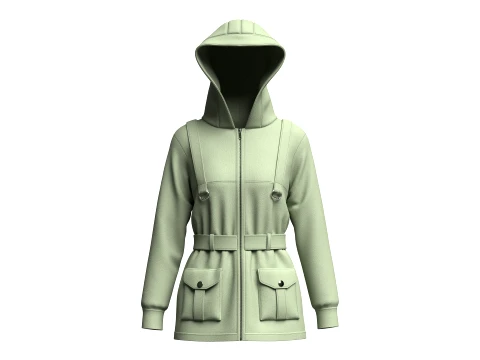
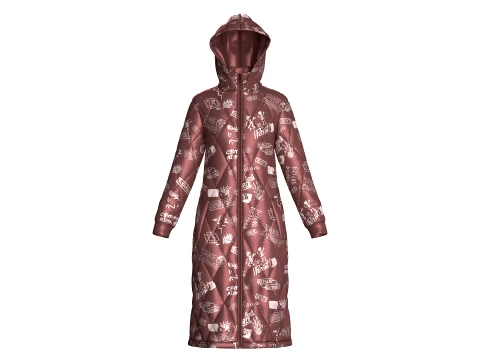
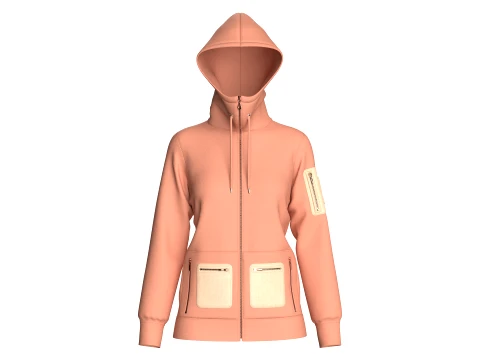
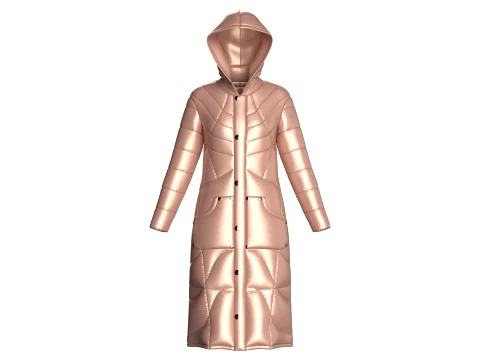
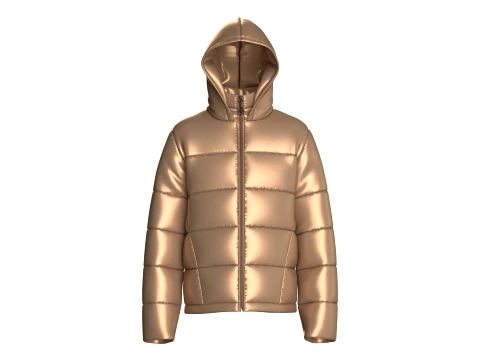
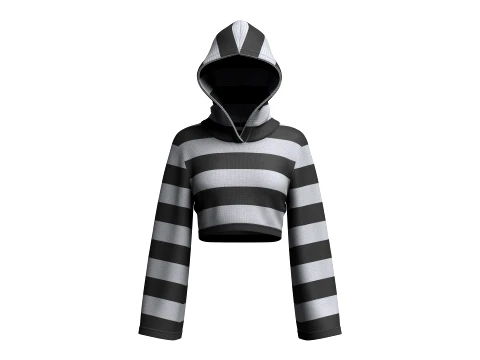
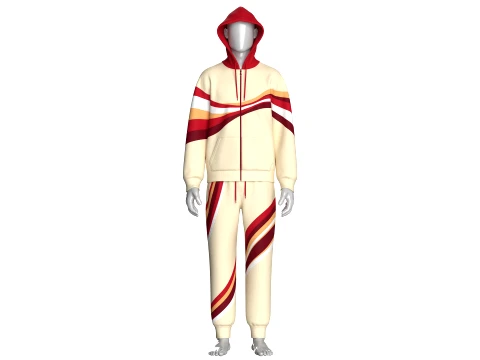
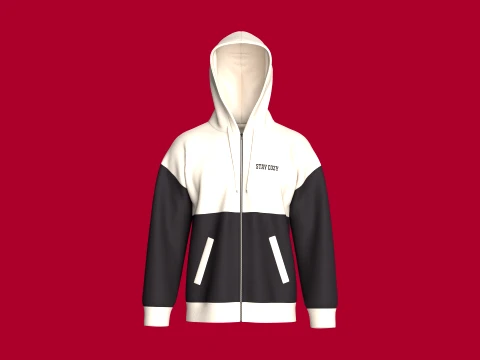
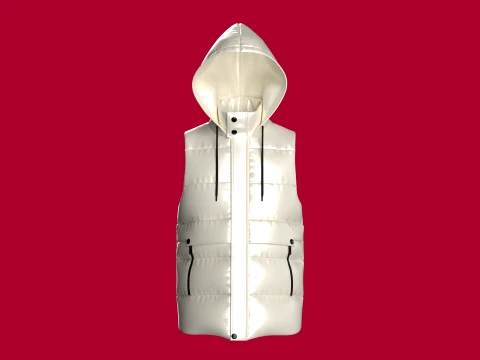
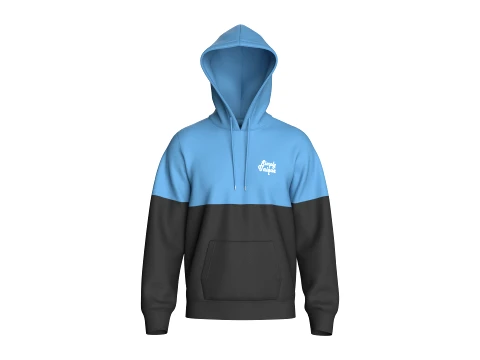
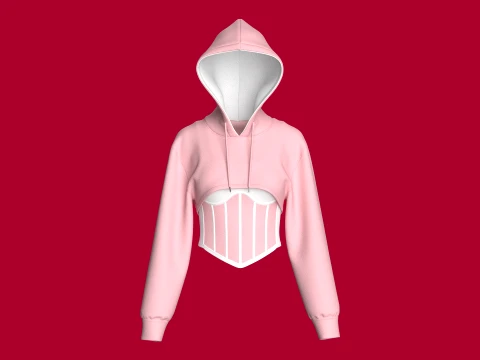
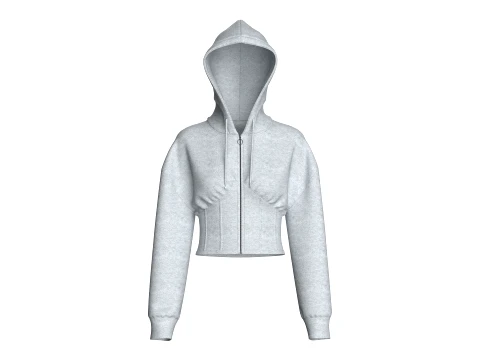
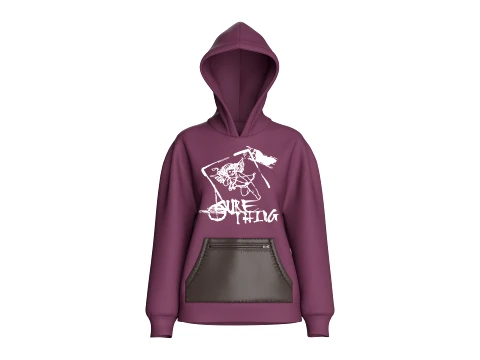
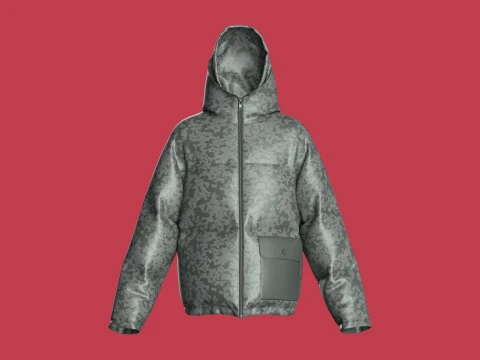
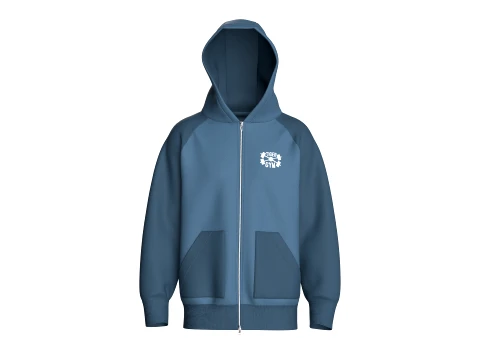
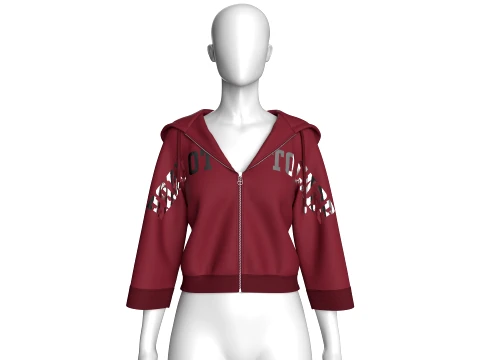
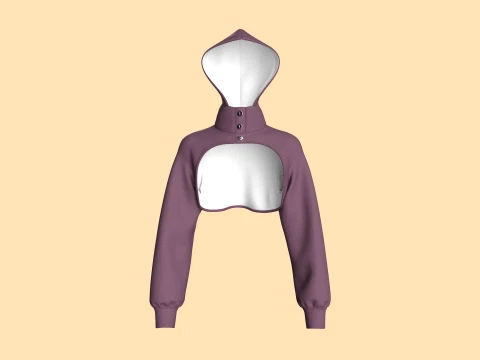
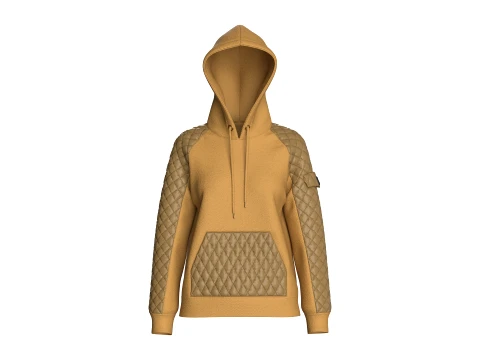
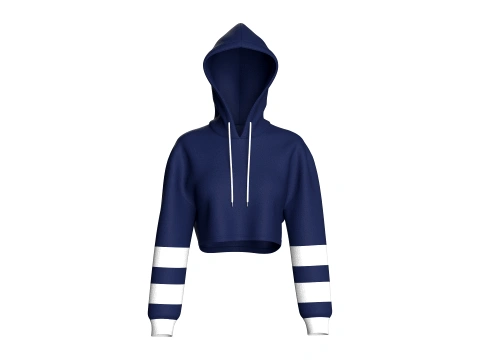
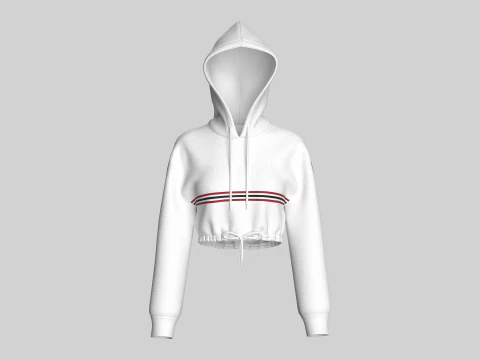
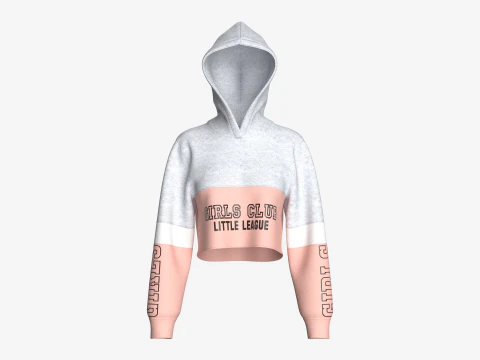
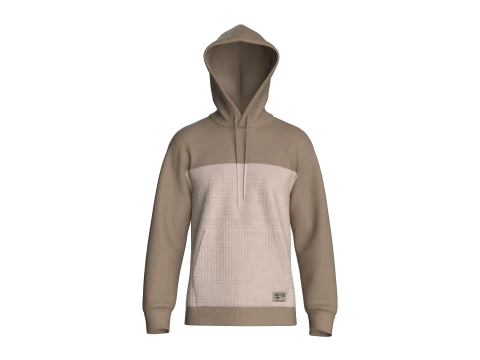
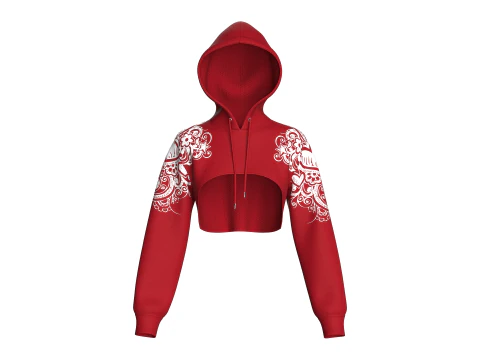
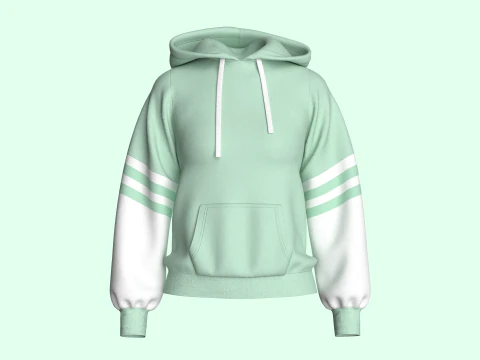
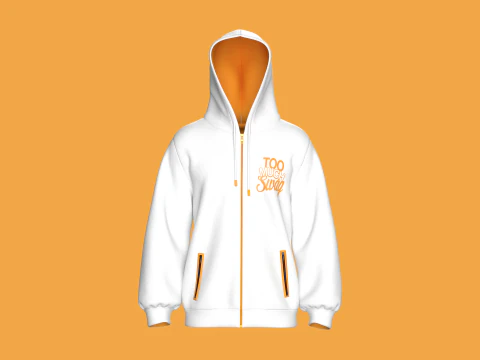
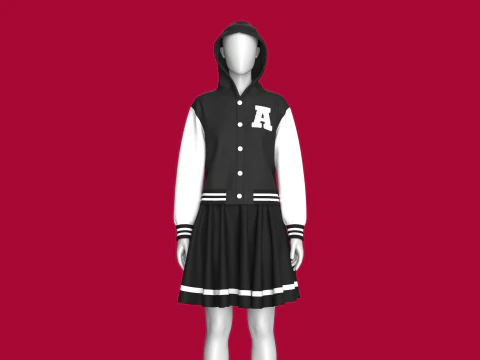
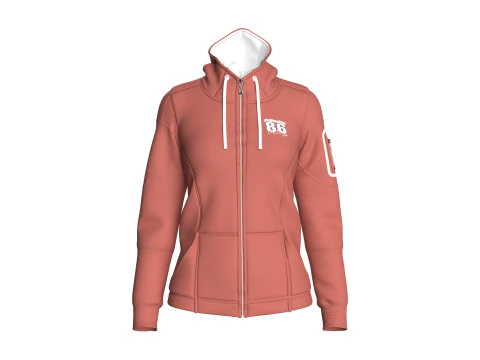
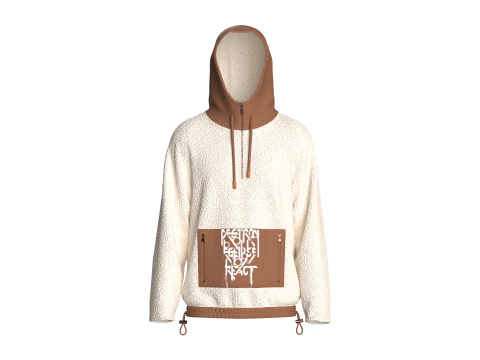
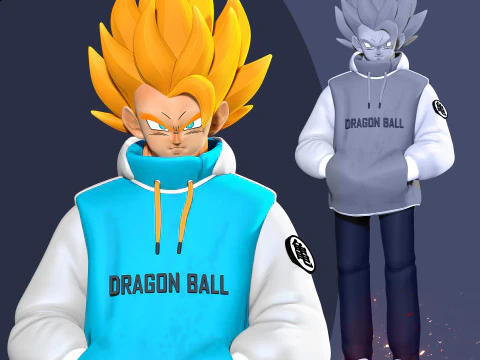
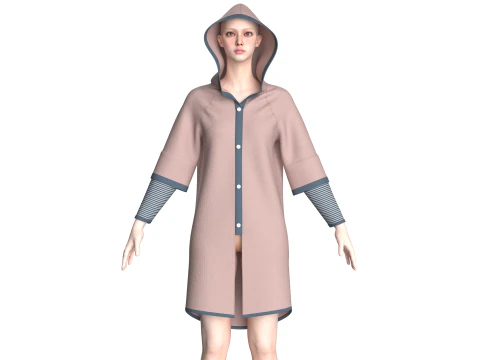
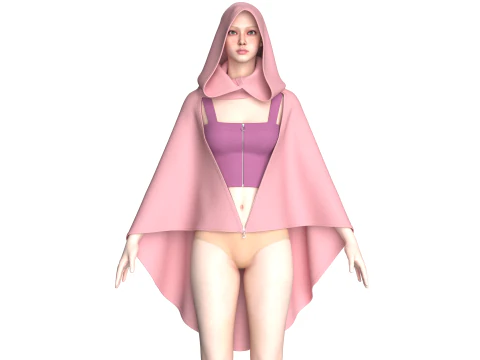
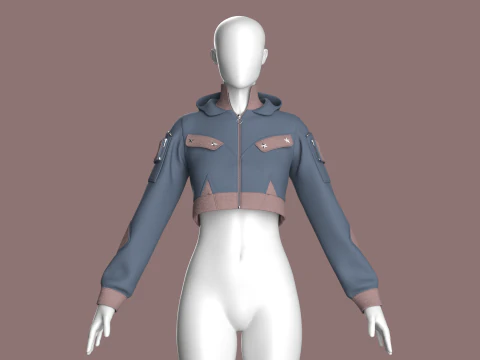
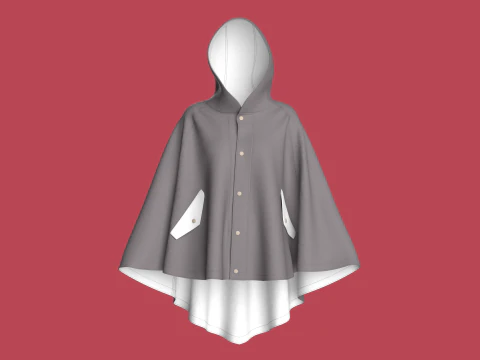
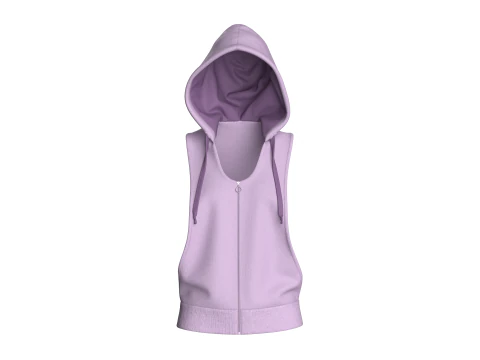
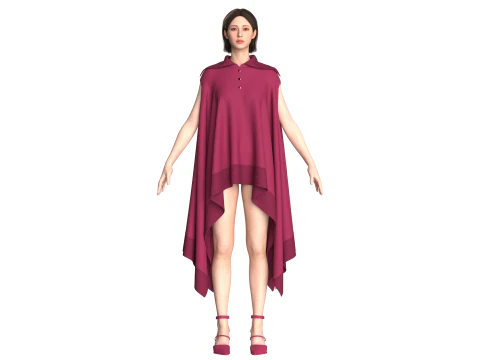
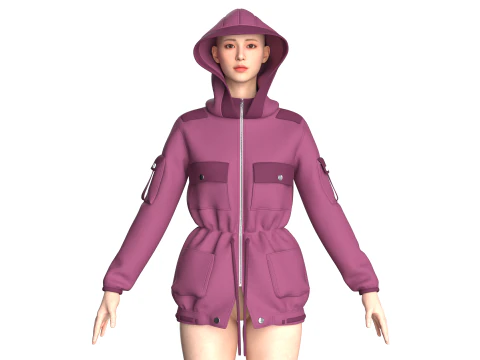
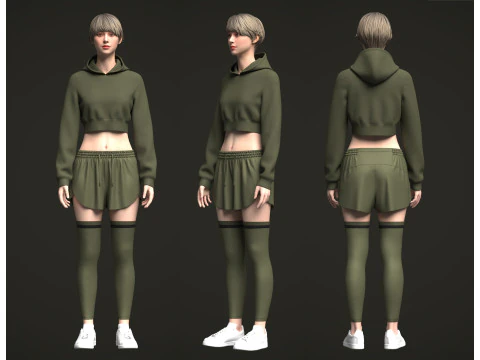
We have 427 item(s) Royalty free hoodie 3D Models. Buy or download free 3D models for your CG projects, film and video production, animation, visualizations, games, VR/AR, and others. You can download any 3d model in all popular 3d formats including MAX, OBJ, FBX, 3DS, STL, C4D, BLEND, MAYA




















Trending searches 3D Models:
Sculpture 3D Models Characters 3D Models Kitchen 3D Models Horse 3D Models Architectural Exteriors 3D Models Phone and Cell Phone 3D Models Vegetable 3D Models Jewellery 3D Models Toys 3D Models Medical 3D Models Helicopter 3D Models Heavy Weapon 3D Models Truck 3D Models Anatomy 3D ModelsQ1: What makes a realistic hoodie 3D model convincing in renders?
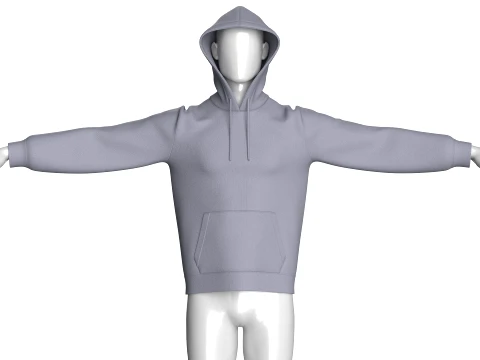
Cloth simulation baked into the geometry — or at minimum, convincing fold and drape geometry that suggests the weight and softness of fabric. A hoodie with no cloth folds looks like a rigid plastic shell. The key areas where fold geometry matters: the shoulder-to-sleeve transition (fabric bunches here when arms are at rest), the front pocket area (the kangaroo pocket sags with weight), the hem where the fabric meets the waistband, and the hood when it's down (fabric pools behind the neck). The drawstring is a detail that immediately signals quality — two cords emerging from the hood with aglet tips at correct proportion, hanging with slight catenary curve, not sticking out at rigid angles.
Q2: How are hoodie 3D models used in fashion e-commerce visualization?
Apparel brands increasingly use 3D models for product photography alternatives — generating catalog images without physical samples, enabling colorway variations without re-shooting, and populating e-commerce at scale faster than photography allows. For hoodie visualization specifically, the 3D model needs to match the actual product's fit and construction: the correct fabric weight (visible in drape behavior), accurate pocket placement measurements, correct hood volume. CLO3D and Marvelous Designer are the standard tools for garment simulation in fashion tech — models built in these tools then exported to Blender or KeyShot for final rendering. A hoodie modeled manually without simulation software typically requires more geometry work to achieve convincing drape.
Q3: How do hoodie cloth simulations work in Blender for animation?
Start with a subdivided hoodie mesh (enough geometry for smooth cloth deformation — at least 3,000–5,000 faces). Apply Blender's Cloth modifier with Cotton preset as a starting point, then adjust: Mass 0.3–0.5kg for a typical cotton-polyester blend hoodie, Stiffness 20–40 (lower for softer drape), Air Drag 1.0. Pin the shoulder seams and waistband using a Vertex Group pinned in the Cloth modifier — these areas stay attached to the character body while the rest simulates freely. Run the simulation for 20–30 frames before the animation starts to let the cloth settle into a natural resting state. Bake the simulation before rendering — unbaked cloth simulations recalculate every scrub, making timeline navigation unusable.
Q4: What are the polygon count requirements for a hoodie in a game character outfit?
A hoodie as part of a full character outfit: 3,000–8,000 tris is standard for a mid-range game character. The hood specifically needs 500–1,500 tris to hold its shape correctly when up versus down — this often requires blend shapes rather than just one geometry state. Pocket geometry adds 200–500 tris. For mobile games, 1,500–3,000 tris for the full hoodie with details baked into normal maps. The sleeve-to-shoulder junction needs careful weight painting if the character animates — insufficient geometry at the shoulder causes the fabric to "collapse" visually during arm raises. A common fix: add an extra edge loop 2–3cm below the shoulder seam to give the cloth simulation or skinning deformation more geometry to work with.