


 Español
 Deutsch
 日本語
日本語 Polska
 Français
 한국의
한국의 Українська
 Italiano
 Nederlands
 Türkçe
 Português
 Bahasa Indonesia
 Русский
 中國
中國 हिंदी
हिंदी
















rectangle 3D Models
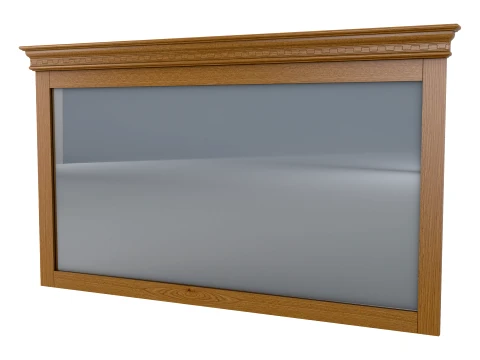
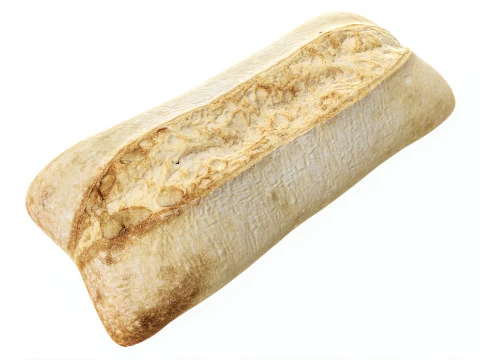
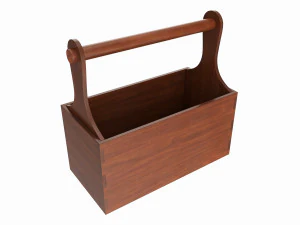
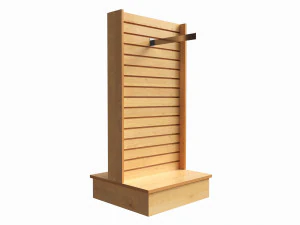
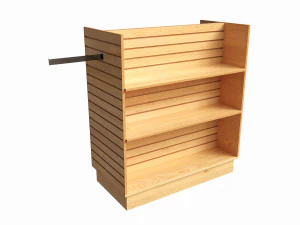
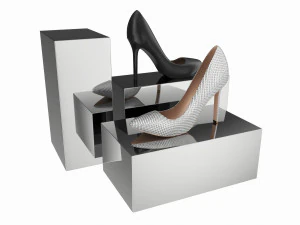
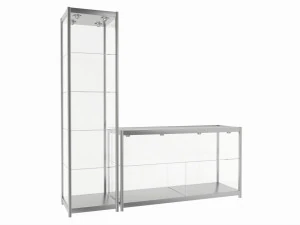
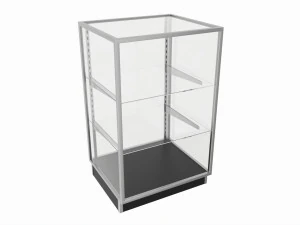
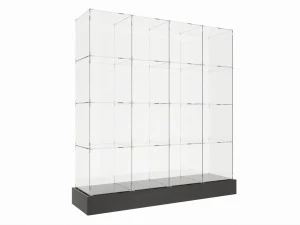
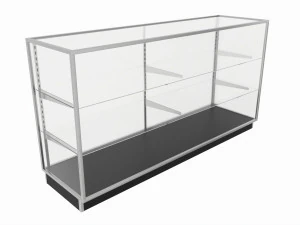
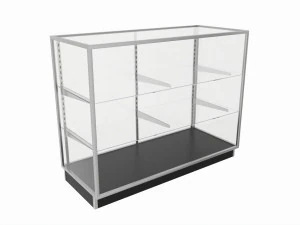
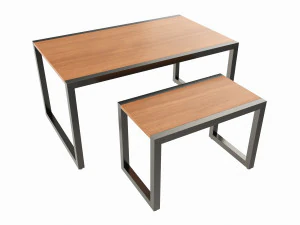
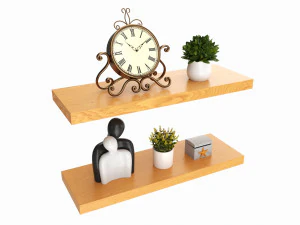
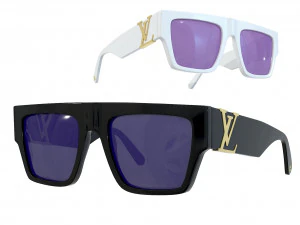
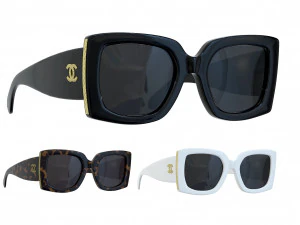
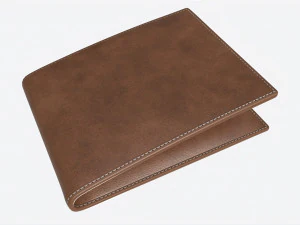
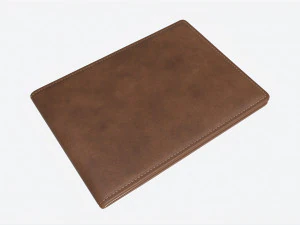
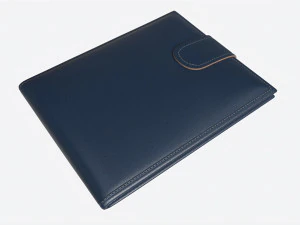
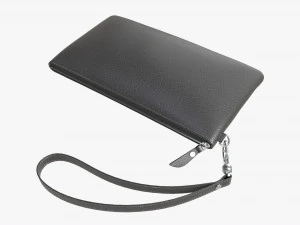
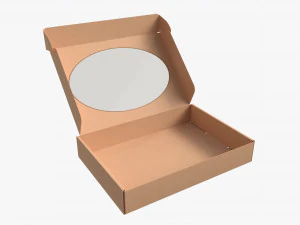
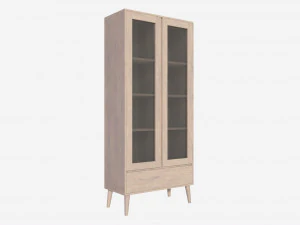
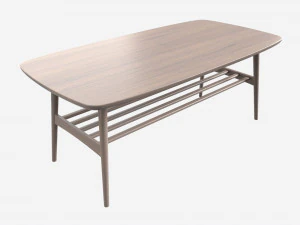
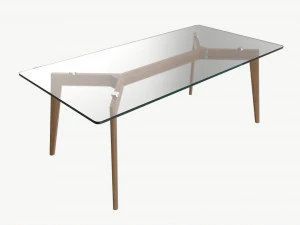
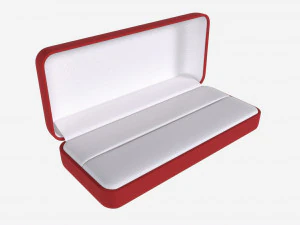
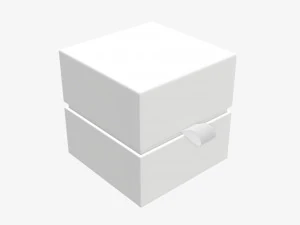
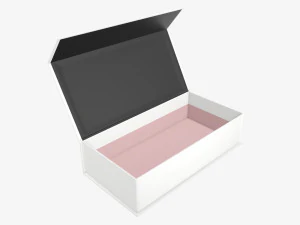
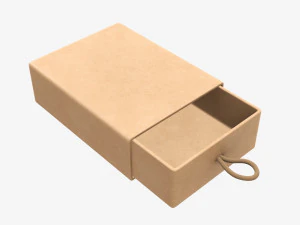
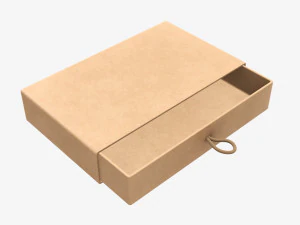
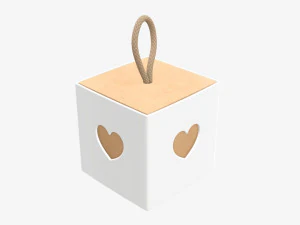
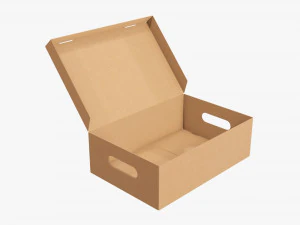
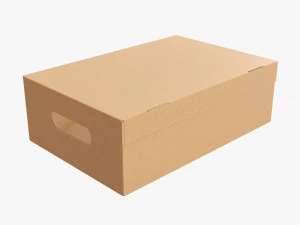
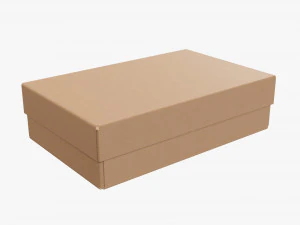
We have 238 item(s) Royalty free rectangle 3D Models. Buy or download free 3D models for your CG projects, film and video production, animation, visualizations, games, VR/AR, and others. You can download any 3d model in all popular 3d formats including MAX, OBJ, FBX, 3DS, STL, C4D, BLEND, MAYA
































Trending searches 3D Models:
Sculpture 3D Models Characters 3D Models Kitchen 3D Models Horse 3D Models Architectural Exteriors 3D Models Phone and Cell Phone 3D Models Vegetable 3D Models Jewellery 3D Models Toys 3D Models Medical 3D Models Helicopter 3D Models Heavy Weapon 3D Models Truck 3D Models Anatomy 3D ModelsQ1: Why download a 3D rectangle model instead of creating one in software?
Fair question — any 3D application can generate a box in seconds. The reason to download a pre-made rectangle model is usually context: you need one that's already UV-unwrapped with clean seams, pre-scaled to real-world dimensions, or set up with proper bevel and subdivision modifiers for smooth rendering. A plain Blender cube with default settings has UV seams in awkward places that cause visible texture stretching. A professionally prepared rectangle model arrives with thoughtful UV layout, correct scale (say, a standard brick, a shipping container, or a wall panel at real-world metric dimensions), and material slots pre-assigned. For quick prototyping in games or archviz, that saves meaningful time.
Q2: What are 3D rectangle models used for in architectural visualization?
Primarily as building blocks for massing studies and modular construction. Before detailed models are finalized in projects, architects and visualization studios build scene layouts with simple box geometry at accurate dimensions — what's called "grey boxing." Correct-scale rectangles for walls, floors, ceilings, and furniture footprints allow lighting and camera composition decisions to be made before asset quality matters. They're also used as placeholder geometry while waiting for final assets. In tools like Unreal Engine's archviz pipeline, grey-box geometry gets progressively replaced with final meshes without moving anything — the rectangles establish spatial relationships that everything else inherits.
Q3: Can 3D rectangle models be used in educational 3D geometry lessons?
Yes — and they're particularly useful when teaching properties like surface area, volume, and geometric relationships in interactive 3D environments. Clean, properly labeled rectangle models in GLB or OBJ format can be imported into web-based 3D viewers (Three.js, Babylon.js) for browser-based educational tools. For AR educational apps using ARKit or ARCore, simple box geometry is often the starting point for interactive math lessons — students can manipulate dimensions and see measurements update in real time. The file itself doesn't teach anything, but clean geometry with consistent scale is the foundation that makes the programming work predictable.
Q4: How do I add realistic textures to a plain 3D rectangle model?
In Blender, unwrap the rectangle with "Smart UV Project" or manual seam placement, then apply a Principled BSDF shader. Connect a diffuse texture to the Base Color input, a normal map to the Normal input (through a Normal Map node with correct strength — 0.5–1.0 is typical), and a roughness map to the Roughness input. Sites like Polyhaven offer free PBR texture sets specifically designed for architectural materials — concrete, wood, brick — that tile cleanly on rectangular geometry. The texture scale is controlled by a Mapping node connected to a Texture Coordinate node; adjust the scale until the texture tiles match real-world proportions. Brick textures, for instance, should be scaled so bricks appear roughly 21×10 cm in the scene.